
The editor is three columns: an outline on the left, the page in the middle, and a companion sidebar on the right. Both sidebars fold away, and everything in them is also reachable from the command palette, so you can keep the page alone on screen and still get anywhere.
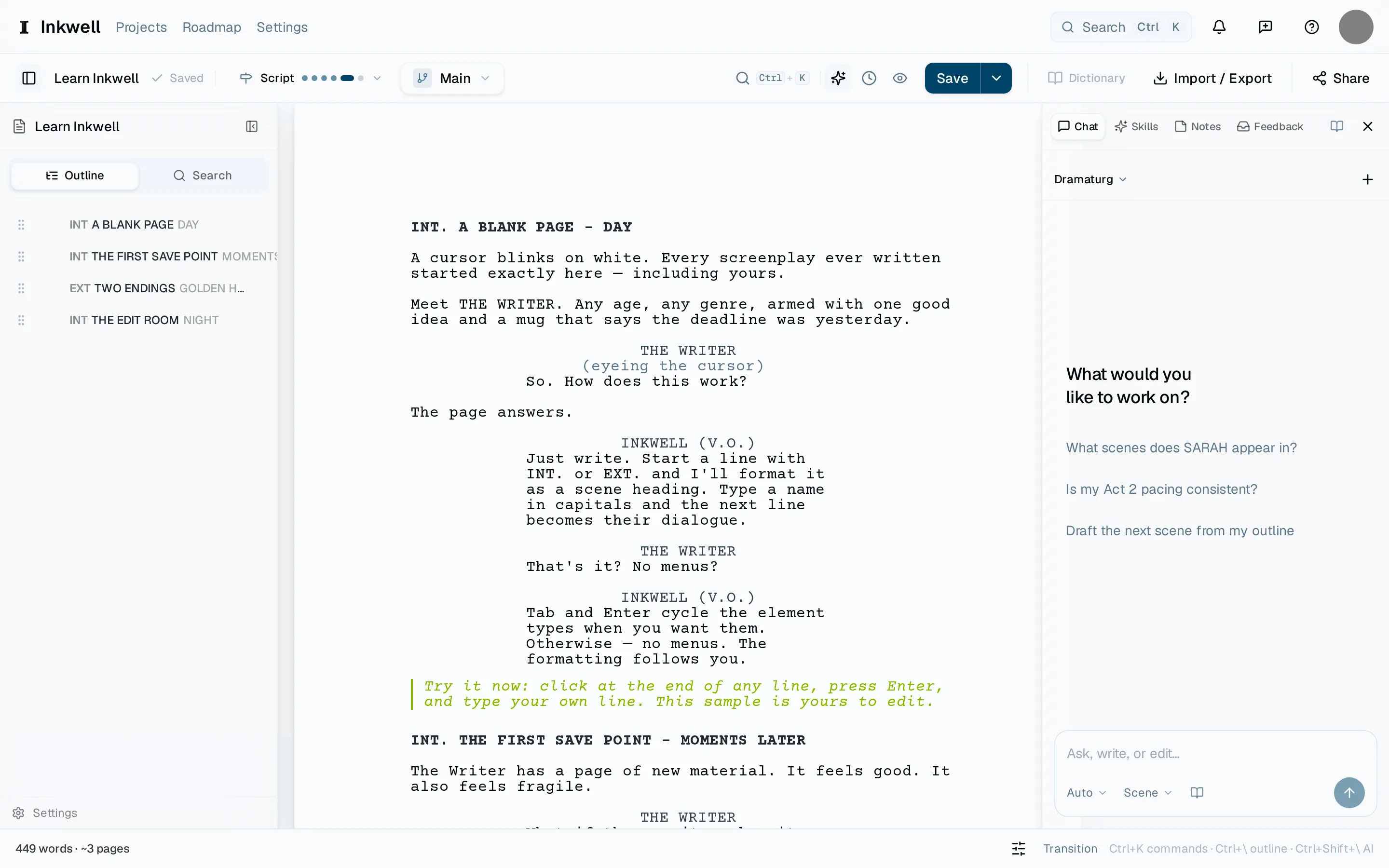
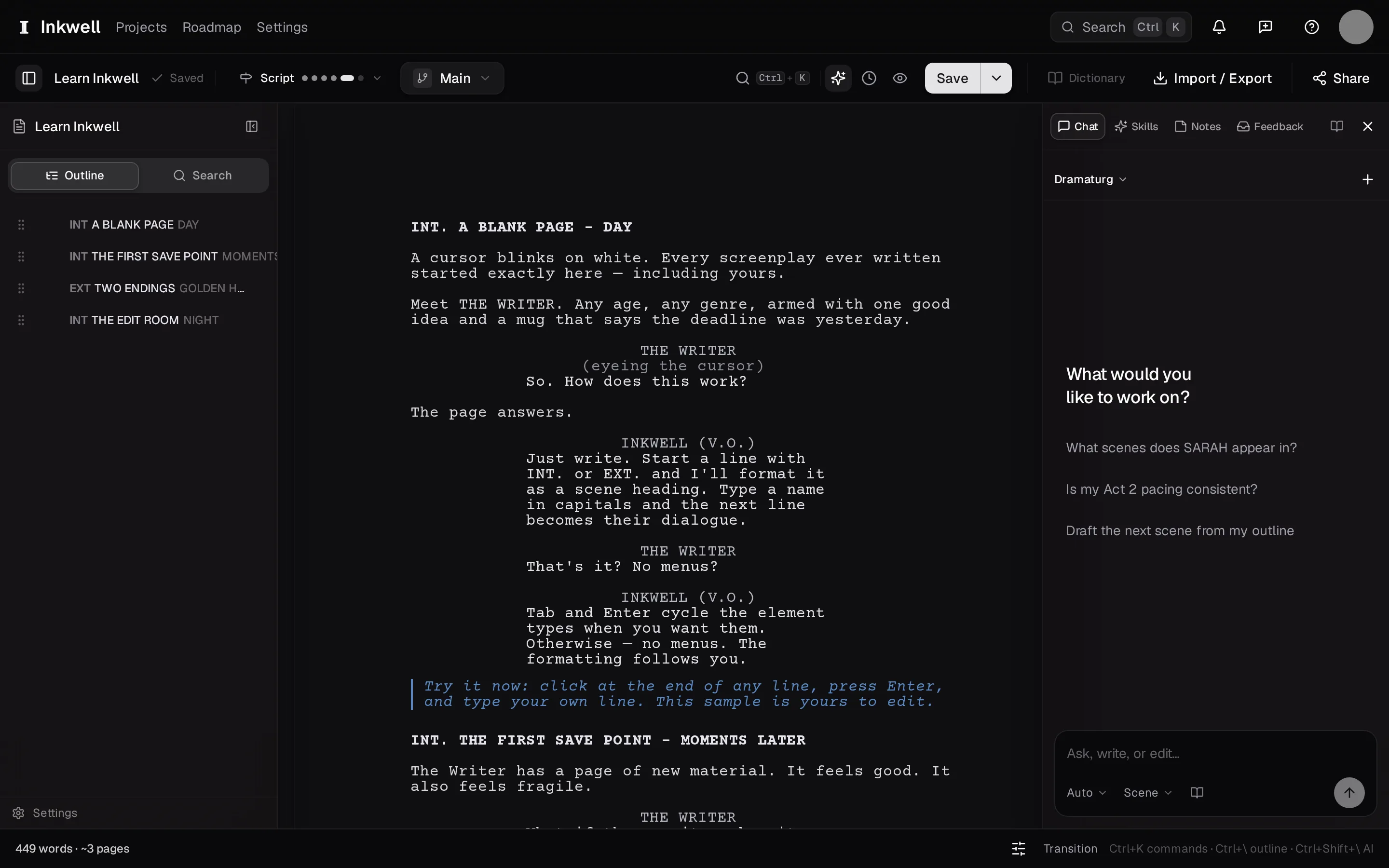
The outline lists every scene in order. Select a scene to jump to it, drag to reorder, and use the search box to find a heading. Show or hide it with ⌘\.
The right sidebar has six tabs:
- Chat — the Dramaturg, an assistant that has read your whole script. See Chat with the Dramaturg.
- Skills — the library of AI passes and their results. See The skills library.
- Notes — sticky notes pinned to scenes. See Sticky notes.
- Feedback — comments from readers of a share link. See Viewer comments.
- Cast — every speaking character, with line counts. See The cast list.
- History — save points, draft lines, milestones, and comparison. See Save points.
Show or hide it with ⌘⇧\.
For the names you meet in History and Skills, the Inkwell vocabulary reference connects each term to the article that explains it.
The command paletteLink to this section
Press ⌘K anywhere in the app. Type a few letters of what you want and press ↩. The palette lists commands (make a save point, switch draft line, export) and skills by name. To search the help center's own articles instead, put it in help mode: start your query with ?, press ⌘⇧/, or pick Search help… from the Help menu in the header — then "how do I…" finds an answer without leaving the page.
Press ⎋ to close the palette and return to where you were working.
Looking for a particular control? Find a feature maps common jobs to their menus and panels.
SettingsLink to this section
⌘, opens Settings from anywhere. The sections are listed on the settings reference.