
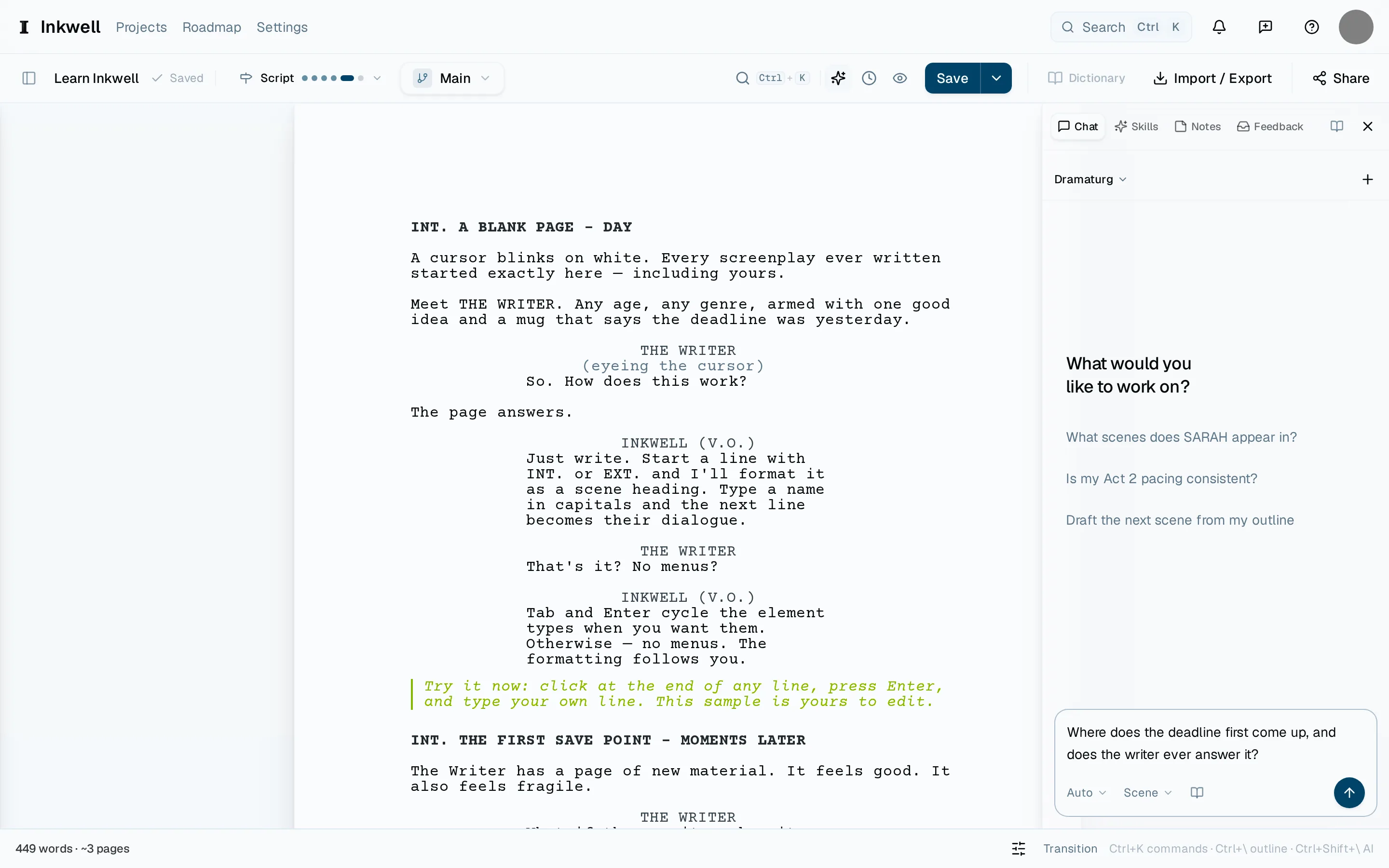
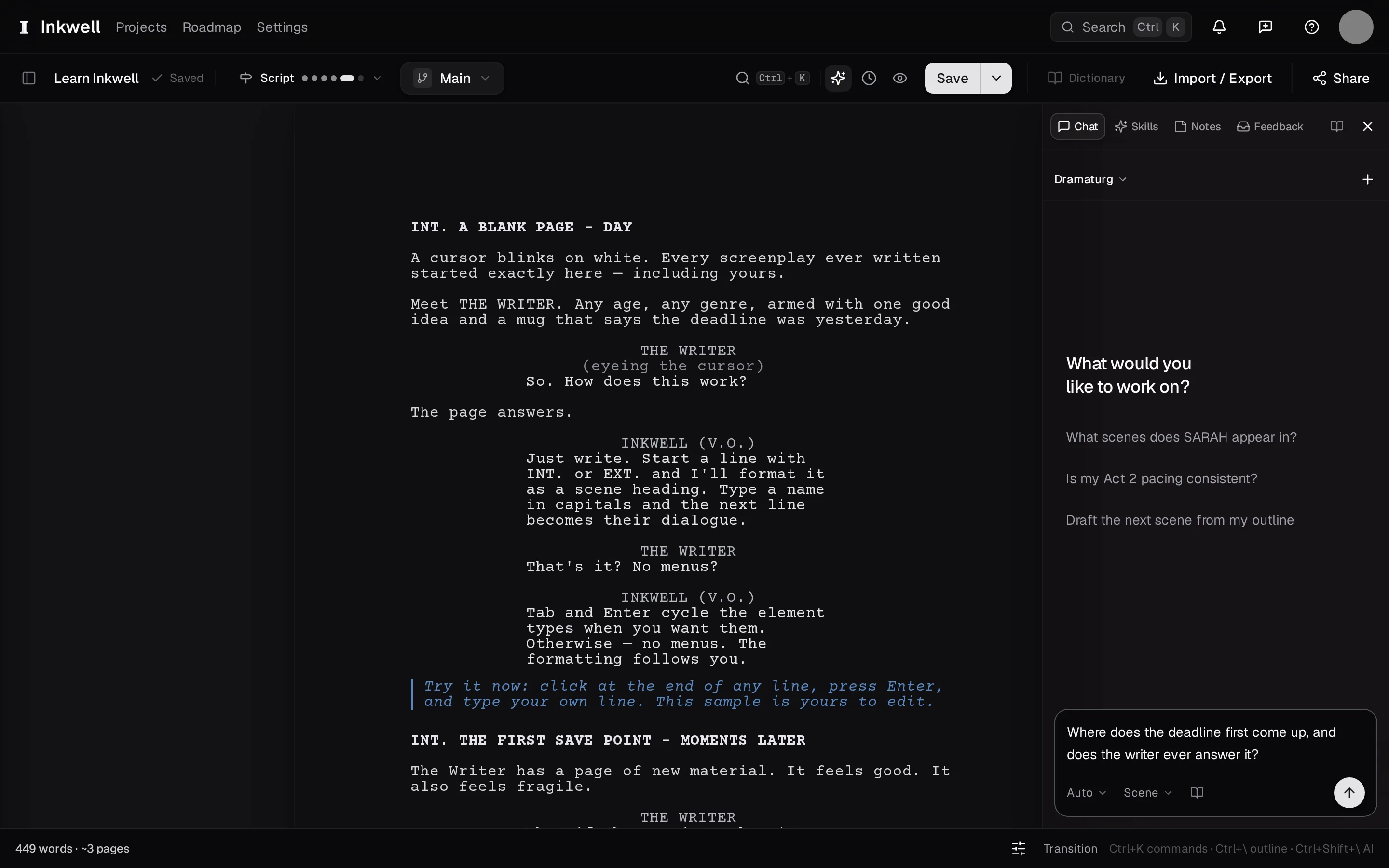
The Dramaturg is the Chat tab's assistant. It has the whole script in front of it — the current draft line, as it is now — so a question like "where did we last see the locket?" gets an answer with the scene, not a guess. Tell it what to change instead and the changes arrive on your page to accept or reject.
Open the Chat tab
In the right sidebar, choose Chat. Each project keeps its own conversations; start a new one or continue the last.
Ask, or tell it what to change
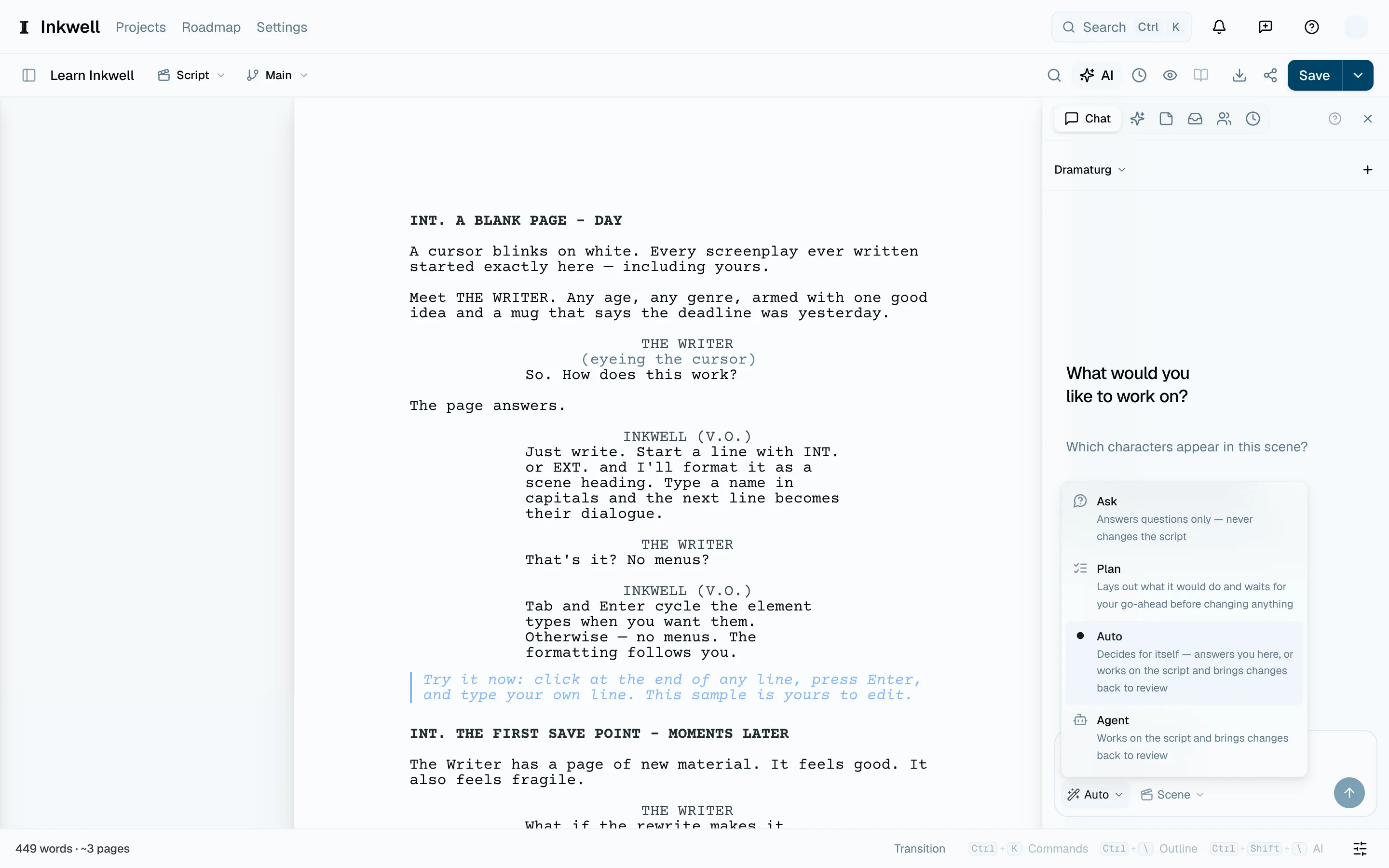
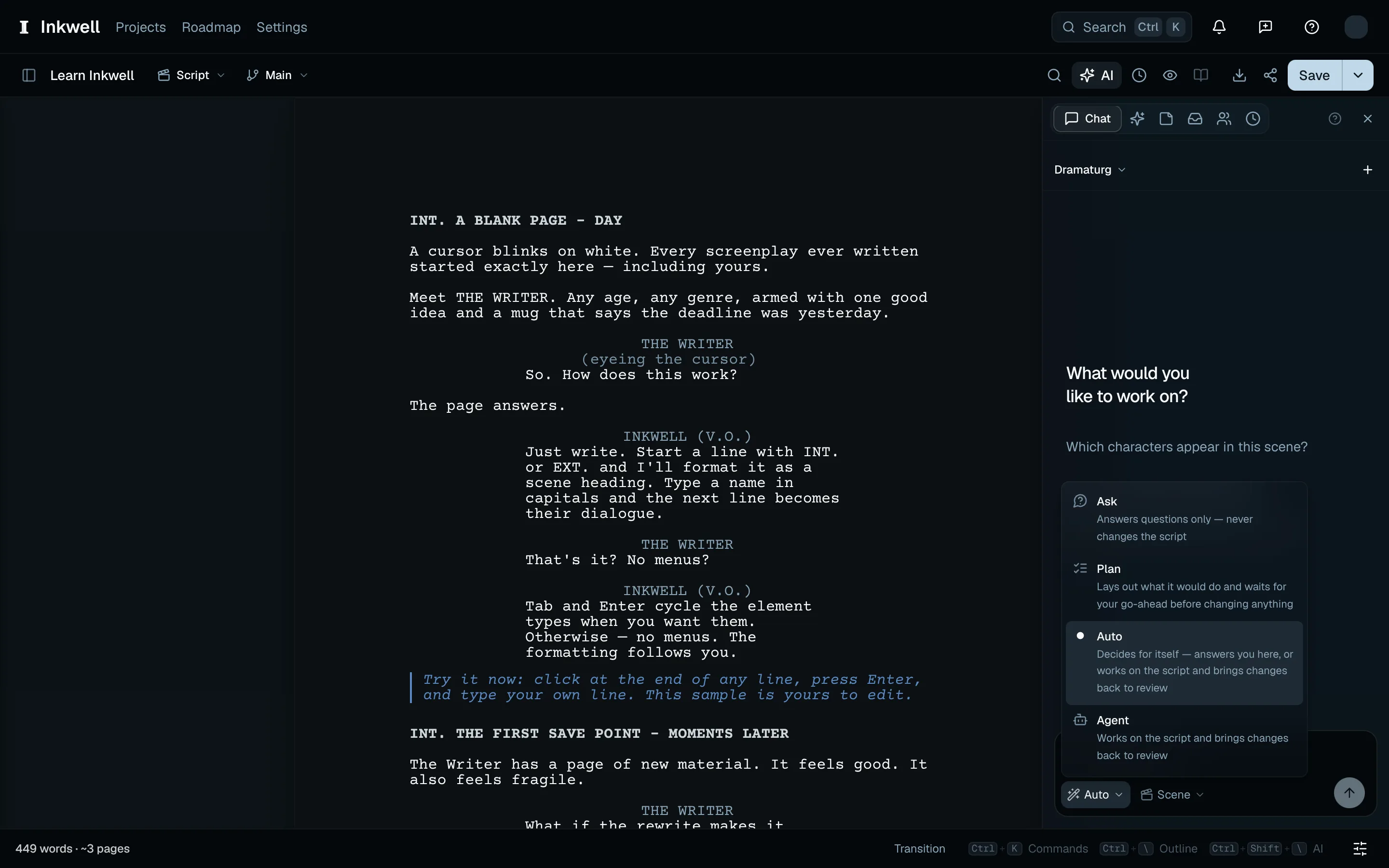
Type and press ↩. The composer starts on Auto: a question — "what does act two want?", "how many scenes is Mara in?" — gets an answer here; an instruction — "tighten the dialogue in this scene" — gets changes on your page to accept or reject. On a Plot screenplay it can also look up what someone says or which scenes are at a place — those answers come from the draft, so you do not have to paste the scene in. How-do-I questions about Plot itself are answered from these help articles, with the article named. To keep it to answers, switch the selector to Ask; Plan and Agent are for the bigger jobs — see Agent Mode.
Point it at something with @
Type @ to mention a scene, a character, or a save point. "Compare @Scene 12 with how it read in @table-read draft" pulls both into the conversation so the answer is about those, not the script in general.
Run what it suggests
When the Dramaturg thinks a skill would do the job, its reply carries the skill as a card — run it from there, scoped to the scenes you were discussing. When it proposes an edit of its own, the card writes it into your script as changes to accept or reject.
Follow a citation
Choose a passage citation to jump to it in the current draft. A save-point citation opens History; a skill-result citation opens that result. If a citation cannot be opened, its note explains why. Help and web citations open their linked pages.
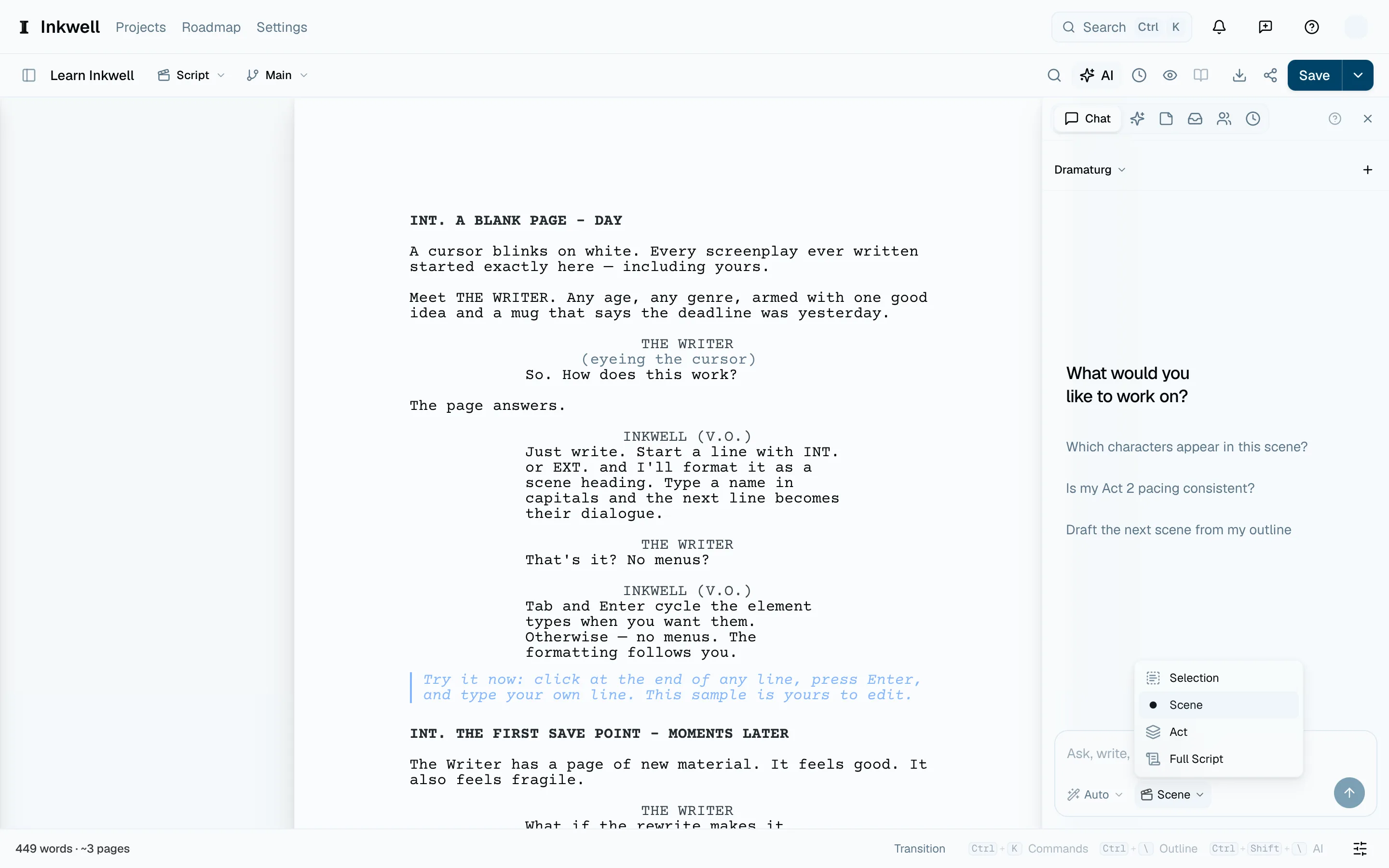
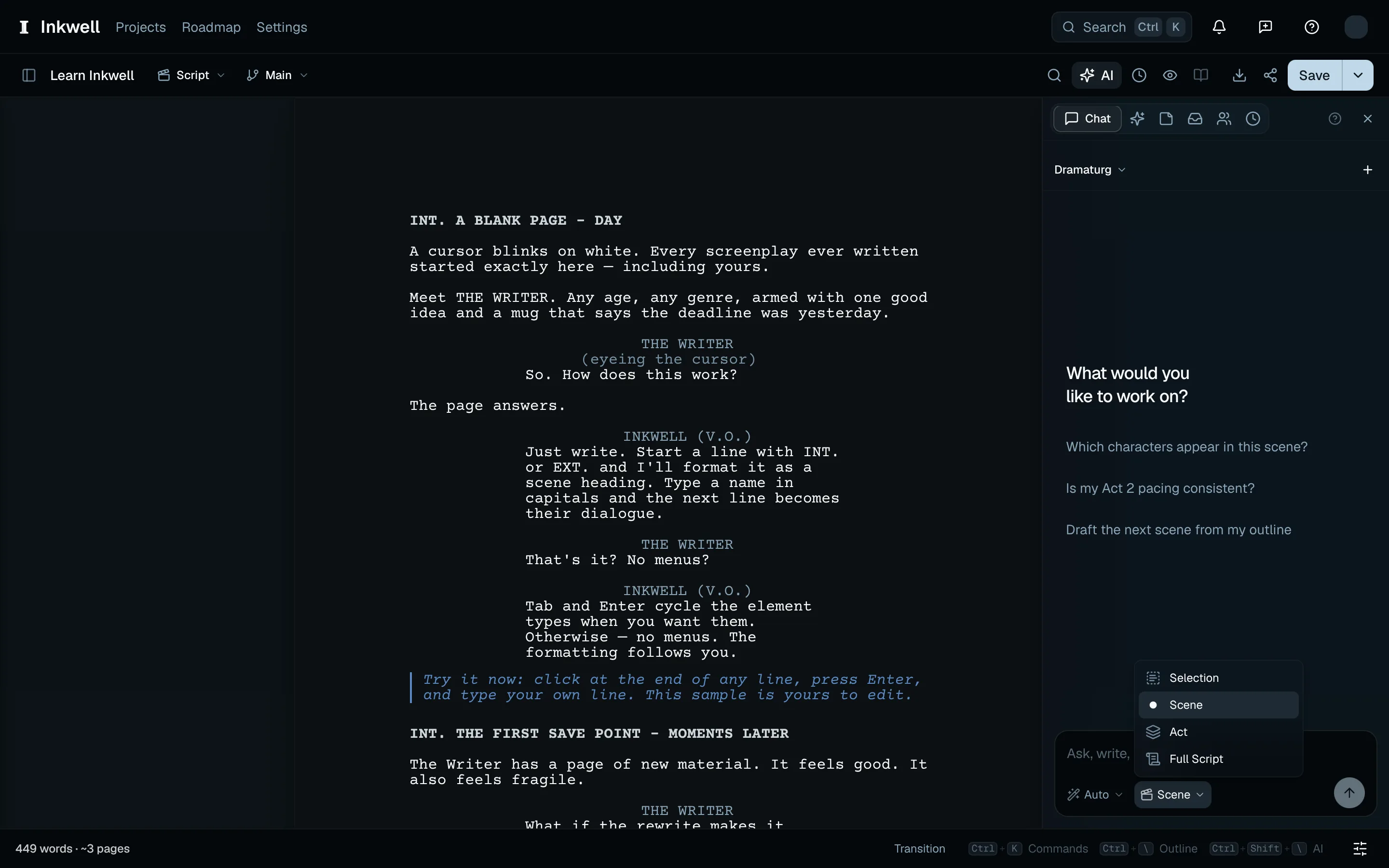
You can also set how much of the script rides with a message. The context chip beside the mode selector scopes it to the current selection, the scene you are in, the act, or the whole script.
Retry a conversation that did not loadLink to this section
If the Chat tab cannot load your conversations or messages, choose Retry beside the warning. Keep writing in the editor while it tries again.