
Inline edit is for a line or a paragraph: select it, say what you want, get options. It is scoped to your selection and nothing else, which is what makes it fast.
Select the text
Select a line, a speech, or a paragraph of action. Inline edit needs a selection; with nothing selected, the same shortcut opens the command palette.
Open inline edit
Press ⌘K. A small bar appears at the selection.
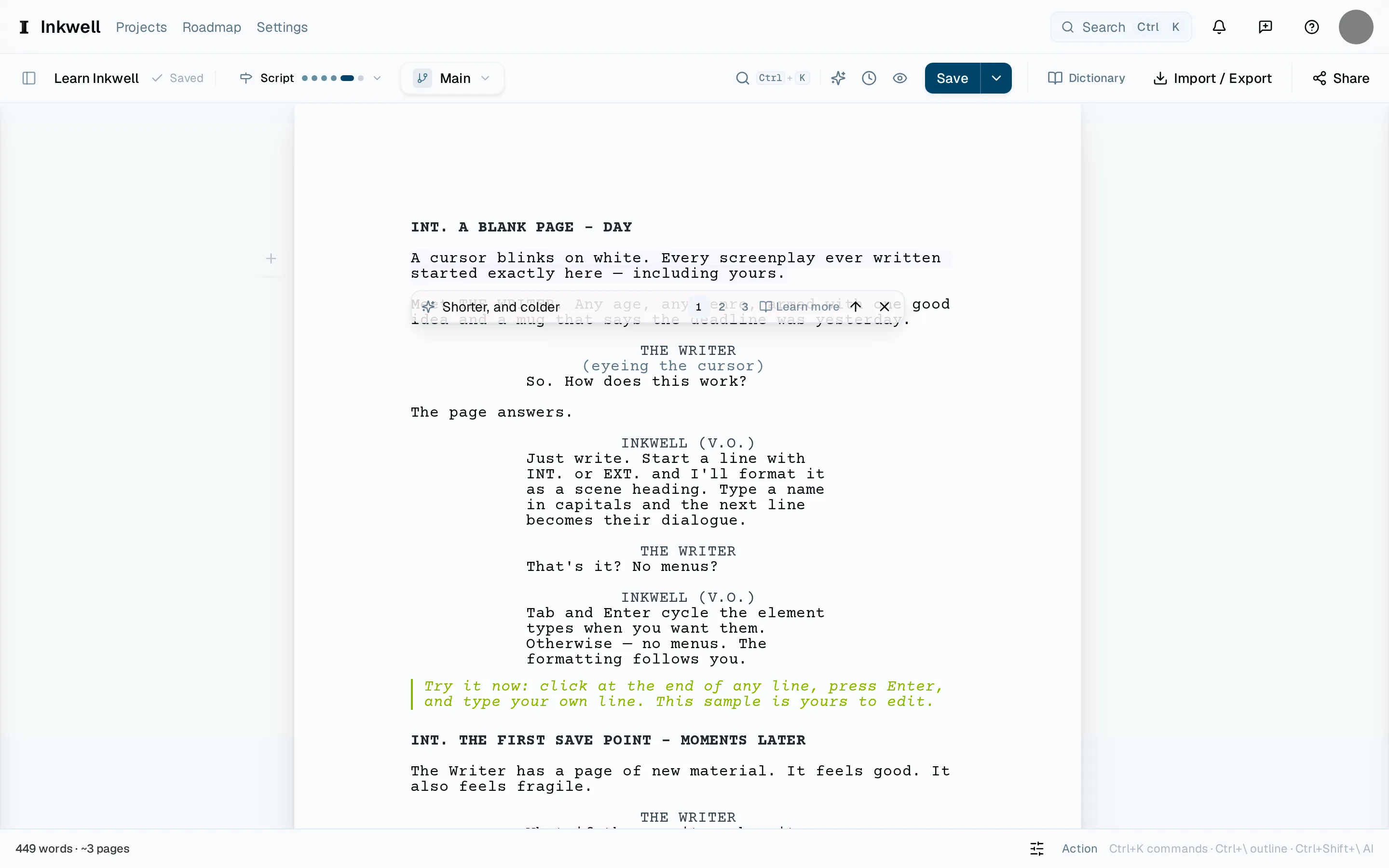
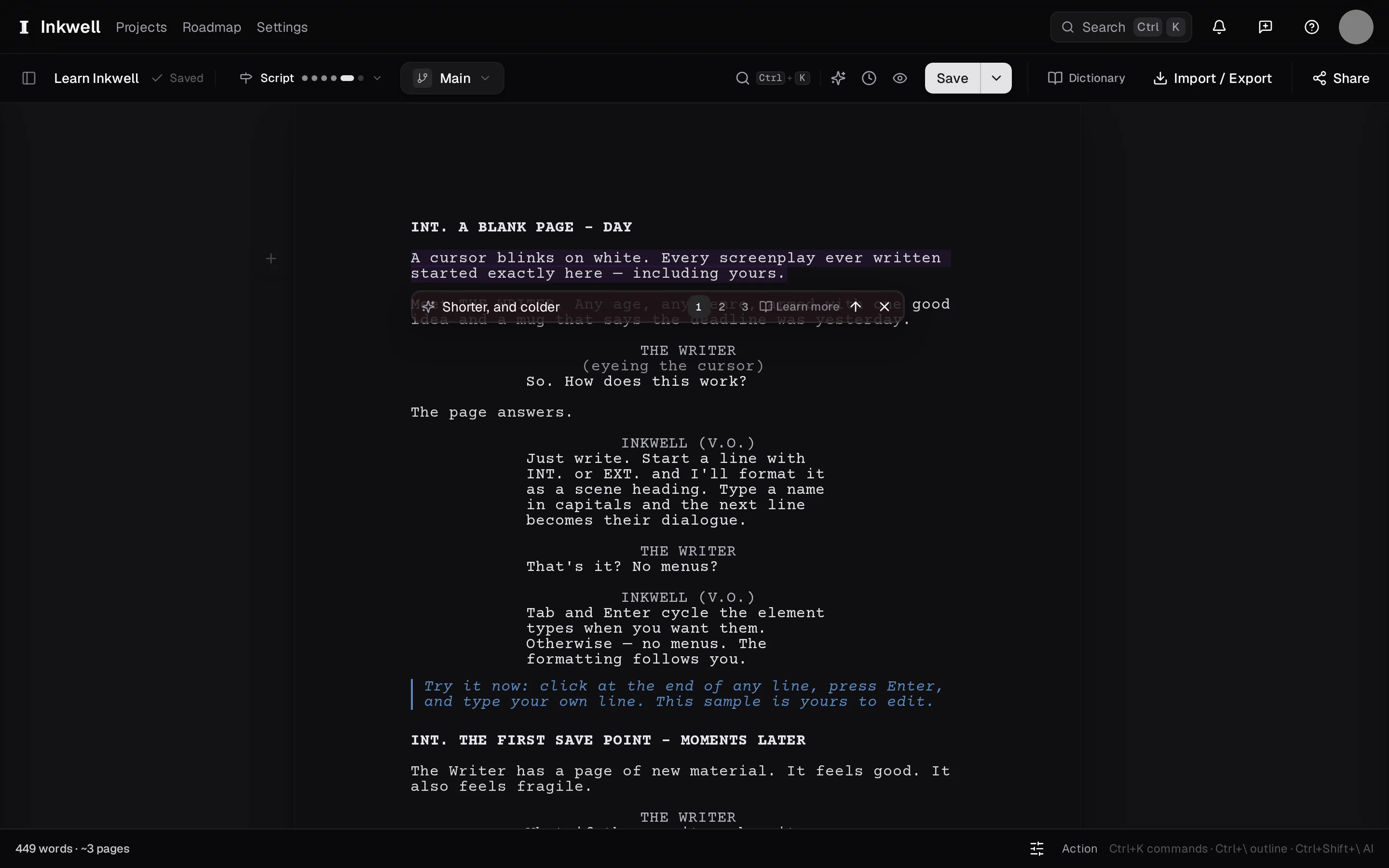
The inline edit bar at a selected paragraph (1): say what should change and press Enter. Say what you want
"Shorter." "Angrier, but she still loves him." "Make it a question." Press ↩.
Read the alternatives
The bar shows the rewrite in place and offers alternatives you can step through with the arrows. Each one replaces the selection on the page as you look, so you read it in context.
Accept or cancel
⌘↩ keeps the version showing; ⎋ puts your original back. An accepted edit is ordinary text — edit it further, or undo it.