
When a share link allows comments, a reader can select any line and leave a note on it. Their notes come to you in the Feedback tab, pinned to the line they chose, without the reader needing an account.
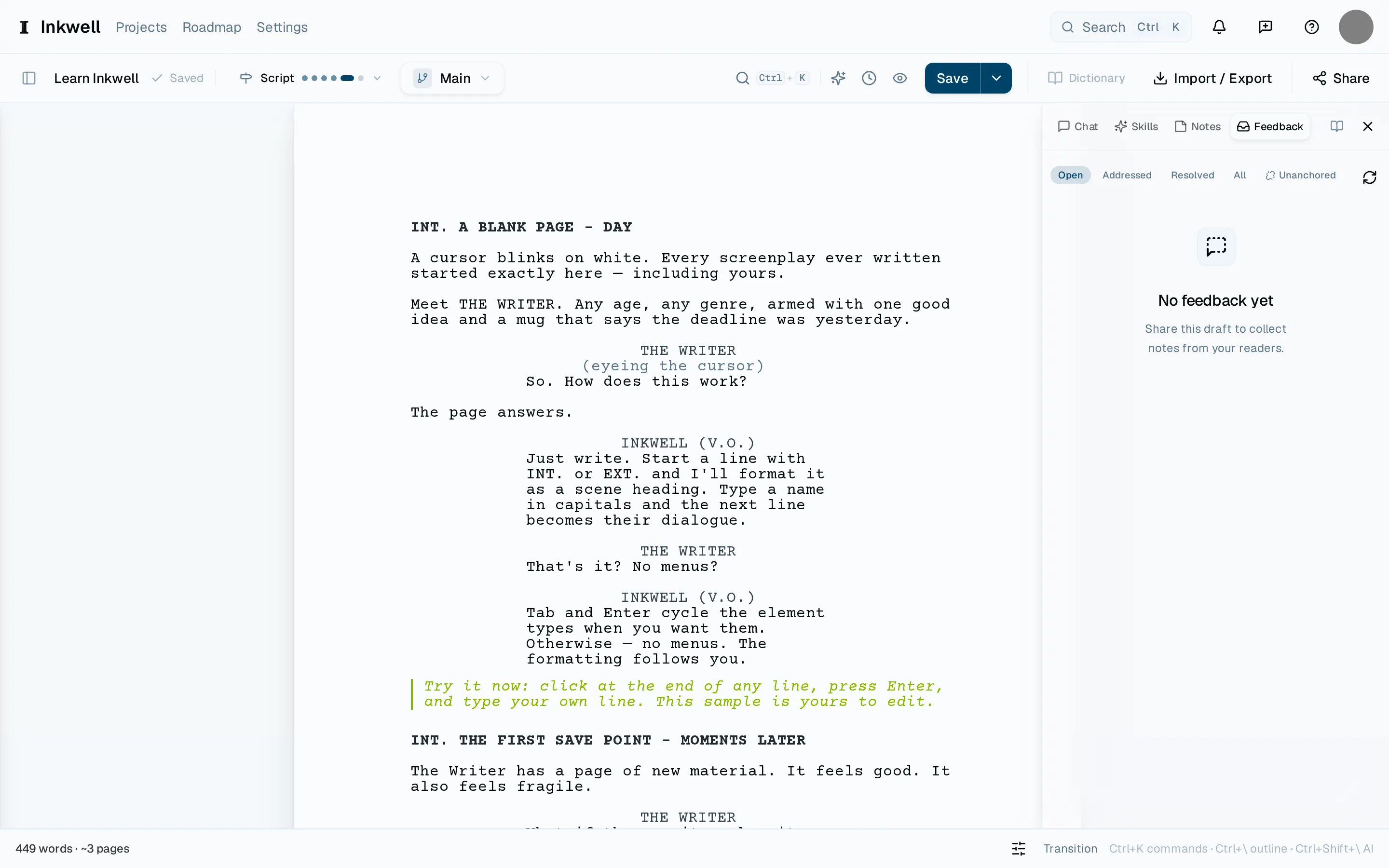
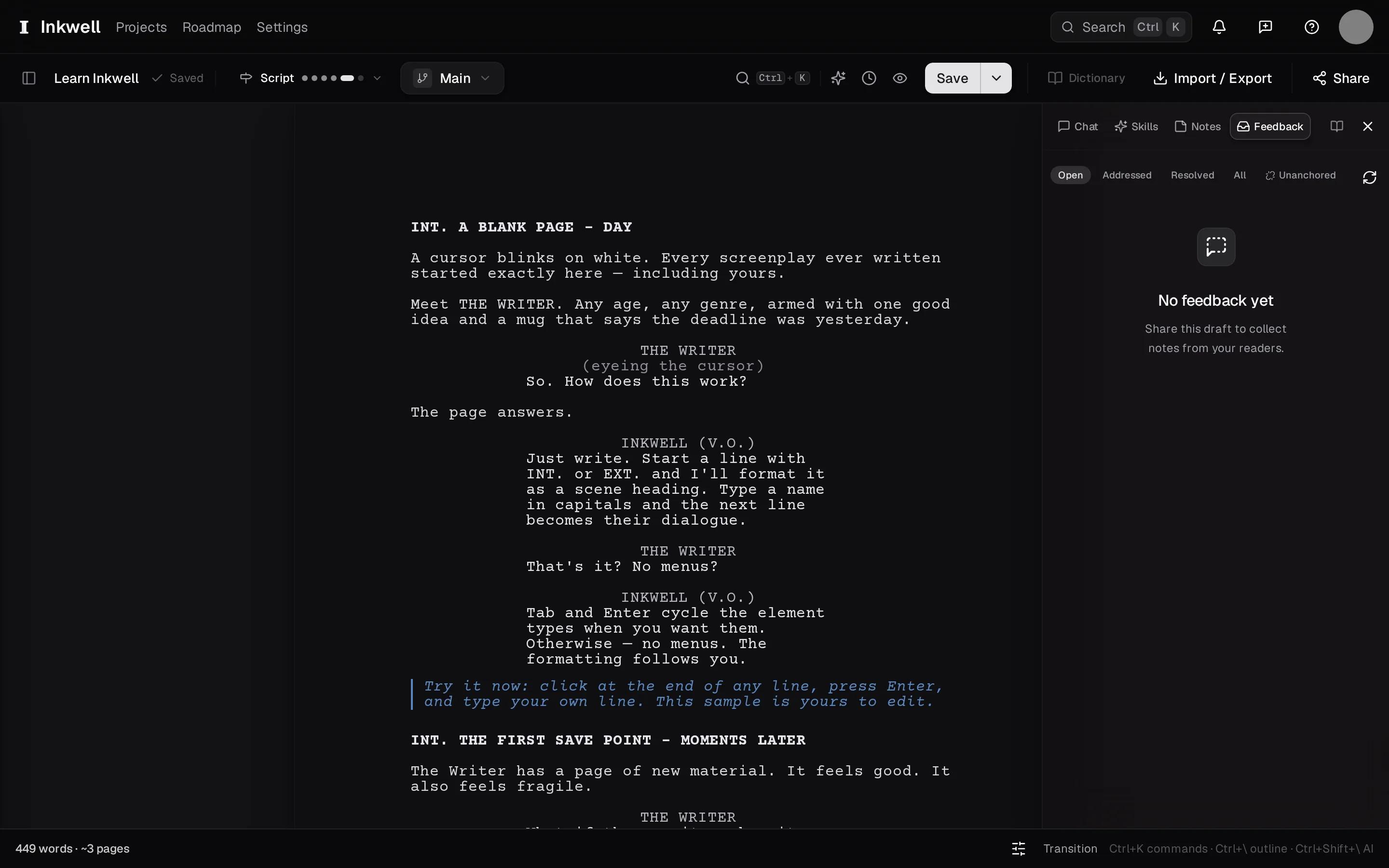
Open the Feedback tab
In the right sidebar, choose Feedback. Comments are grouped by the link they came through and ordered by position in the script.
Jump to the line
Select a comment and the page scrolls to the line it was left on, with the passage highlighted. The reader's name — or the label you gave the link — sits with the note.
Reply if the link allows it
Choose Reply to answer. The reader sees your reply the next time they open the link, on the same line.
Resolve it
When you have made the change — or decided not to — mark the comment Resolved. It moves to the resolved view, where it stays readable, and the highlight leaves the page.