Focus mode clears the screen down to the page. It is a view, not a mode of the document: nothing about the script changes.
Turn it on
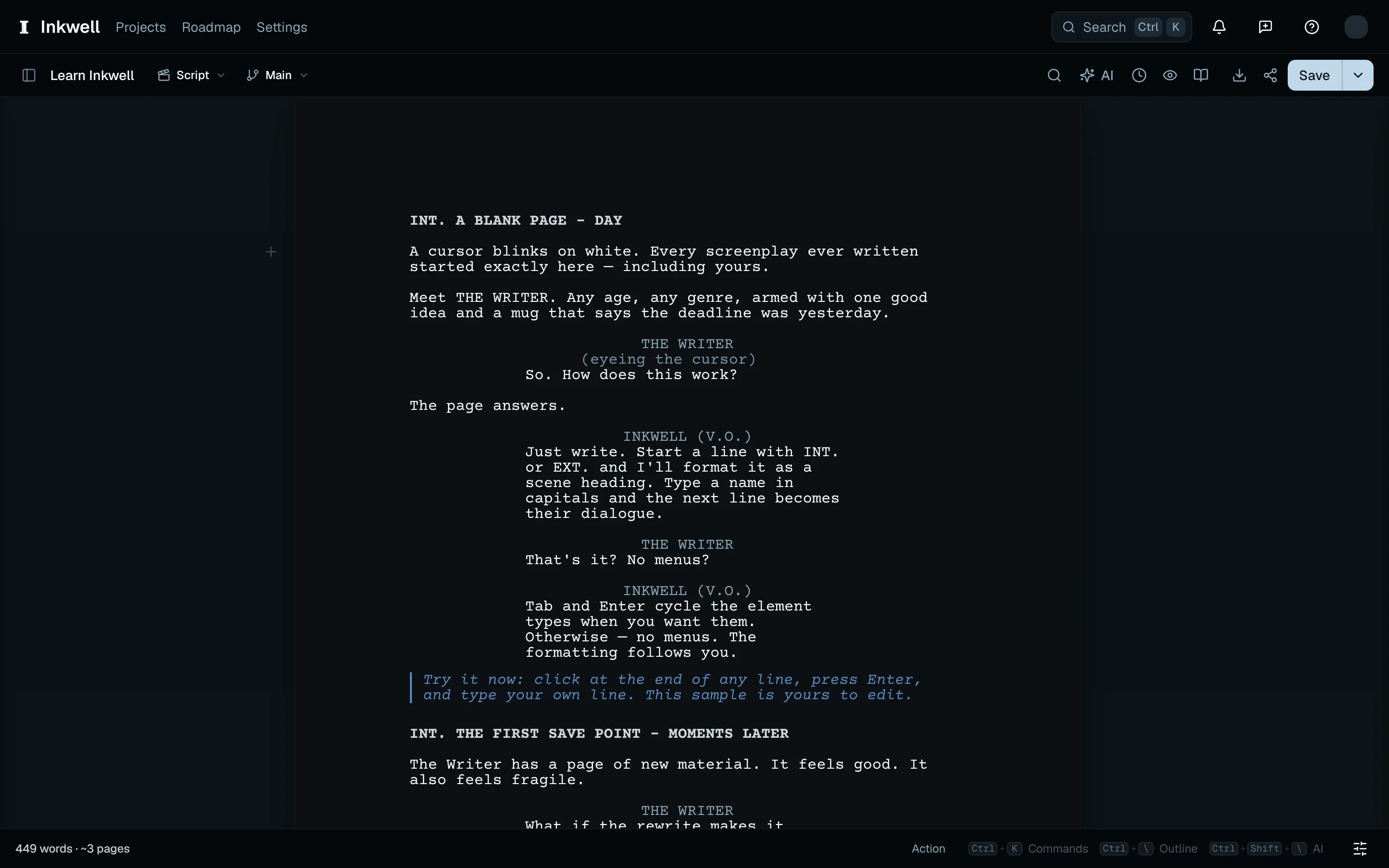
Press ⌘⇧., or pick Enter Focus Mode from the command palette. The toolbar and both sidebars fold away and the page centers; a small reminder in the corner says how to leave.
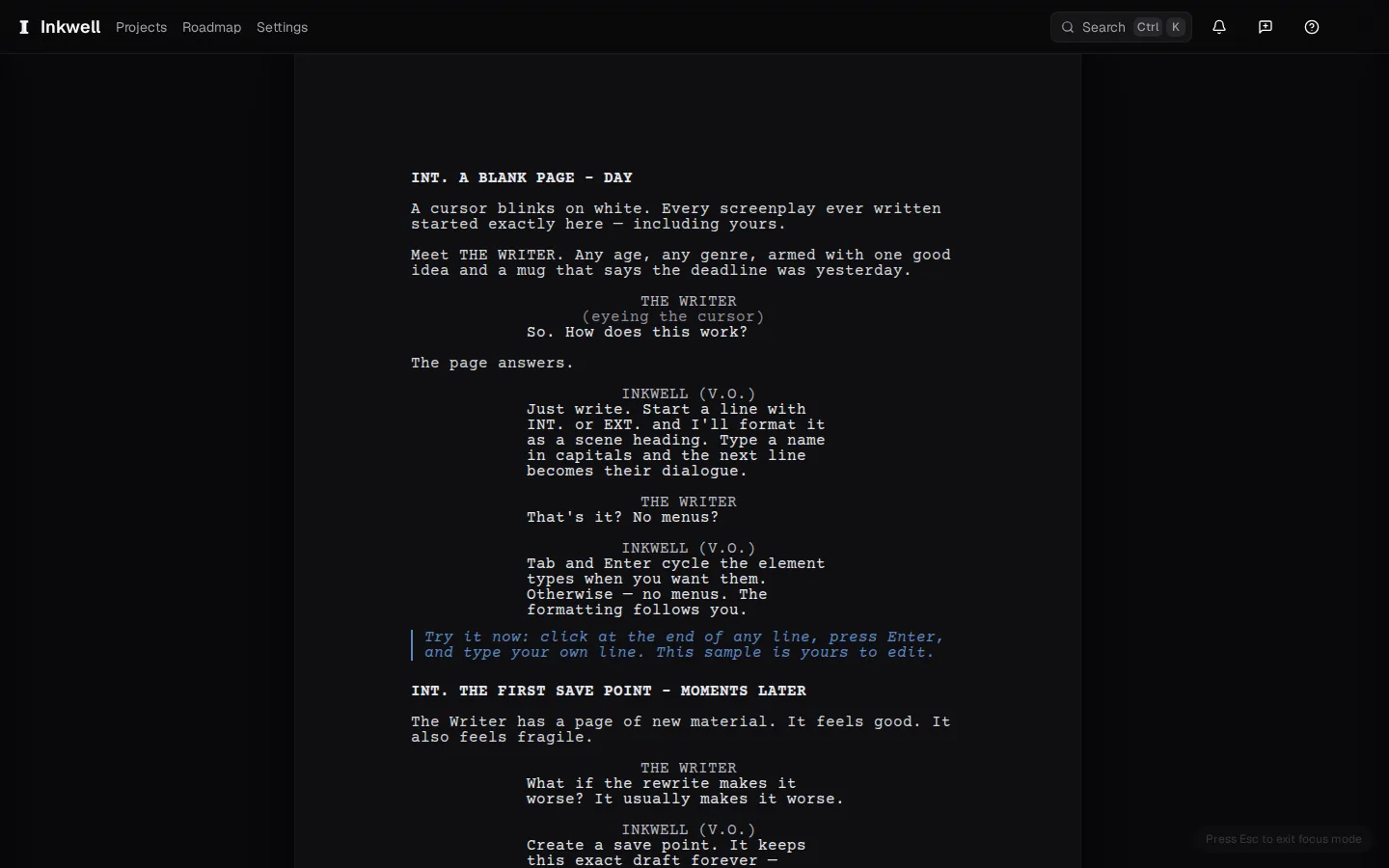
Focus mode on and off: the chrome folds away and the page centers, then the corner reminder brings the toolbar back. Leave focus mode to use a sidebar
Leave focus mode first, then press ⌘\ to open the outline or ⌘⇧\ to open the companion. Close the sidebar with the same shortcut when you are ready to return to the page.
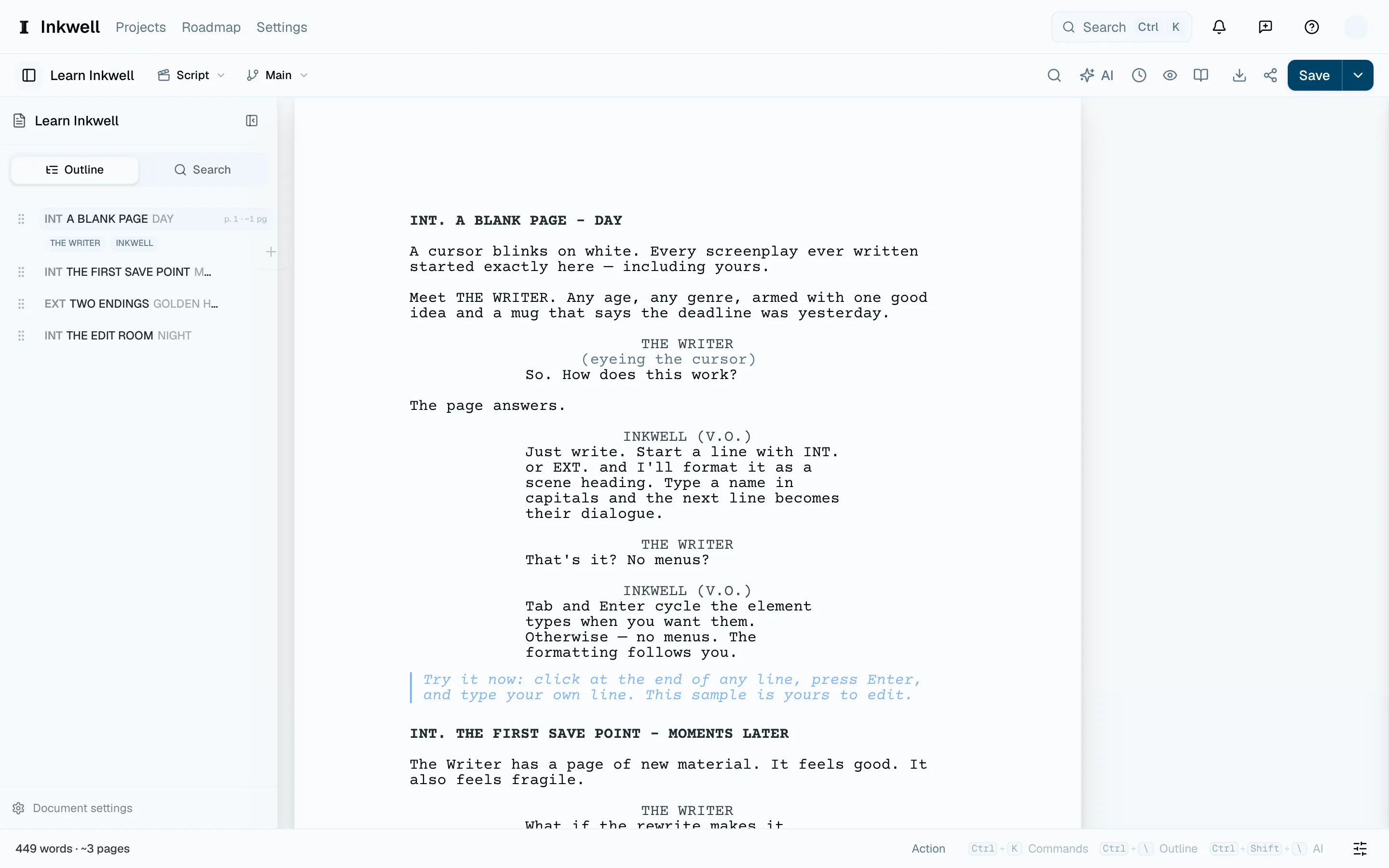
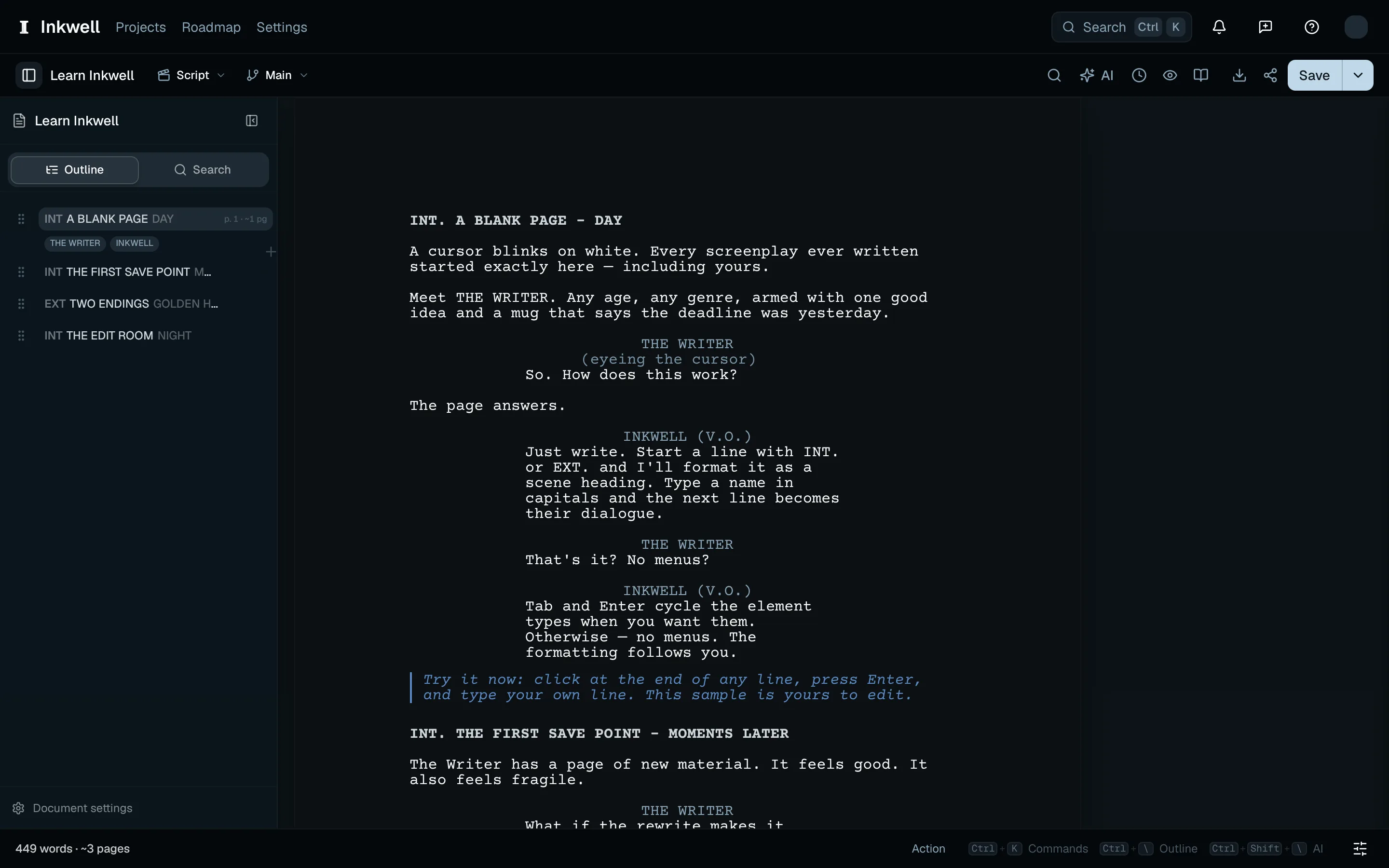
The outline open beside the page after leaving focus mode (1). Close the sidebar with the same shortcut. Turn it off
Press ⌘⇧. again, press ⎋ with nothing else open, or choose the reminder in the corner. The toolbar returns; reopen the outline or companion with its sidebar shortcut when you need it.
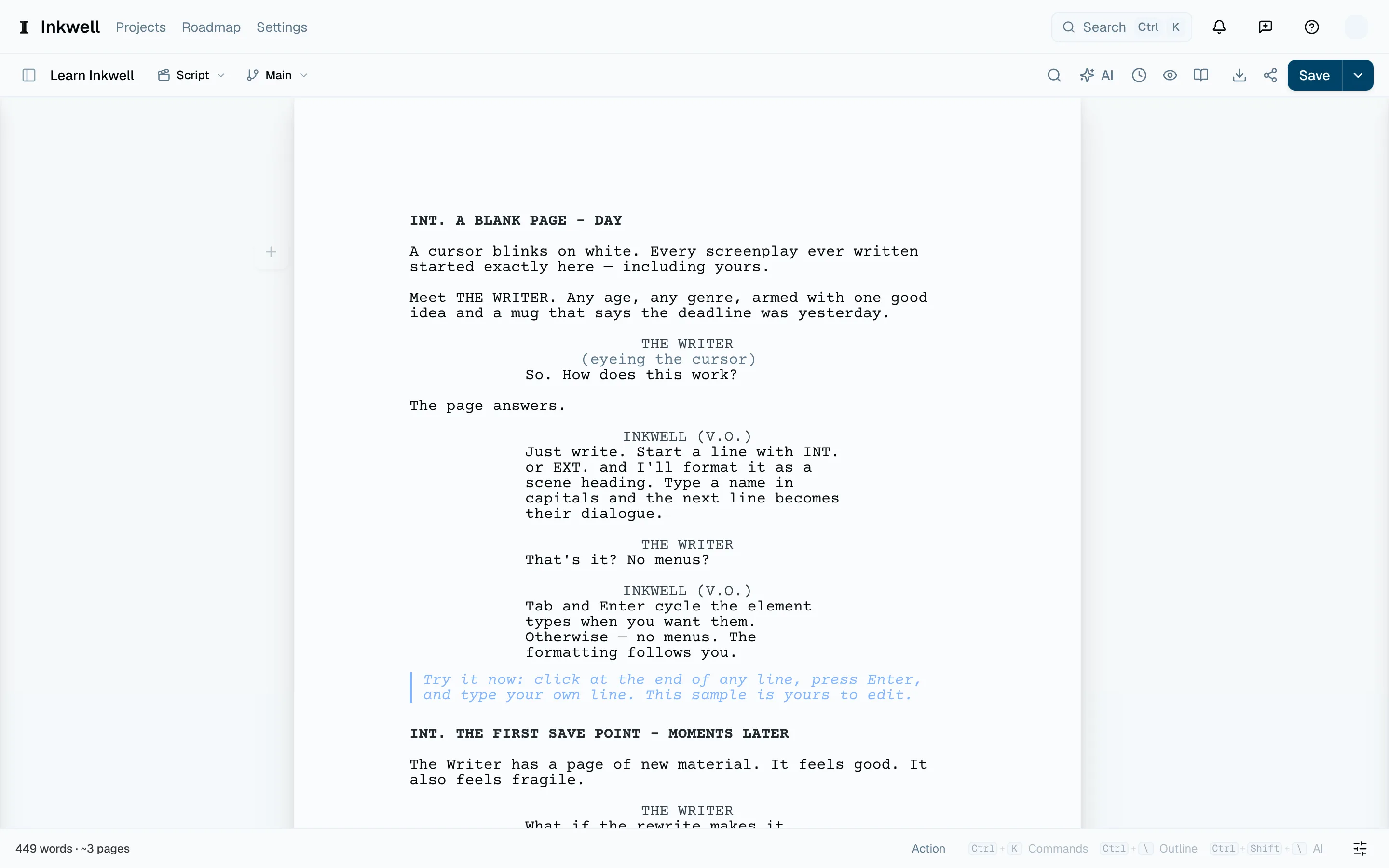
The editor toolbar returns after choosing the corner reminder (1), with the document still on the page.
Focus on the words around your caretLink to this section
Open Settings → Editor → Focus & flow. Dim around the caret keeps your current Sentence, Paragraph, or Scene clear while dimming the rest. Choose Off to restore the whole page.
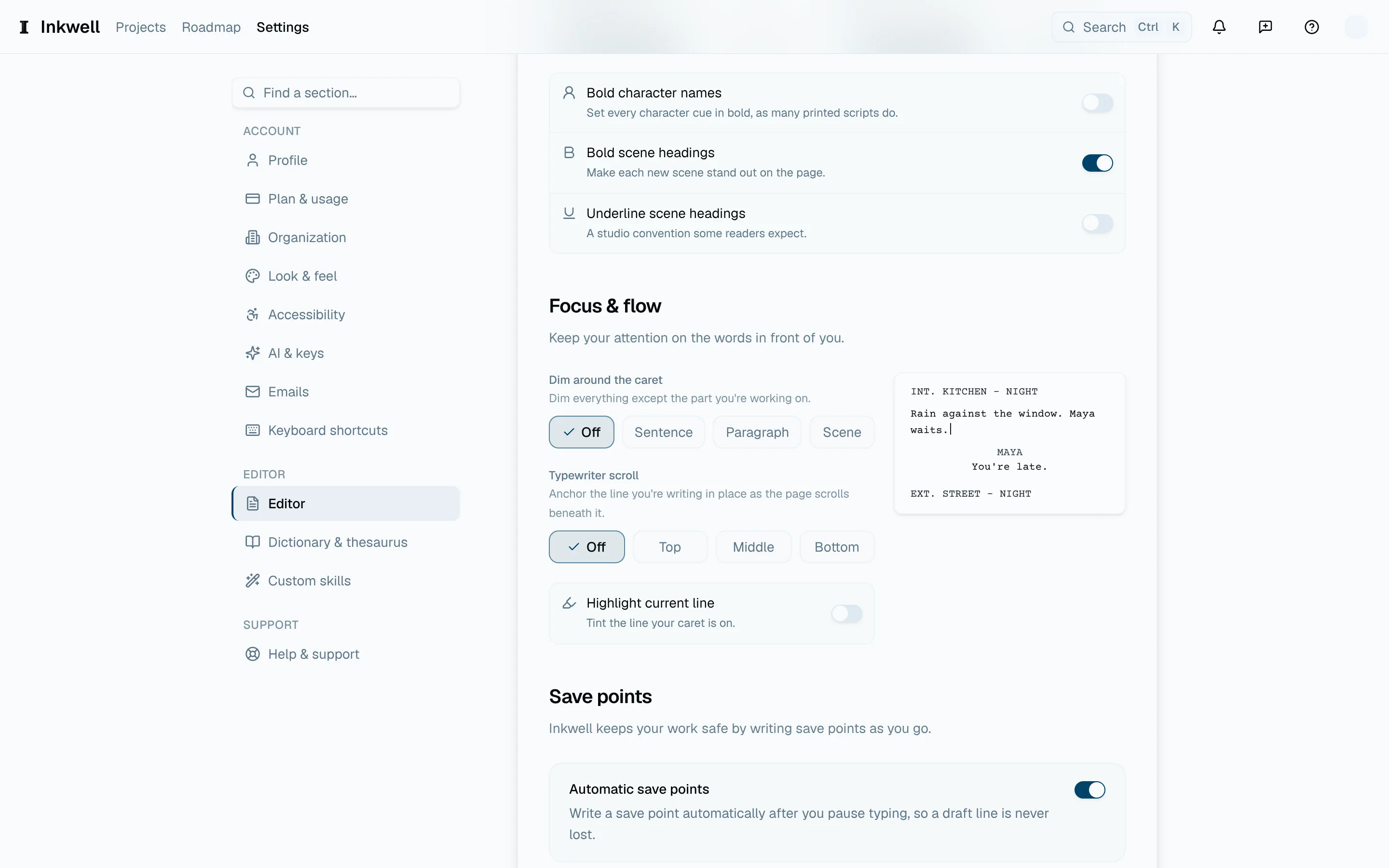
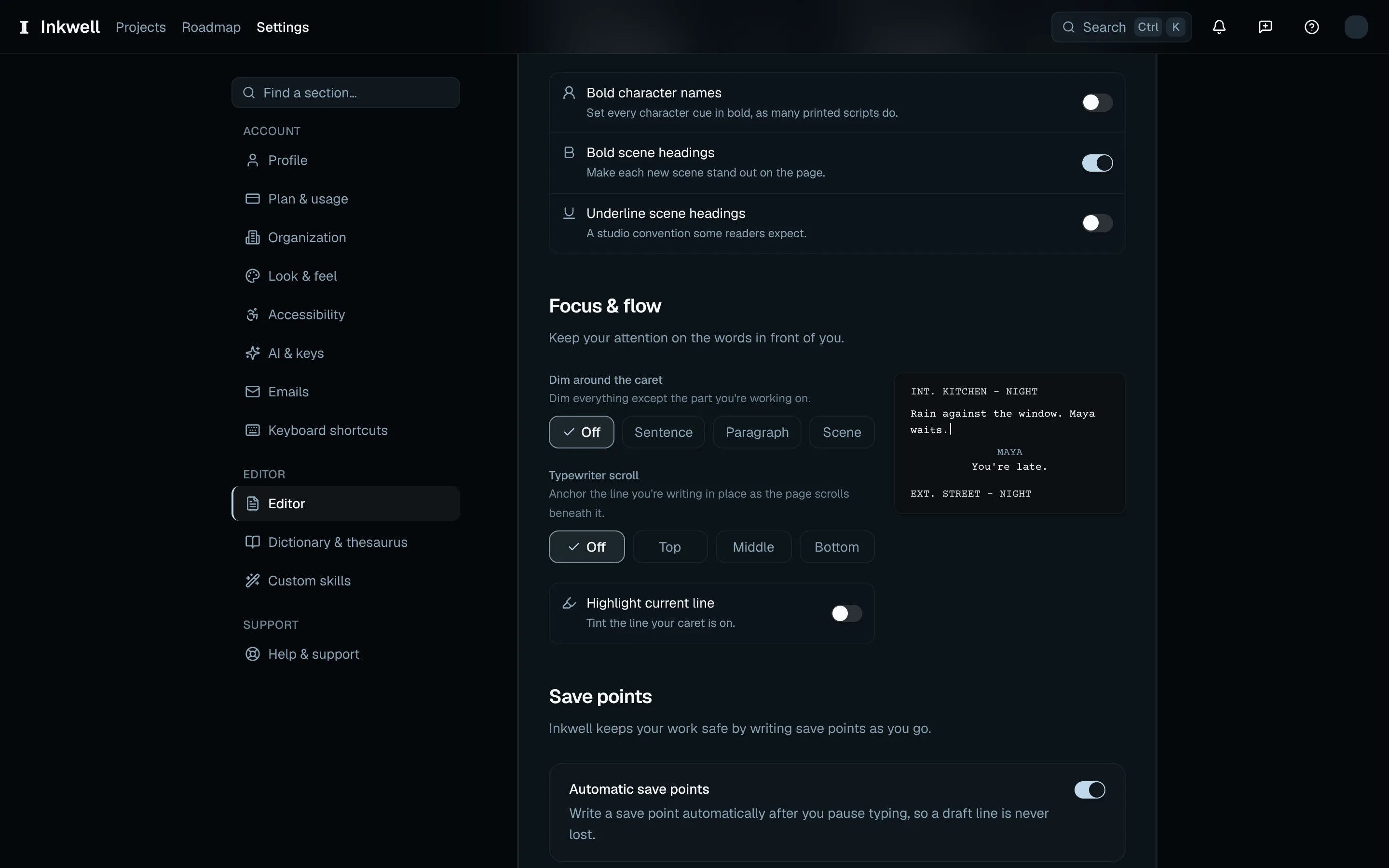
Typewriter scroll keeps the line you are writing one-third down (Top), halfway down (Middle), or two-thirds down (Bottom) the visible writing area as you type. Highlight current line adds a tint behind that line. These settings work with or without focus mode.
Choose the page's appearanceLink to this section
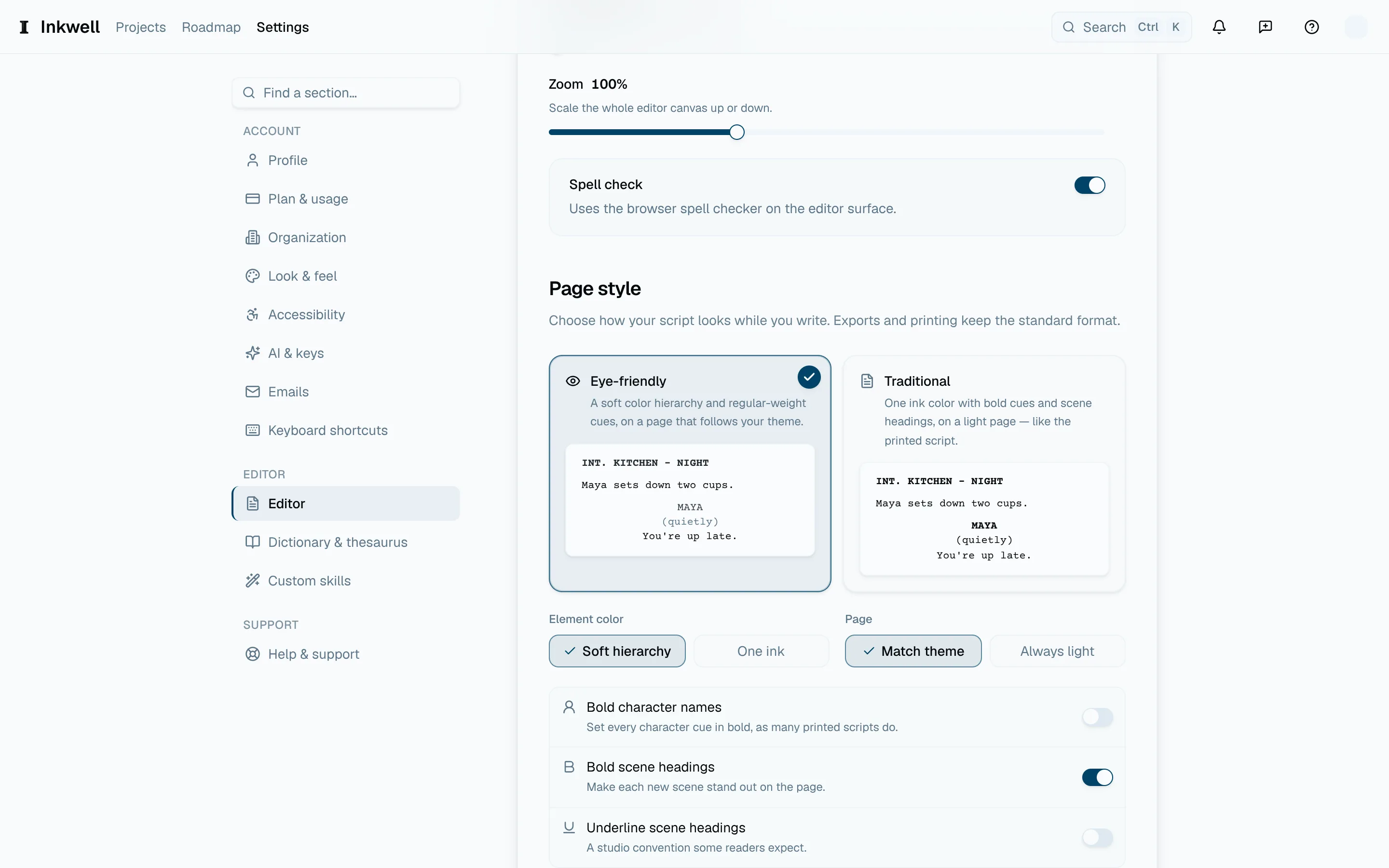
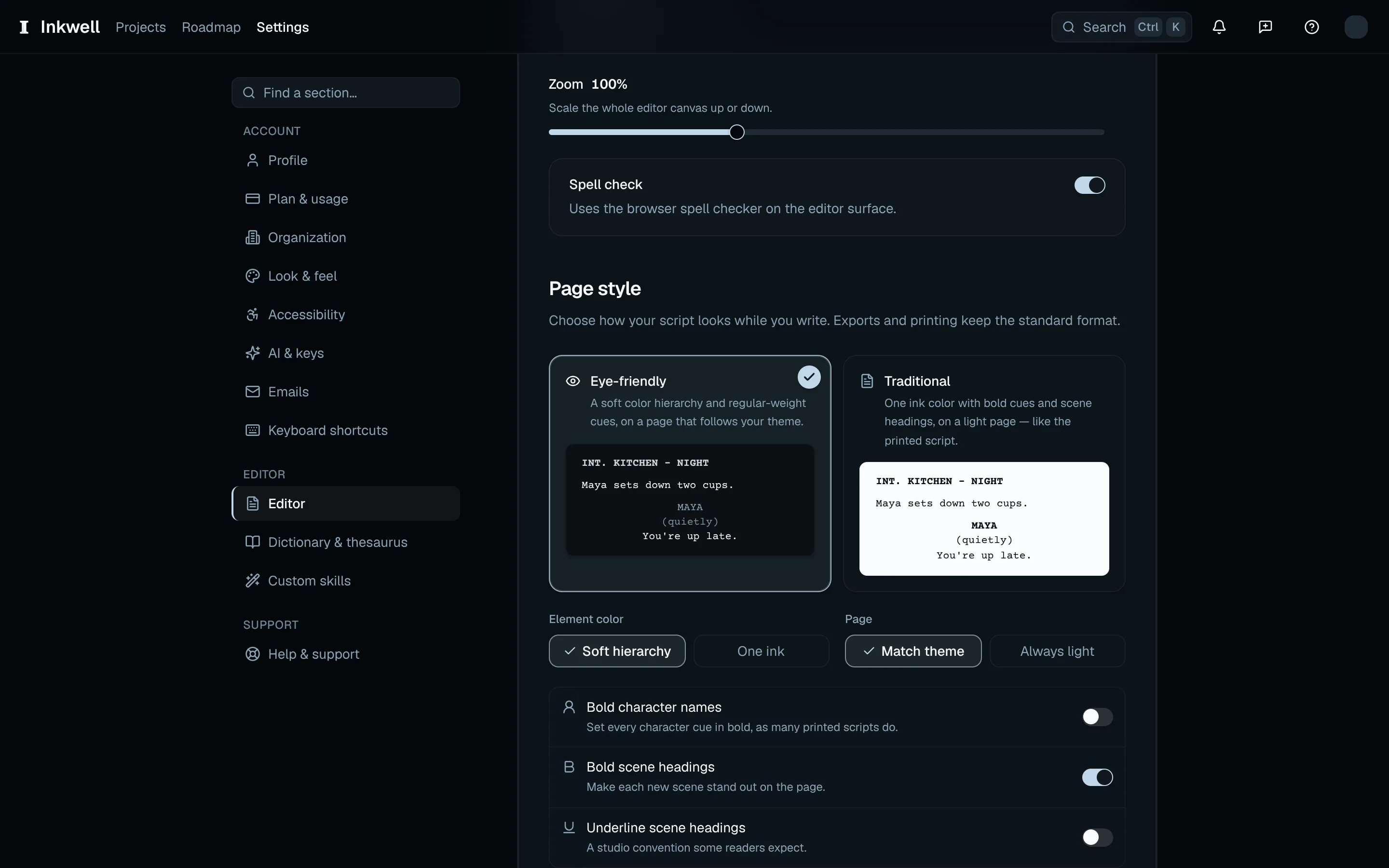
Under Settings → Editor → Page style, choose Eye-friendly for a soft element-color hierarchy, or Traditional for one ink color and bold cues and headings on a light page. You can also adjust the colors, page tone, and emphasis yourself. Exported and printed scripts keep their screenplay format.