
Once a script is in production, the office tracks changes by colored pages in a fixed order, starting from the White shooting draft. Revision mode marks every changed line with an asterisk in the margin and keeps page numbers stable so the crew's binders stay right.
Make a save point of the shooting draft
Before locking, press ⌘⇧S and name it ("White — shooting draft"). Everything after this is measured against it.
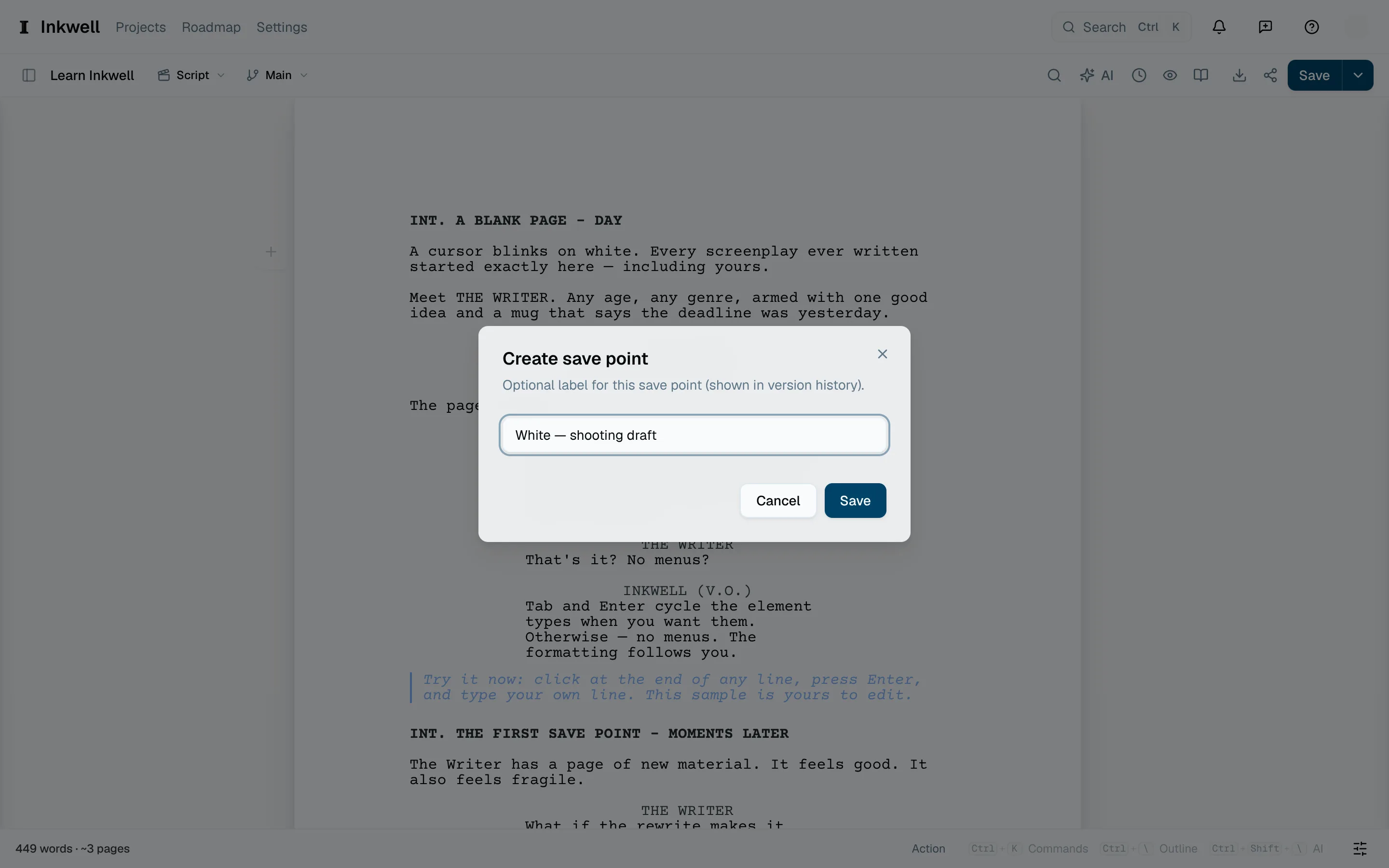
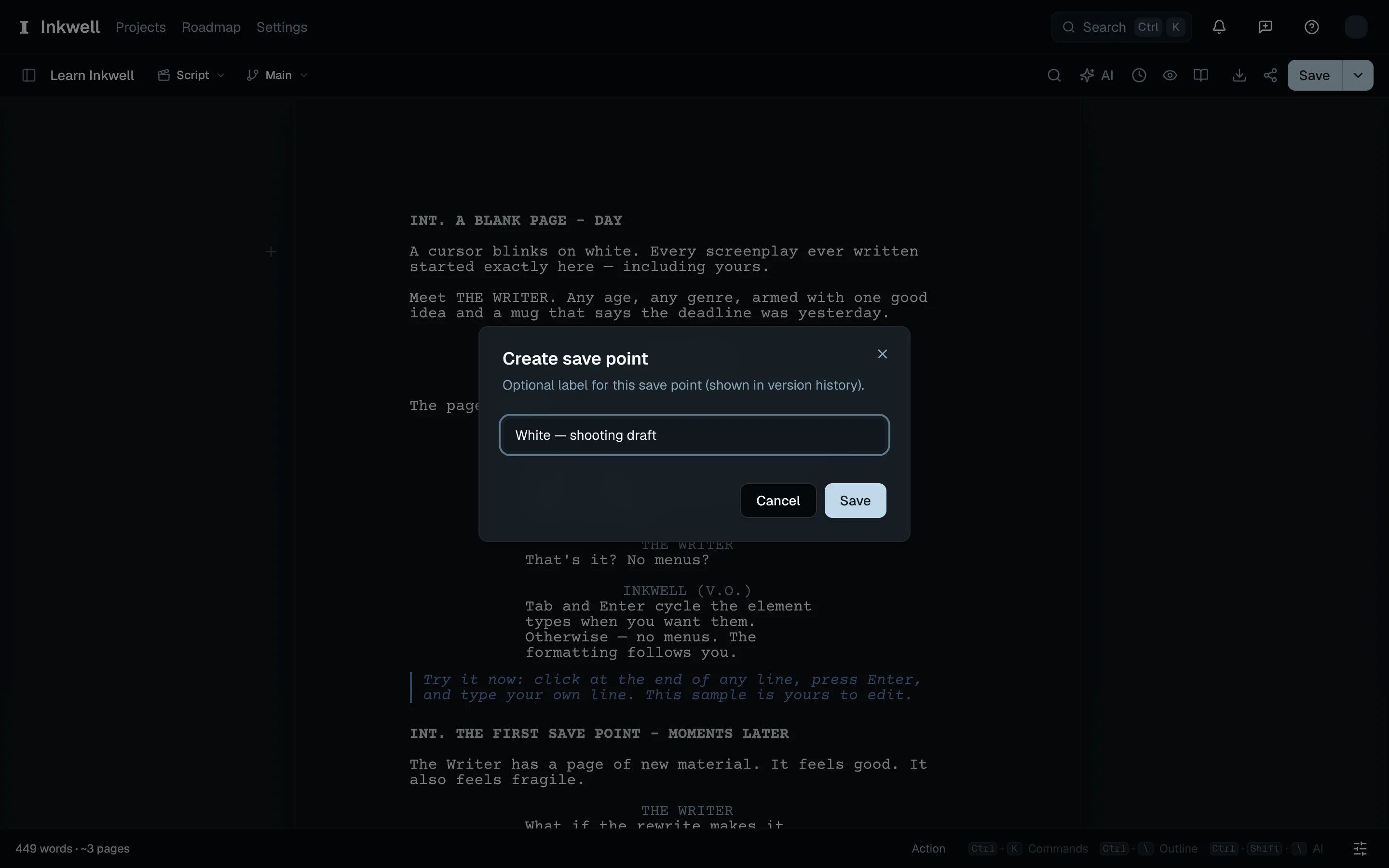
Name the save point for the White shooting draft (1) before locking production pages. Lock the production draft
Open the History tab. At the top, Colored revision pages reads Off; open it and choose Lock production draft. The save point becomes the White shooting draft, page numbering locks — new material becomes A-pages rather than shifting what follows — and Blue, the first color in the sequence, starts.
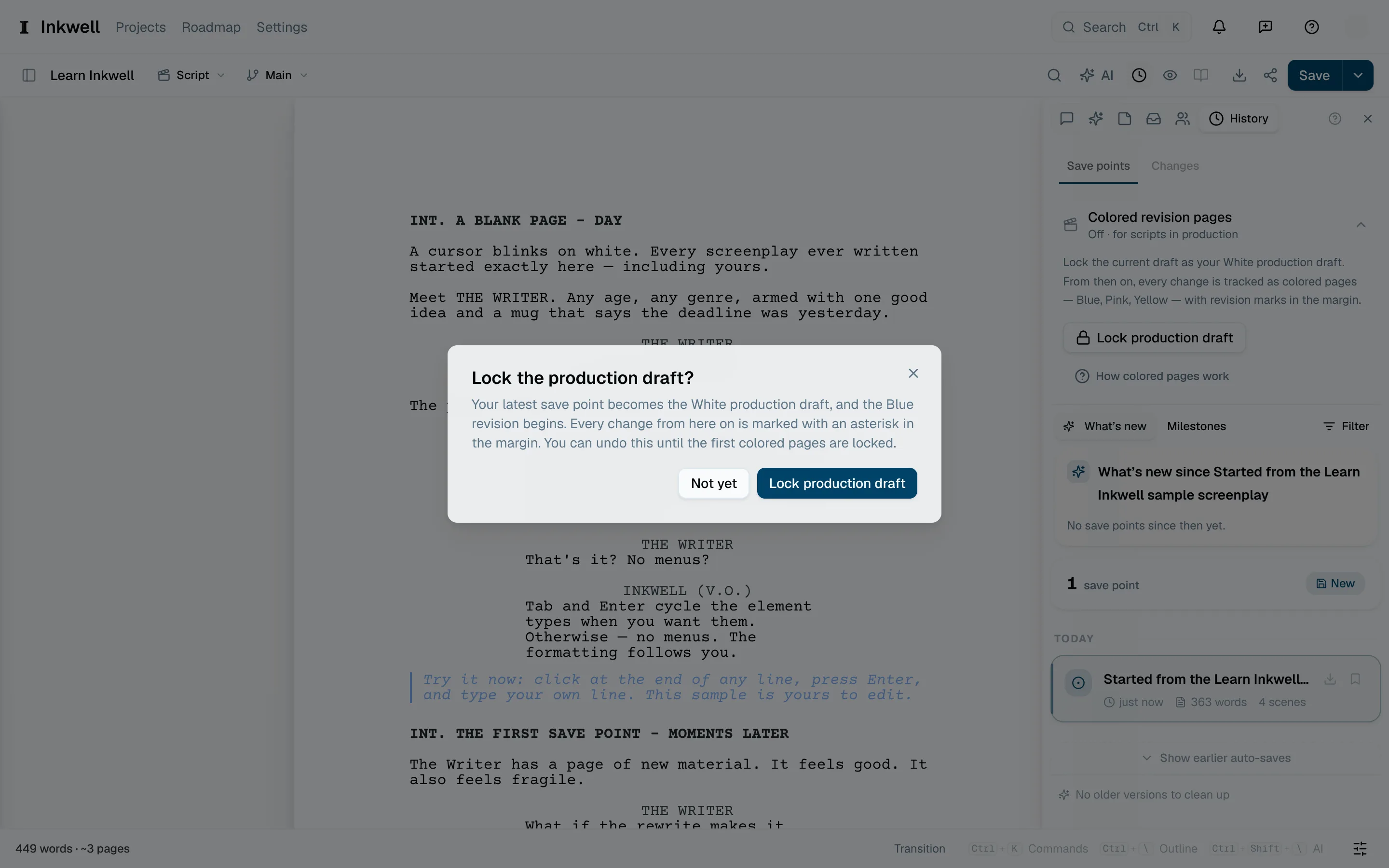
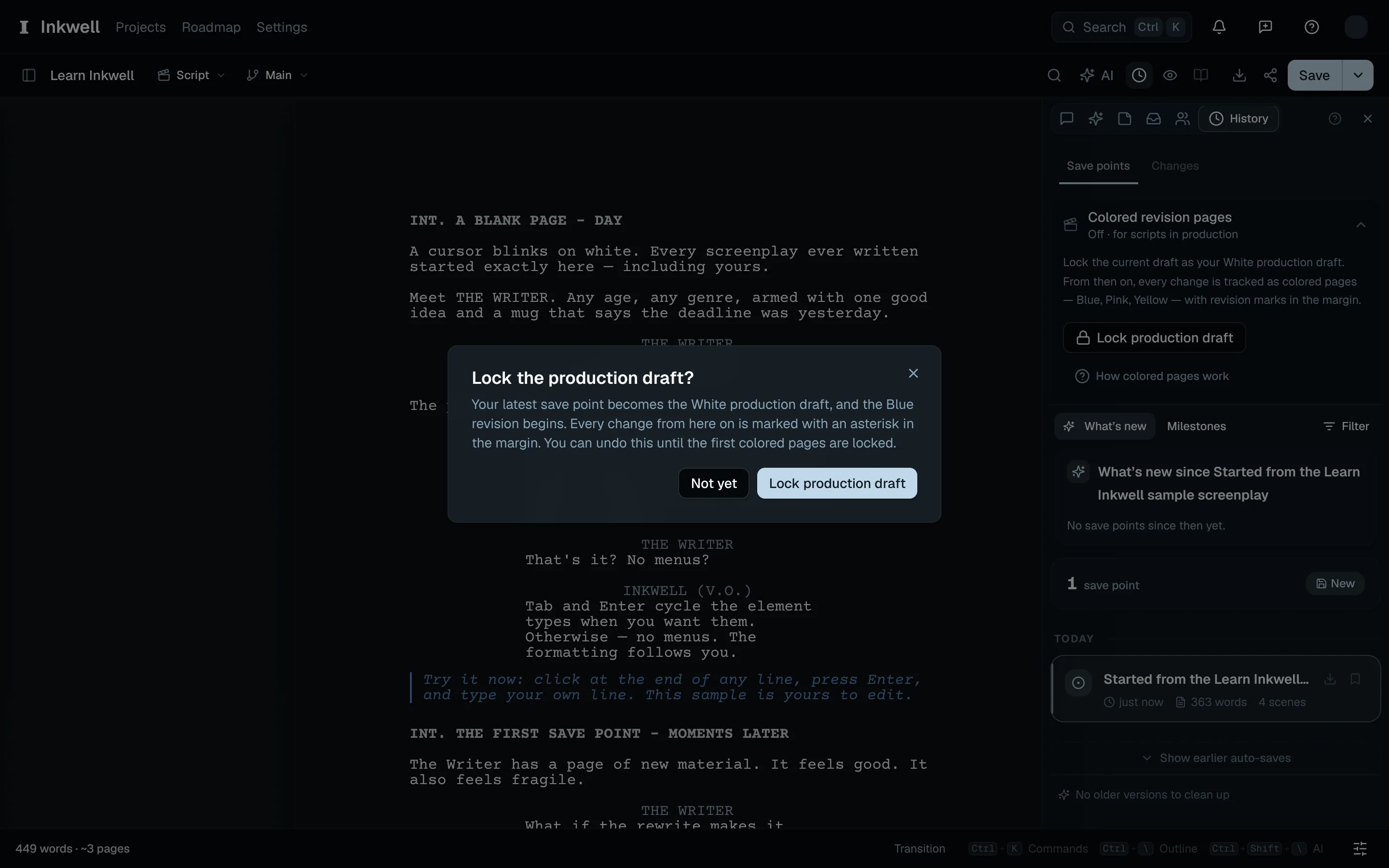
The confirmation (1) explains how locking the White draft starts Blue revisions. 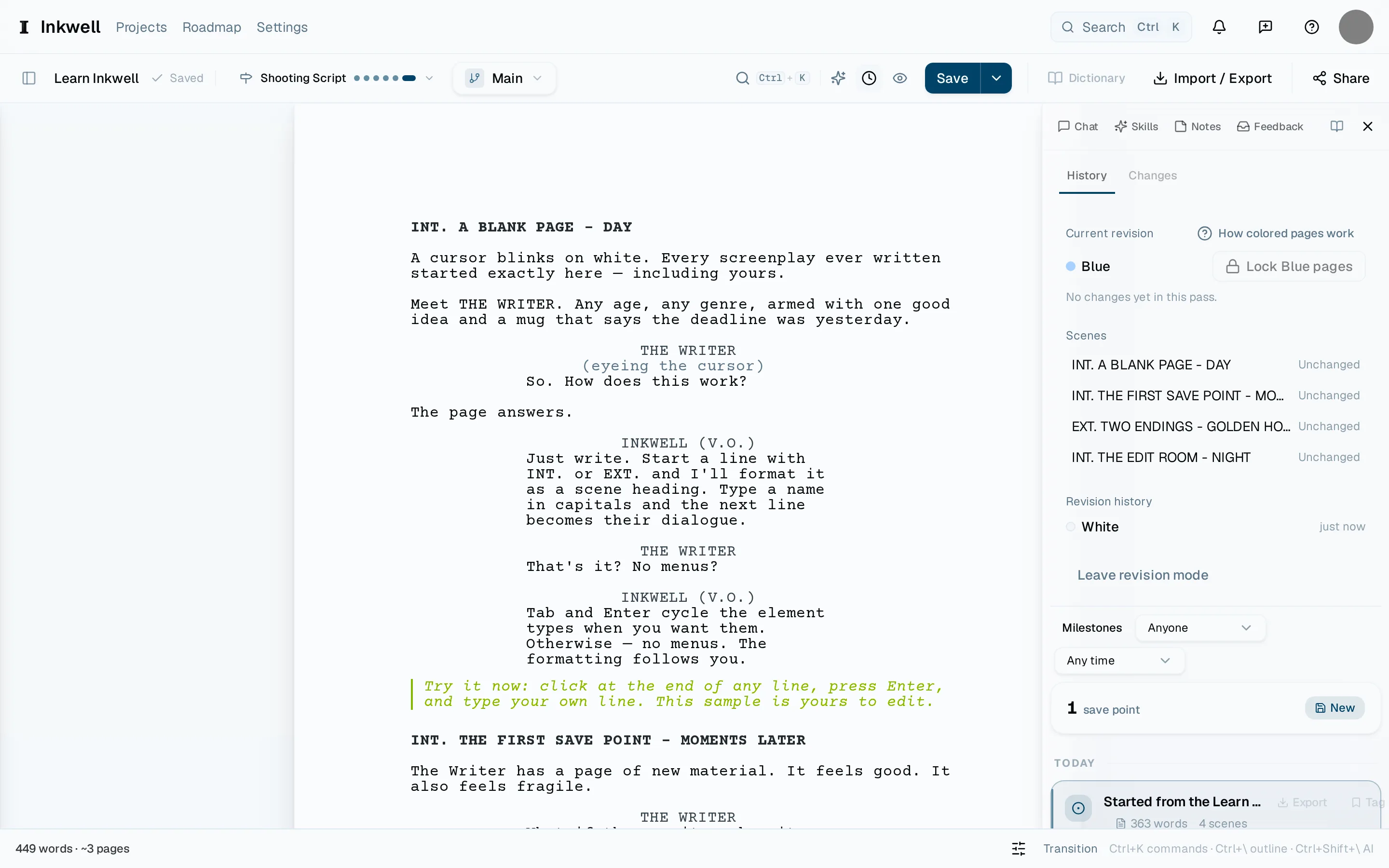
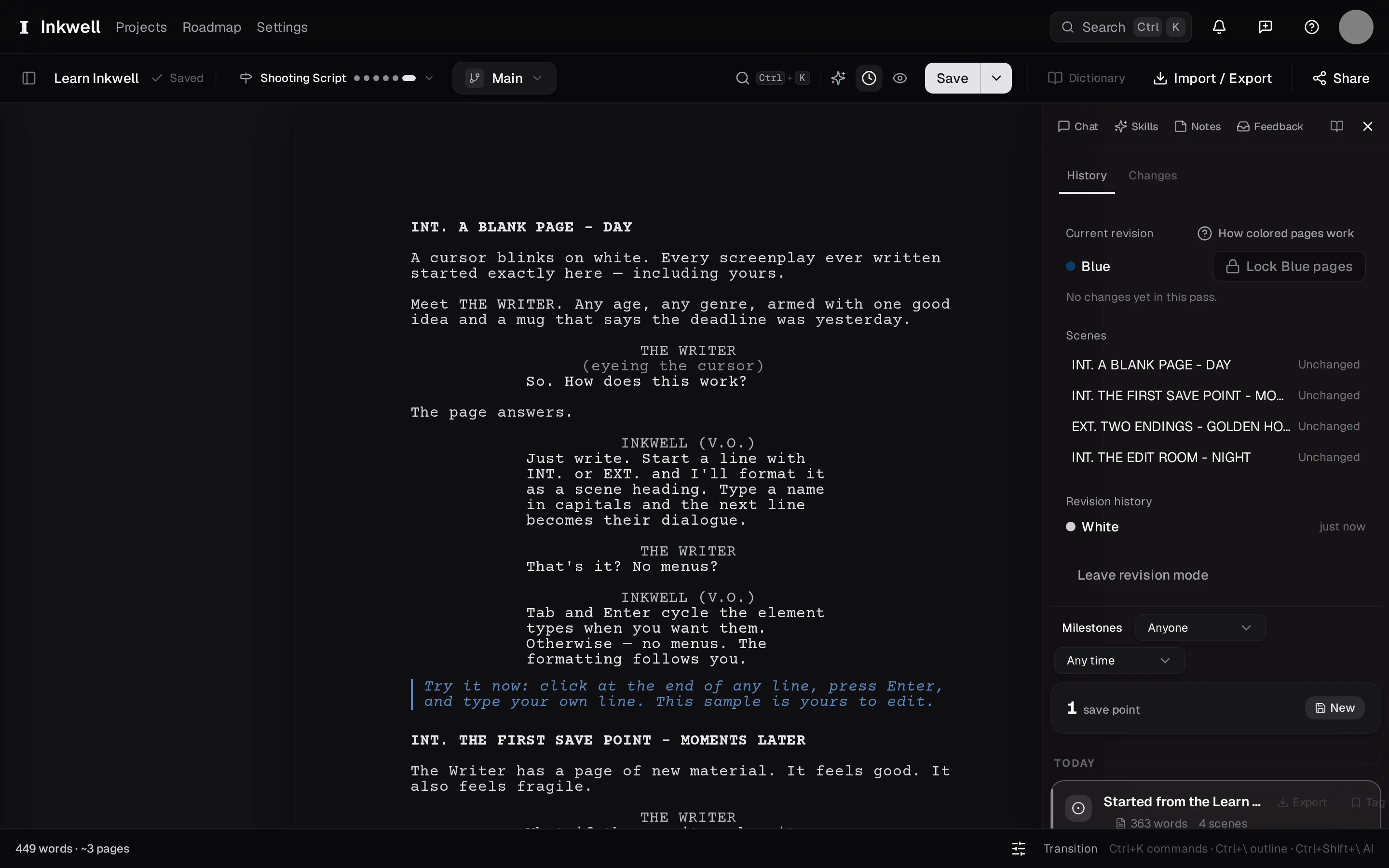
The revision panel in the History tab once the draft is locked: the current revision and its color (1), each scene's revised status (2), and Lock Blue pages (3), which issues the Blue revision and starts the next color. Make the changes
Write as usual. Every line you touch gets an asterisk in the margin, and the panel's scene list shows which scenes carry revisions.
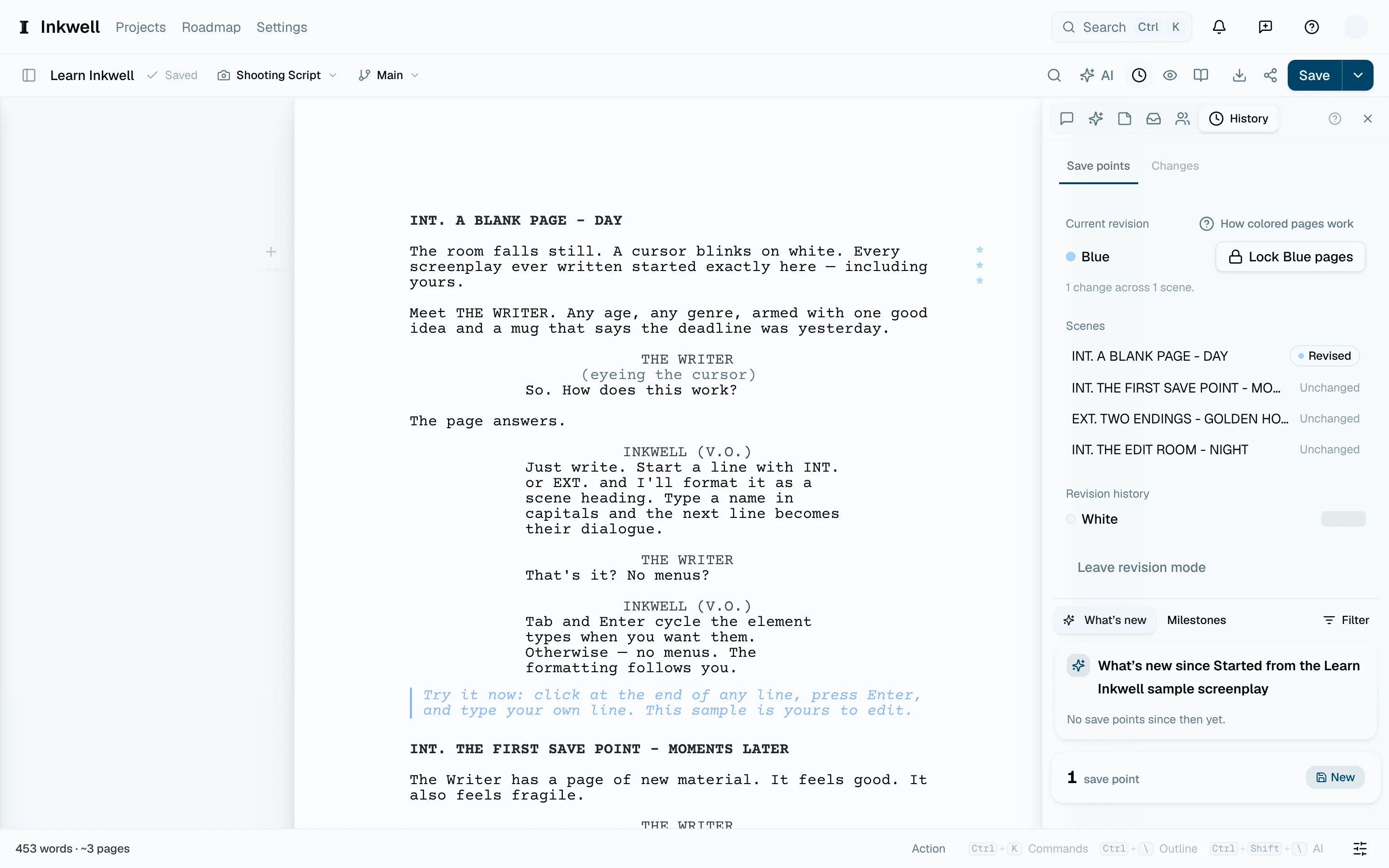
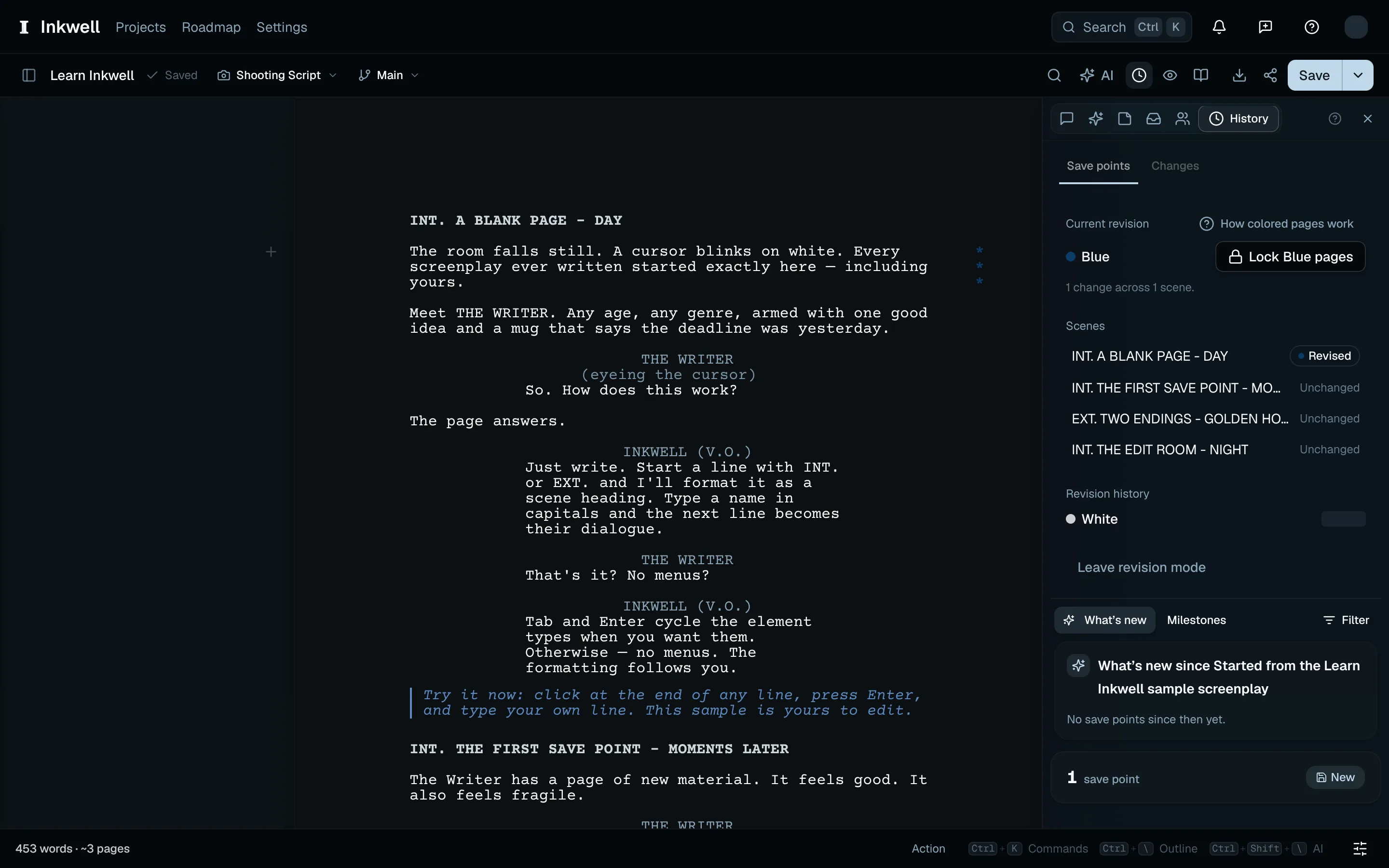
A changed action paragraph carries revision asterisks (1), and the scene list records the change (2). Lock the pages
Choose Lock Blue pages. Plot asks you to confirm, makes a save point named for the color, and starts the next color in the office's order. A full PDF preserves the issued page numbers and lists the distributed revisions on its title page. A pass with changes prints the color and date on every script page, with asterisks beside revised lines — see Export PDF, FDX, and Fountain.
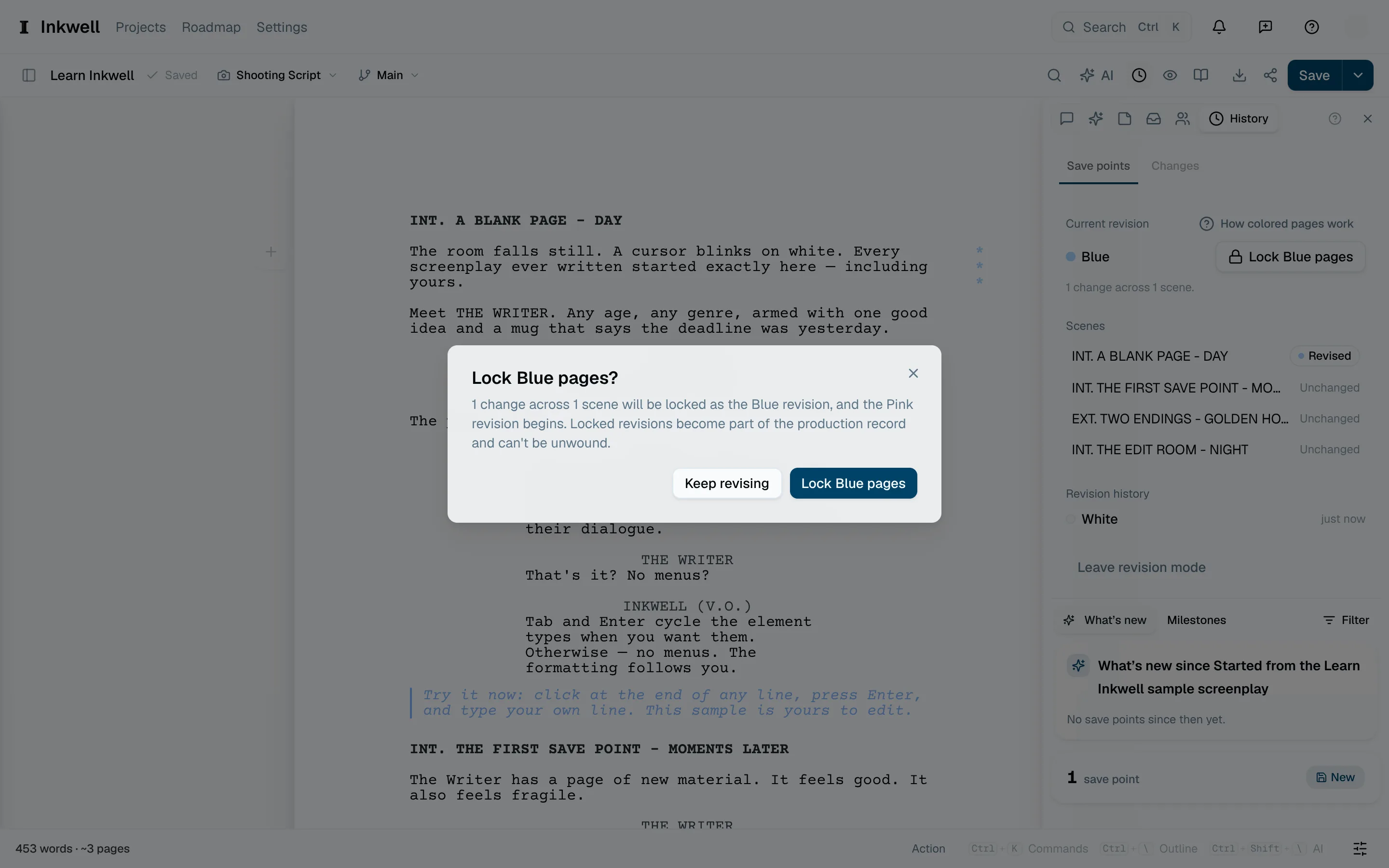
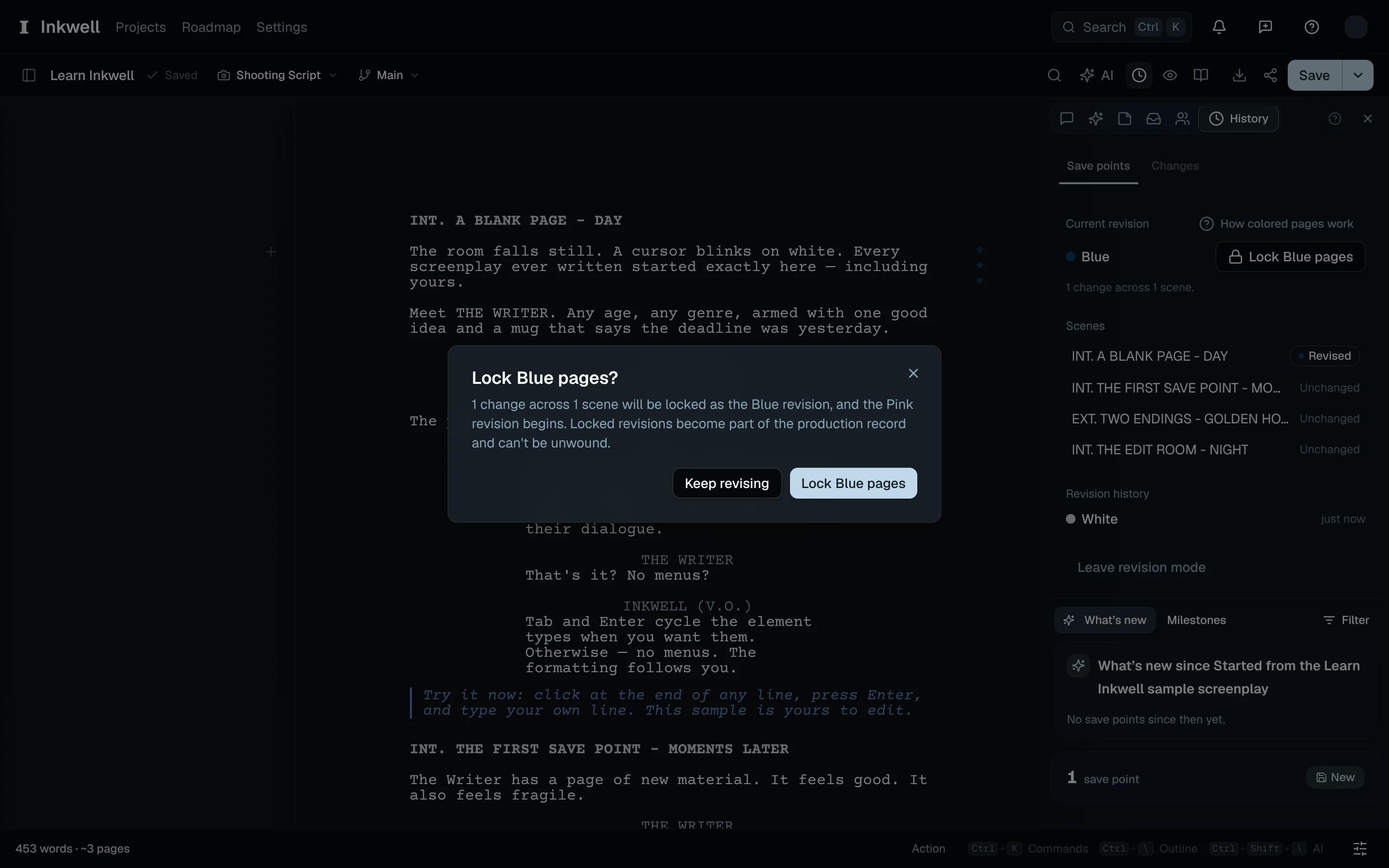
Confirm Lock Blue pages (1) to issue this revision and begin the next color.
Send a distribution packetLink to this section
In Import / Export, choose PDF — Blue distribution packet (or the current revision's name). The command palette offers the same command. The packet displays the pages affected by this revision, including inserted A-pages and pages affected by removals. Its opening sheet identifies it as a distribution packet.
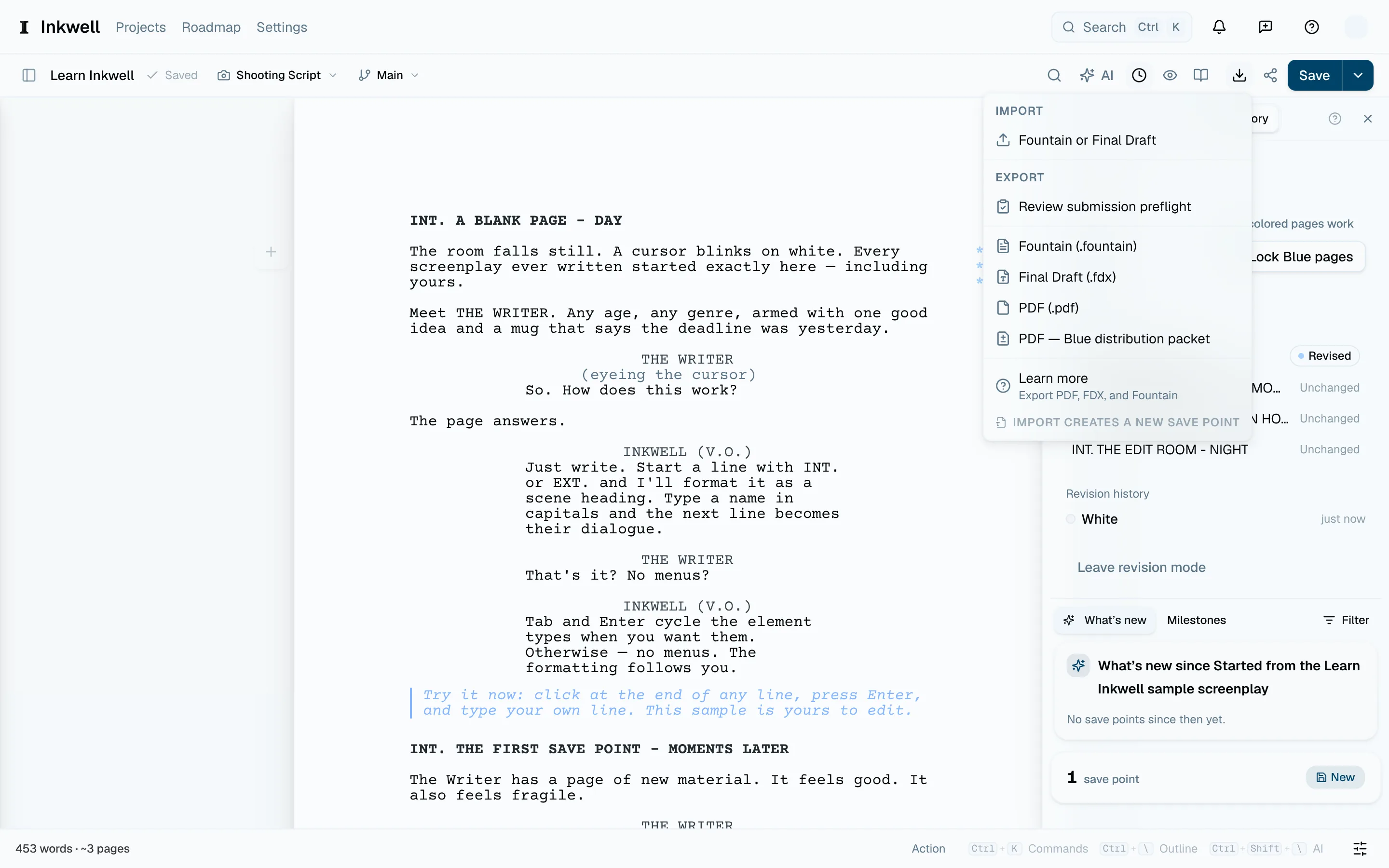
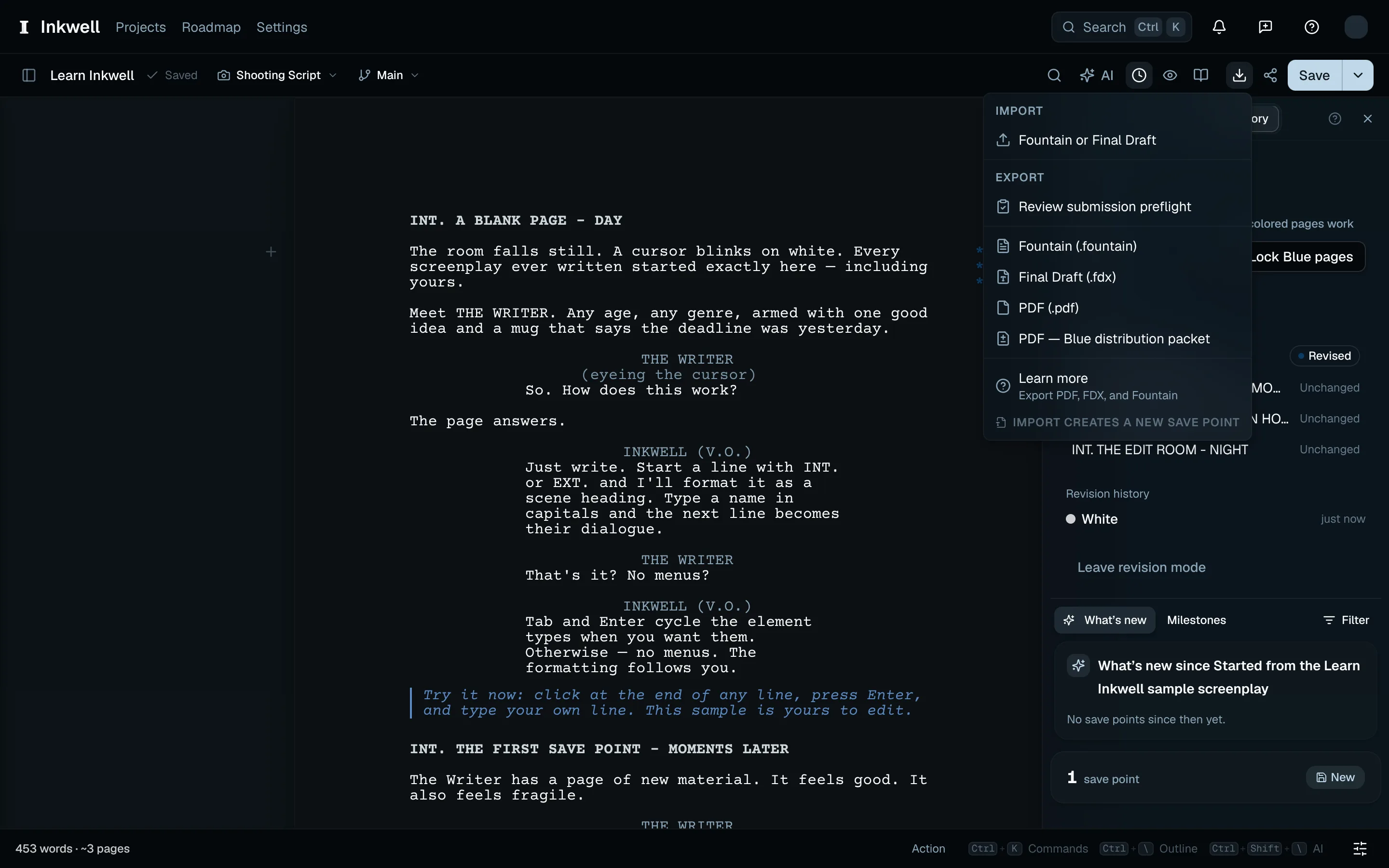
The PDF file retains the full manuscript even though the viewer displays the revised pages. Use it to distribute revisions to people who may read the whole script; it does not remove confidential content.
If Plot asks you to review pagination, check the PDF against the office's last issued copy before distributing it. This can happen when an older draft's page lock has been reconstructed or the page measurements have changed.
Production headers, revision history, and the packet notice print in English with numeric dates. The export controls and warnings use your app language. Screenplay elements and production page labels use Courier or Courier Prime for Latin text, with a native-size Noto Sans Mono CJK fallback for supported Chinese, Japanese, and Korean text. Cyrillic and Greek remain unsupported in screenplay output. Prose blocks can use the supported multilingual prose fonts.