
A milestone is a save point with a name that matters outside the room: the draft that went to the table read, the one the producer has, the locked shooting script. Milestones sit in their own list in History so they do not get lost among the everyday save points.
Get to the version
Either make a save point now (⌘⇧S) or select an existing one in History — a milestone can be added to any save point, not only the latest.
Choose Tag as milestone
Select the tag on the save point — Tag as milestone. Give it the name people will use: "Table read, March", "Studio draft 1".
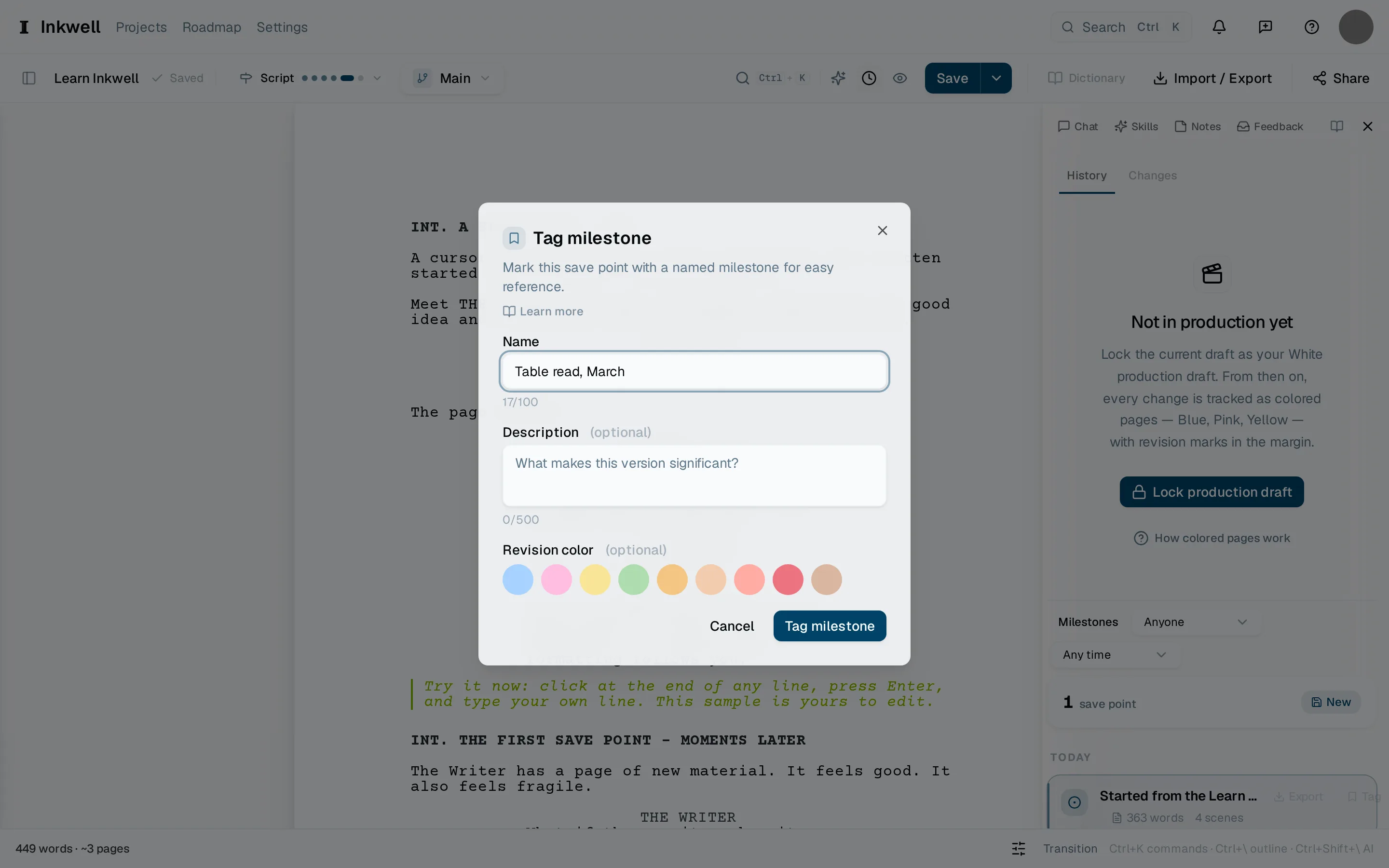
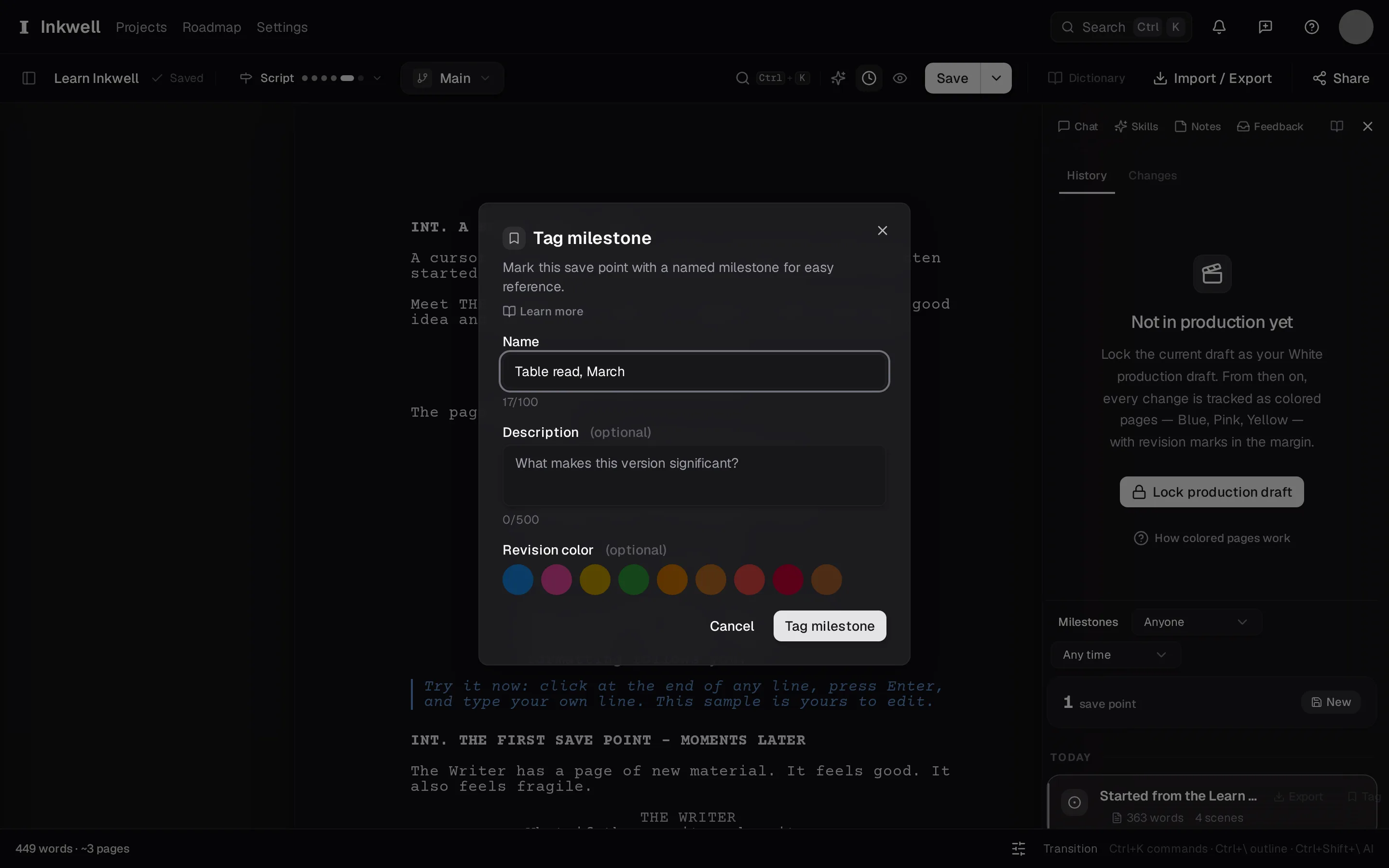
The Tag milestone dialog: the name (1), the revision color it belongs to if the script is in production (2), and Tag milestone (3) to pin it. Add a note if it helps
The dialog has room for a line of context — who received it, what changed since the last one. It shows in History beside the name.
Find it again
The Milestones list at the top of History shows every milestone in order. Select one to read it, compare against it, or export it as a PDF or FDX of exactly that version.