
Meet Plot: Screenplay Editor Tour
Write a scene, explore a rewrite on a draft line, ask about your screenplay, review an Agent Mode edit, and keep a save point.
Jump to a chapter
Transcript
- Play from 0:00: Meet Plot, the screenplay editor in Inkwell.
- Play from 0:04: 1. Write a scene. Type naturally. Plot formats every line as you go.
- Play from 0:07: Start a new scene heading: EXT. FERRY DECK - NIGHT
- Play from 0:13: Press Enter and the next line is action.
- Play from 0:19: Tab turns it into a character name, and the dialogue lands under it.
- Play from 0:25: 2. Try it on a draft line. Main stays exactly as it was.
- Play from 0:28: Open the draft line menu and choose New draft line.
- Play from 0:32: Give it a name: Quieter Maren.
- Play from 0:42: You're on the new draft line now. Select the line you want to change.
- Play from 0:46: "She kicks it" becomes "She doesn't kick it. She just waits."
- Play from 0:52: Switch back to Main: the original line is untouched.
- Play from 1:00: Switch to Quieter Maren again, and your rewrite is right there.
- Play from 1:08: 3. Ask about your script. Answers that point back to the page.
- Play from 1:11: Open Chat and ask: Where does the script tell us Maren is afraid of the water?
- Play from 1:17: It finds both moments: her knuckles on the rail, then the line that says it.
- Play from 1:24: And it names the fix: cut her line to "I'm fine." and let the image work.
- Play from 1:33: 4. Make the change with Agent. Review every edit before it lands.
- Play from 1:36: In Agent Mode, describe the change: Fix the line that gives her away.
- Play from 1:41: Agent reads the scene and makes the edit.
- Play from 1:47: The change shows up in your script as markup, with a note on why.
- Play from 1:56: Accept it and the line is yours. Undo is one click away.
- Play from 2:04: 5. Save points. Name a moment. Come back to it any time.
- Play from 2:07: Keep writing.
- Play from 2:10: Press Ctrl+Shift+S (Cmd+Shift+S on Mac) and name it: Before the table read.
- Play from 2:17: Open Version History.
- Play from 2:23: Your save point is at the top, ready whenever you need it.
- Play from 2:27: Write your next draft in Plot. Start writing free at inkwell.software
Follow a scene from first draft to revision
The tour follows The Night Ferry, a short sample screenplay. Start with a scene on the page, then try a rewrite on a draft line so the main draft stays available while you explore the alternative.
A draft line gives the whole script a parallel version. Use it for a direction you want to develop across scenes; a take keeps an alternative inside one scene when that is the experiment you want to compare.
Read the scene, then decide what to change
Ask about the screenplay before choosing a revision. In the example, Maren’s hesitation at the gangway already suggests a fear that her dialogue goes on to explain. Reading those moments together gives the rewrite a specific purpose.
Agent Mode turns the note into a proposed change you can review on the page. Read the replacement alongside the scene, accept the wording you want to keep, then make a save point for a version you may want to return to.
Watch another walkthrough
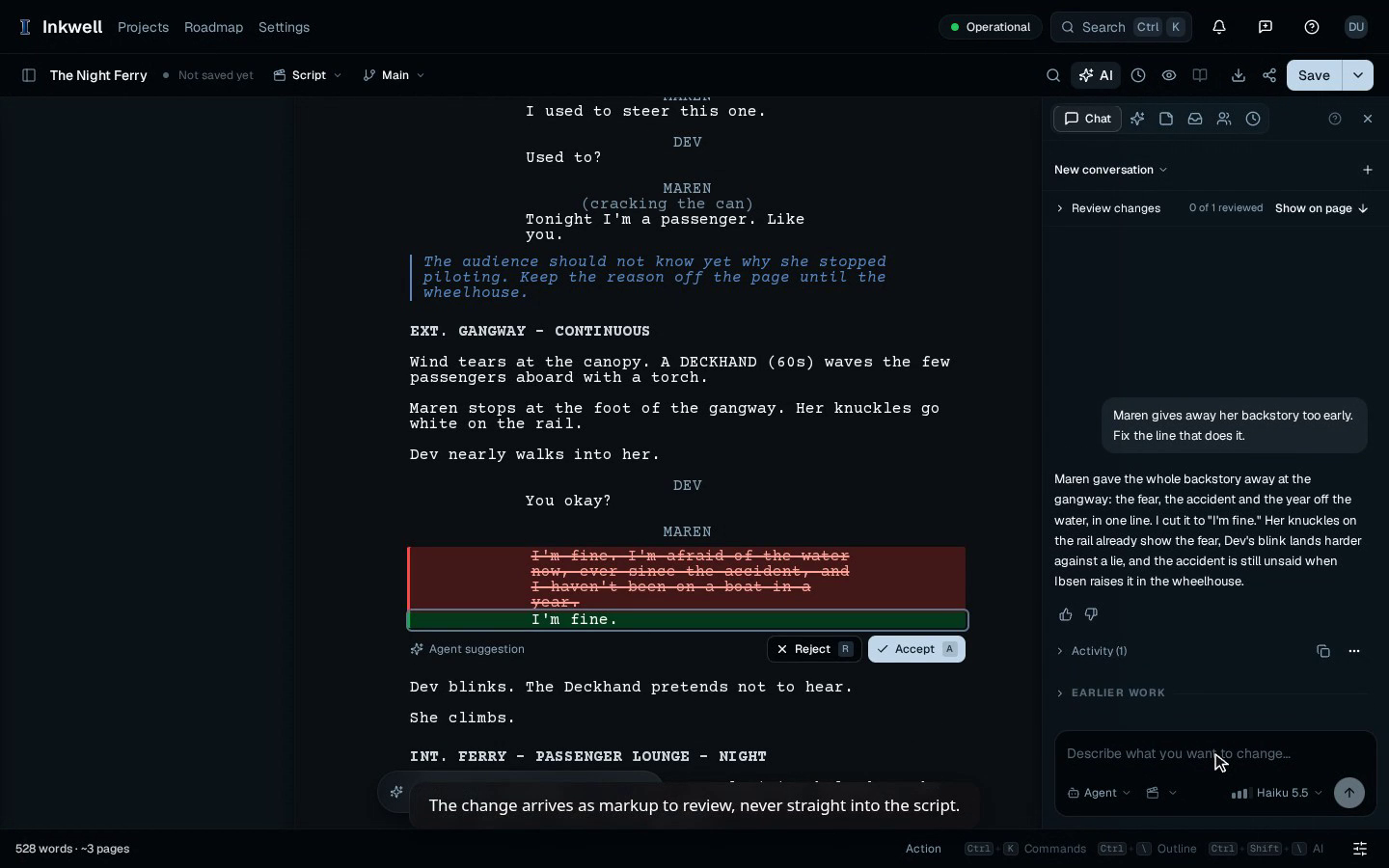
Review an Agent Mode Edit in Plot
Give Agent Mode a scene note, inspect its proposed dialogue change, and accept the edit in your screenplay.
Watch the walkthrough
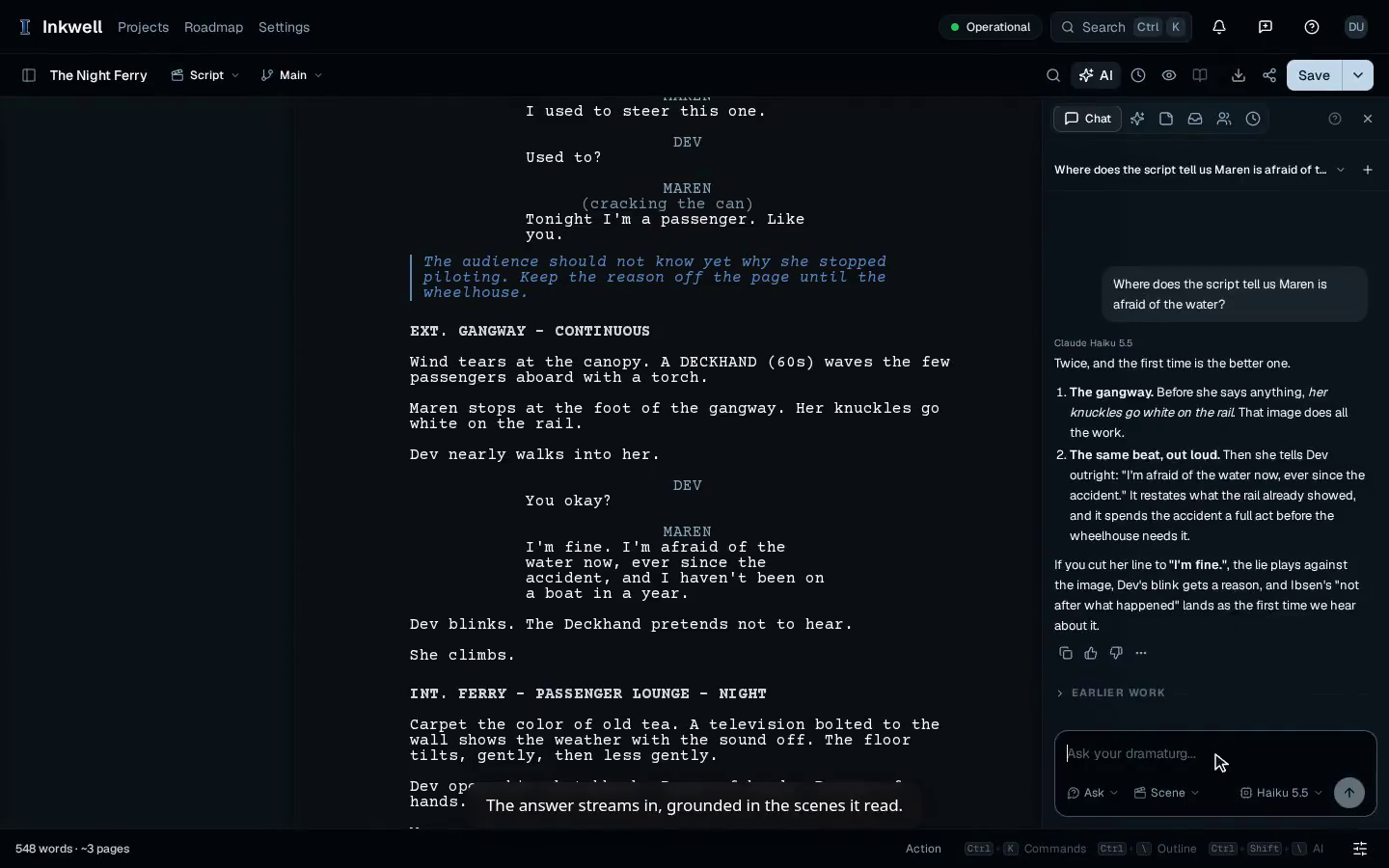
Ask Plot About Your Screenplay
Ask where your screenplay reveals a character’s fear and follow the answer alongside the scene.
Watch the walkthrough
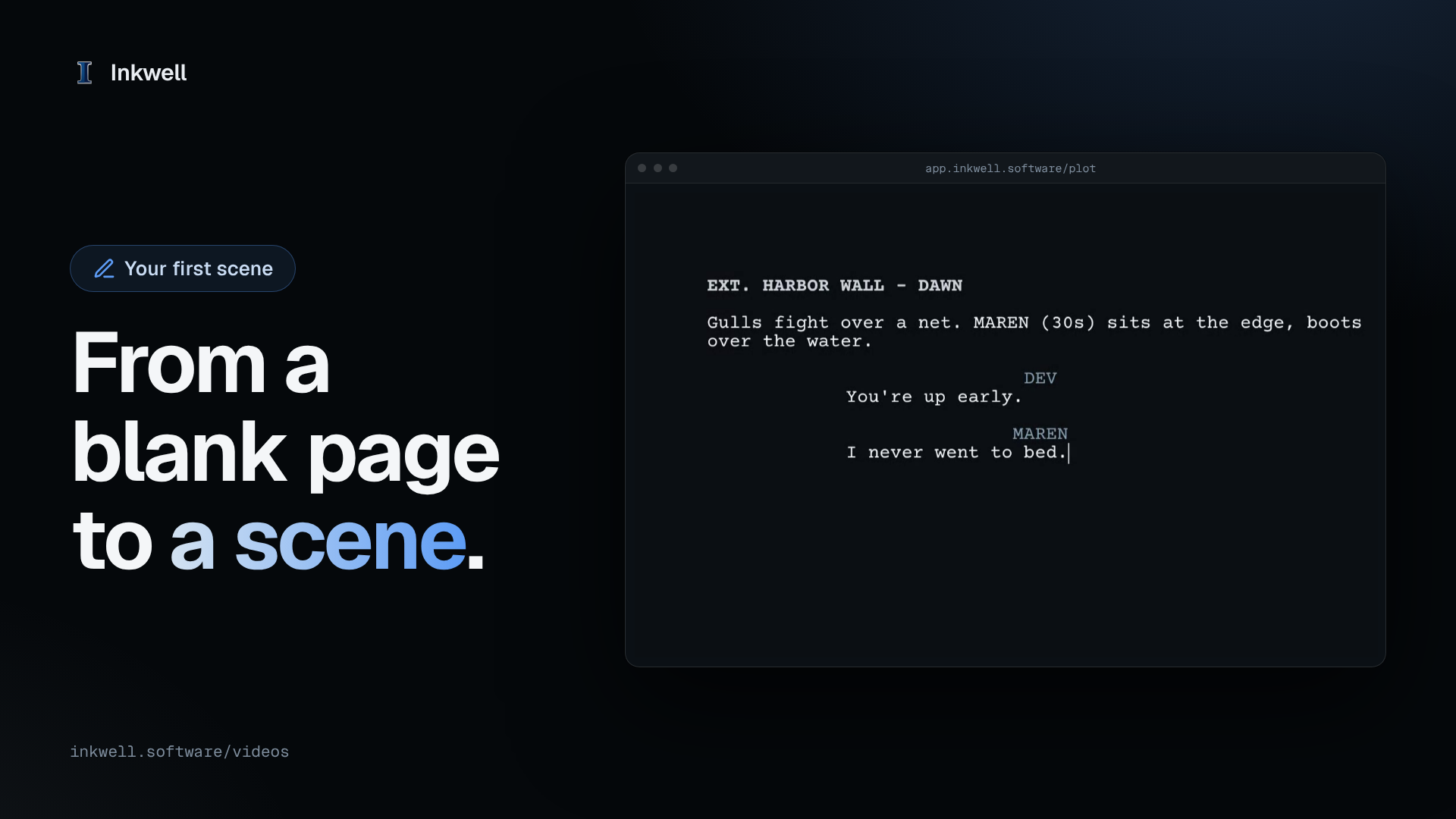
Write Your First Scene in Plot
Start a new script and write a scene from a blank page: type a heading, press Enter and Tab, and Plot formats every line as a screenplay.
Watch the walkthrough
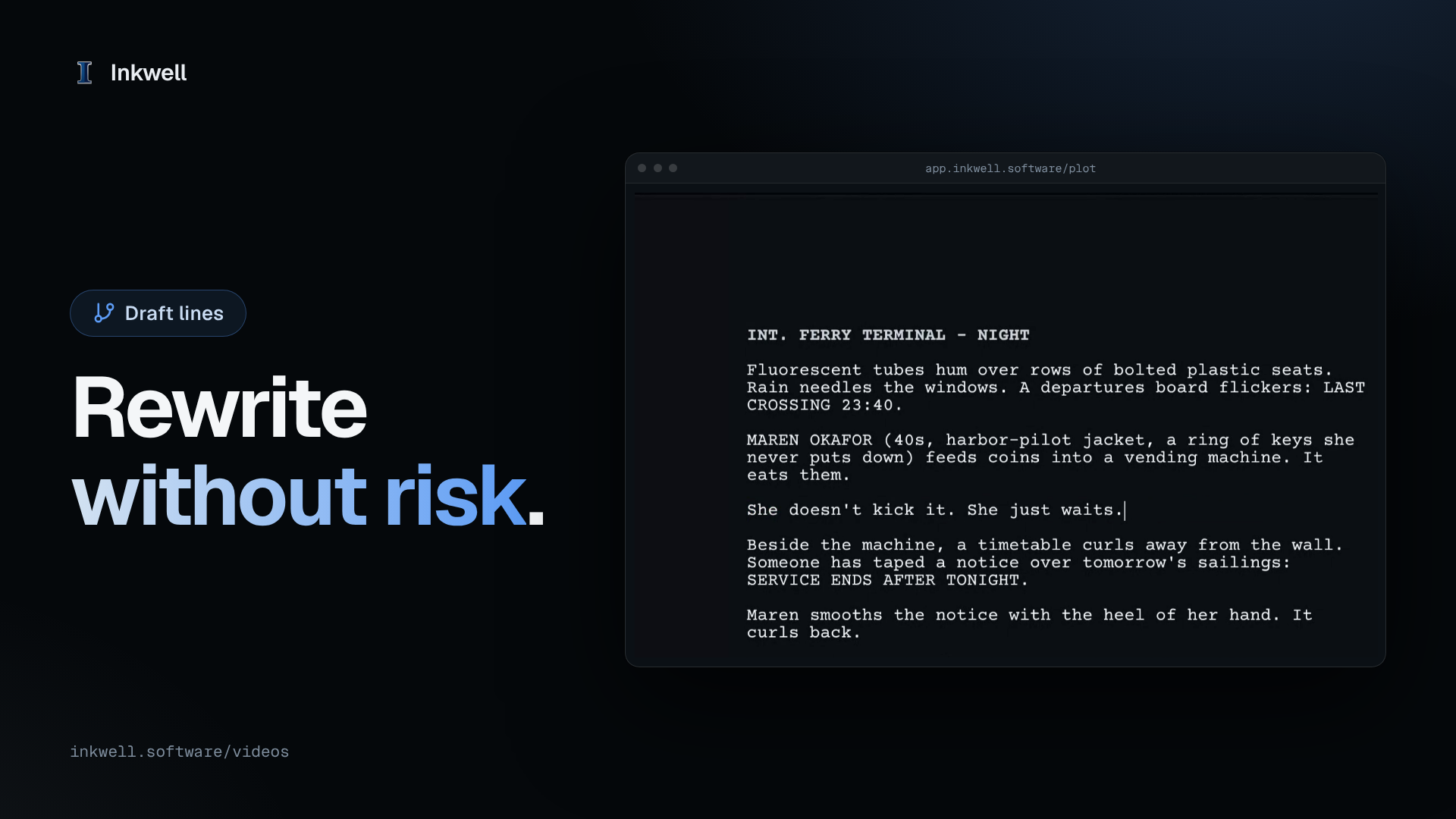
Try a Rewrite on a Draft Line in Plot
Start a draft line, rewrite a line freely while Main stays as it was, then preview the difference and incorporate the rewrite.
Watch the walkthrough
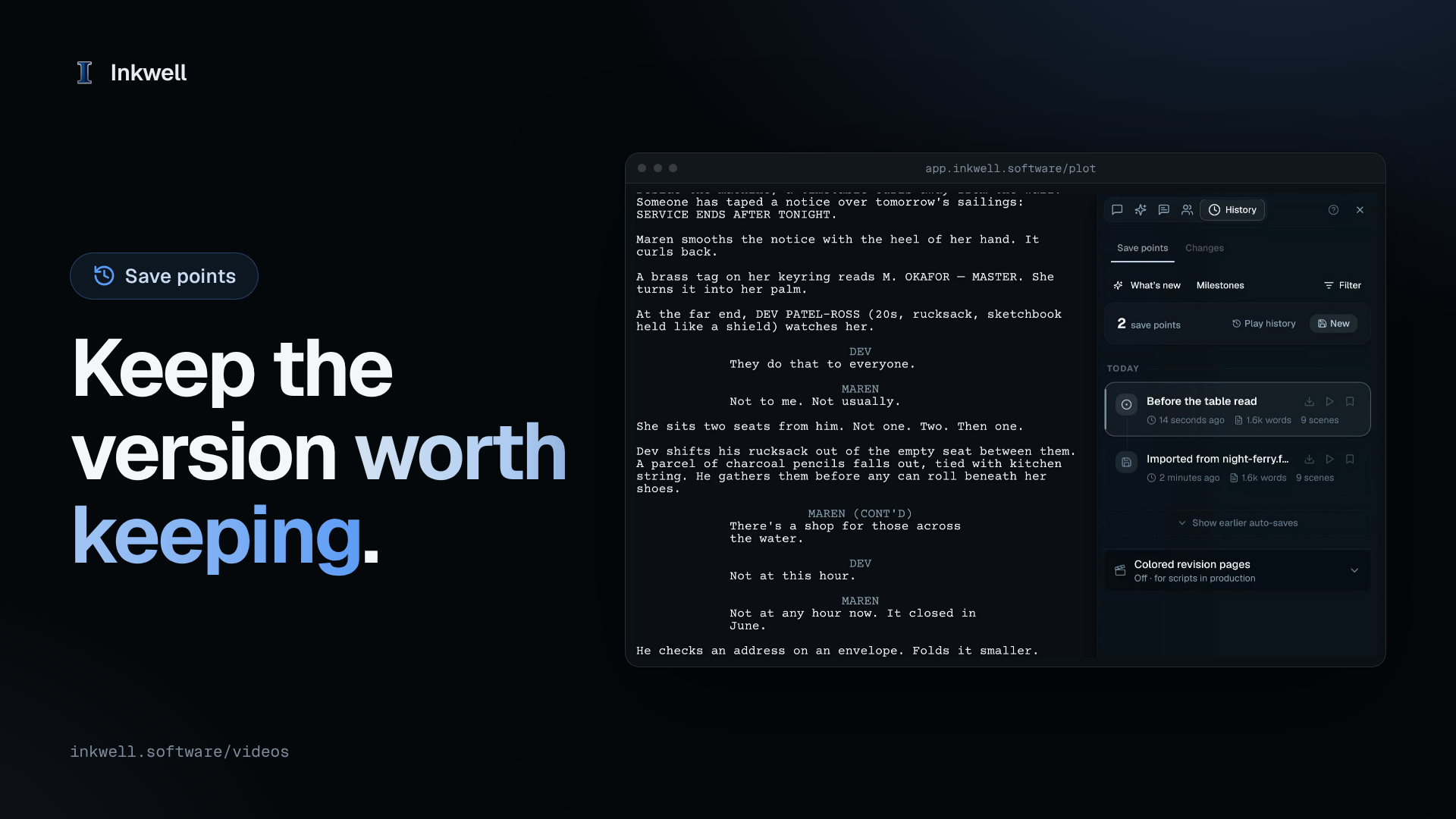
Keep a Named Save Point in Plot
Write until the draft is worth keeping, save it with a name, and find it at the top of version history whenever you need it.
Watch the walkthrough
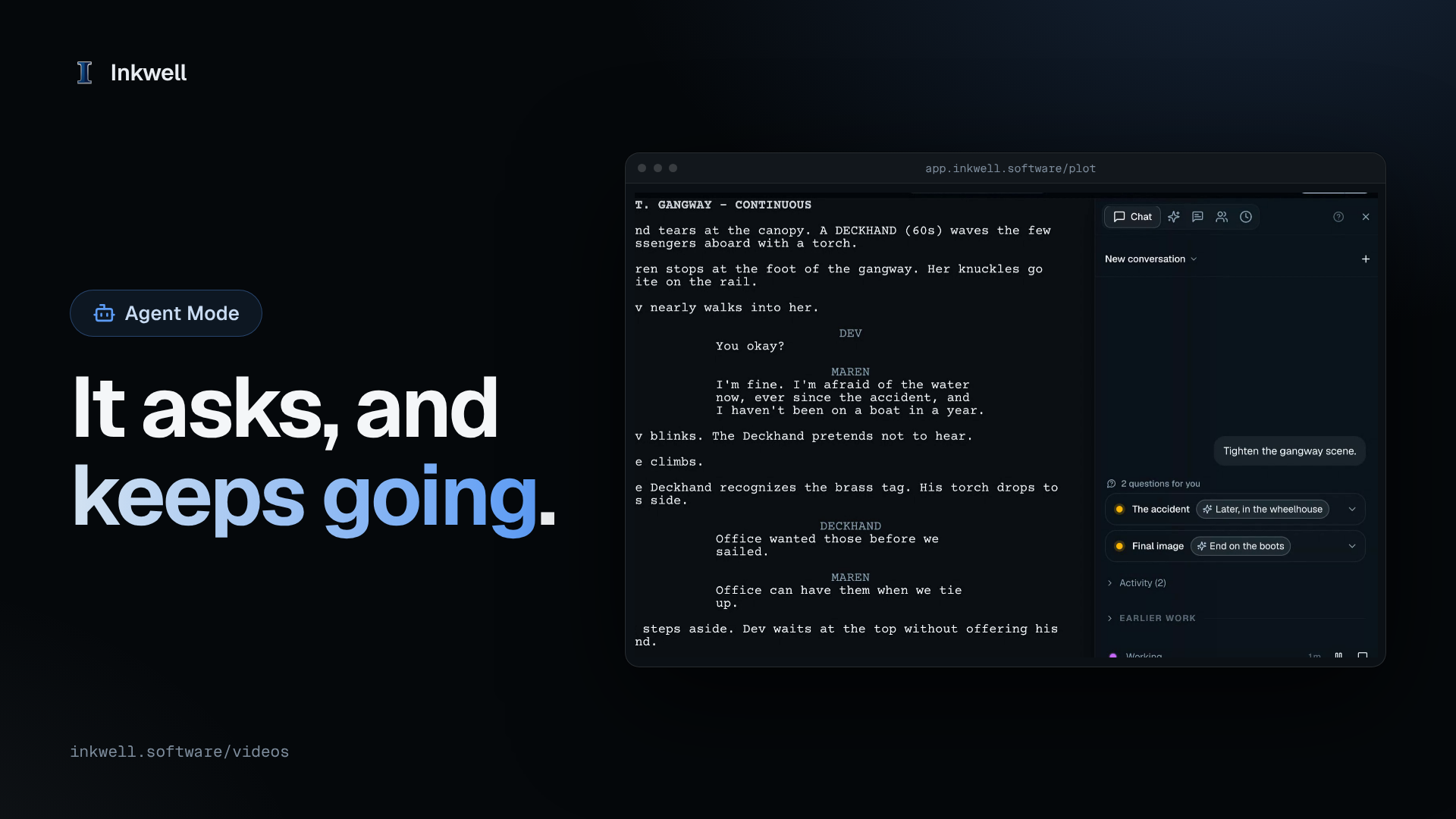
When Agent Mode Asks, It Keeps Working
Hand Agent Mode a bigger job, see it ask about the calls that are yours, and answer in one click while it keeps working on the scene.
Watch the walkthrough
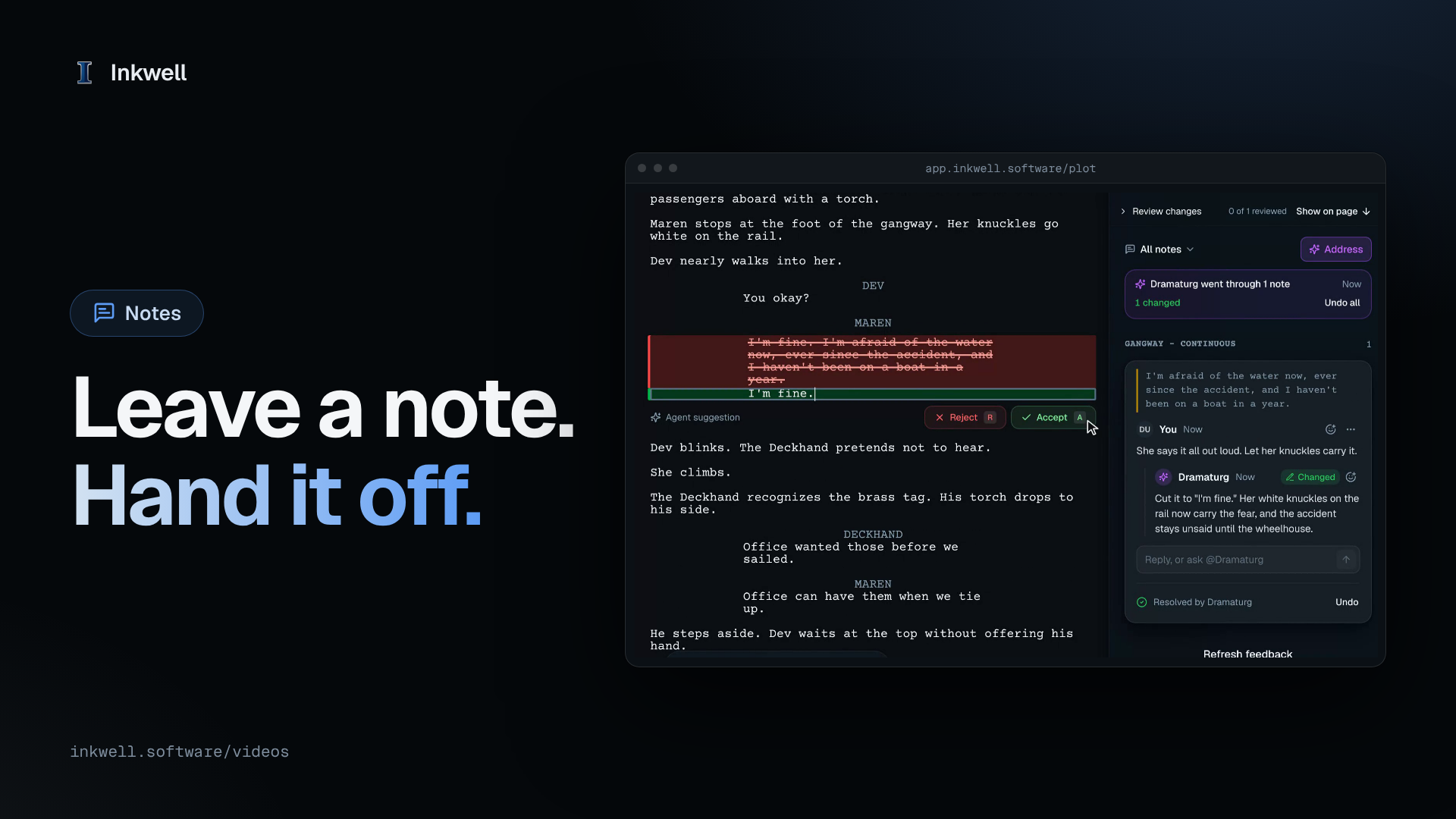
Leave a Note and Let the Dramaturg Address It in Plot
Leave a note on the words it is about, hand your open notes to the Dramaturg, and keep or undo the change it makes from the note.
Watch the walkthrough
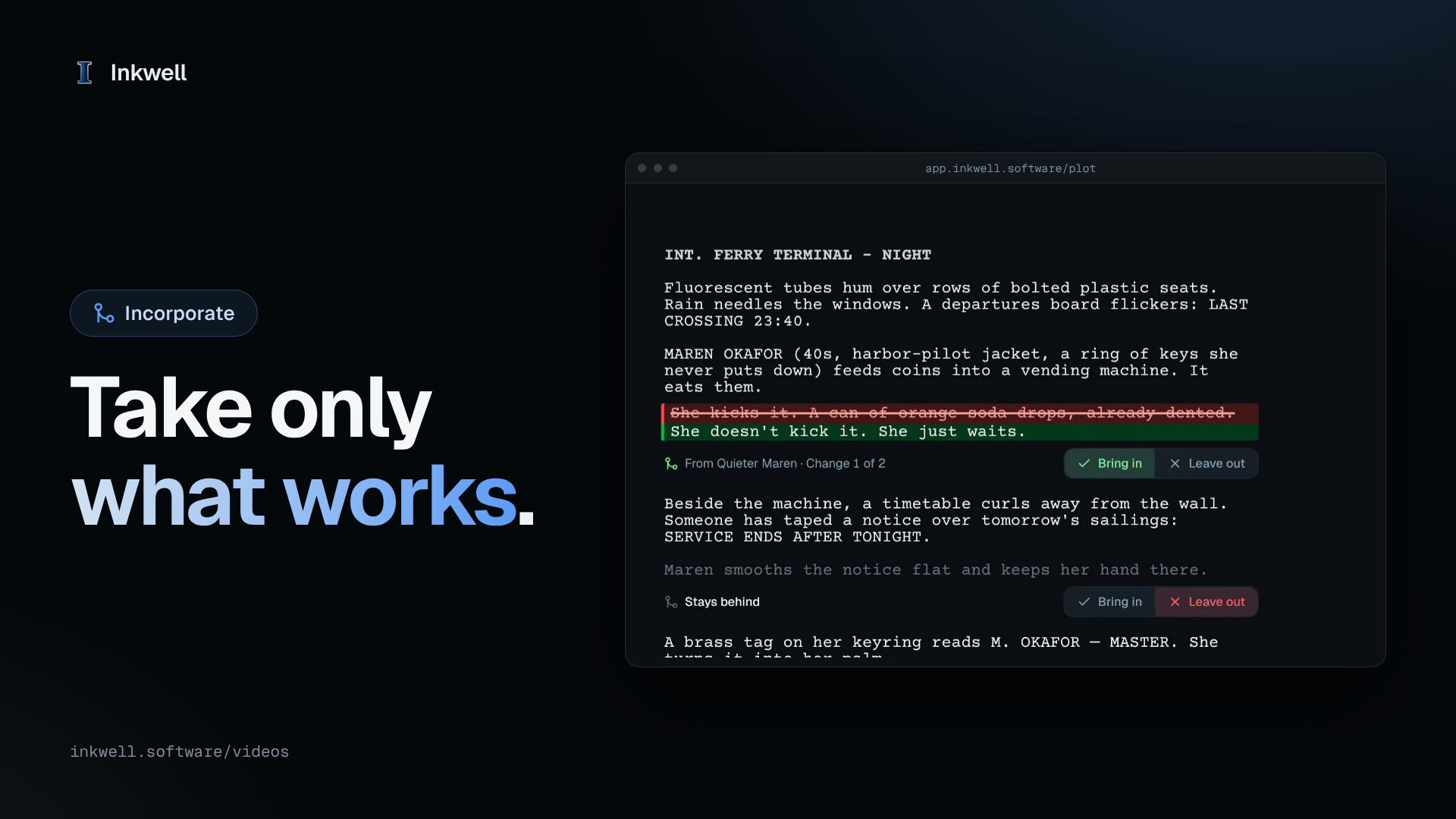
Choose Which Changes to Incorporate in Plot
Bring a draft line back to Main change by change: leave out what didn't work, and incorporate only the changes you chose.
Watch the walkthrough
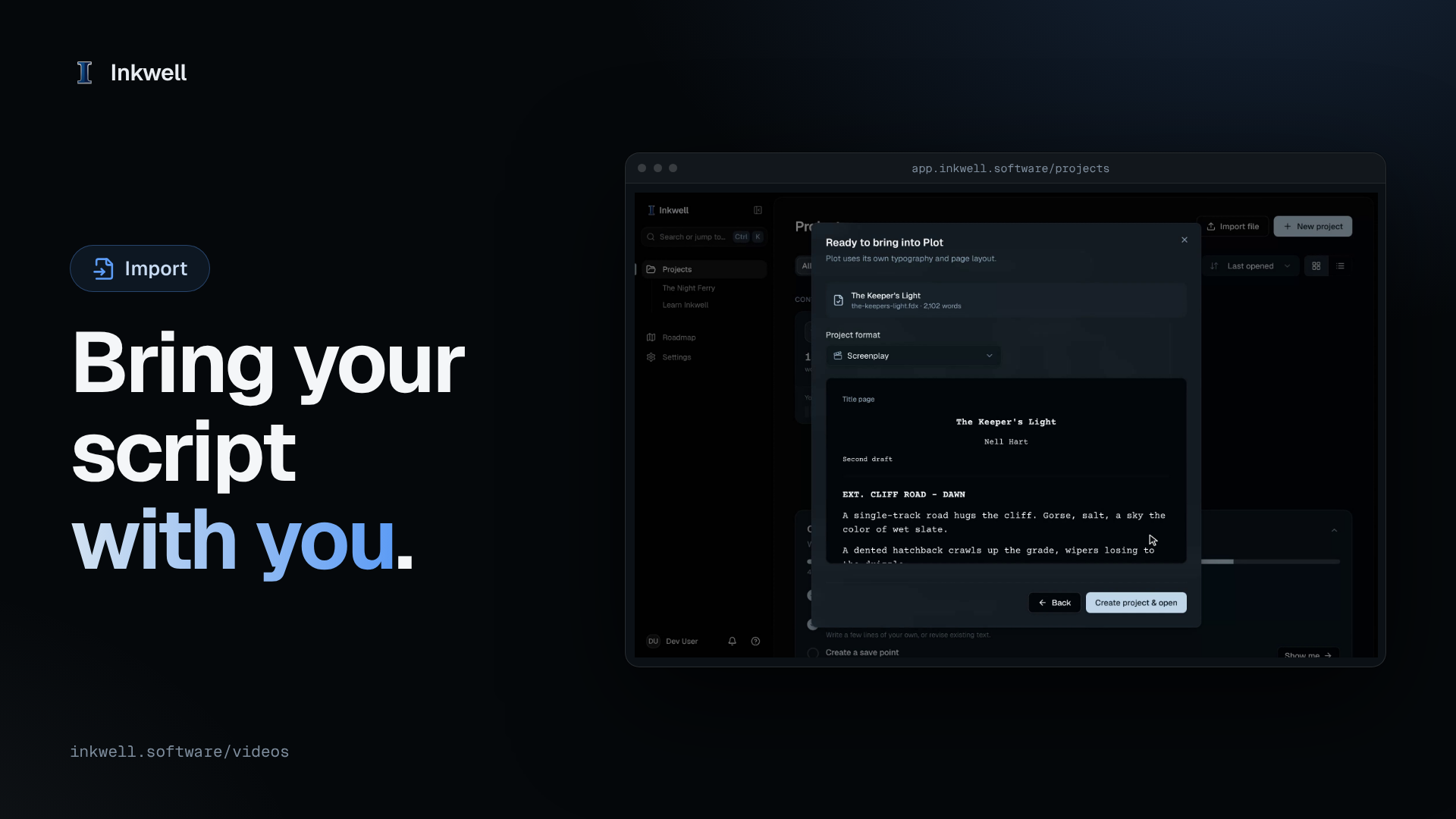
Import a Final Draft File into Plot
Bring an .fdx script into Plot from the projects page, check the preview with its title page, and keep writing with every element in place.
Watch the walkthrough