
A skill does one job in one scope. Agent Mode is for the job that needs several: "move the reveal from scene 30 to scene 18 and fix everything that now knows too early." The Dramaturg reads your script, edits it, runs skills where they help, checks its own results, and keeps going until the goal is met — then the result comes to your page as changes to accept or reject.
Pick the mode
The mode selector sits in the bottom row of the message box. It starts on Auto, which decides for itself whether to answer you or work on the script. Agent makes a run of it. Plan lays out what it would do and waits for your go-ahead before changing anything. Ask answers questions only.
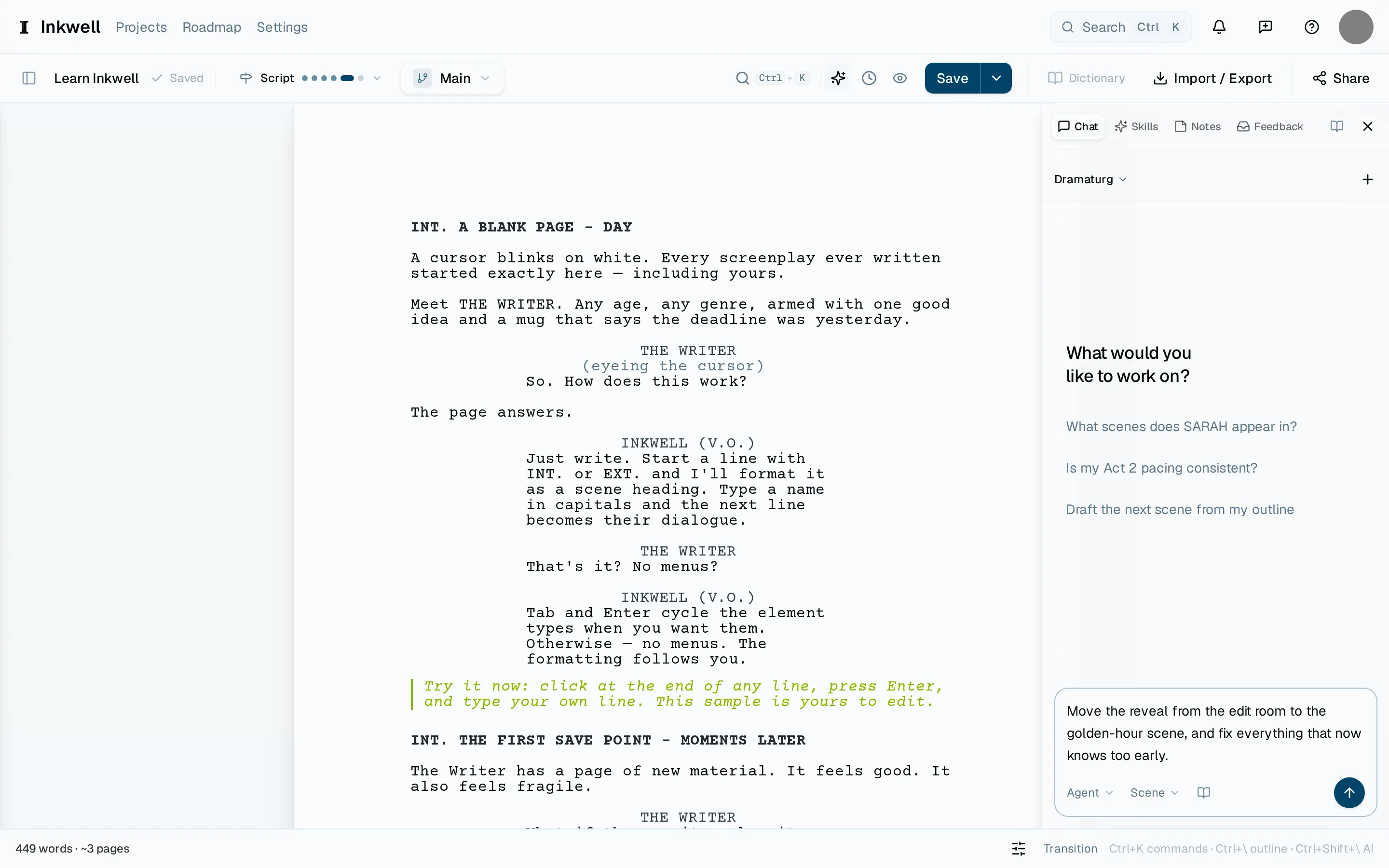
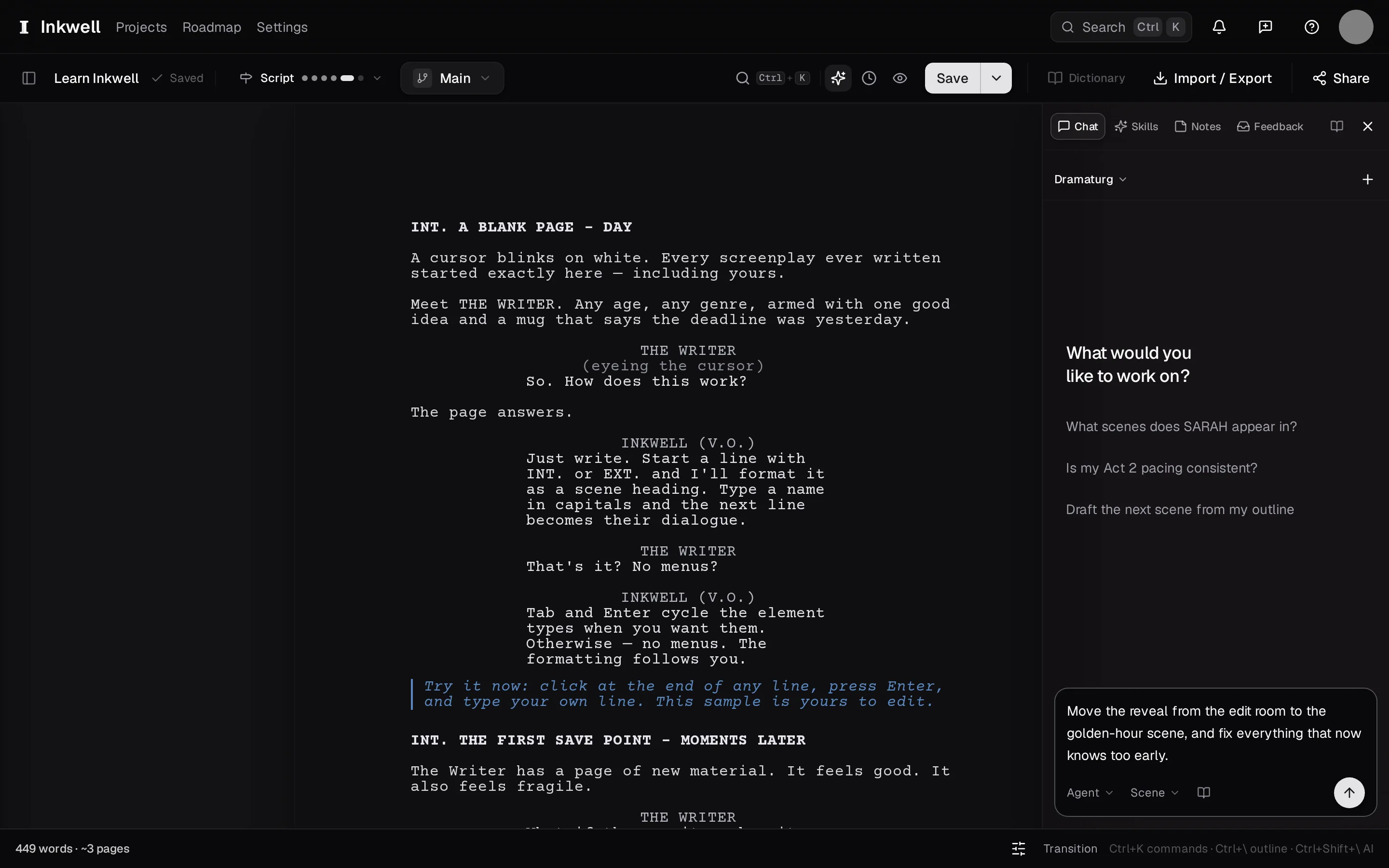
The composer switched to Agent: the mode selector (1) and a goal written as an outcome (2), ready to send. Describe the outcome
Say what the script should be like when it is done, not the steps. Name scenes or characters with @ where it helps, or point it at a scene or an act by name. In Agent, sending starts the run; in Plan, it lays out the steps first and starts when you say so.
If the composer says Draft space full, choose Free up space to manage archived draft lines. On a shared project, ask the owner to free space.
Watch it work
The run appears in the conversation as a card: the agent's notes as it reads, each action as it lands, and how much of the run it has used. On a Plot screenplay it can look up who speaks, which scenes are at a location, and who speaks in a scene when it needs to. Every run has a fixed allowance of actions and decisions, shown on the card; when the agent reaches it, the run stops and reports, keeping what it has done. Pause, Resume, and Stop are always on the card.
Answer its questions
When a decision is yours — which of two lines to keep, whether a character should know — the run pauses and asks in the conversation, up to four questions at once. Pick an answer, set a number or a point on a scale, type your own in Or type your own answer…, or, where it is offered, choose Use your judgment to let the agent decide. You can leave any question open. Send continues the run.
Review the result
The agent works on a draft line of its own, so your page stays as it was while it runs. When it finishes, the review opens by itself: its changes appear on your page as markup, and you accept or reject each one with the same controls a skill uses. Open result draft line on the card shows the whole result, and View findings appears when a skill it ran produced a report. The finished card also has thumbs — the same control an Ask reply uses — if you want to mark whether the run helped. A thumbs-down can pick a reason or open Tell us more.