
Review an Agent Mode Edit in Plot
Give Agent Mode a scene note, inspect its proposed dialogue change, and accept the edit in your screenplay.
Transcript
- Play from 0:00: Give Agent Mode a note about your scene.
- Play from 0:08: It reads the outline and the scene before it touches anything.
- Play from 0:21: The change arrives as markup to review, never straight into the script.
- Play from 0:27: Accept the edit when you're ready.
- Play from 0:31: Your revised scene is ready to keep writing.
Let the scene carry the backstory
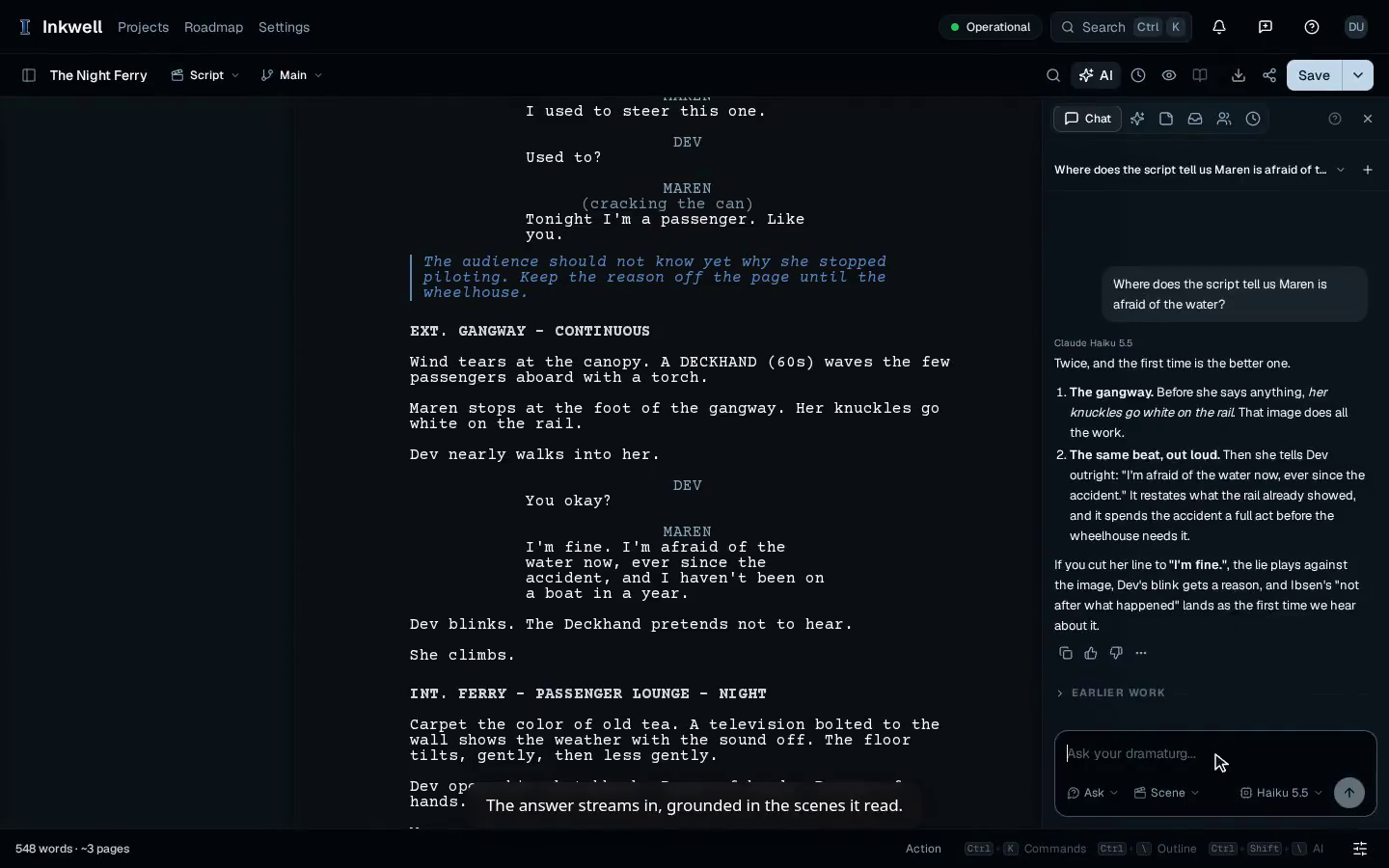
Maren stops at the gangway with her knuckles white on the rail. A later line explains that she is afraid of the water and describes the accident. The revision keeps the physical detail and shortens her answer to “I’m fine.” The fear is still on the page, with room for the audience to read it.
Give Agent Mode an outcome like this one: the backstory arrives too early, and the line should do less explaining. The walkthrough follows that note from the composer to a proposed dialogue change in the scene.
Review the replacement in context
The proposed wording appears as markup in your screenplay, beside the words it would replace. Read it with the action and the other character’s reply before deciding which version serves the scene.
Accept the change to keep the replacement, or reject it to keep your original. To develop another version of this scene and compare the two side by side, write a take.
Watch another walkthrough
Meet Plot: Screenplay Editor Tour
Write a scene, explore a rewrite on a draft line, ask about your screenplay, review an Agent Mode edit, and keep a save point.
Watch the tour
Ask Plot About Your Screenplay
Ask where your screenplay reveals a character’s fear and follow the answer alongside the scene.
Watch the walkthrough
Write Your First Scene in Plot
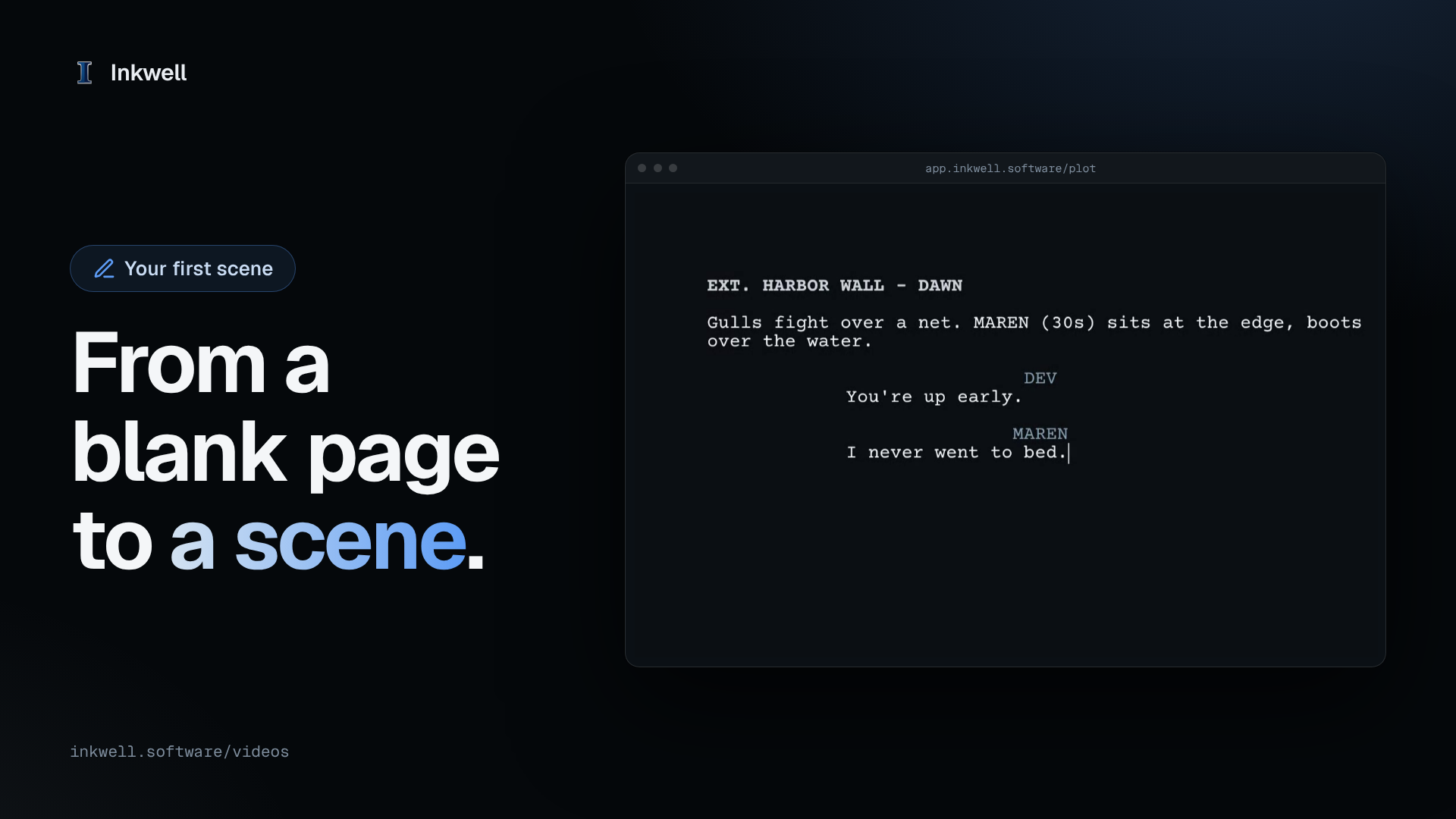
Start a new script and write a scene from a blank page: type a heading, press Enter and Tab, and Plot formats every line as a screenplay.
Watch the walkthrough
Try a Rewrite on a Draft Line in Plot
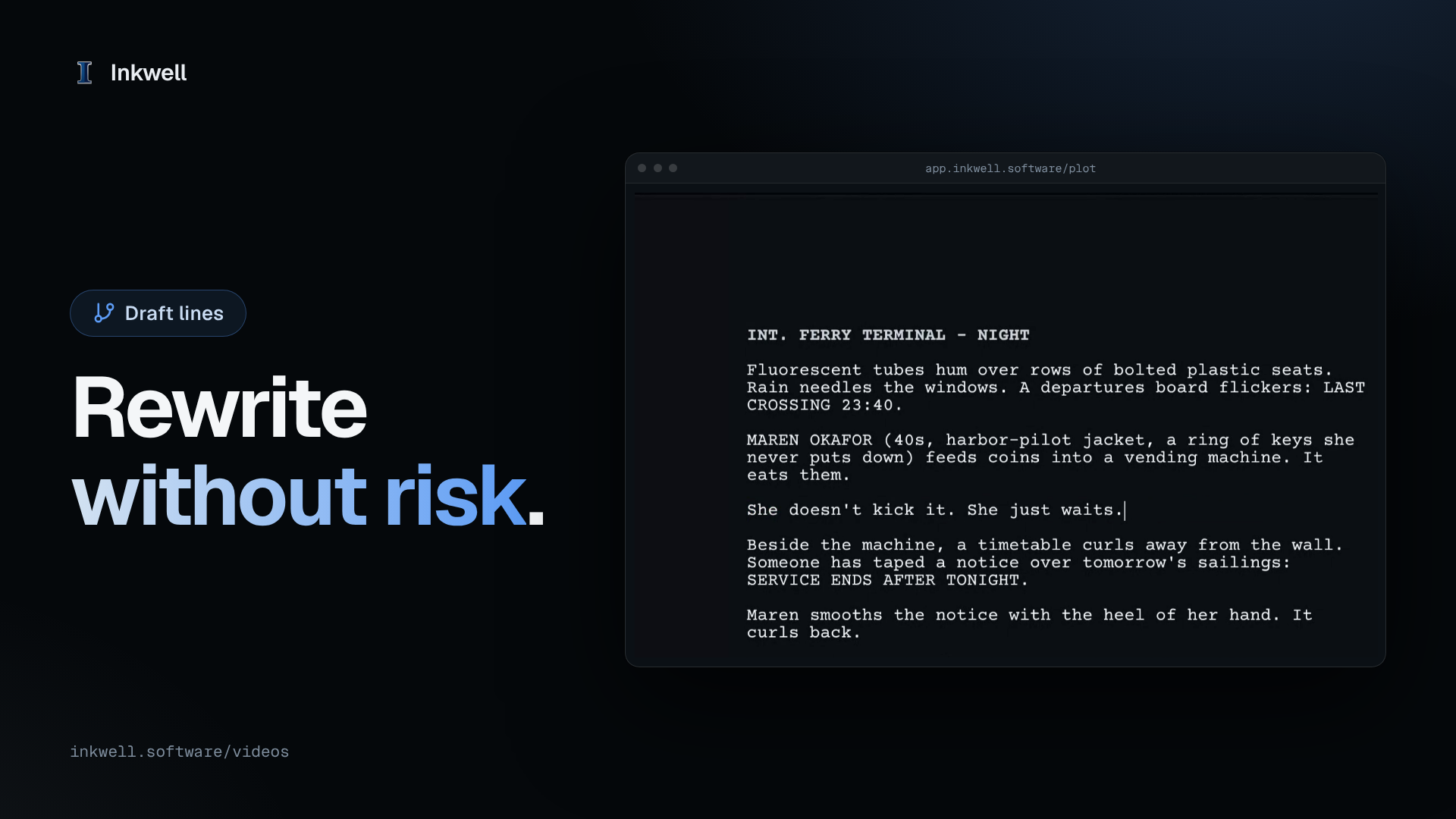
Start a draft line, rewrite a line freely while Main stays as it was, then preview the difference and incorporate the rewrite.
Watch the walkthrough
Keep a Named Save Point in Plot
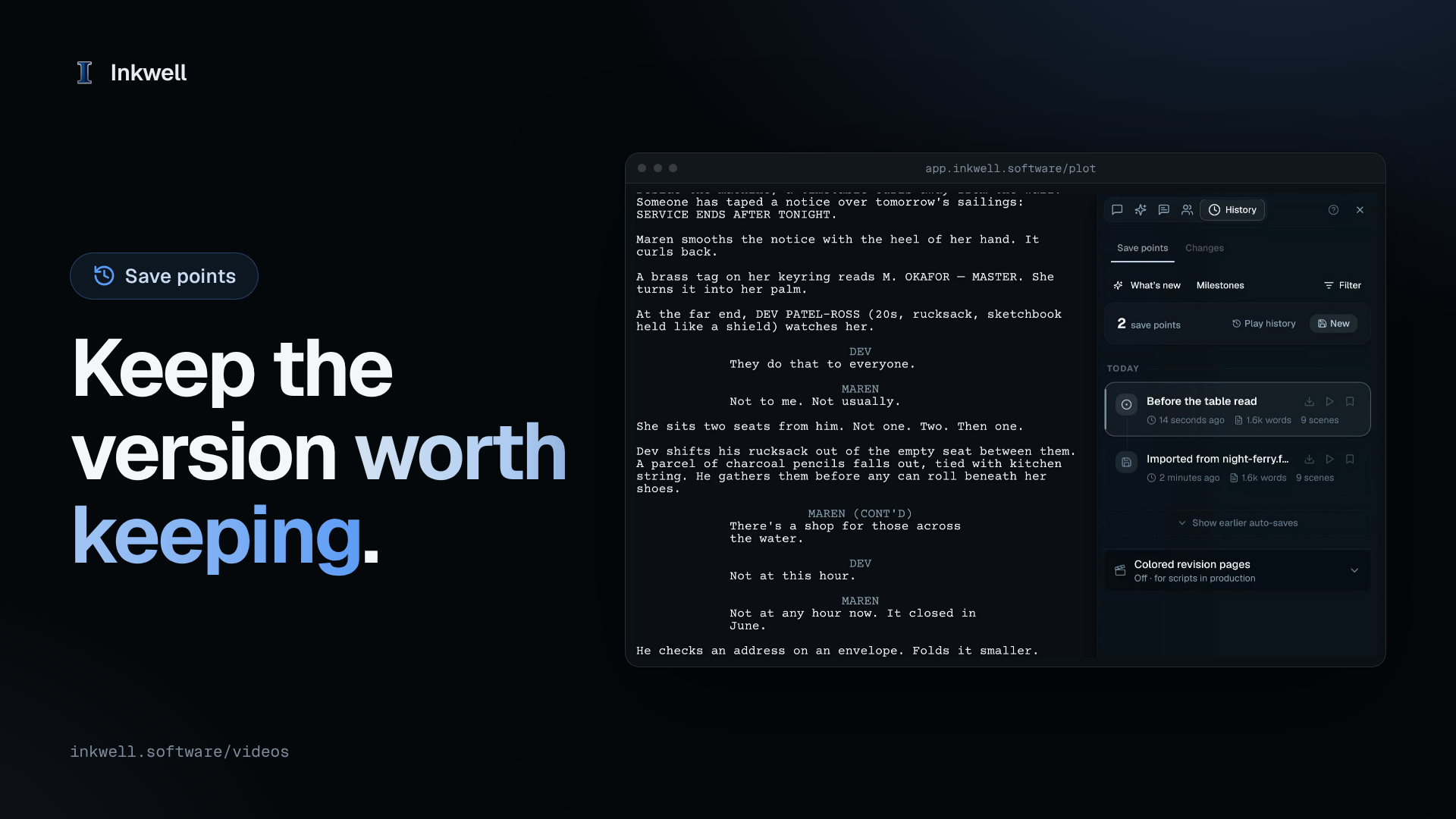
Write until the draft is worth keeping, save it with a name, and find it at the top of version history whenever you need it.
Watch the walkthrough
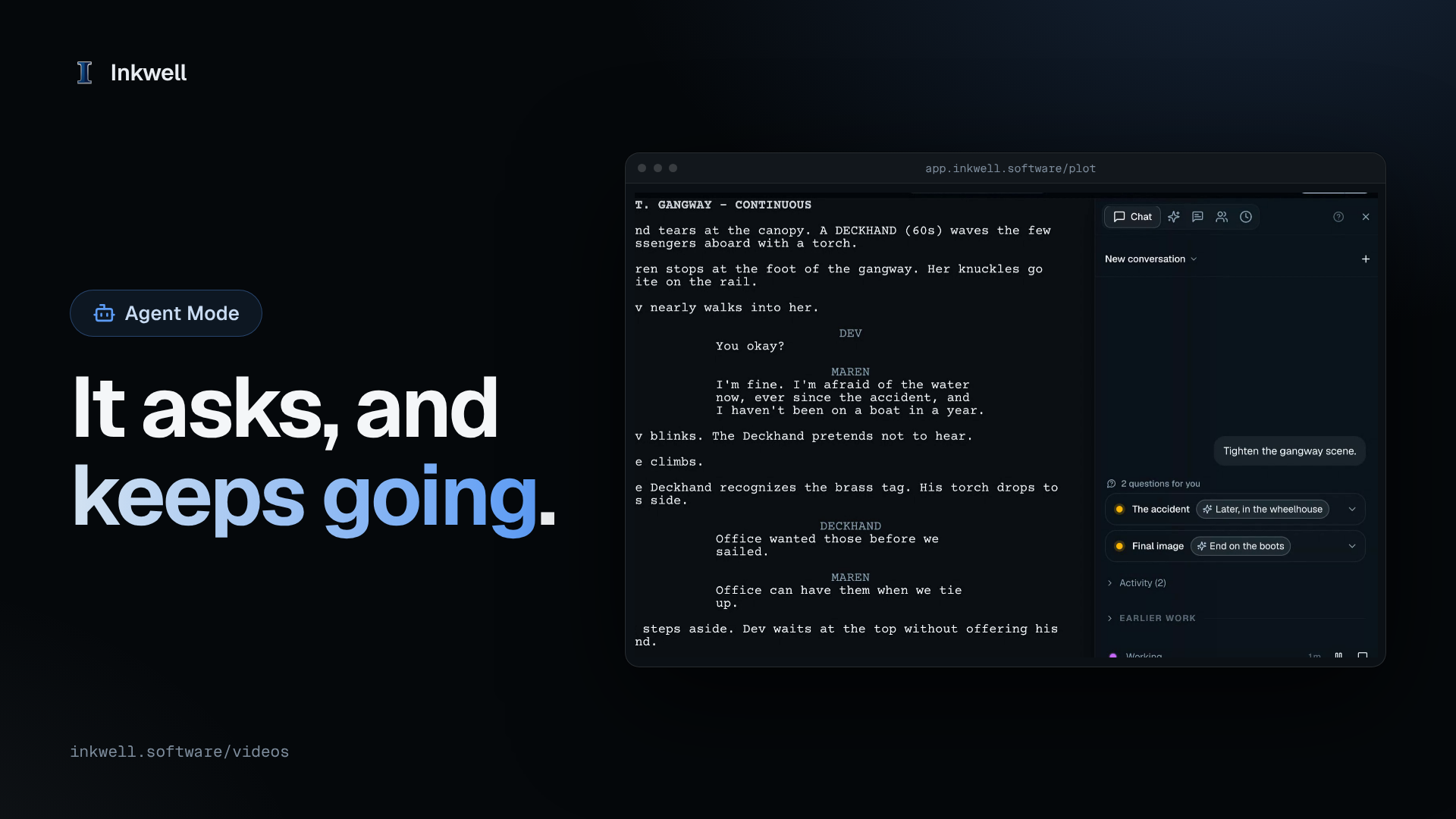
When Agent Mode Asks, It Keeps Working
Hand Agent Mode a bigger job, see it ask about the calls that are yours, and answer in one click while it keeps working on the scene.
Watch the walkthrough
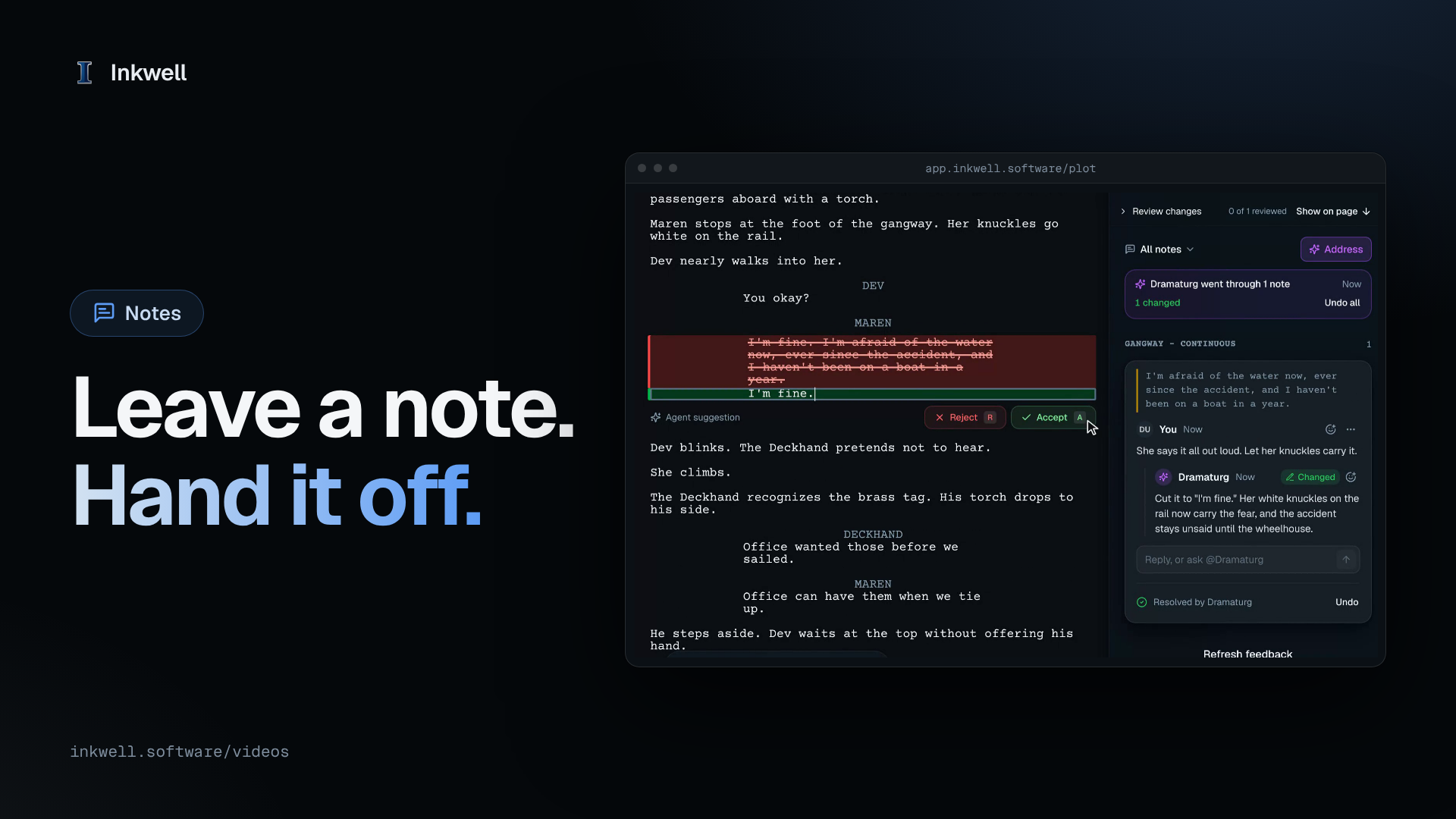
Leave a Note and Let the Dramaturg Address It in Plot
Leave a note on the words it is about, hand your open notes to the Dramaturg, and keep or undo the change it makes from the note.
Watch the walkthrough
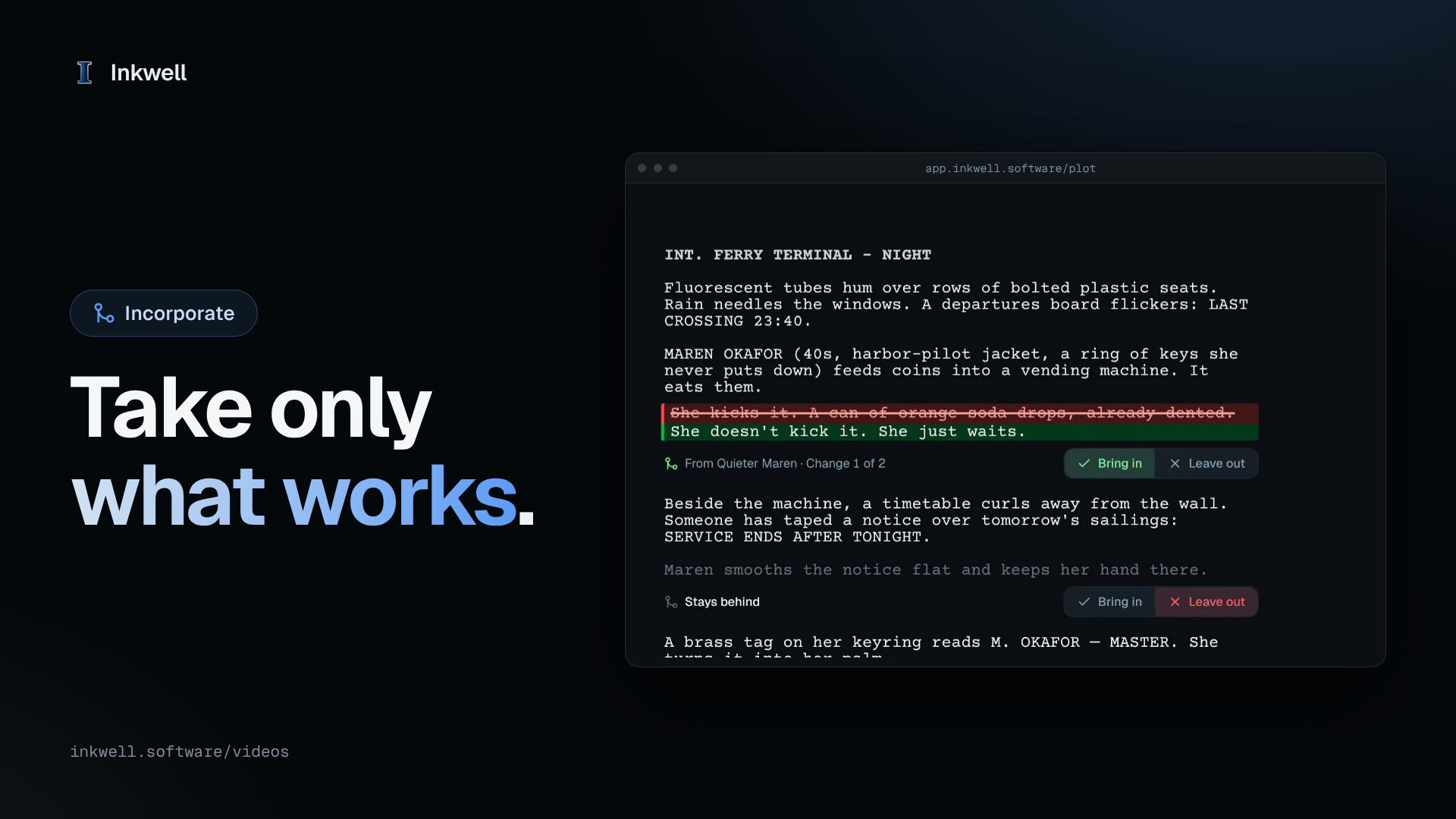
Choose Which Changes to Incorporate in Plot
Bring a draft line back to Main change by change: leave out what didn't work, and incorporate only the changes you chose.
Watch the walkthrough
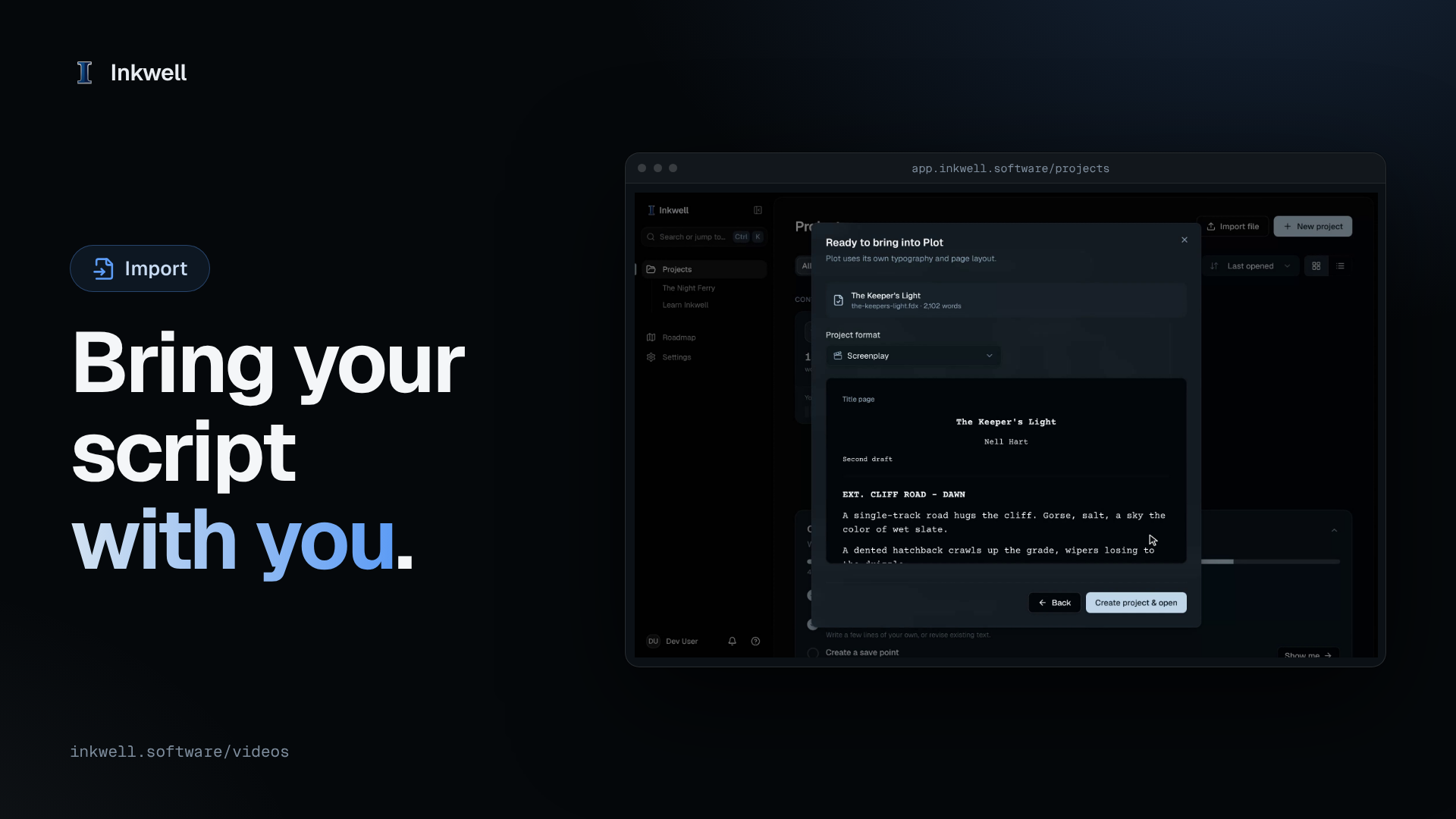
Import a Final Draft File into Plot
Bring an .fdx script into Plot from the projects page, check the preview with its title page, and keep writing with every element in place.
Watch the walkthrough