
A draft line is a complete parallel version of your script. The original keeps going as it was; the draft line takes the rewrite. Nothing you do on one touches the other until you decide to bring changes across.
Open the History tab
In the right sidebar, choose History. The draft-line switcher at the top shows which line you are on — a new project has one, usually called Main.
Create the draft line
Choose New draft line, name it for the experiment ("darker ending", "two-hander version"), and confirm. Plot switches you onto it. The script looks identical because it starts from the moment you branched.
Rewrite without fear
Write, cut, and reorder. Make save points here too; they belong to this draft line's history.
Switch back to compare
Use the switcher to return to Main at any time and read the original. Switching is instant, and each line remembers its own place.
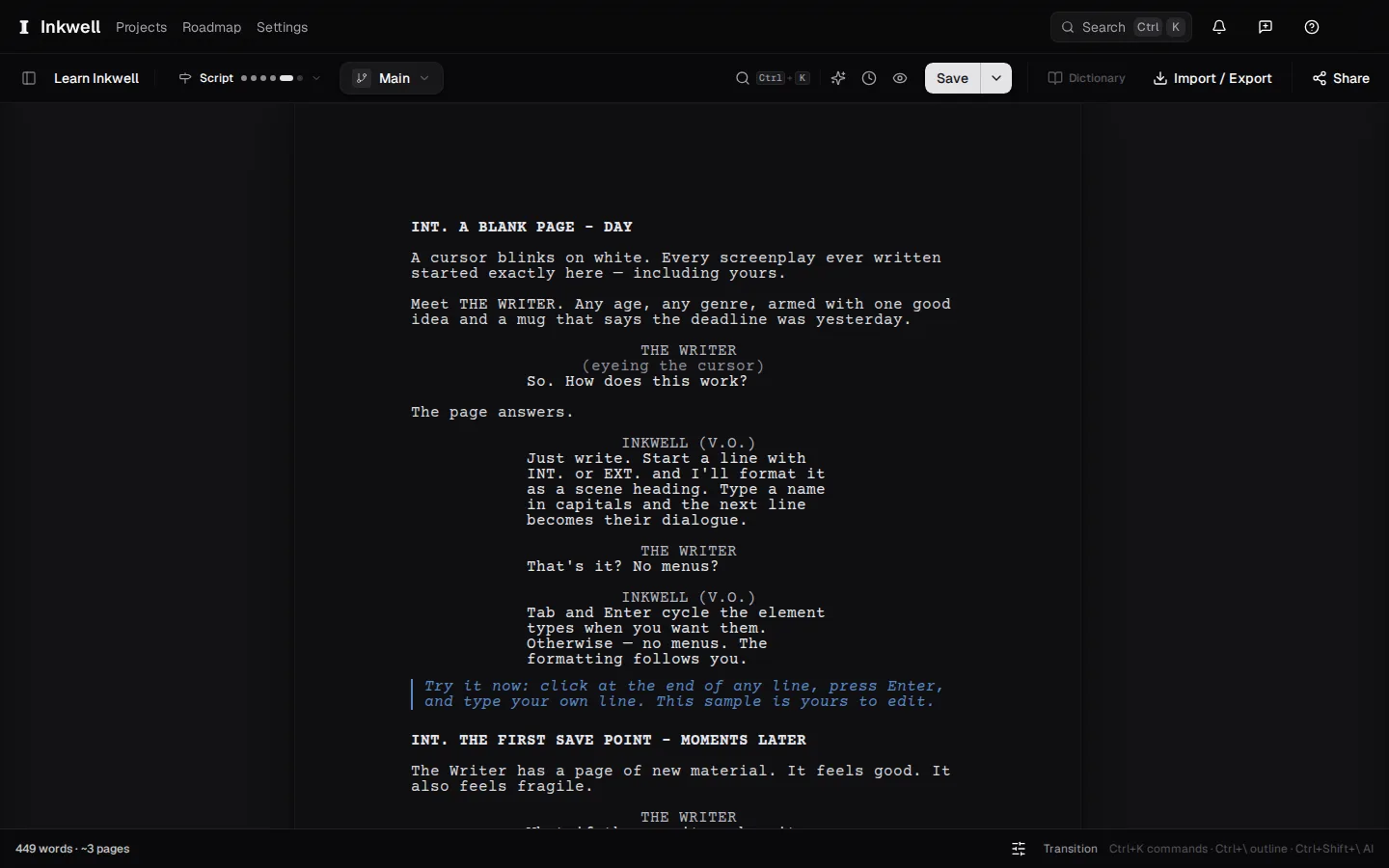
The draft-line switcher above the page: onto the experiment, then back to Main. Nothing on one line touches the other. Decide what happens next
Keep both lines as long as you like. When the draft line wins, bring it into Main with Incorporate — see Incorporate changes from a draft line. If it loses, leave it; it costs nothing to keep.