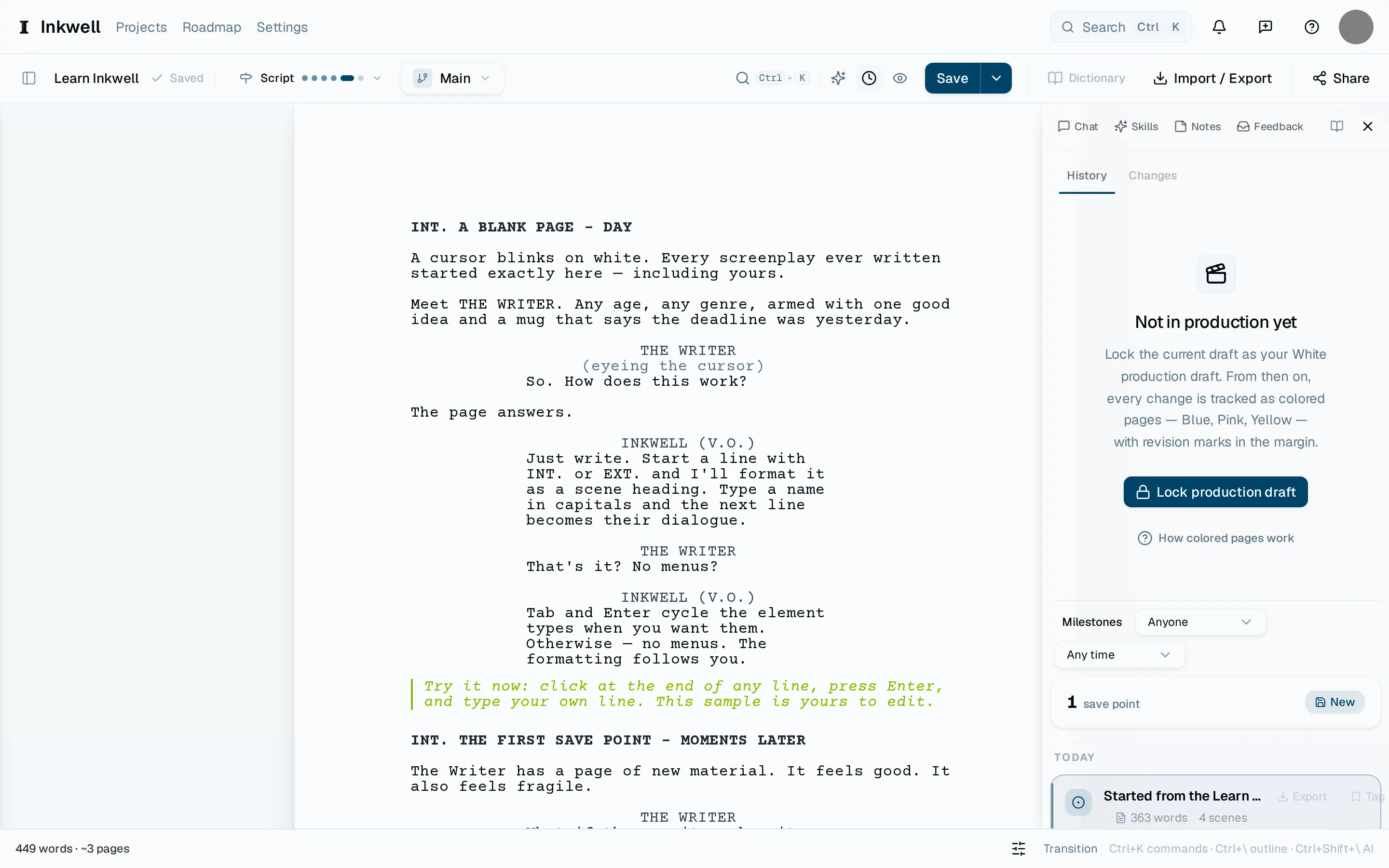
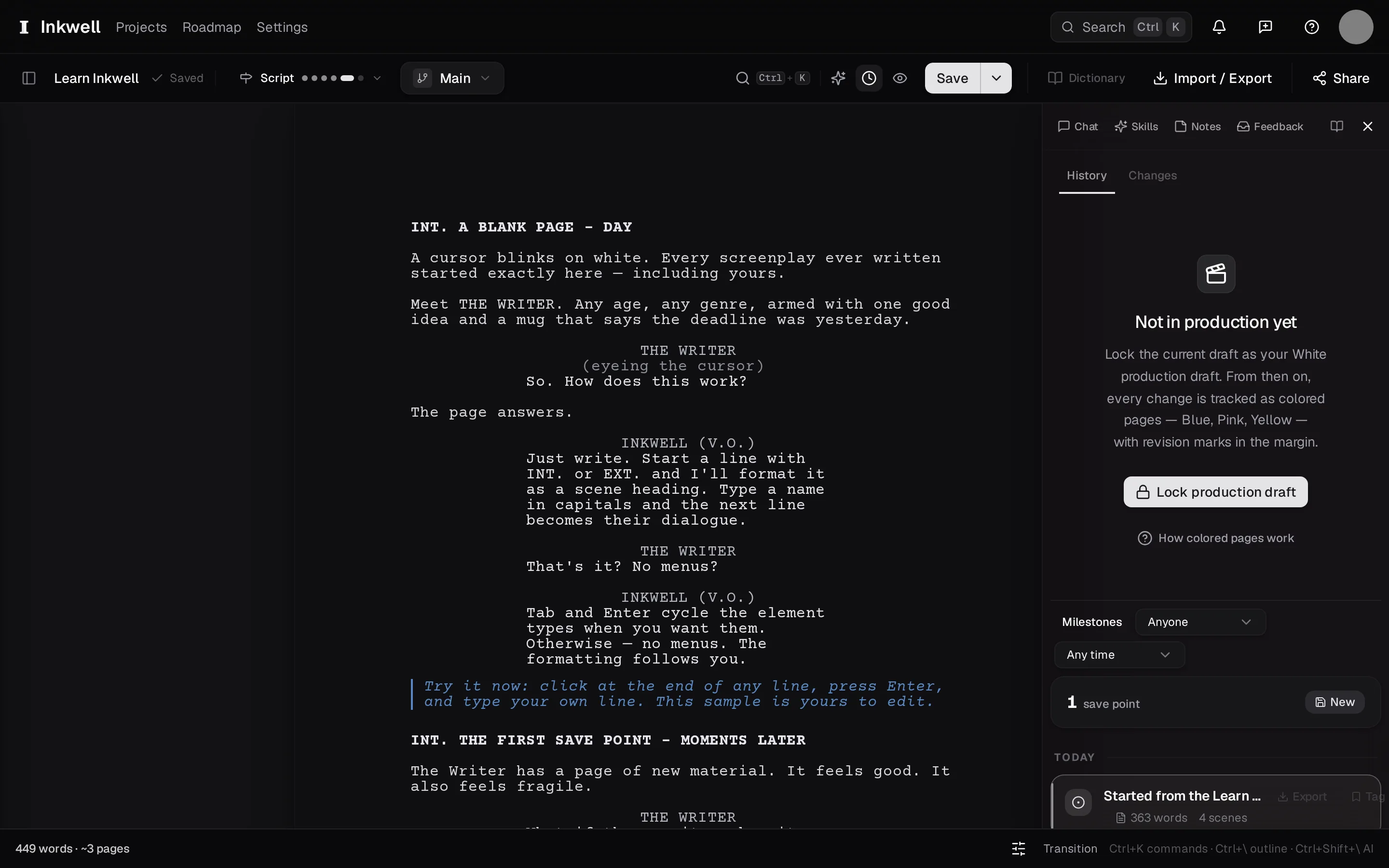
Plot autosaves as you type, so you never lose work. A save point is something else: a moment you name — "table read draft", "before the act two rewrite" — that stays in your history for as long as the project exists. You can compare any two of them and restore any one of them.
A named save point from the keyboard — the label is what you will search for later.
Get the draft to the moment you want to keep
Finish the pass you are on. A save point captures the whole script as it is right now.
Press the shortcut
Press ⌘⇧S. A small dialog asks for a label. (⌘S makes a save point without stopping to name it — useful mid-flow.)
Name the moment
Write what this version is rather than what you did: "first full read", "producer notes applied". Press ↩.
Find it in History
Open the History tab in the right sidebar. Your save point is at the top of the timeline. Select it to read that version, compare it with the current draft, or restore it.