
Inkwell keeps two languages apart: the language the app's menus are in, and the language you write in. They can differ. You can read the app in Spanish and write an English script, or read it in English and write in Japanese.
The writing language can be American, British, Australian or Canadian English, German, Spanish, French, Japanese or Korean.
Choose your writing language
In Plot, open Document settings from its button on the editor's left rail or the command palette, and choose Your default language under While you write on the Your view tab. The choice is saved to your account, so it follows you to every script, browser and device.
Automatic is the default. It uses the app's language, and your browser's region for that language: with the app in English and your browser set to English (United Kingdom), Automatic is British English. The option names the language it has chosen.
The strip under the list shows a few words spelled the chosen way, so you can see the difference before you write.
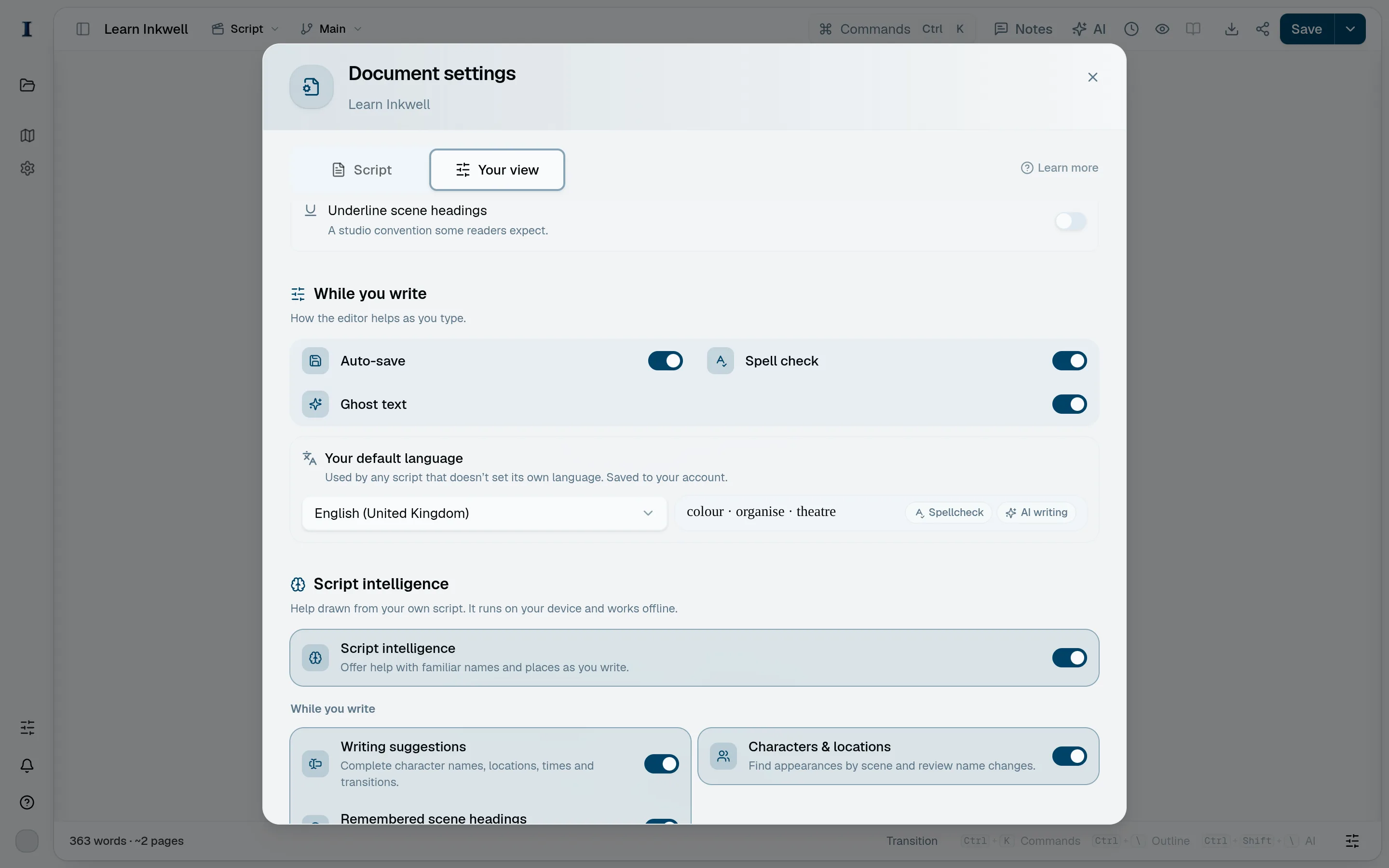
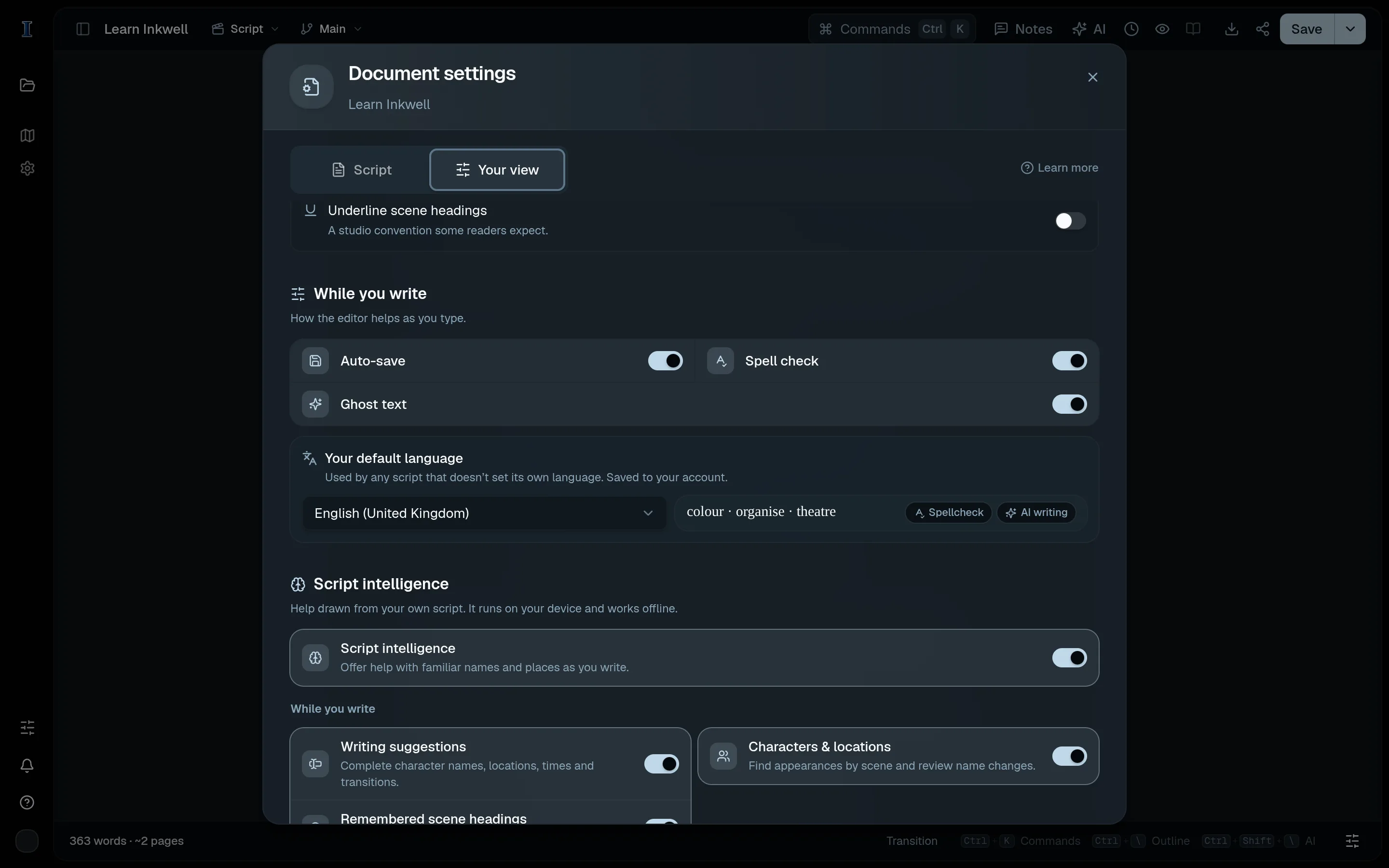
Your default language (1) on the Your view tab of Document settings, with a few words spelled the chosen way and what follows the choice. Give one script its own language
In Plot, open Document settings from its button on the editor's left rail or the command palette, and choose Script language on the Script tab. A script with its own language uses it whatever each writer's default is, and everyone working on the project shares it. Your default follows each writer's own writing language.
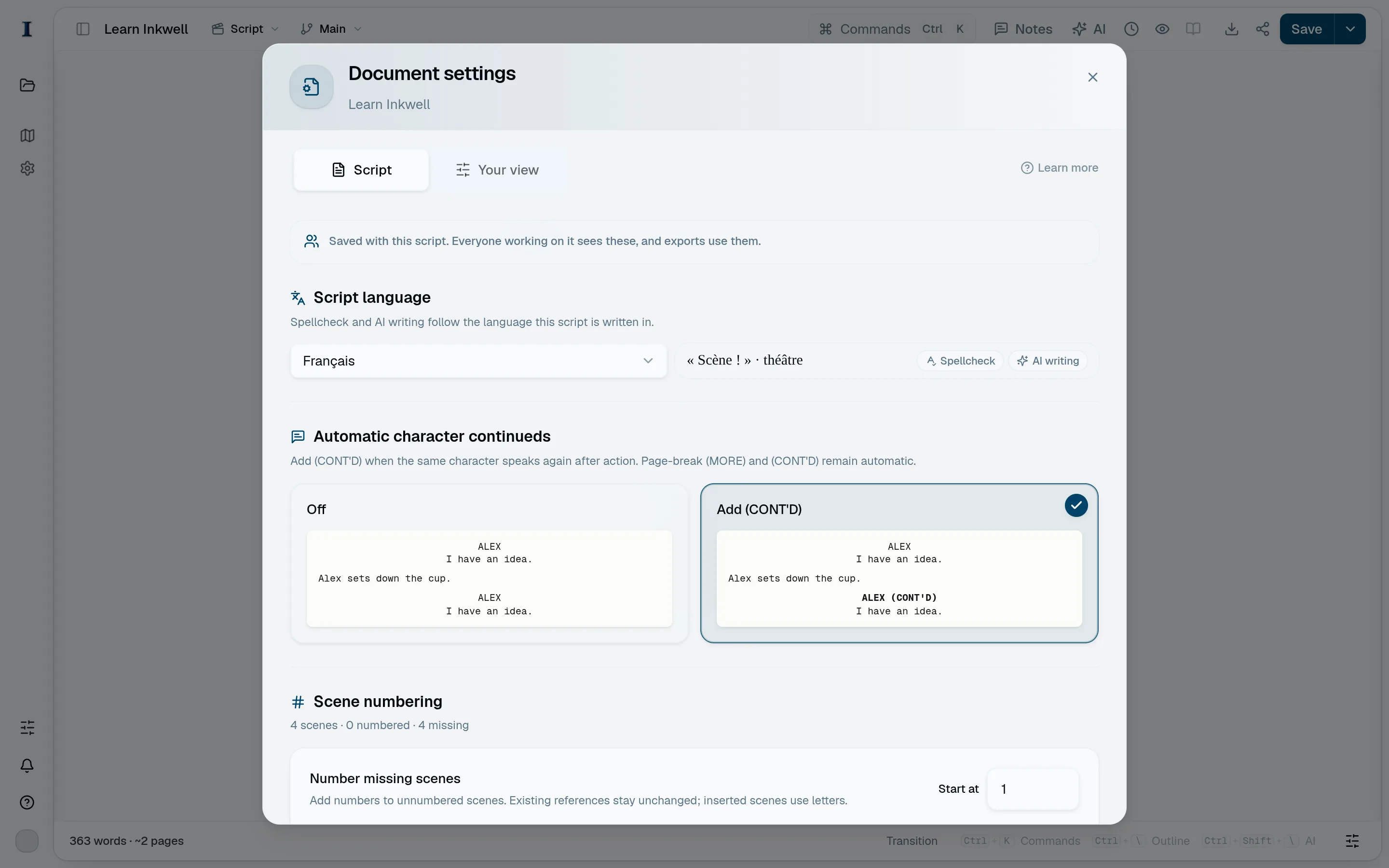
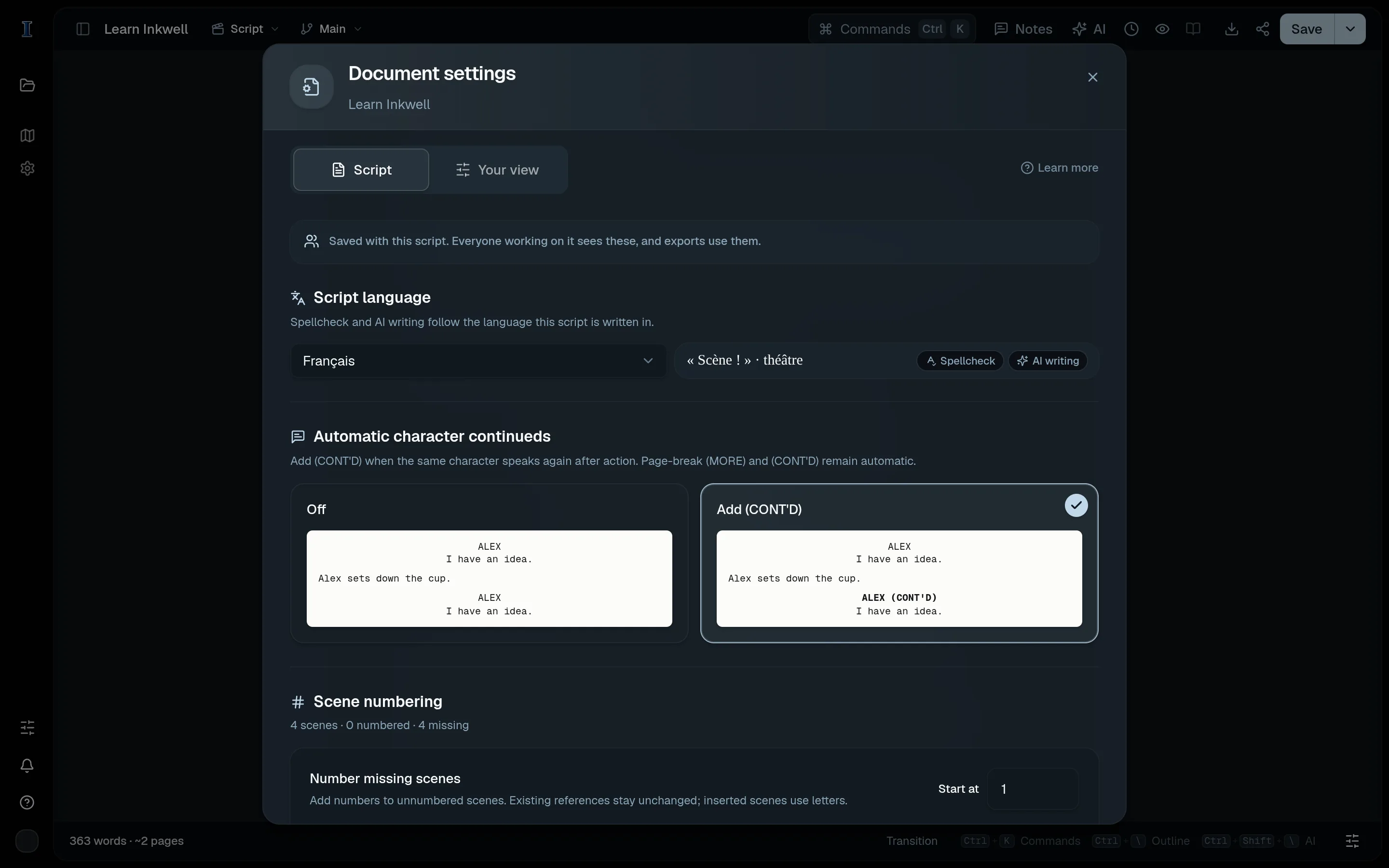
Script language (1) on the Script tab of Document settings, shared by everyone working on the project. What follows the writing language
Spellcheck checks the page against the writing language's dictionary. The browser supplies the dictionary, so install that language in your browser or operating system if words are not underlined. To reach the browser's spelling suggestions from the editor, hold Shift while right-clicking.
AI writing follows it too. Ghost text, inline edits (⌘K), Agent edits, scenes proposed in AI chat and skill rewrites are written in the writing language and its spelling and punctuation: British spelling in British English, „…“ quotation marks in German, « … » in French, 「」 in Japanese. Character names, deliberate dialect and lines you wrote in another language stay as you wrote them.
With Automatic, AI writes in the language and spelling already on the page.
The language AI talks to you in
AI chat, Agent summaries and skill findings are in your app language, set under Profile → Language. If you write to AI in another language, it answers in that one. Your writing language refines the reply: with the app in English and British English as your writing language, replies use British spelling too.