
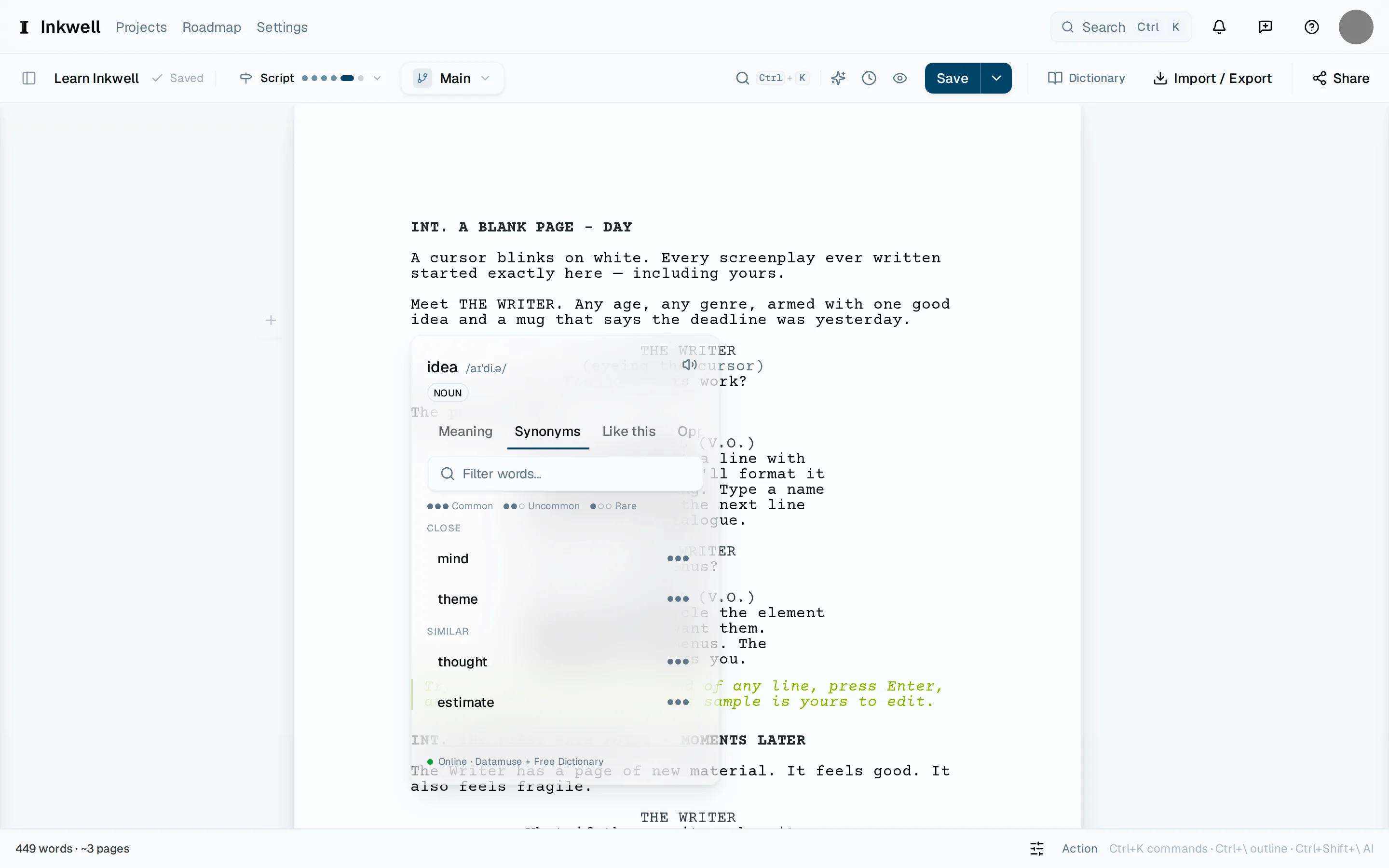
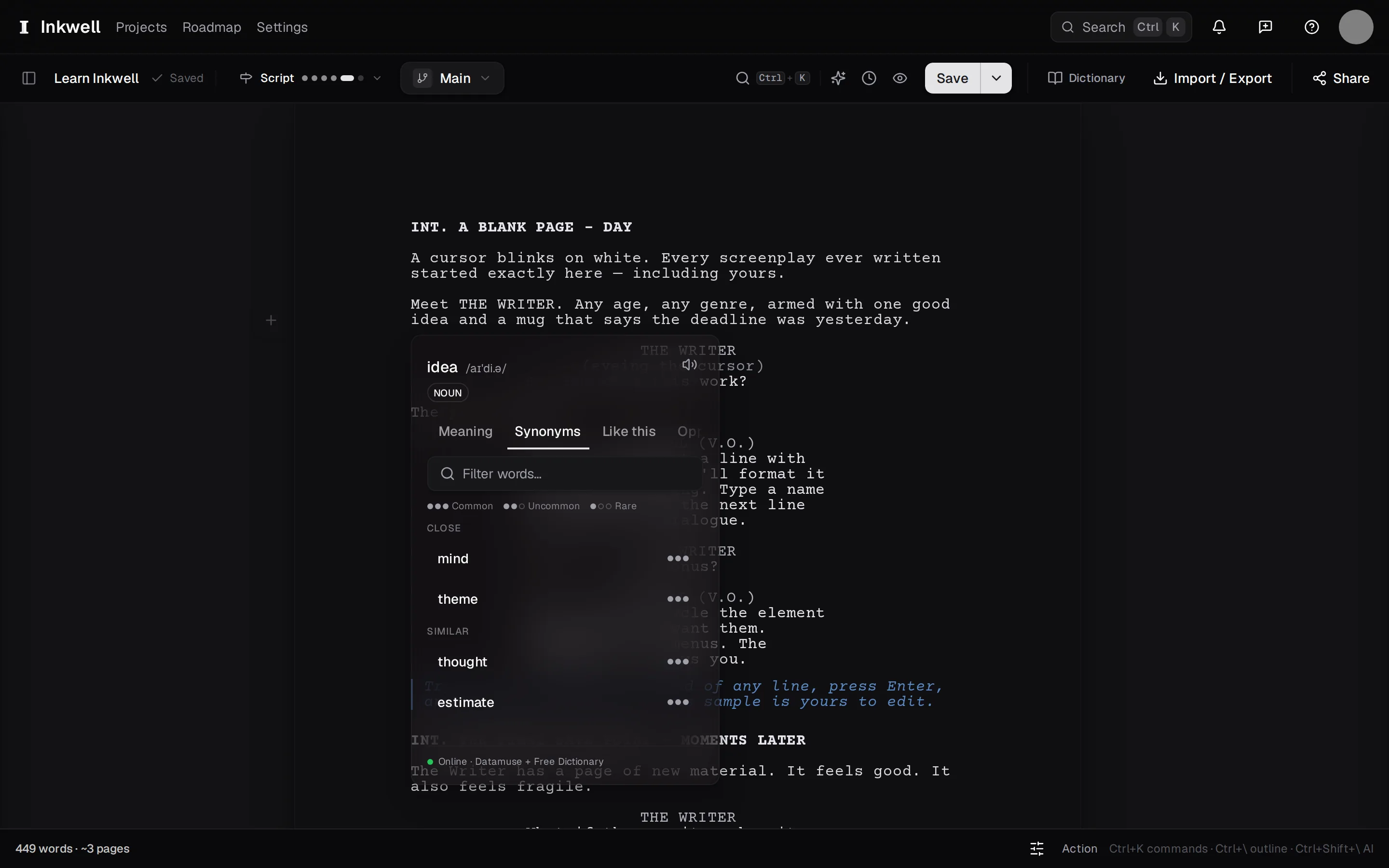
The reference panel opens beside the word under your cursor and stays out of the page. It reads the word, looks it up, and puts a synonym back with one click — keeping the capitalization and any formatting the original had.
Put the cursor in a word
Click anywhere inside the word, or select it. A phrase works for related-word suggestions, but a definition wants one word.
Open the panel
Press ⌘ ' (⌃ ' on Windows and Linux), or right-click and choose Look up.
Read across the tabs
Meaning is the dictionary entry. Synonyms, Like this, and Opposites are the thesaurus — substitutes ordered by how close they are, with a How common filter to keep the rare ones out of the way. Related lists associations to browse, not swap. Rhymes finds rhymes, near rhymes, and homophones for a lyric or a name.
Swap in a synonym
Choose a synonym to replace the word on the page. The panel closes and the cursor stays where it was; if you change your mind, undo puts the original back. Inside a character cue or a scene heading the panel is read-only, so a lookup never rewrites a name.