Settings is one page with a section per concern. These choices change your workspace, not the script.
For word definitions, synonyms, and the online look-up setting, see Dictionary and thesaurus.
Open Settings
Press ⌘, from anywhere in the app, or choose Settings from the account menu in the header.
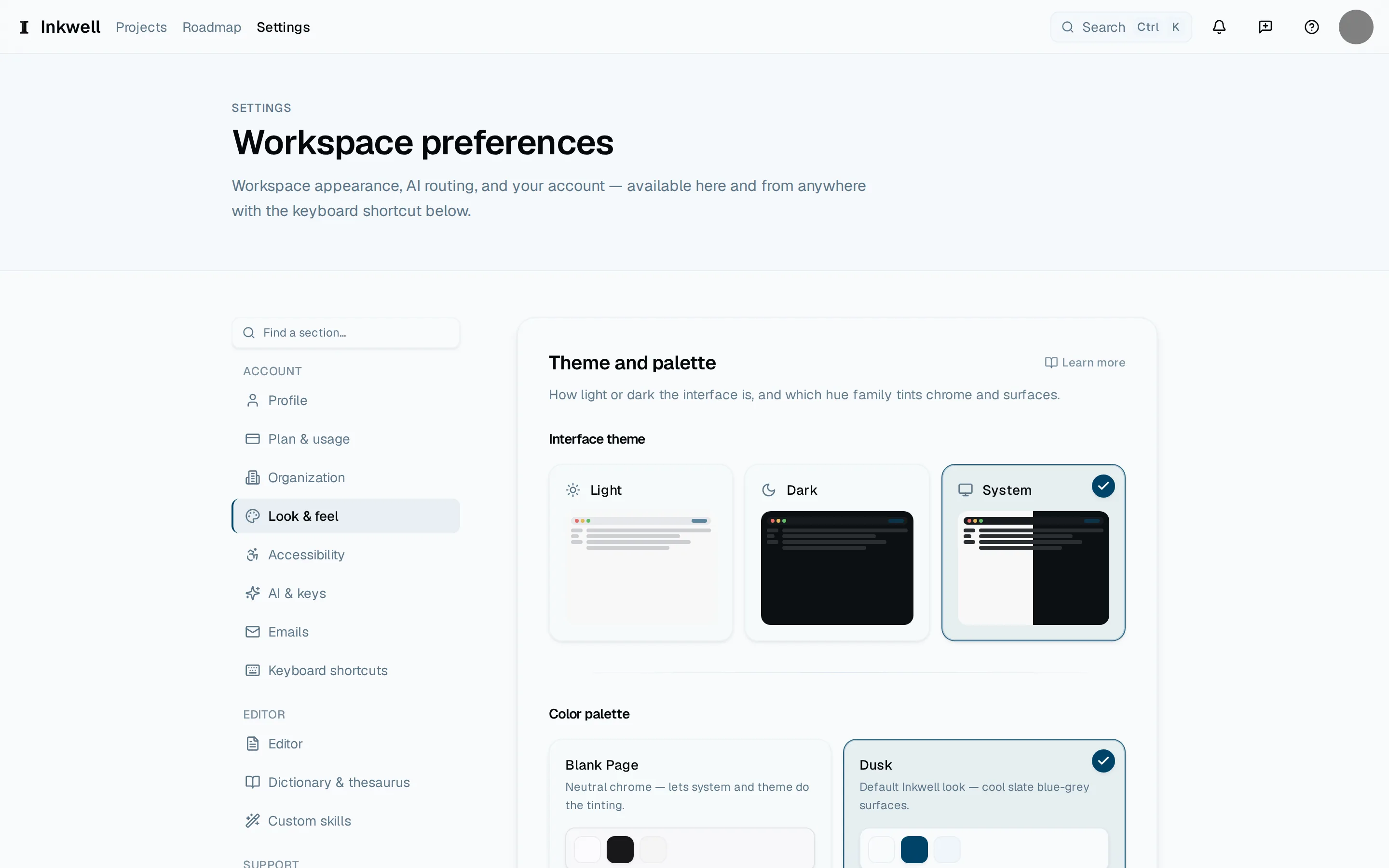
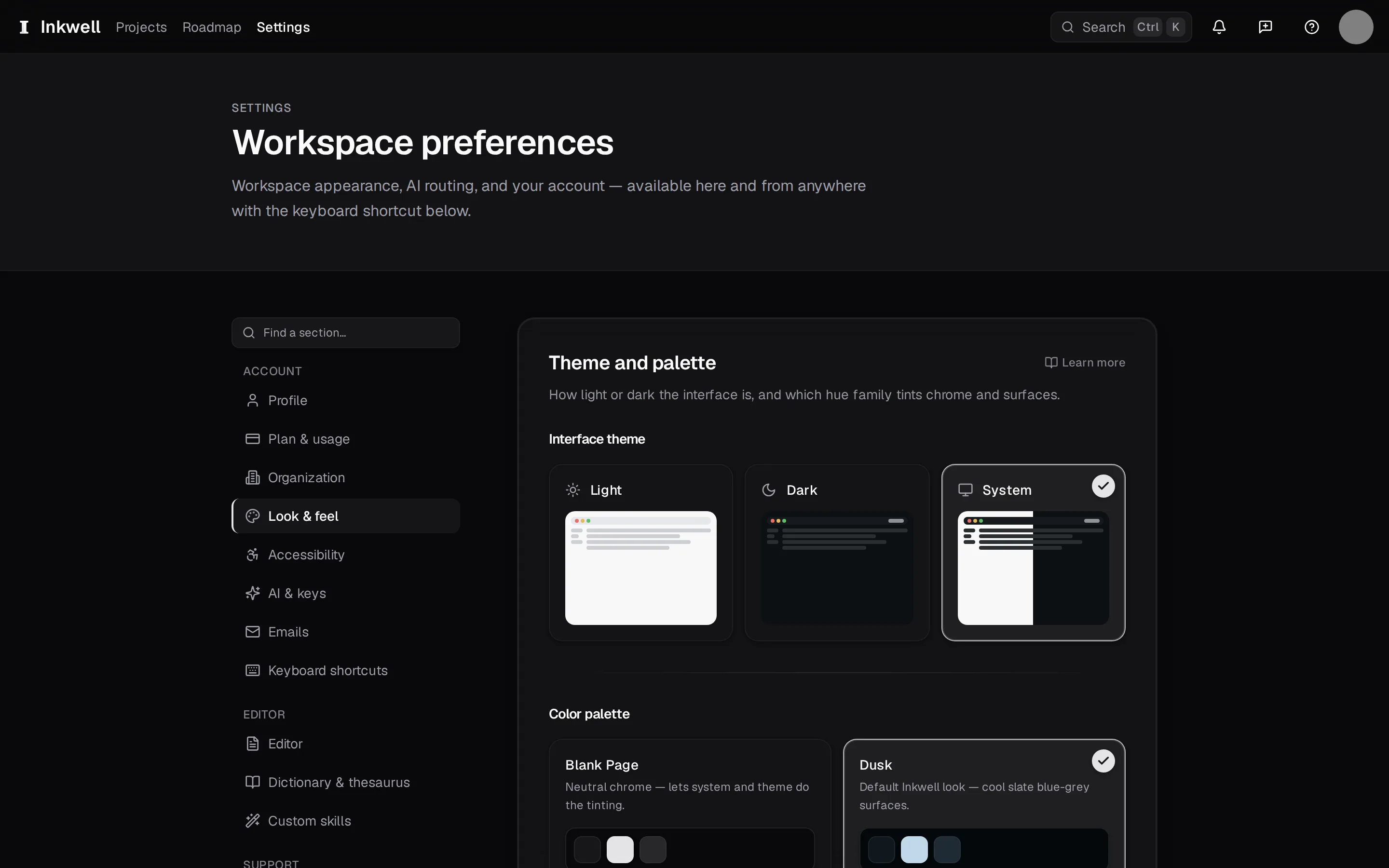
The Settings section list (1) keeps account, appearance, and editor controls together. Look & feel is open here (2). Look & feel
Choose Light, Dark, or System; pick a color palette — the default is Dusk, a slate blue-gray, with warmer and cooler alternatives; and choose glass or solid panels, the density of the interface, and the size of its text.
Look & feel (2) shows the Light, Dark, and System choices and the color palettes; the section list is beside them (1). Editor
Set the screenplay body size, whether page-break markers and scene numbers show on the page, whether the browser's spellcheck underlines, and whether ghost text appears.
Under Page style, choose Eye-friendly or Traditional, or adjust element colors, page tone, and cue and heading emphasis. Under Focus & flow, dim around the caret, set typewriter scroll, or highlight the current line. See Write in focus mode. These editor defaults apply to your projects on this device.
Under Script intelligence, turn Writing suggestions and Remembered scene headings on or off. A remembered heading fills a familiar location and time with one choice. These preferences apply on this device. See Elements and formatting.
To number a project's scenes or turn off its automatic character continueds, open Document settings from the editor's Document sidebar or the command palette. See Elements and formatting.
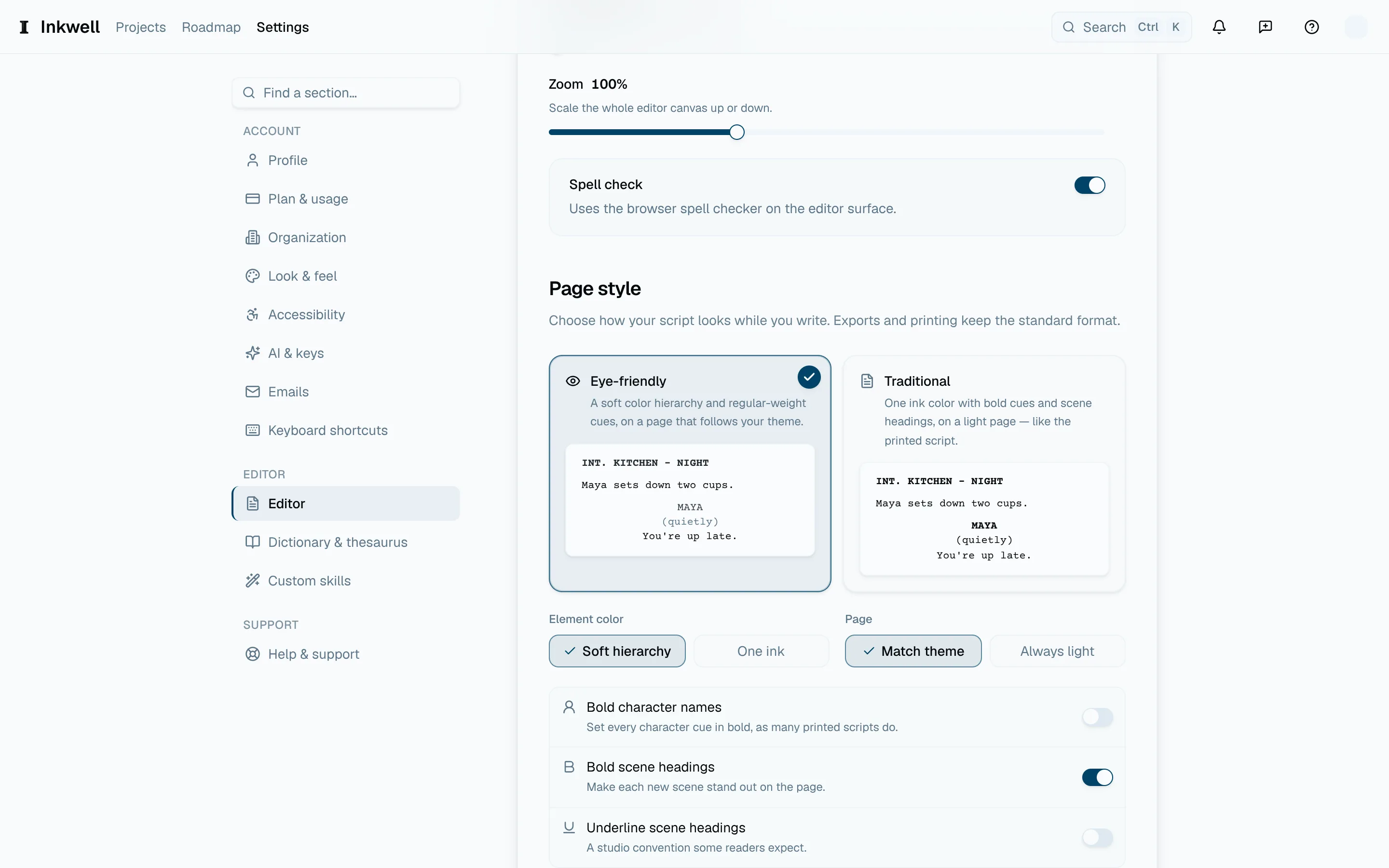
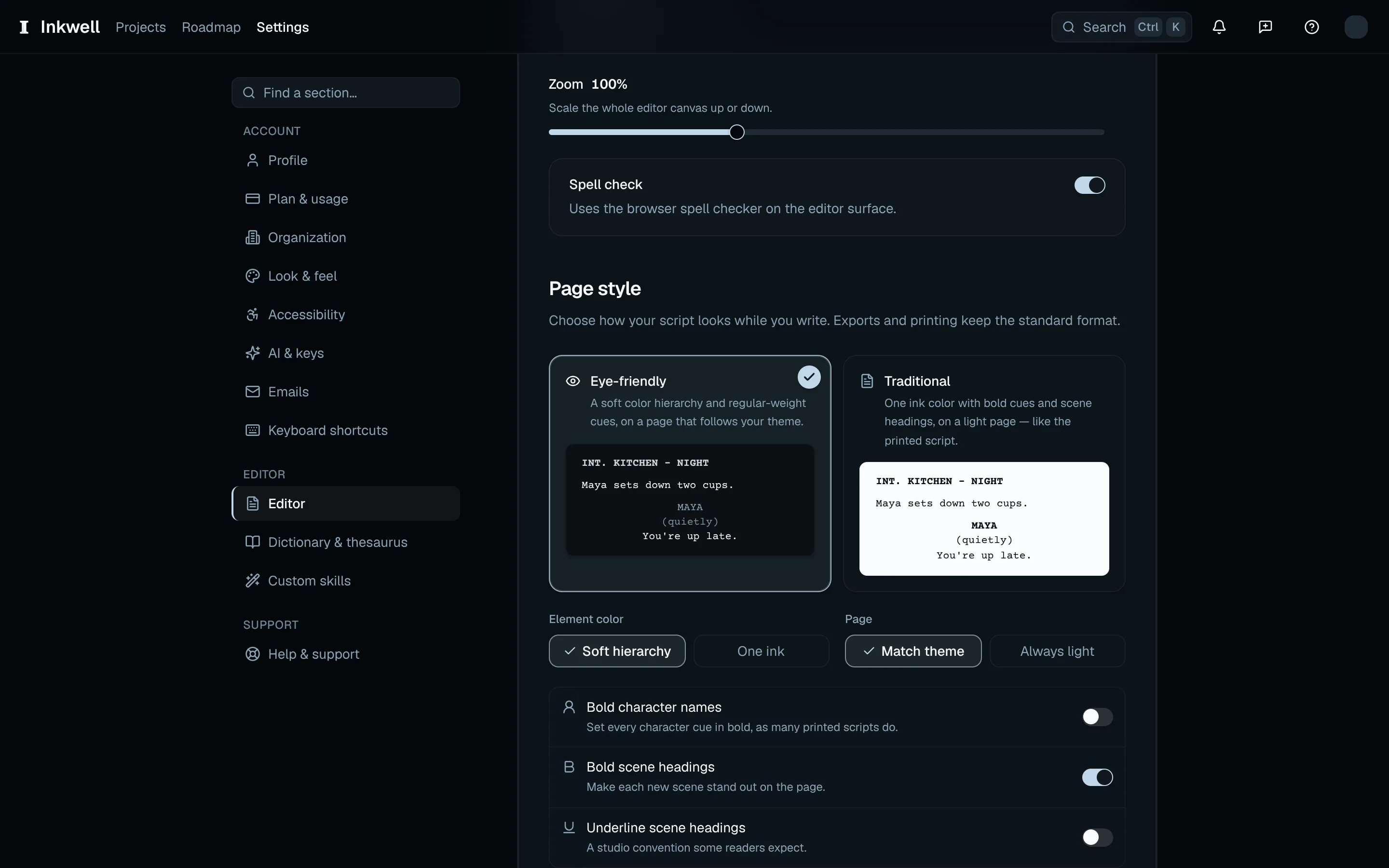
Editor → Page style (1) holds the Eye-friendly and Traditional presets and their color controls. 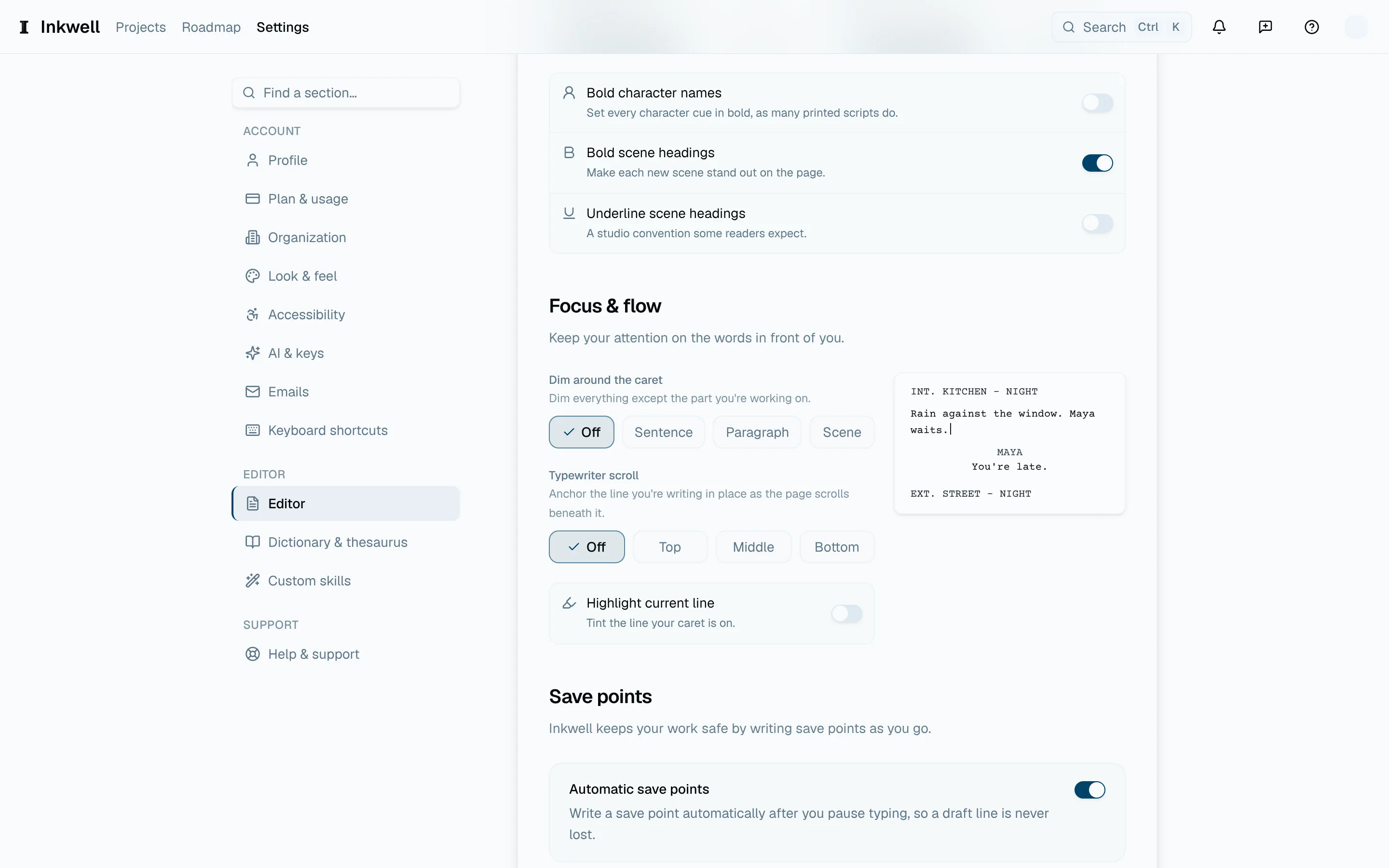
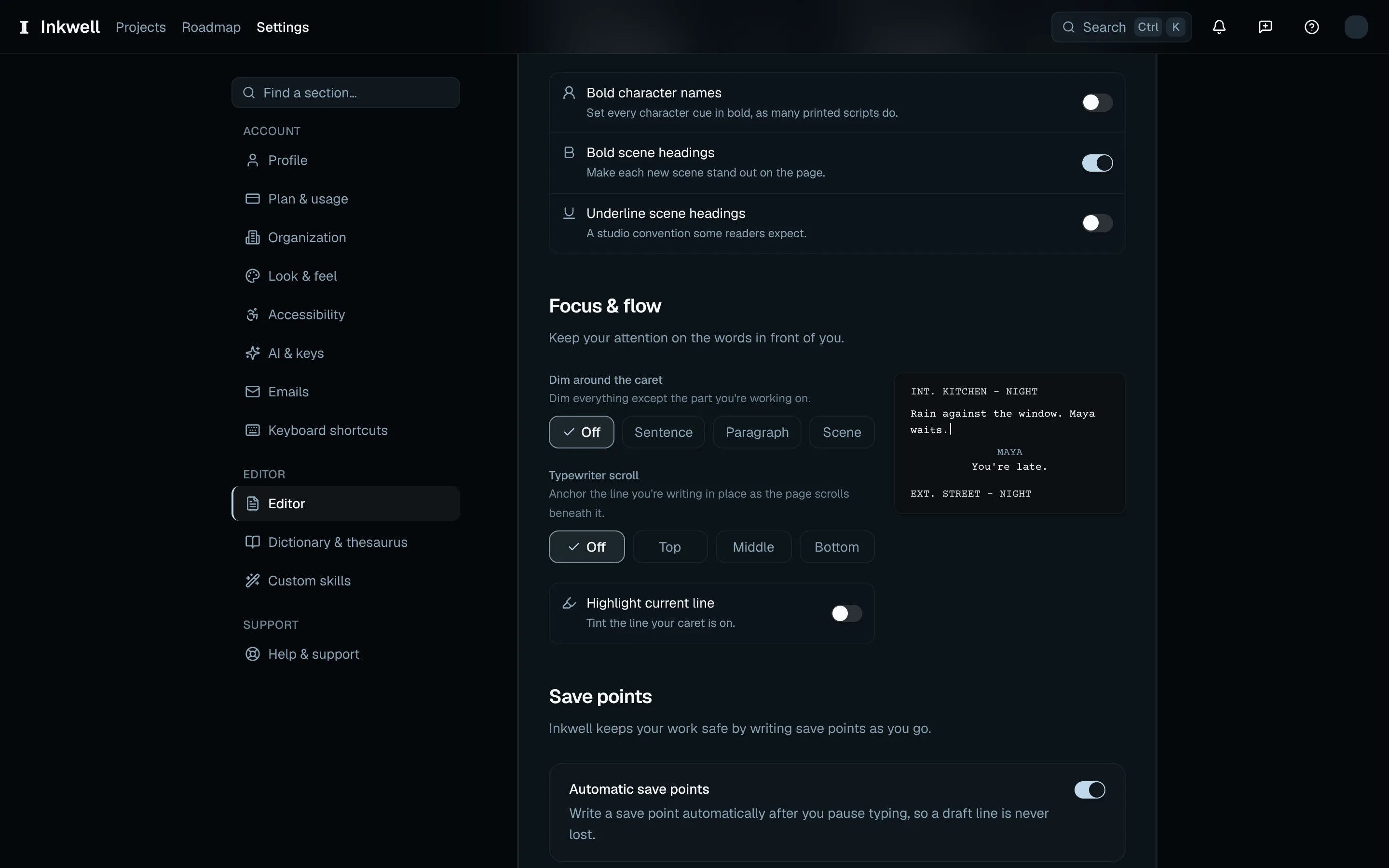
Editor → Focus & flow (1) holds caret dimming, typewriter scroll, and the current-line highlight. Accessibility
Under Motion, choose how much animation the app uses. Under Privacy, choose whether to share product analytics and AI request analytics. To replace transparent glass panels with solid ones, choose Reduce glass under Glass and panels. See Your data.
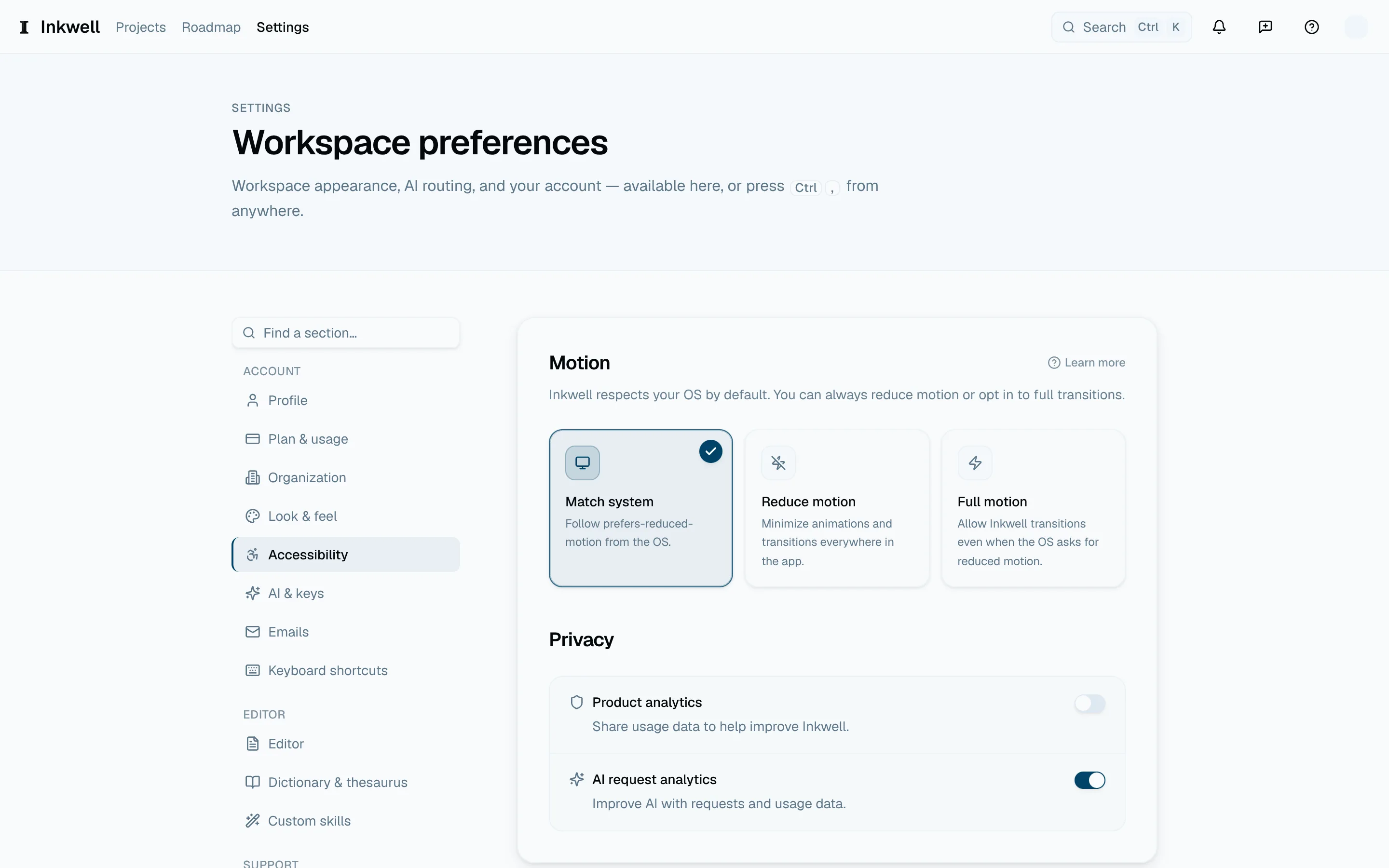
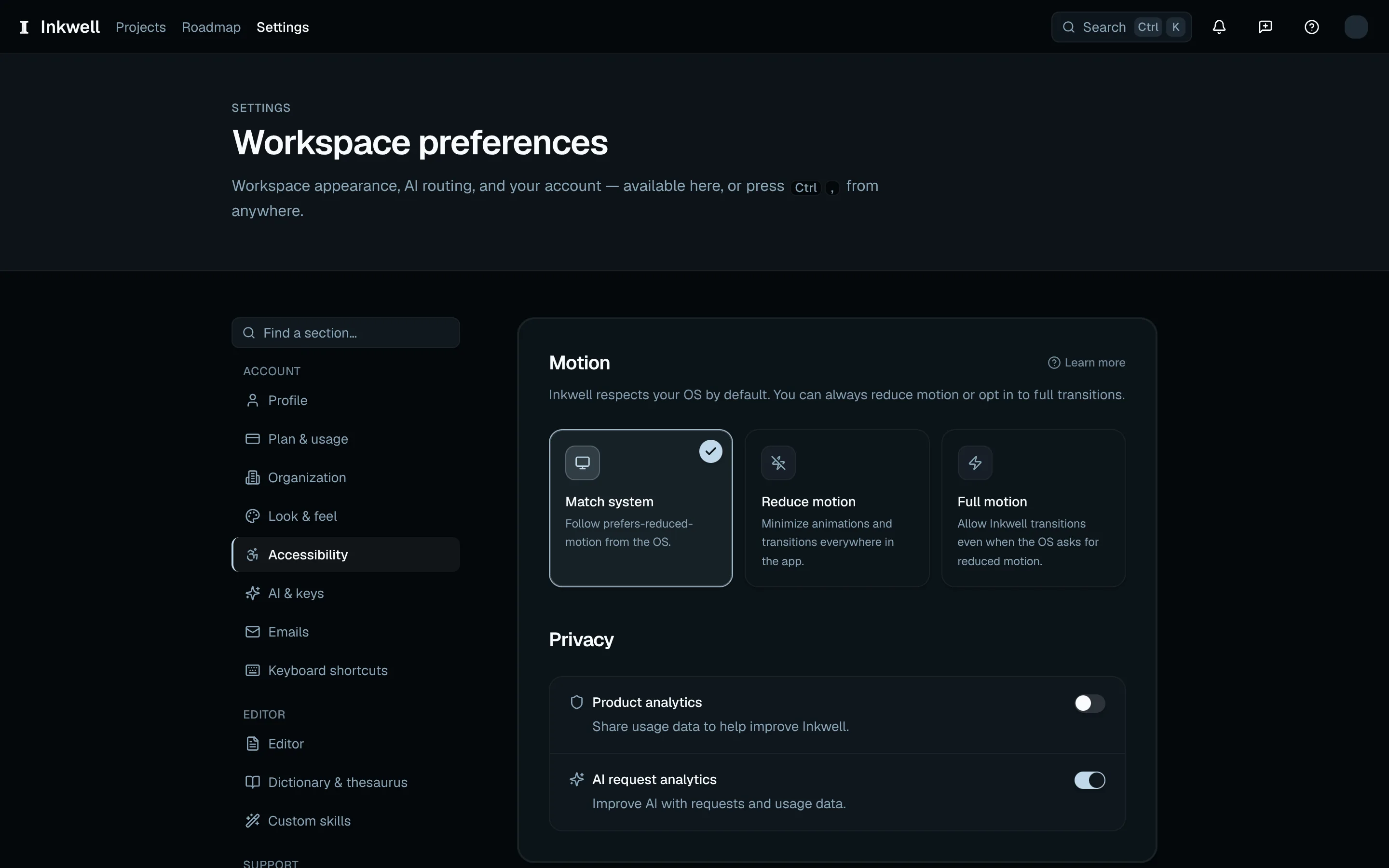
The accessibility controls (1) set motion and privacy preferences without changing the script. Emails
Choose which product and account emails you receive. Emails about billing and security always arrive.
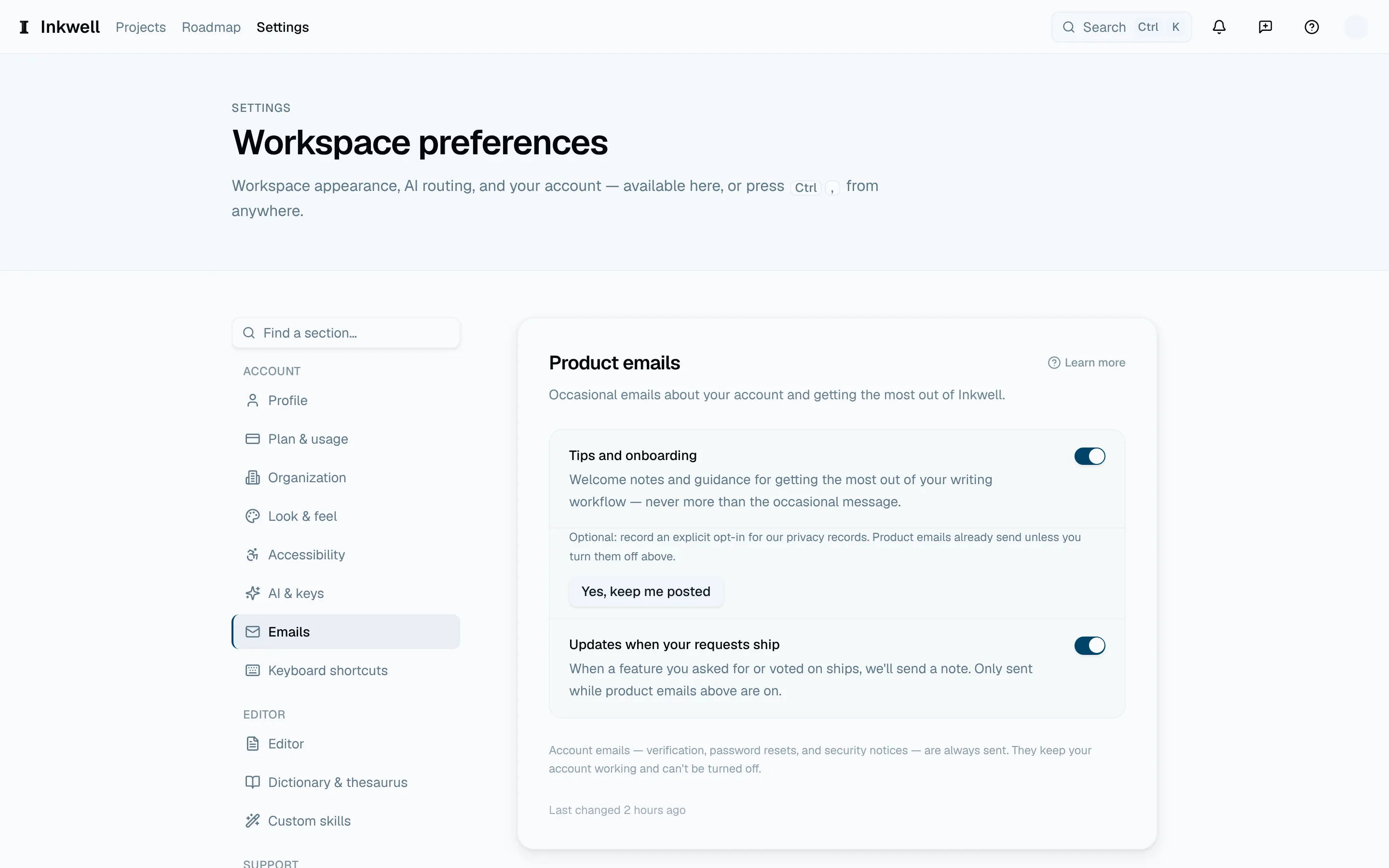
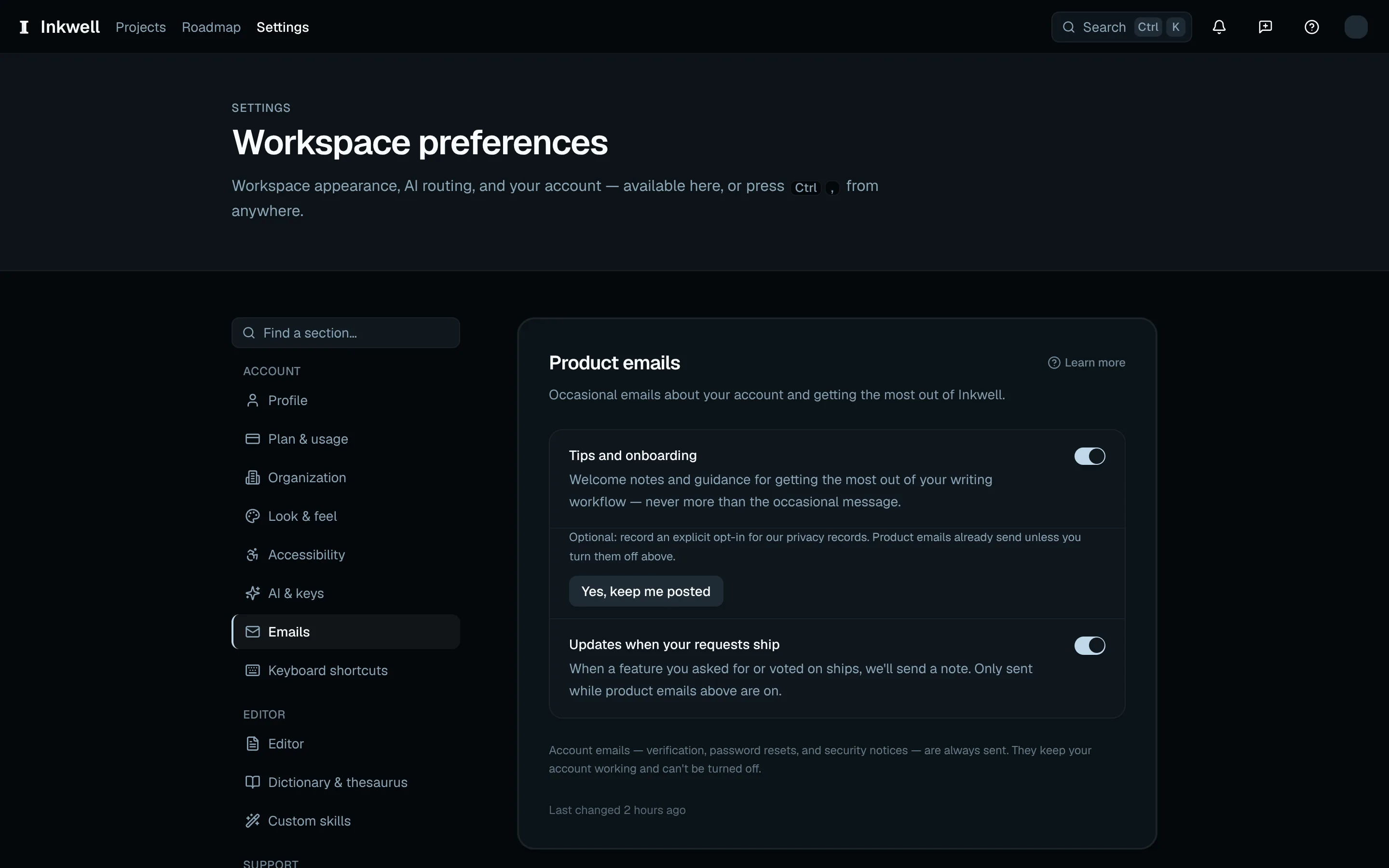
Email preferences (1): choose the messages you want to receive. Profile
Your name, sign-in email, and language; a full export of your data; and account deletion. See Your data.
Open Profile under Account and choose Language: English, Français, Deutsch, Español, 日本語, or 한국어. The choice saves automatically, switches the current page, and sets the language for account emails. System default follows your browser's preferred language in the web app.
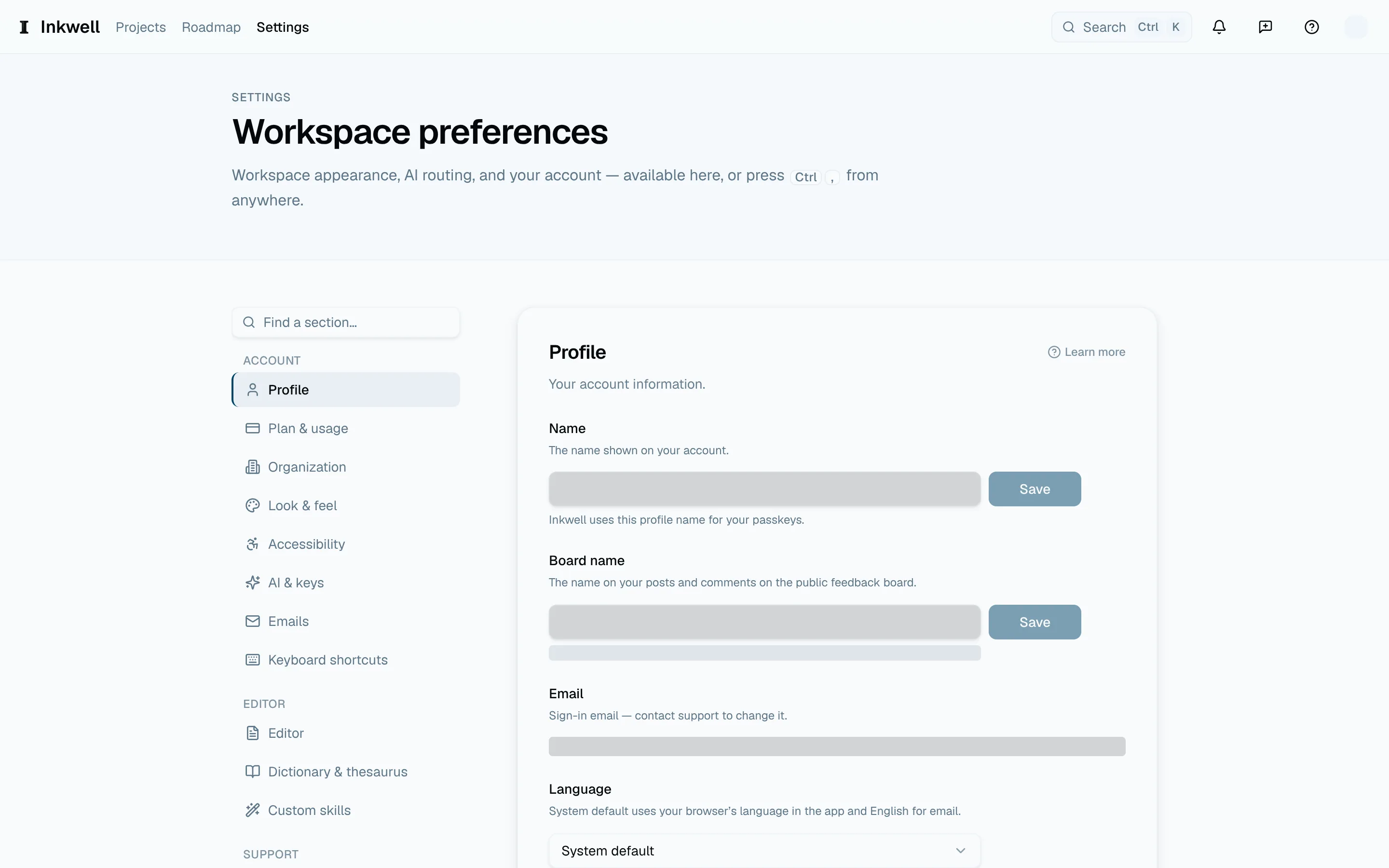
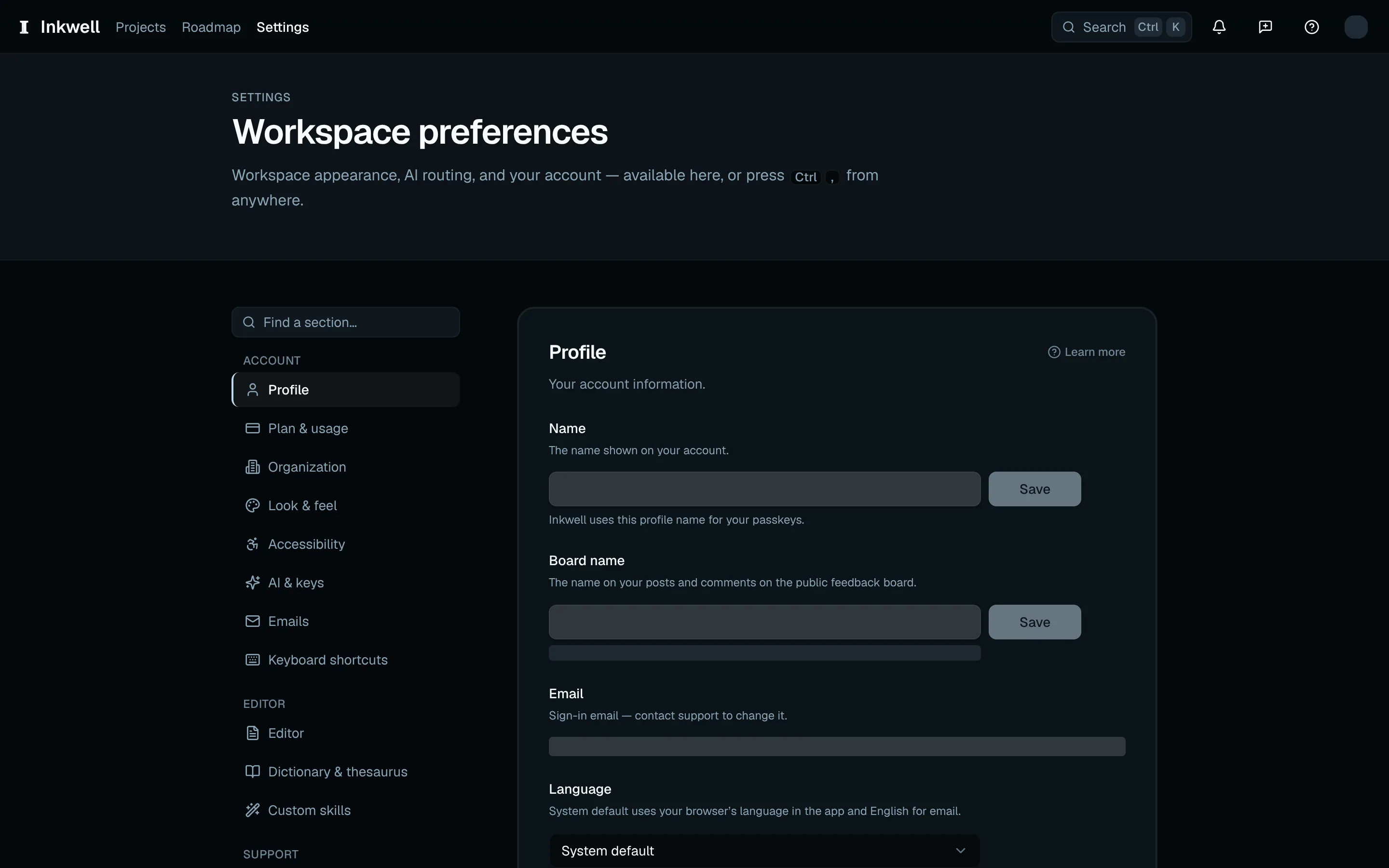
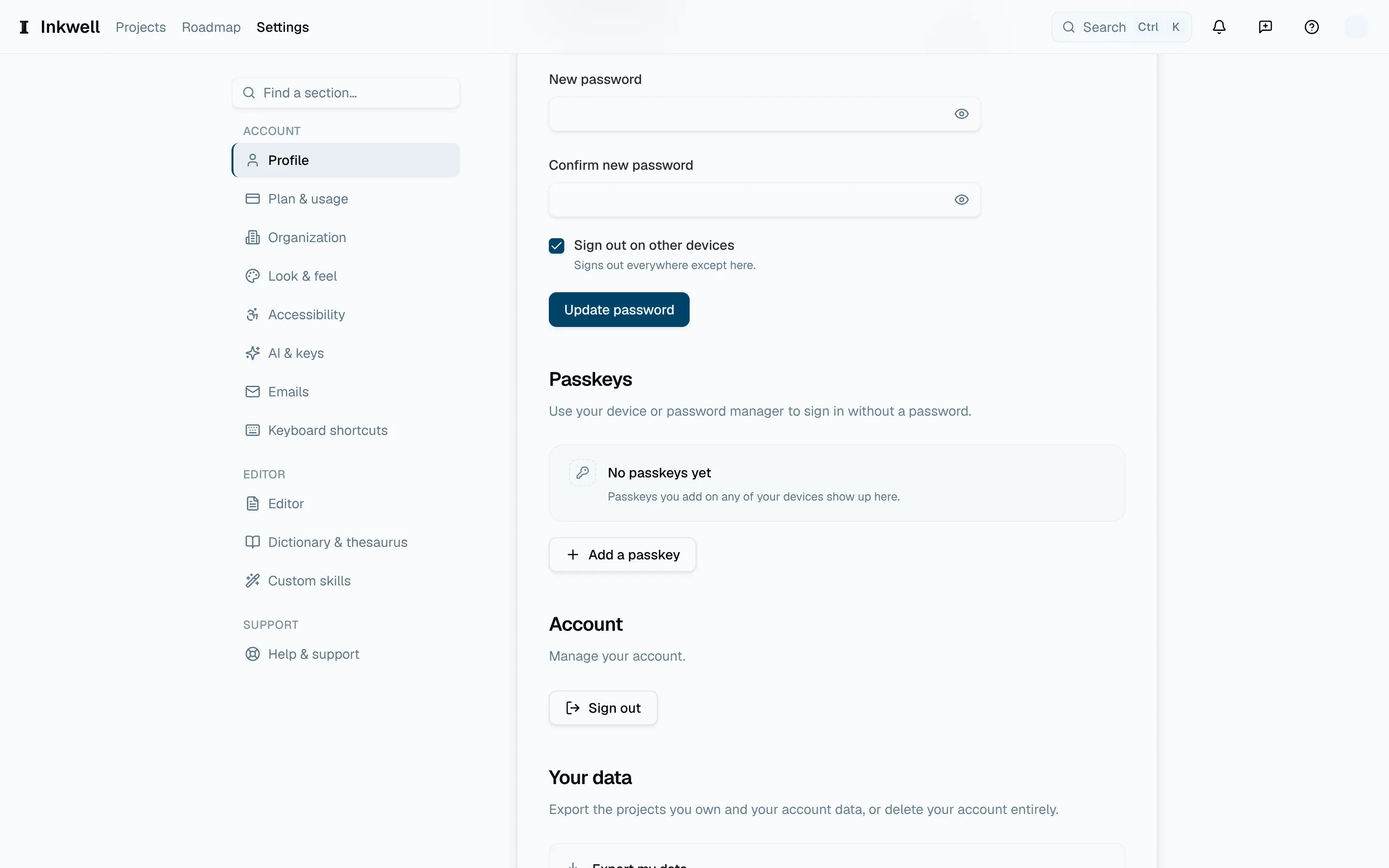
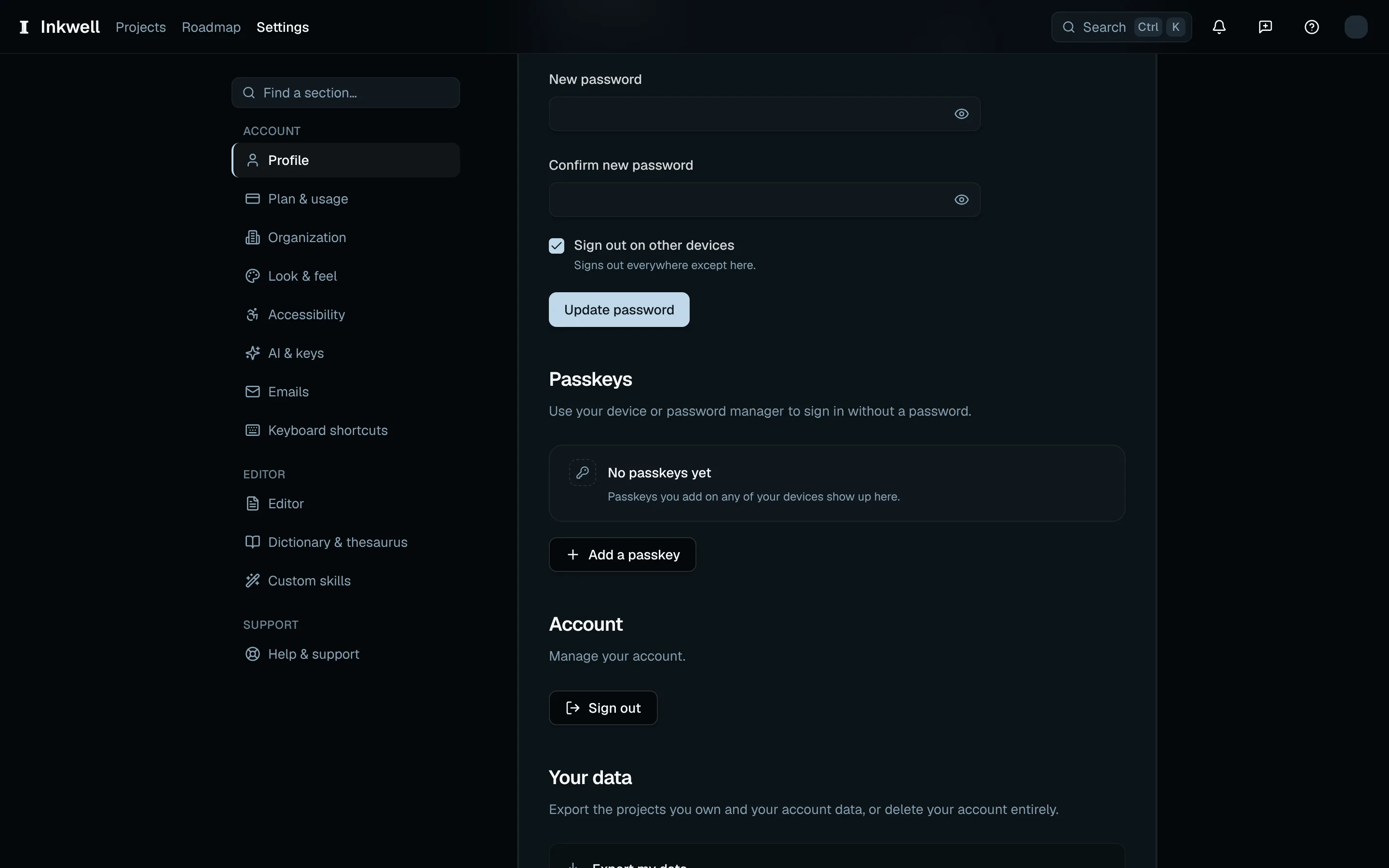
Profile (1) includes the language setting alongside your account details. Password
If you sign in with an email and password, open Profile (under Account in the section list) and find the Password section. Enter your current password, then a new one that meets the requirements shown beside the form, and choose Update password. If you cannot remember the current password, use Forgot password? on the sign-in page instead.
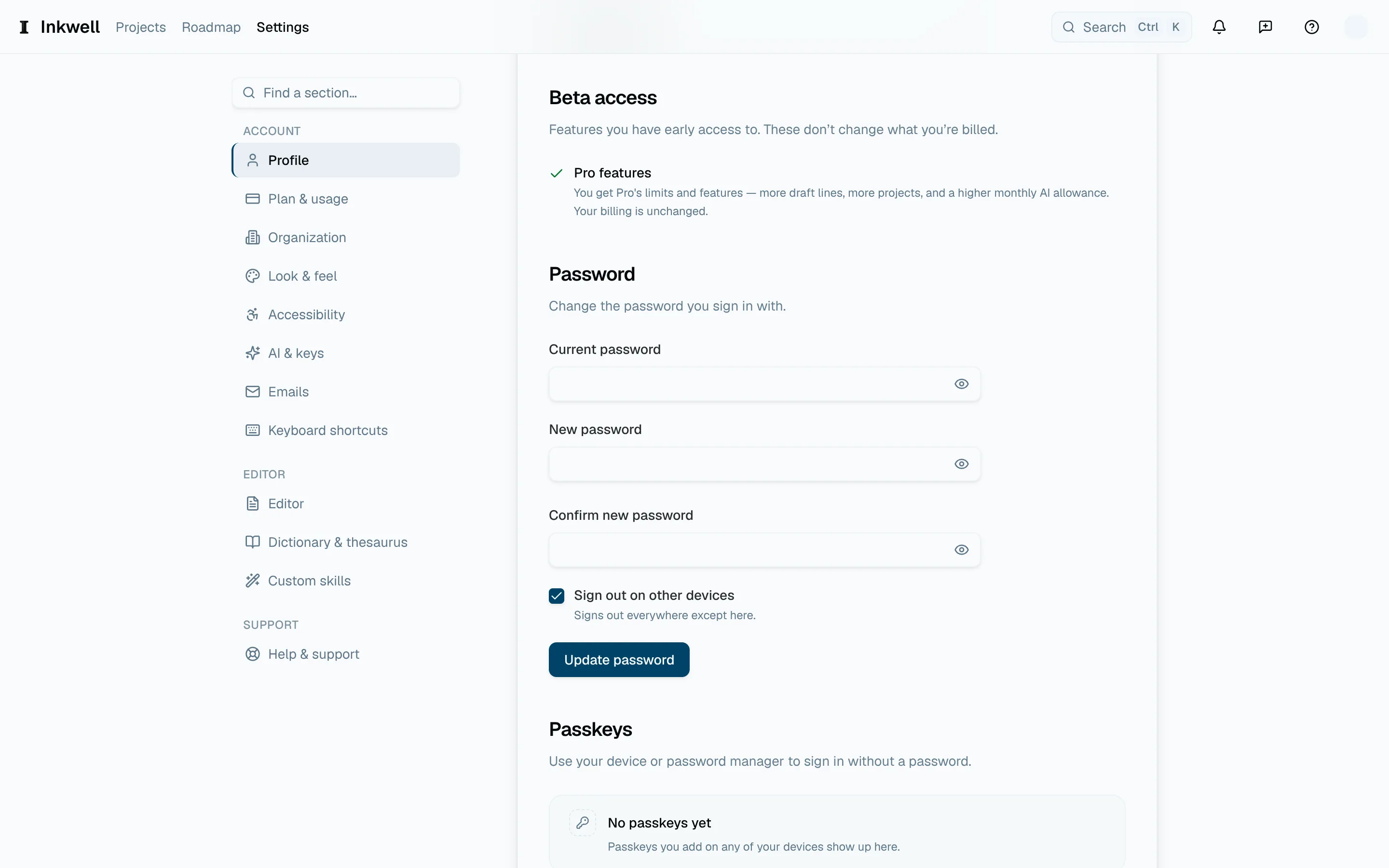
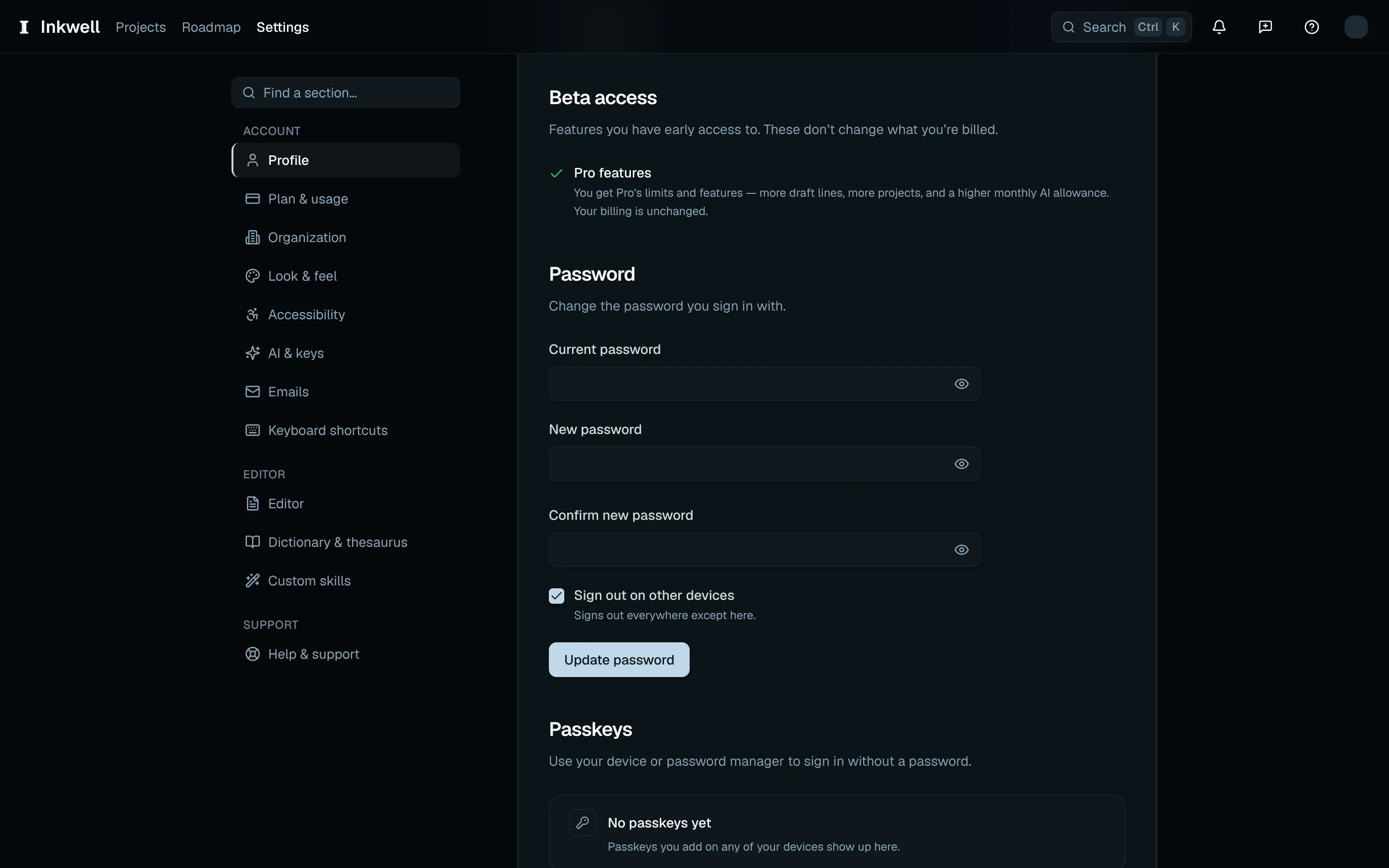
The Password form (1) asks for your current password and the new one before you choose Update password.
Add a passkeyLink to this section
Open Profile under Account, find Passkeys, and choose Add a passkey. Follow your device or password manager's prompt, then give the passkey a name you will recognize. The list lets you rename or remove it. To use it, choose Sign in with a passkey on the sign-in page.