
Incorporate brings a draft line's changes into another line — usually into Main. You see every change first, as markup; nothing moves until you confirm.
Switch to the line that will receive the changes
From the draft-line switcher above the page, make sure you are on the draft line you want to update — Main, for the usual case.
Choose Incorporate
Open the switcher again and, under Incorporate into this draft line, choose the line whose changes you want. Typing "incorporate" into the command palette reaches the same dialog. It names both lines, so the direction is unambiguous.
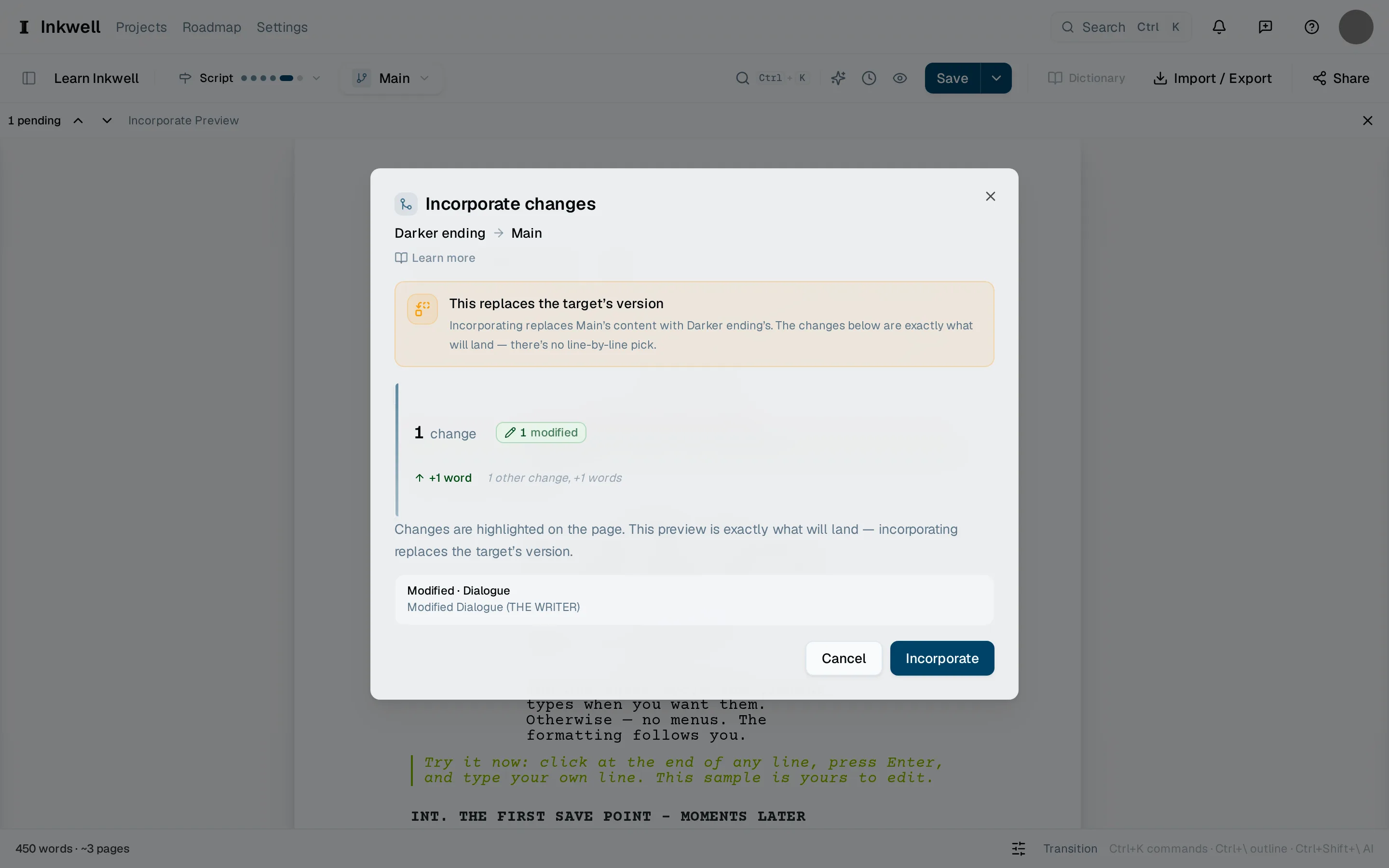
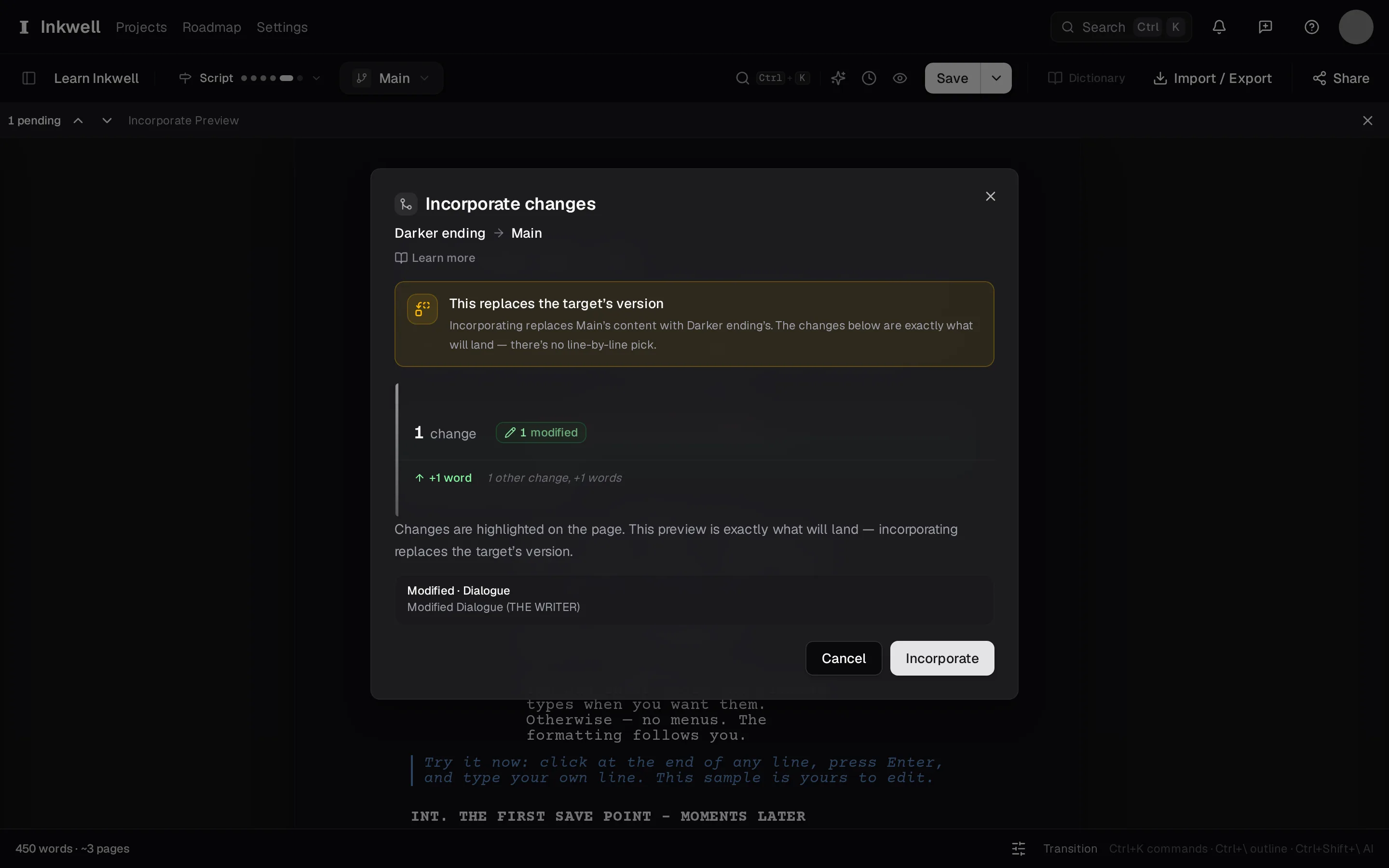
The Incorporate dialog (1): which line's changes are coming in, how much would change, and Incorporate to land them. Preview the changes
The page shows what would change: additions, removals, and rewrites, scene by scene, with a count at the top. Read through with ⌃⇧N and ⌃⇧P.
Confirm
Choose Incorporate. The whole preview lands on the receiving line, and Plot makes a save point on both lines so the moment before is kept.
Decide what happens to the draft line
Keep it for further work, or delete it now that its changes live on Main. Either is fine; the incorporate is recorded in History whichever you choose.