
A take is an alternate version of a single scene. Where a draft line branches the whole script, a take stays inside the scene: the rest of the document is shared, and the two versions of the scene sit next to each other for comparison.
Put the cursor in the scene
Takes belong to a scene, so they act on the one your cursor is in. Open the draft-line switcher above the page: the takes section names that scene.
Start a take
Choose New take in that section. The scene is copied into a new take and the page switches to it. Reopen the switcher and the section lists the original and every take of the scene; choosing a row puts it on the page.
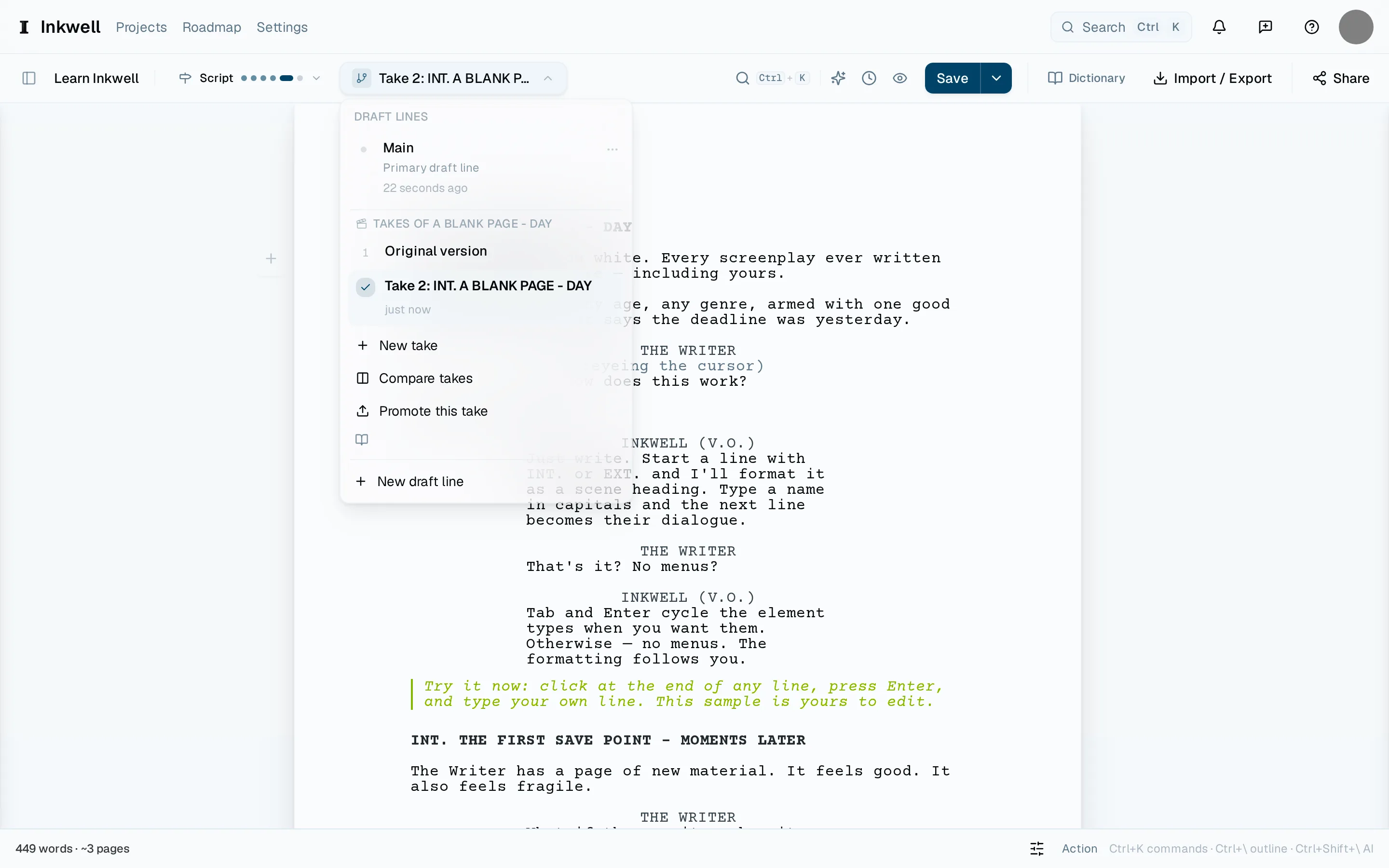
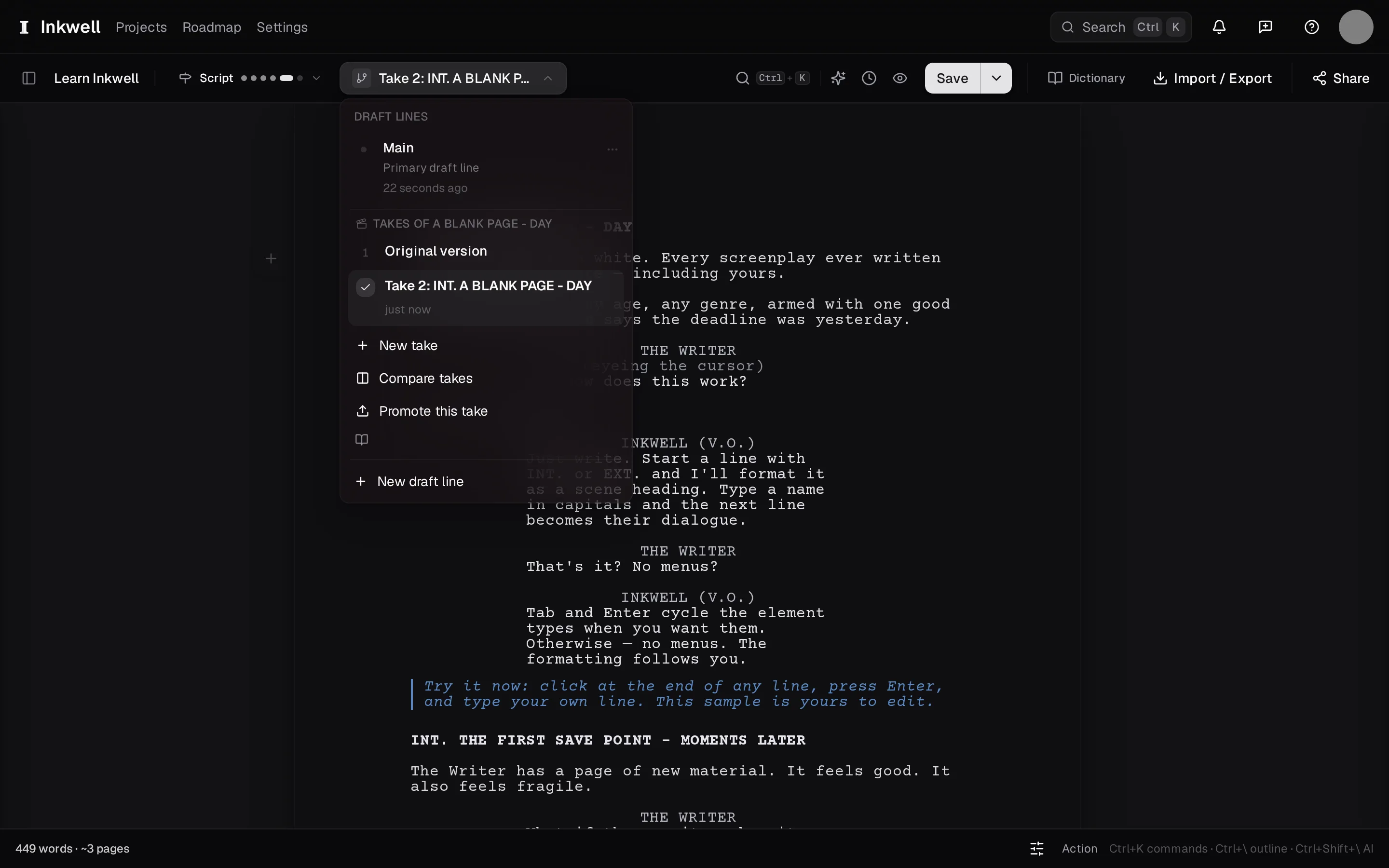
The takes section inside the draft-line switcher (1): the original version and each take of the scene, with New take, Compare takes (2), and Promote this take. Rewrite the scene
Write the alternate. Everything outside the scene is the same script, so you can read into and out of it in context.
Compare
Choose Compare takes from the same section to see the original and the take side by side, with the differences marked. Switch which one is on the page from the same view.
Keep one
Promote this take replaces the scene on the current draft line with the take's version and keeps the other as history. Or leave both: a scene can carry several takes for as long as you are deciding.