
Import a Word document from the projects page to start a new Plot project with editable paragraphs, headings, lists, and emphasis. Everything arrives as prose — a line that looks like dialogue stays a line of prose until you decide it belongs in a scene.
Save your source as .docx
Use Word's
.docxformat. For an older.docfile, save a.docxcopy first. From Google Docs, download a Microsoft Word.docxcopy. Keep the source file for its original page layout and any images.Choose Import file on the projects page
Select your file and give the new project a name. Each import starts a new project.
Choose a project format and starting mode
Choose Treatment for a prose-first story document, or a script format such as Screenplay if you already know where it's headed. Start writing in follows the format you choose: Treatment for a treatment or series bible, Freeform for a script format. Pick a different mode there if you'd rather start another way, and it stays picked when you change the format. You can change the mode later from the editor.
Review the import
Choose Review import. Read the preview and Changes to review, especially if your document uses tables, images, fields, or page layout — Plot sets the text in its own typography. A long document's preview shows only the beginning; the whole document is imported. Choose Back to pick a different file or format, then review again.
Create the project and mark the starting version
Choose Create project & open. Read through the imported writing, then use History to name a save point or tag a milestone such as “Imported treatment” before substantial restructuring. That gives you a version to compare or restore later.
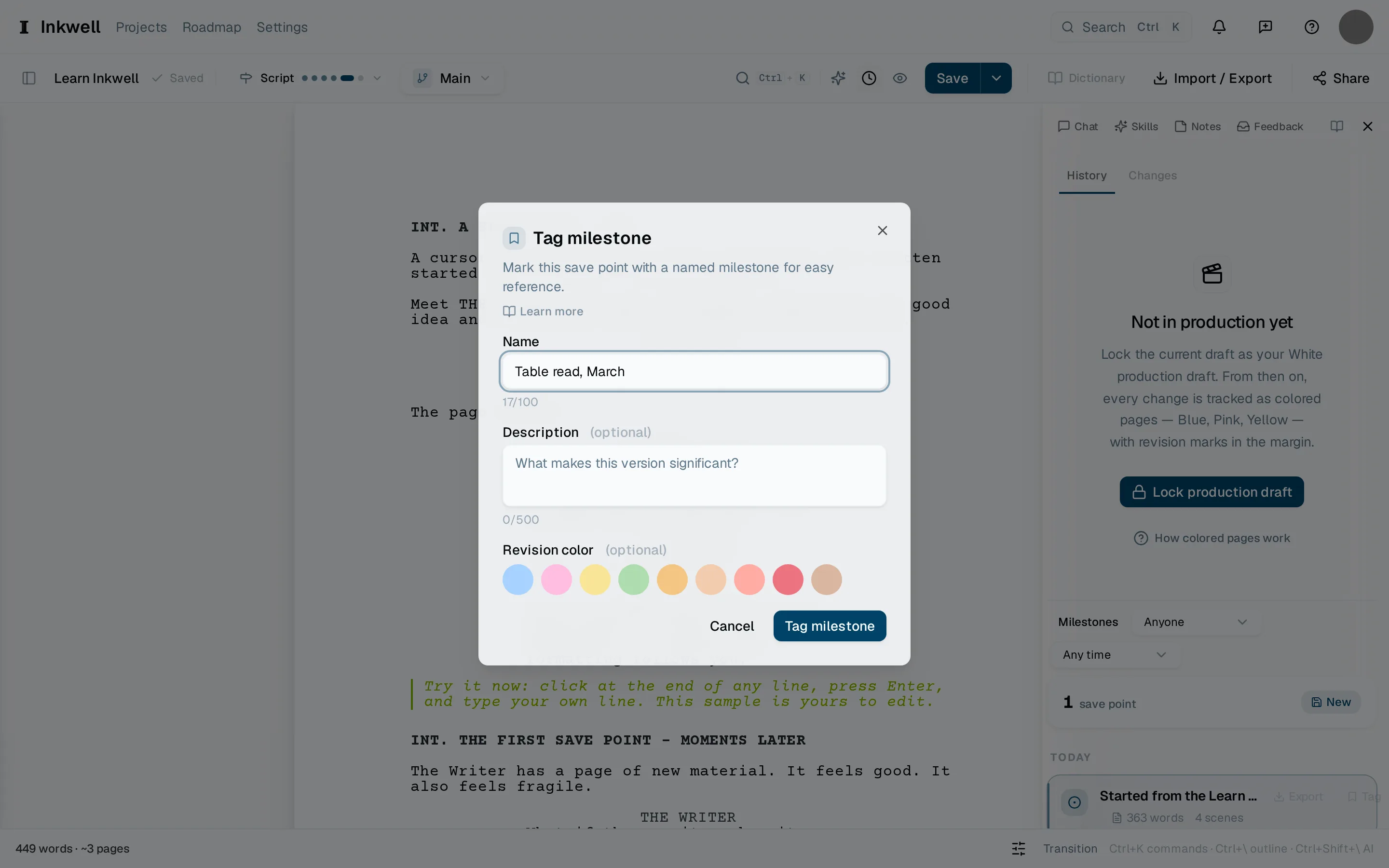
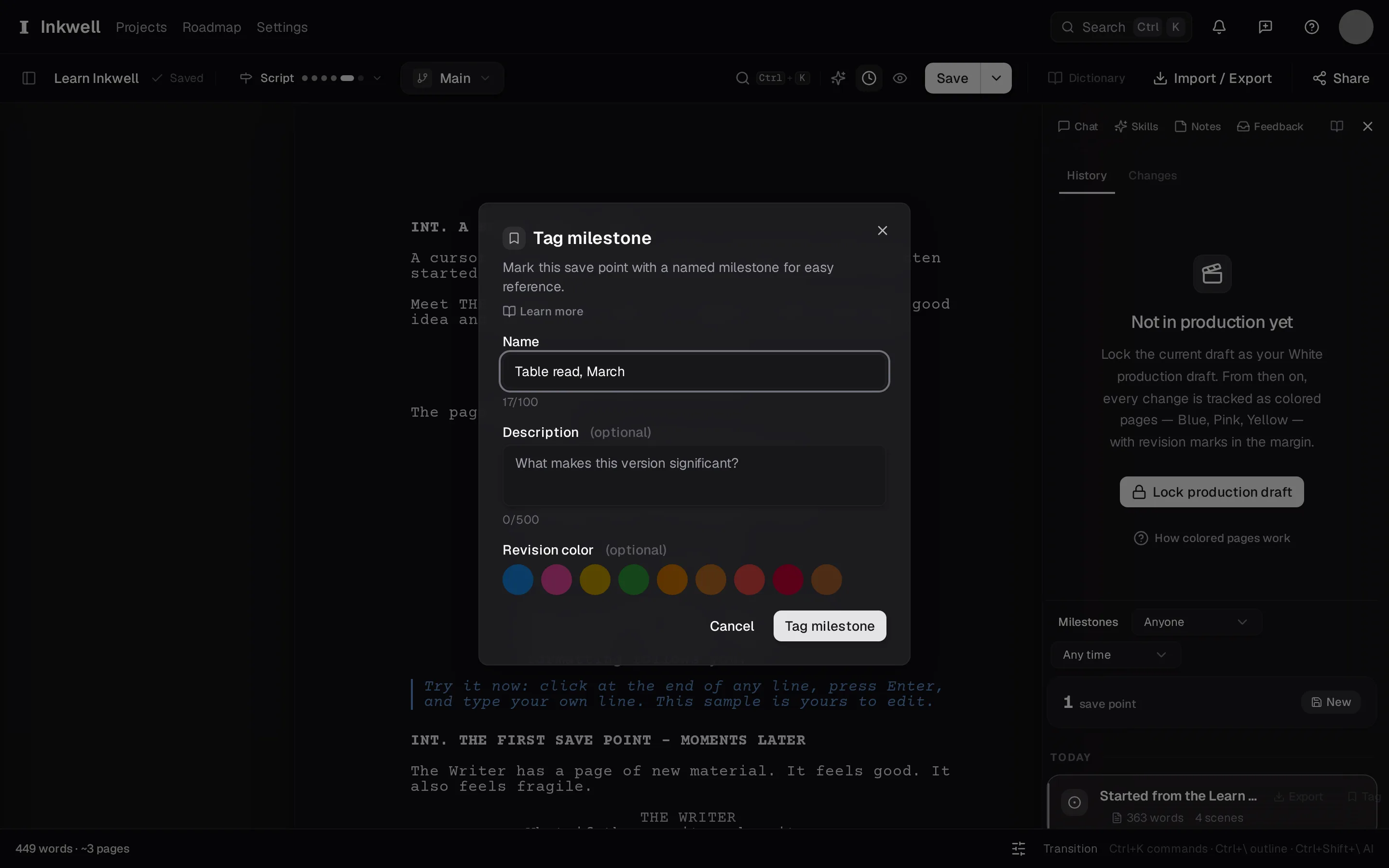
After import, tag the starting version as a milestone in History. The name helps you find the original treatment as the script develops.
Keep developing the draft
Add prose, outline, and script sections, or check what Word formatting carries over. If your finished script is available as FDX or Fountain, import that screenplay file to retain its screenplay element types.