
Plot reads Final Draft (.fdx) and Fountain (.fountain, .txt) files directly. Scene headings, action, character cues, dialogue, parentheticals, and transitions arrive as the same screenplay elements you would type by hand, so the script is editable the moment it opens.
Starting with a Word treatment or idea document instead? Import the .docx as editable prose, then develop its scenes in Plot.
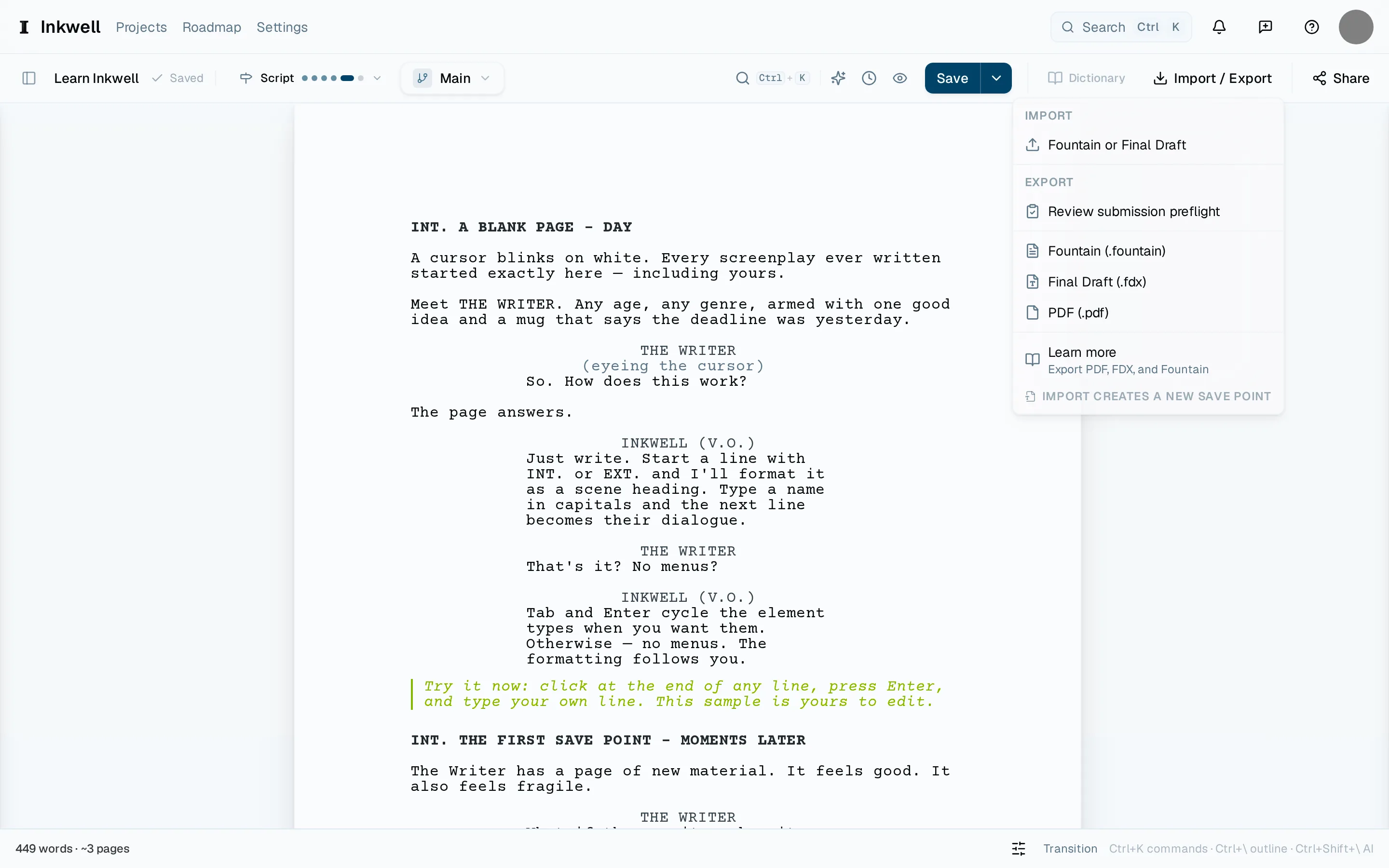
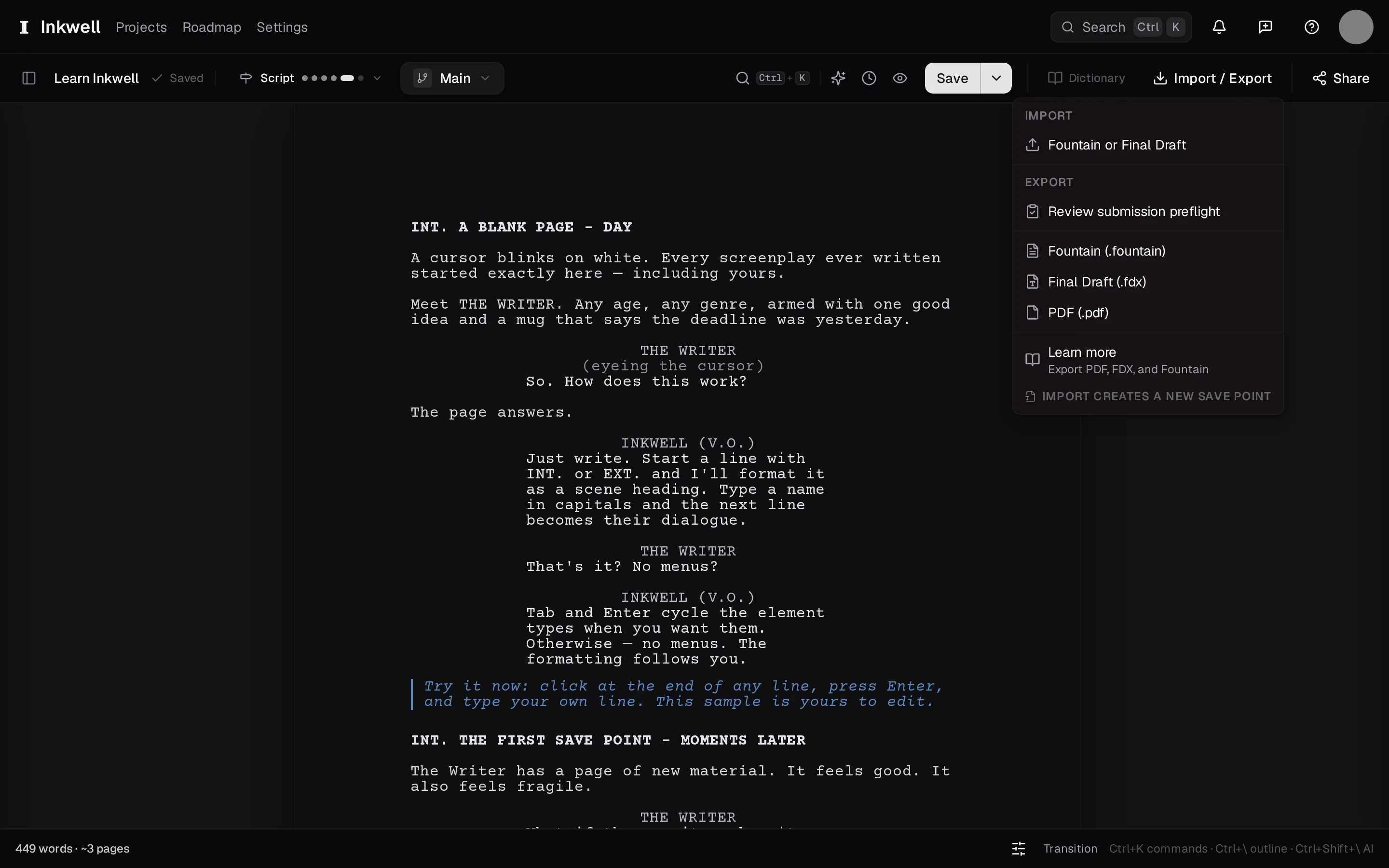
Open the Import menu
From an open project, choose Import / Export in the toolbar, then Fountain or Final Draft under Import. To bring a file into a brand-new project instead, choose Import beside New project on the projects page.
Pick the file
Choose your
.fdxor Fountain file. A feature-length script is well within the size limit.Confirm the replacement
Importing into an existing project replaces that project's current text. Plot asks before it does. If the project already has writing you want to keep, make a save point first — Make a save point — so you can restore it.
Read the import report
If any line could not be mapped to a screenplay element, it arrives as action and the report lists it, so you can fix the few that need it rather than proofreading the whole script. Import warnings explains each kind of note.
The import report — every line that arrived as action, with a jump to each.