
A finished pass is a set of proposals, not a set of edits. Reviewing them is the same motion whether one skill proposed three changes in a scene or thirty across an act.
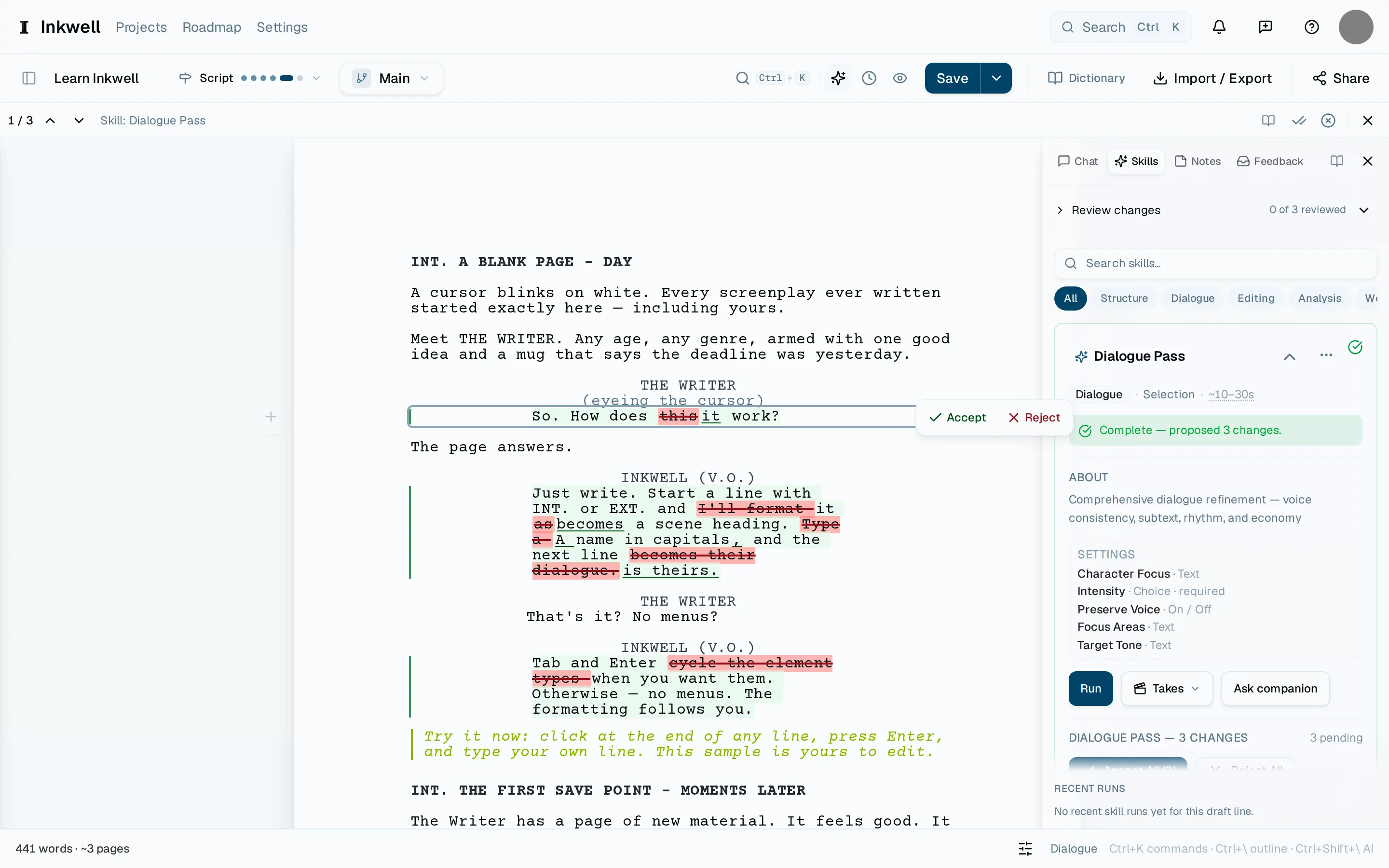
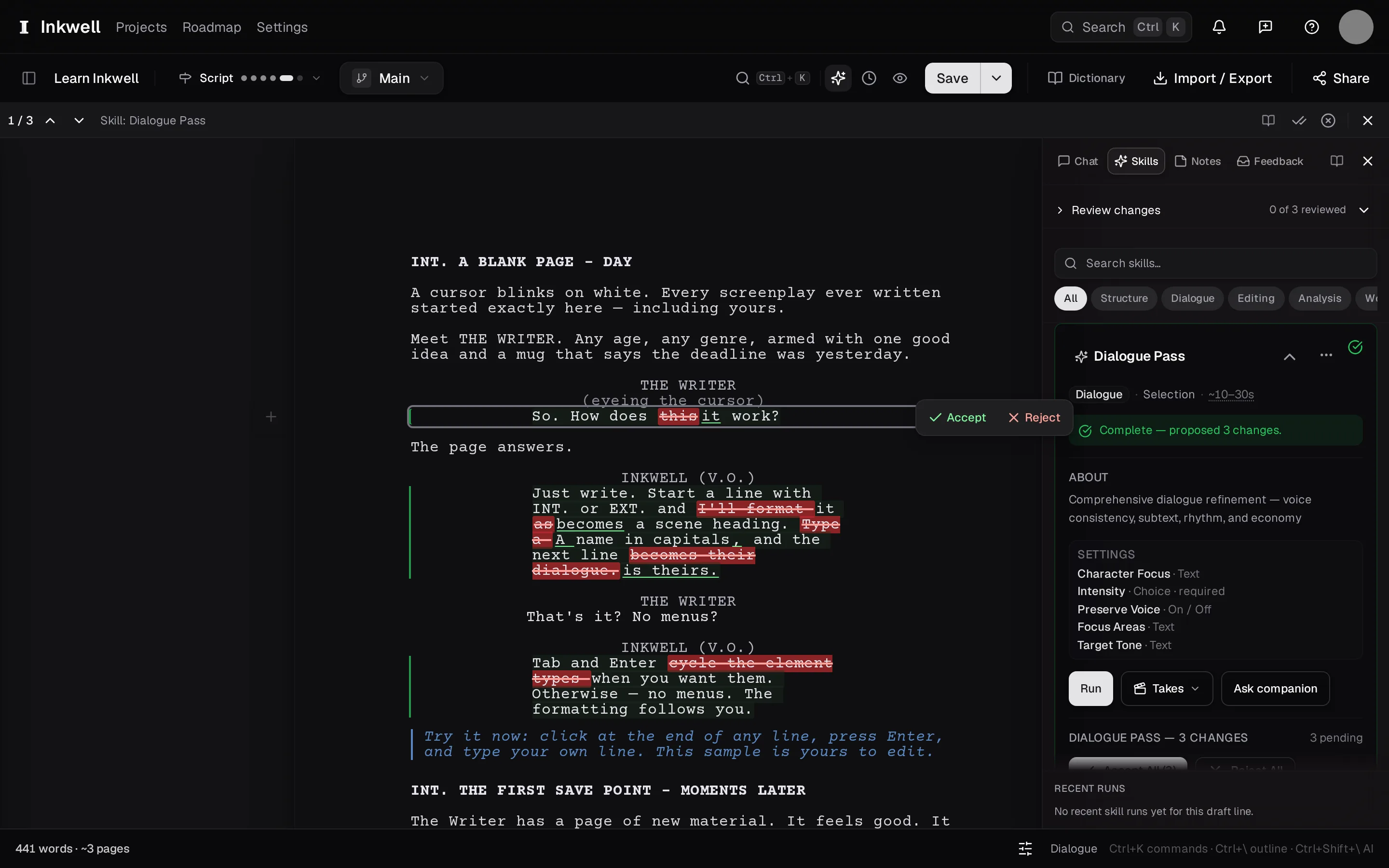
Open the pass
When a pass finishes, its changes are already on the page. If you closed the review or came back later, open the Skills tab and select the pass — Review puts the markup back on the page.
Step through the changes
⌃⇧N moves to the next proposed change; ⌃⇧P goes back. The page scrolls so the change is in view, with the old text struck through and the new text underlined.
Decide each one
Accept takes the new text; Reject keeps yours. You can also edit an accepted change straight away — it is ordinary text again.
Decide the rest together
Once you trust the pass, Accept all takes every remaining change; Reject all dismisses them. Either way, the pass stays in the Skills tab with a record of what you chose.
Make a save point
Press ⌘⇧S and name it for the pass. In History, comparing this save point with the one before shows exactly what the skill changed and what you kept.