
A browser agent with native WebMCP support can work with the document open in Inkwell. Its tools can read the document, select a passage, and replace selected text.
Open your document
Sign in and open the Plot or Canvas document you want to work on. Keep its editor open while using the browser's agent.
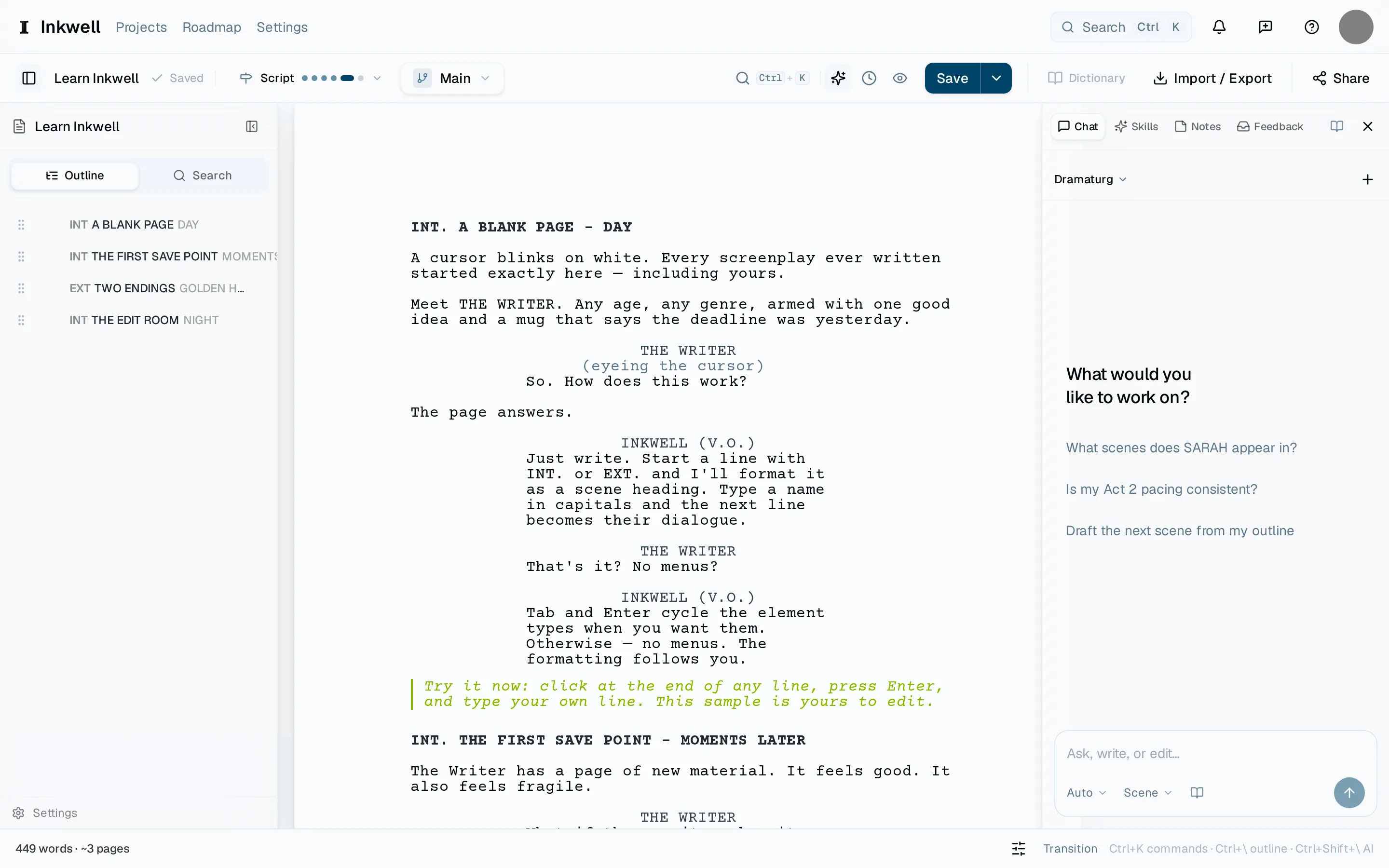
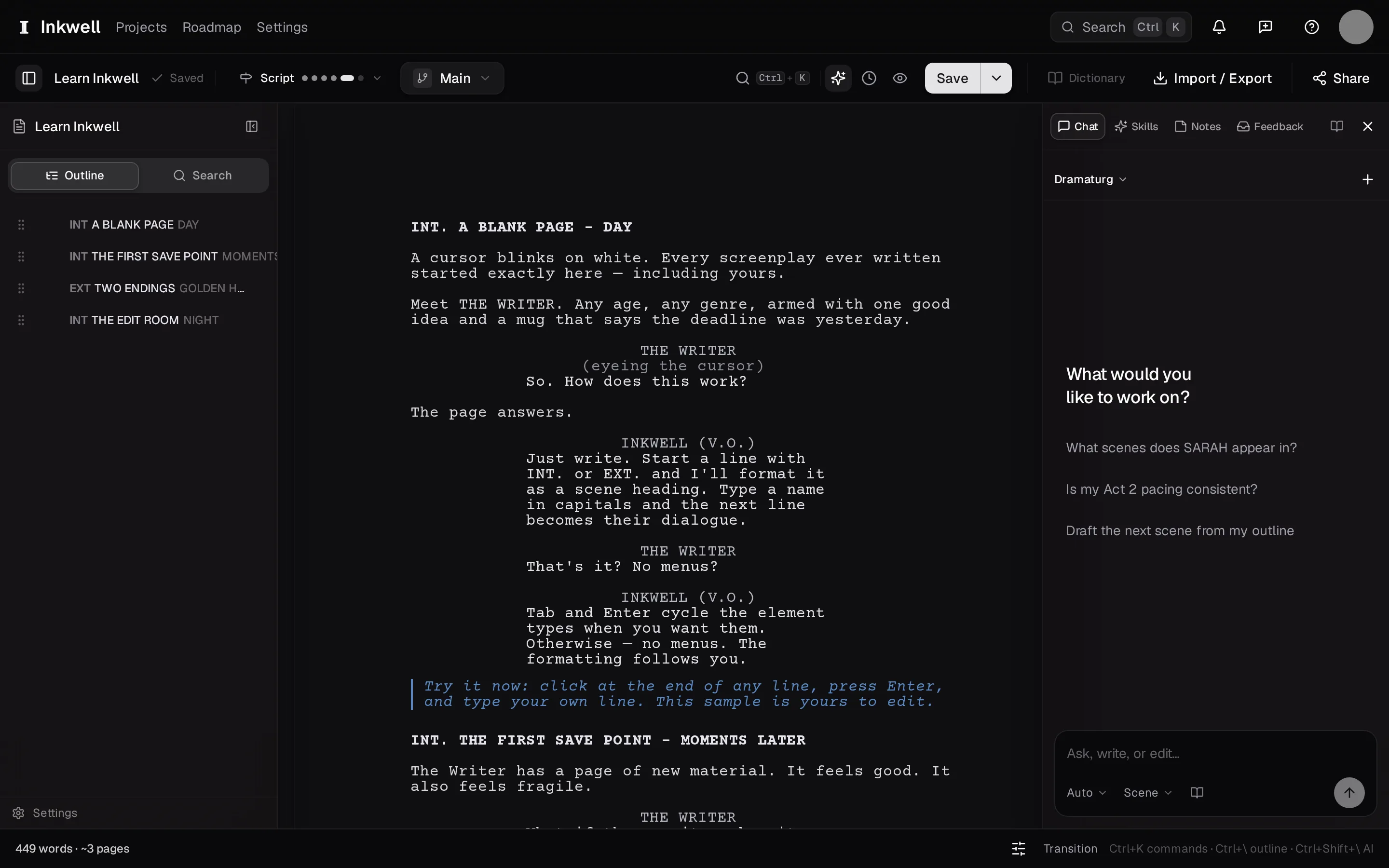
An open Plot document: the outline (1), the page, the companion sidebar (2), and the command palette (3). The browser's tools work with the document on the page. Give the browser agent a task
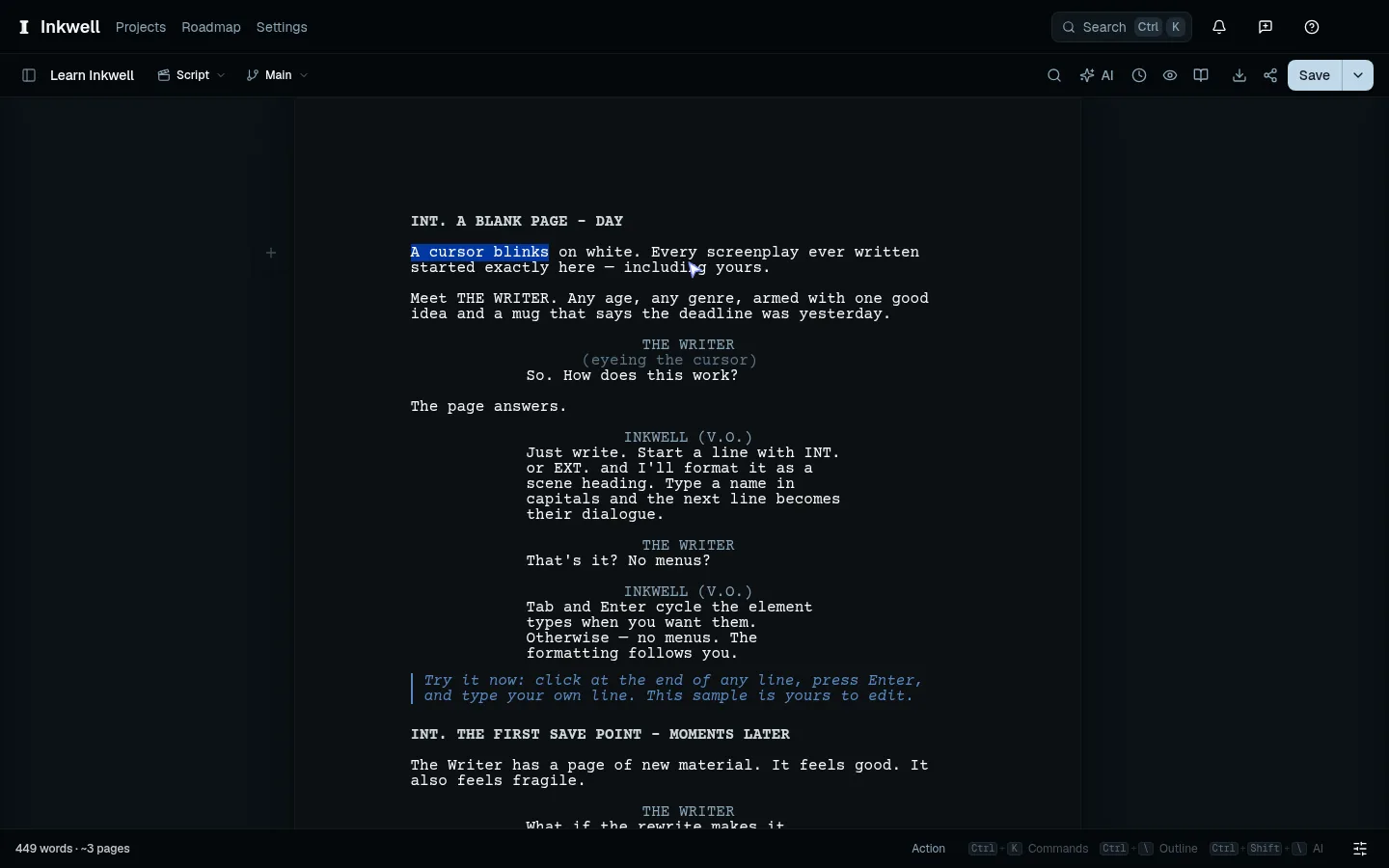
Use the browser's agent controls to ask it to read or select the passage you mean. To change a passage, choose a short selection within one screenplay element or paragraph. Ask it to select that text first and then replace it with a single line. The selection appears on your page.
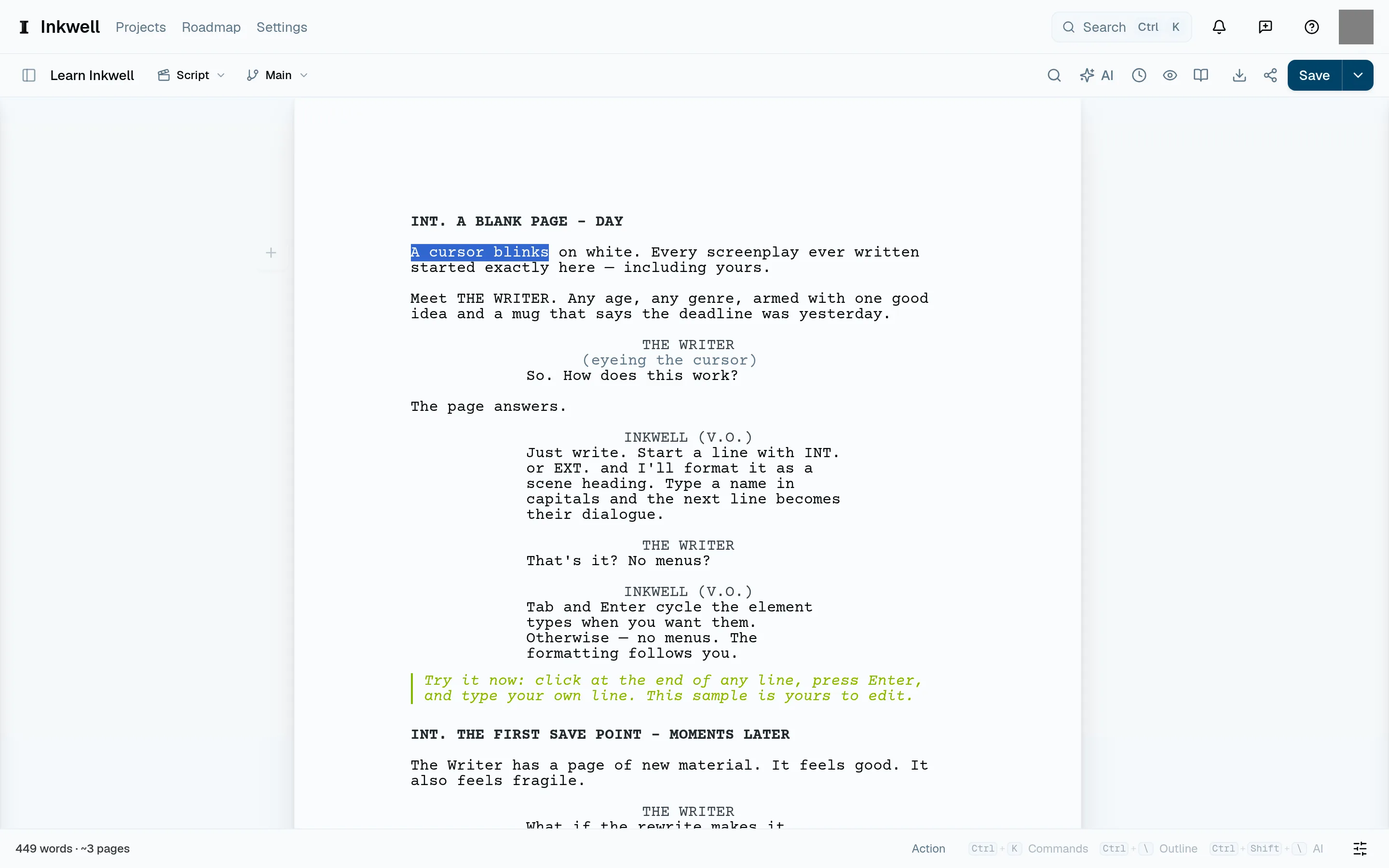
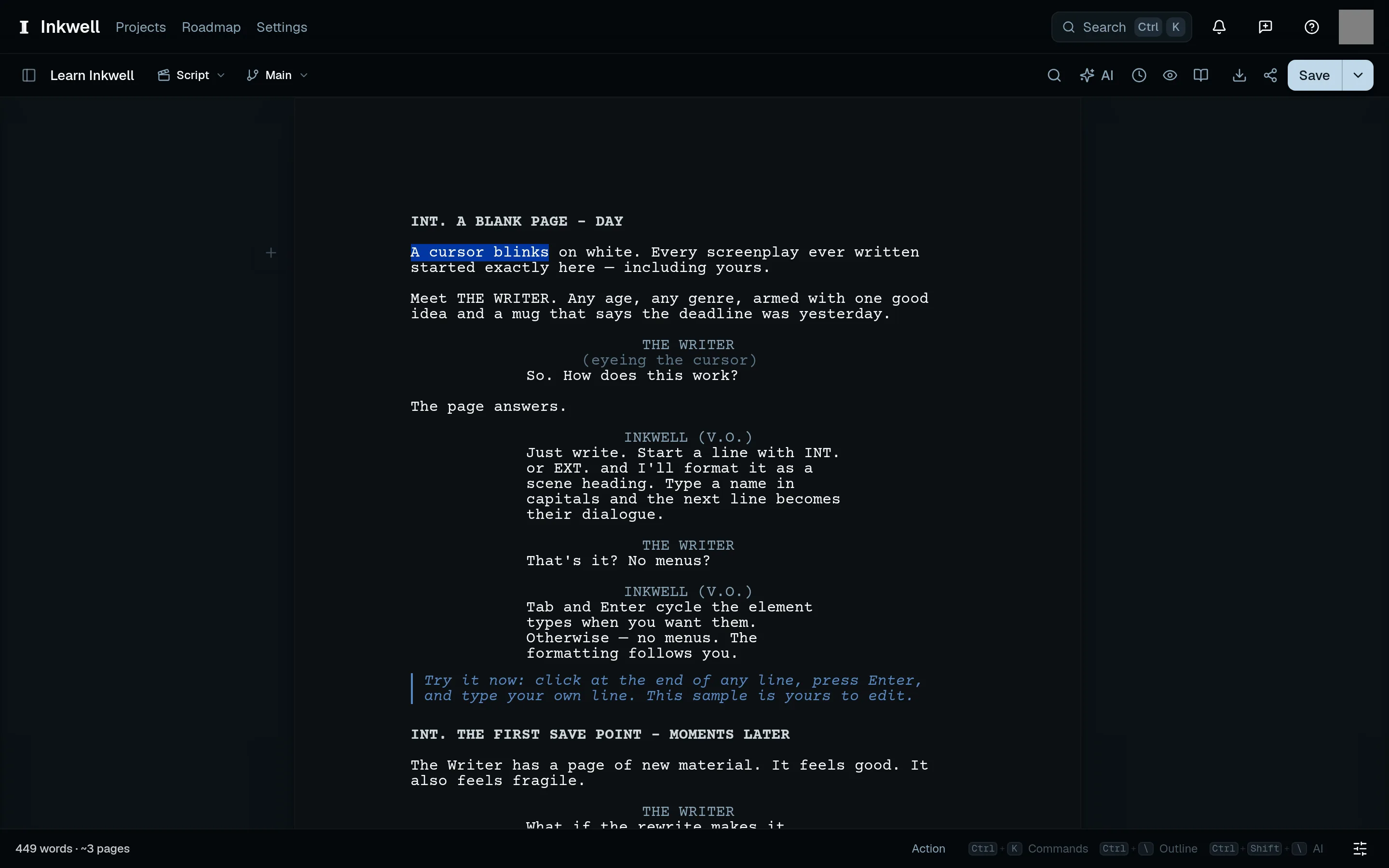
A short selection within one action paragraph (1). Check the highlighted words before replacing them. Review the words
Read the replacement in the editor. Use Undo to reverse it, just as you would an edit you typed yourself. In Ghost Mode, publish the private draft when you want to share the result.
Review a replacement on the page, then use Undo to bring back the original words.