
A share link opens your script for someone who has no Inkwell account. You choose which version it shows and what a reader can do; you can see who read it and how far; and you can switch it off at any time.
Readers see your screenplay with the editor's dialogue spacing, character cues, and parenthetical formatting. Simultaneous dialogue reads side by side.
On a return visit, What's new helps readers catch up on changes since their previous read.
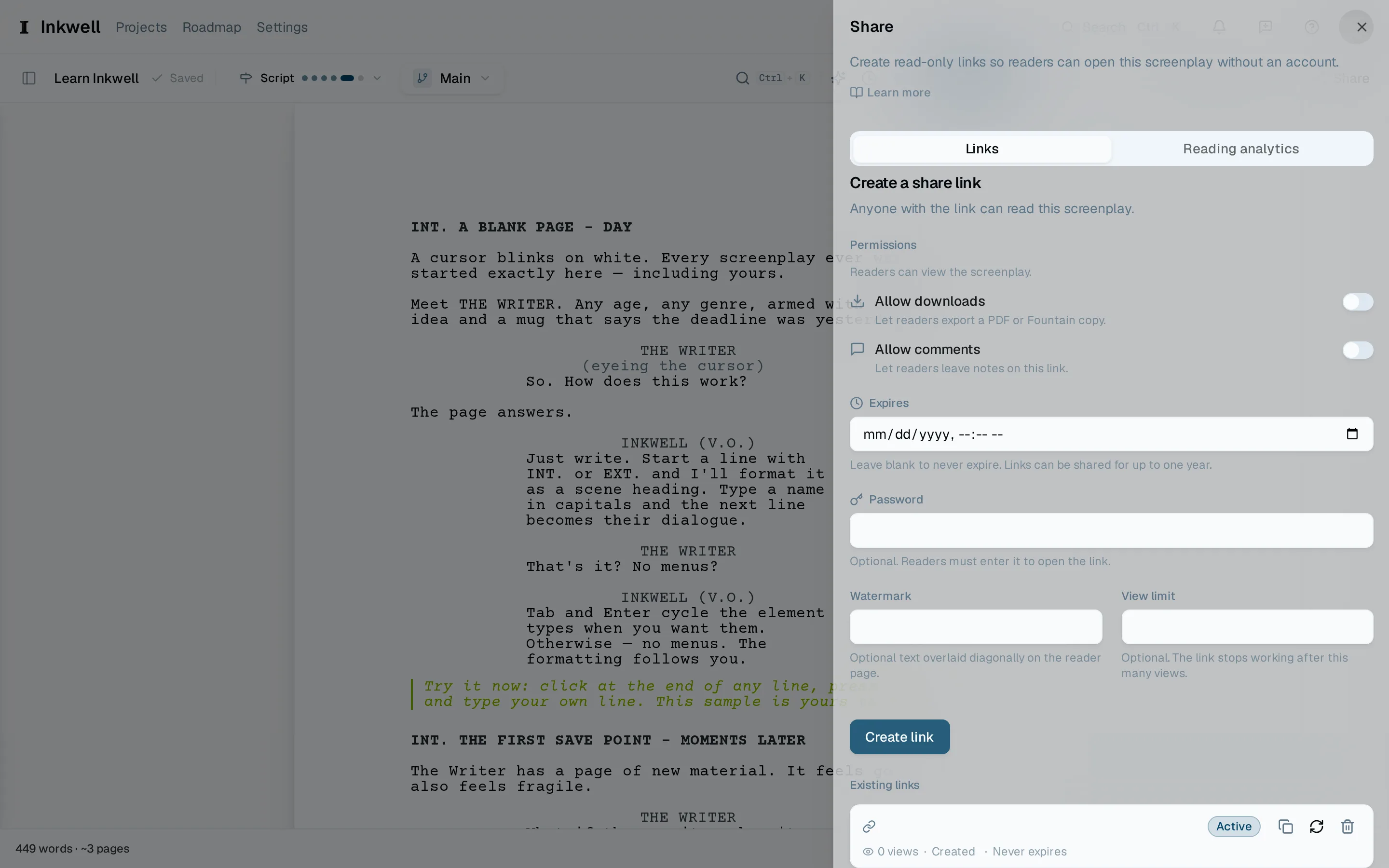
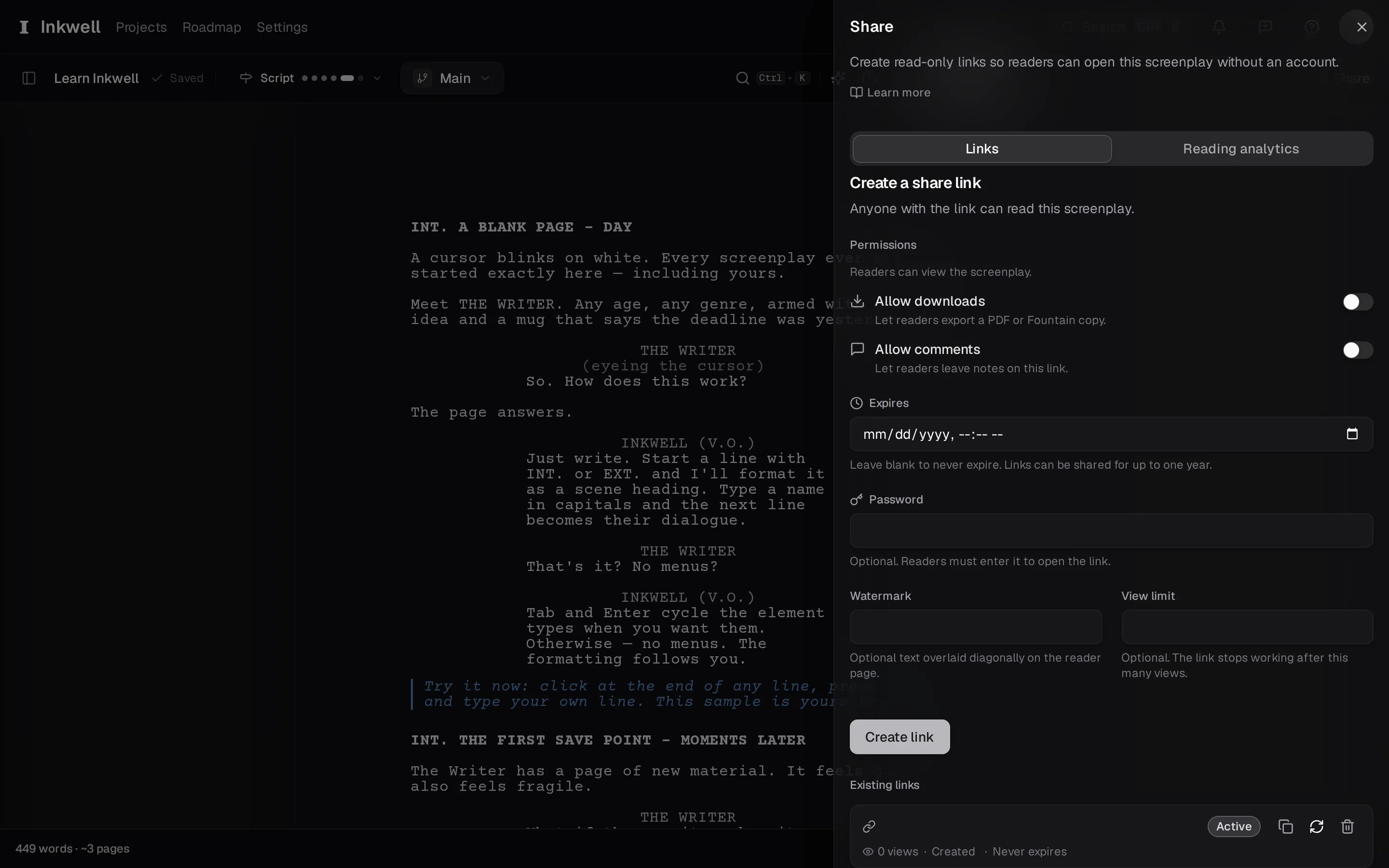
Open the share panel
Choose Share in the toolbar. The panel lists any links the project already has, with the form for a new one above them.
Pick the version
A link shows the current draft line by default and follows it as you write. Pin it to a save point or a milestone instead when the reader should see one fixed version — the table-read draft, say — no matter what you change afterwards.
Set what readers may do
Choose whether readers may download a PDF, whether they may comment on the page, and whether the pages carry a watermark with the reader's name or email. A link can also take a password, an expiry date, and a view limit after which it stops working.
Copy and send
Choose Create link and copy it. Send it however you send things; the link itself is what admits the reader.
See who read it
The panel shows each link's reads — when, how far into the script, and for how long — so you know whether the draft was opened before the call. Comments readers leave arrive in the Feedback tab; see Viewer comments.
Revoke it when you are done
Choose Revoke on a link and it stops working immediately, for everyone who has it. Make a new one for the next draft.