
When Agent Mode Asks, It Keeps Working
Hand Agent Mode a bigger job, see it ask about the calls that are yours, and answer in one click while it keeps working on the scene.
Transcript
- Play from 0:00: It asks, and keeps going while you decide.
- Play from 0:03: Hand the agent a bigger job.
- Play from 0:13: Some calls are yours. It asks, and names its pick.
- Play from 0:16: It keeps working while you decide.
- Play from 0:18: Answer when you're ready. One click.
- Play from 0:24: Then review its changes on the page.
- Play from 0:30: Write your next draft in Plot. Start writing free at inkwell.software.
The calls that are yours stay yours
Asked to tighten the gangway scene, the agent reaches a choice it shouldn’t make alone: when does the audience first hear about the accident? It asks, offers the options, and marks the one it would choose, here “Later, in the wheelhouse.”
Then it carries on with that pick instead of stopping the run. The question waits in the conversation, and you can answer it while the agent is still working.
Answer in one click, whenever you get to it
Open the question and tap the answer you want. Agreeing with the agent’s pick keeps the work it has done. Choosing differently lists the changes built on the pick, so you can have them redone to match.
You still review every change in the screenplay, with Accept and Reject on each one, the same as any Agent Mode edit.
Watch another walkthrough
Meet Plot: Screenplay Editor Tour
Write a scene, explore a rewrite on a draft line, ask about your screenplay, review an Agent Mode edit, and keep a save point.
Watch the tour
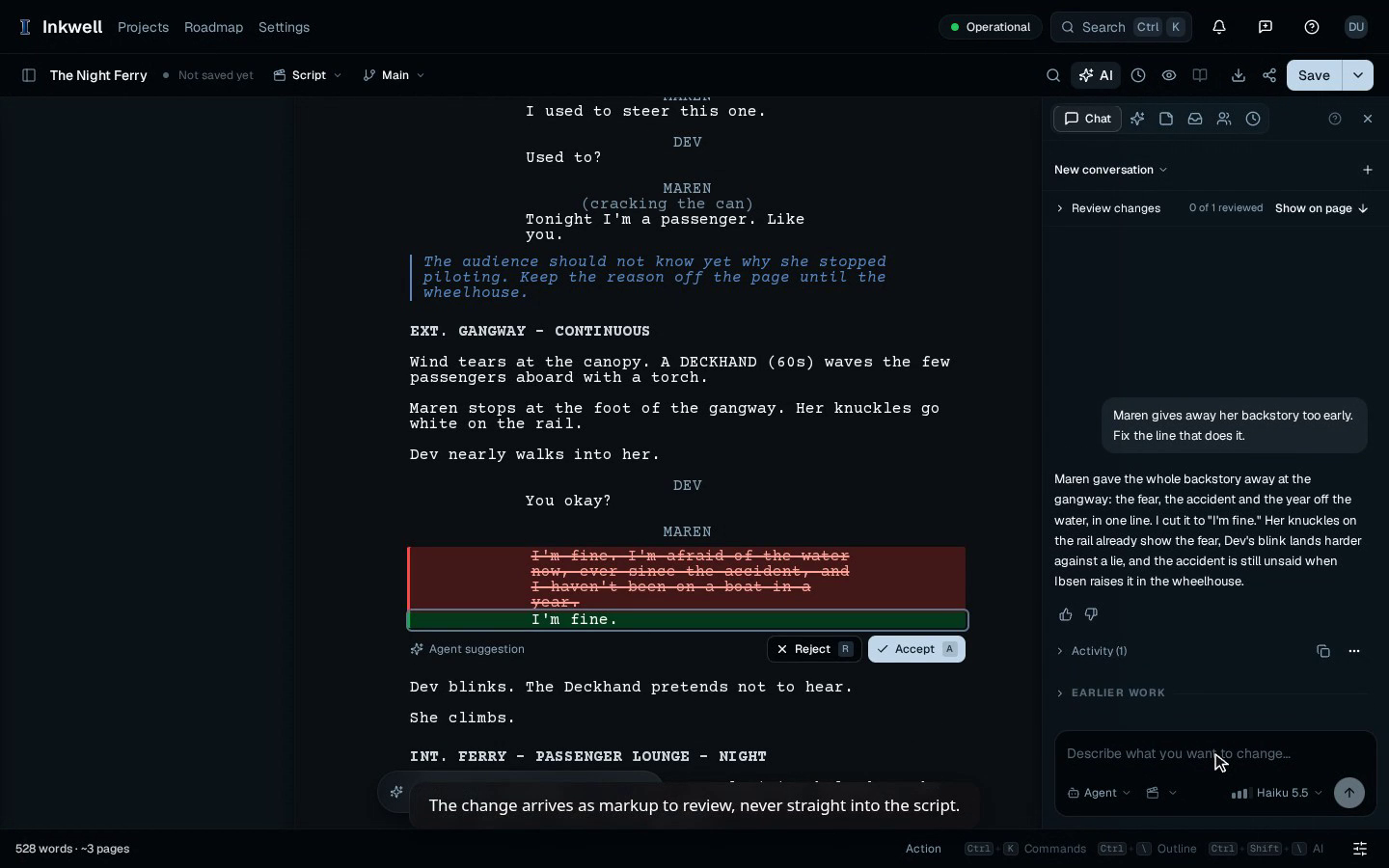
Review an Agent Mode Edit in Plot
Give Agent Mode a scene note, inspect its proposed dialogue change, and accept the edit in your screenplay.
Watch the walkthrough
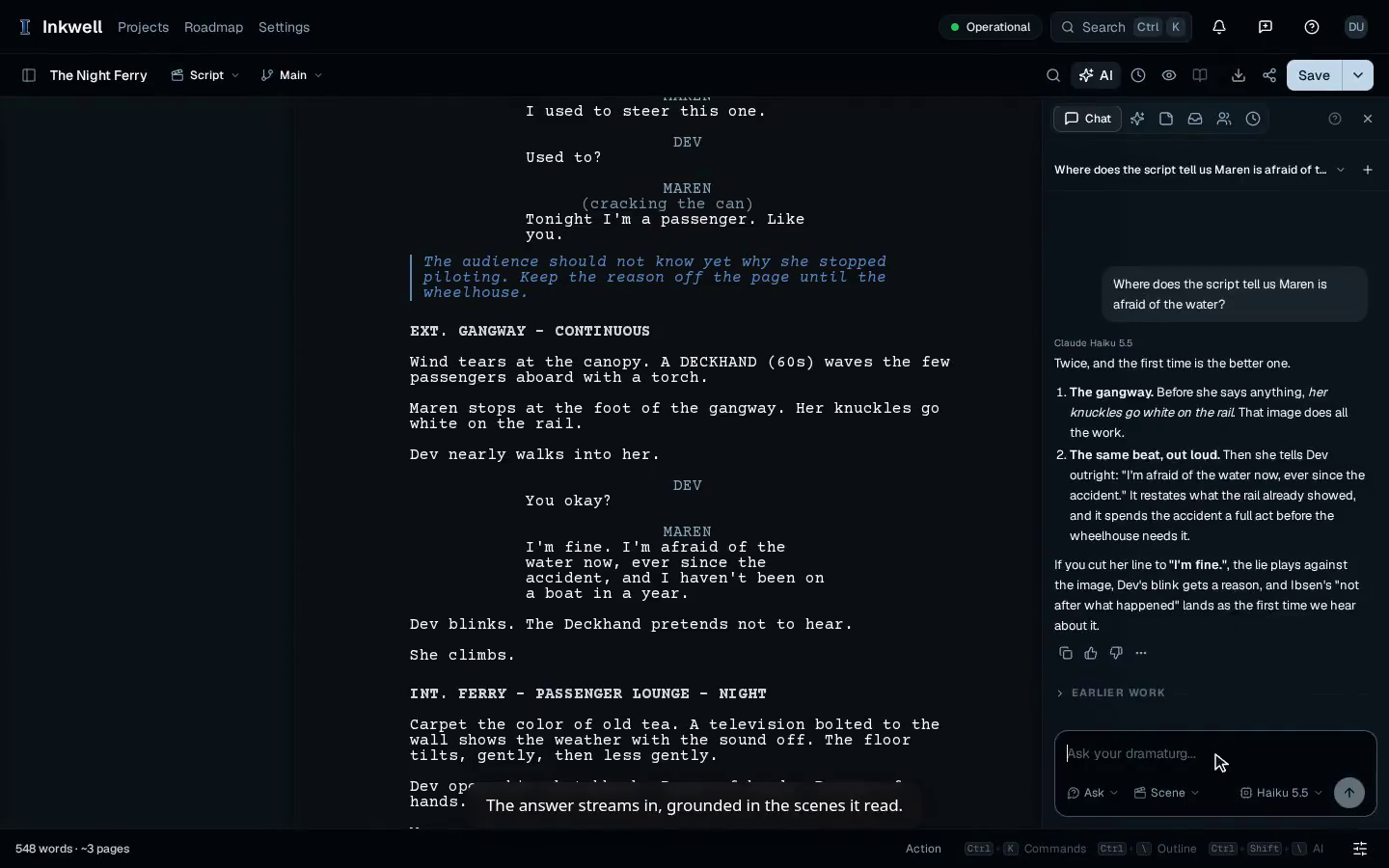
Ask Plot About Your Screenplay
Ask where your screenplay reveals a character’s fear and follow the answer alongside the scene.
Watch the walkthrough
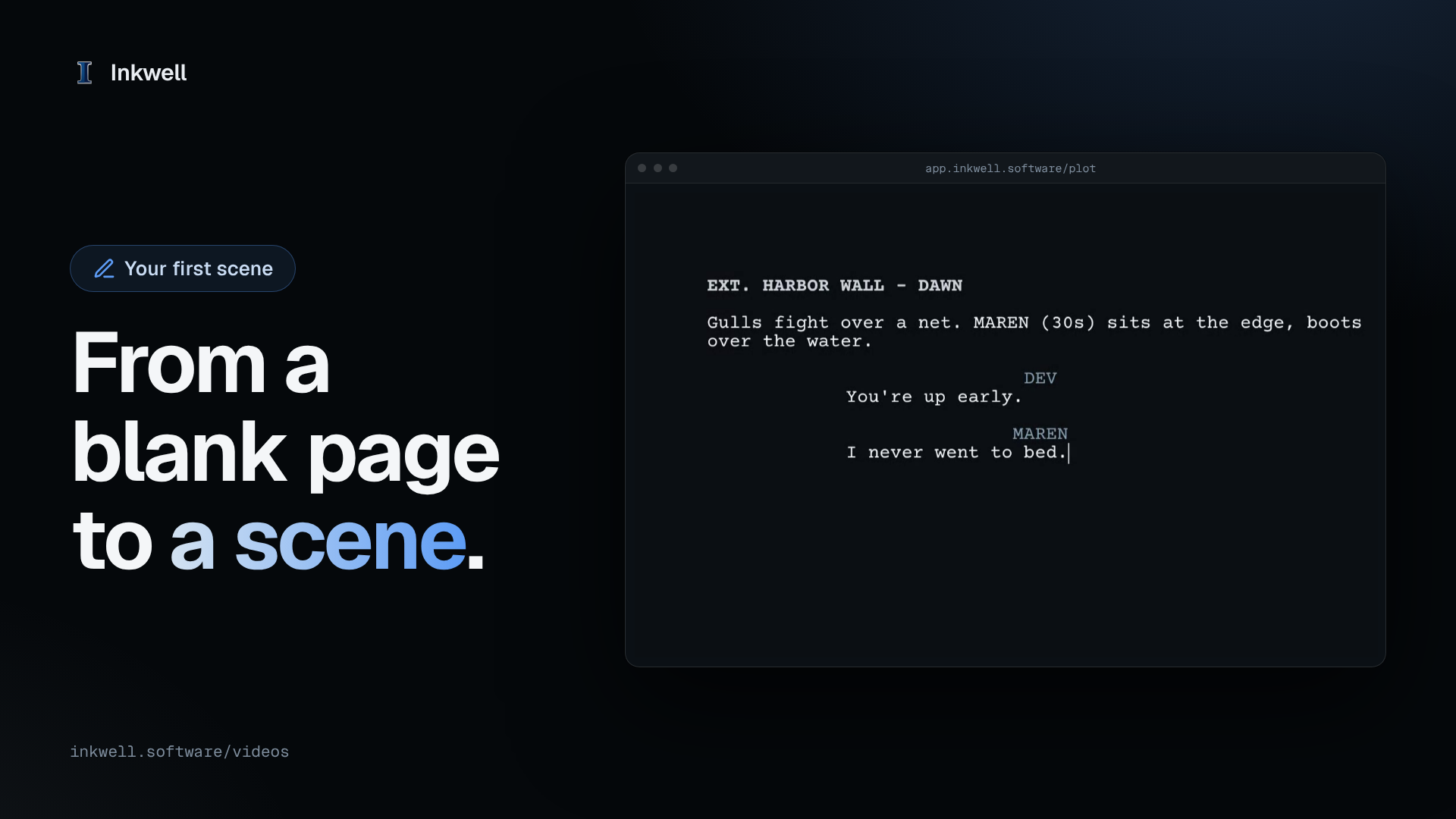
Write Your First Scene in Plot
Start a new script and write a scene from a blank page: type a heading, press Enter and Tab, and Plot formats every line as a screenplay.
Watch the walkthrough
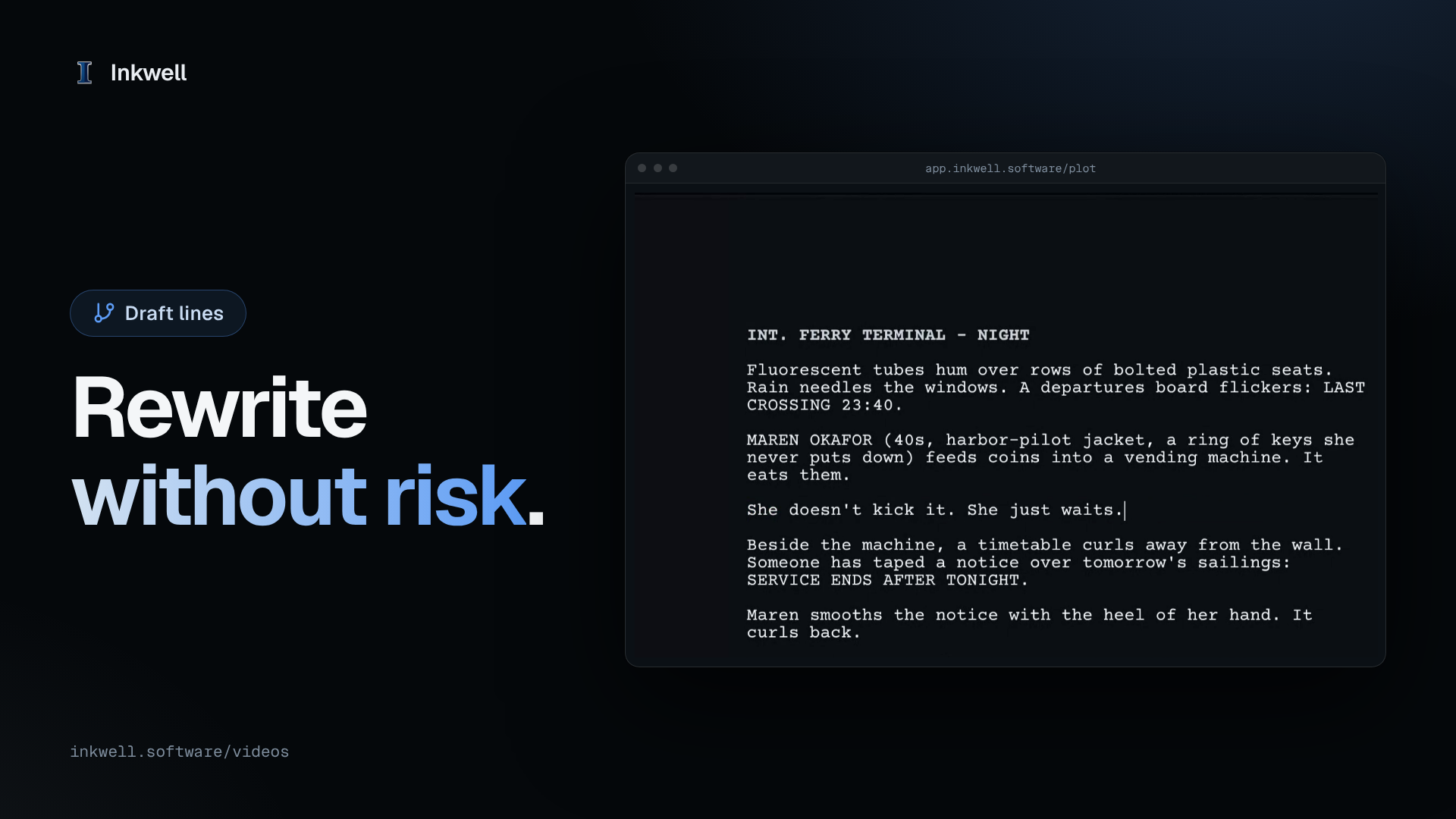
Try a Rewrite on a Draft Line in Plot
Start a draft line, rewrite a line freely while Main stays as it was, then preview the difference and incorporate the rewrite.
Watch the walkthrough
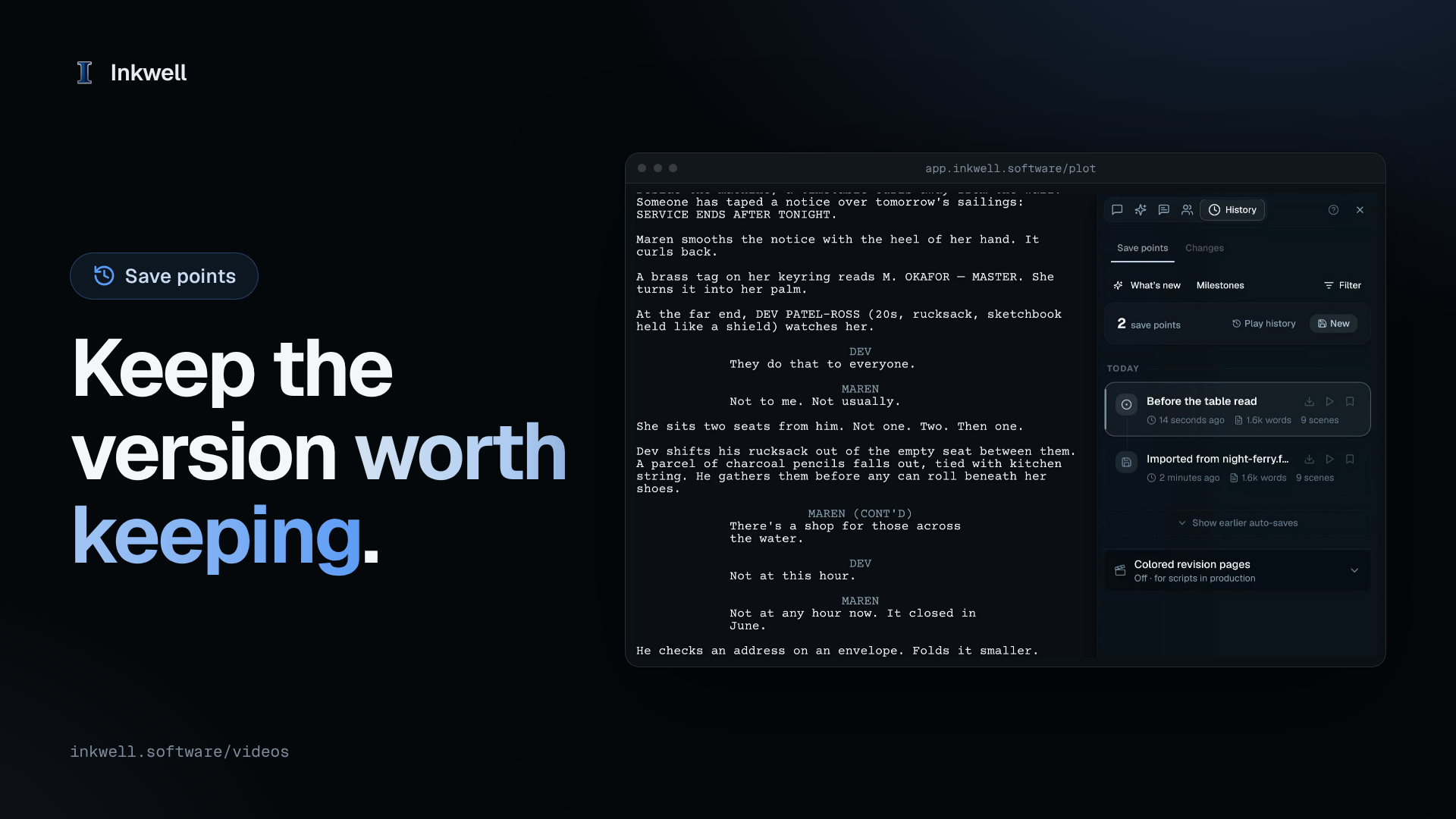
Keep a Named Save Point in Plot
Write until the draft is worth keeping, save it with a name, and find it at the top of version history whenever you need it.
Watch the walkthrough
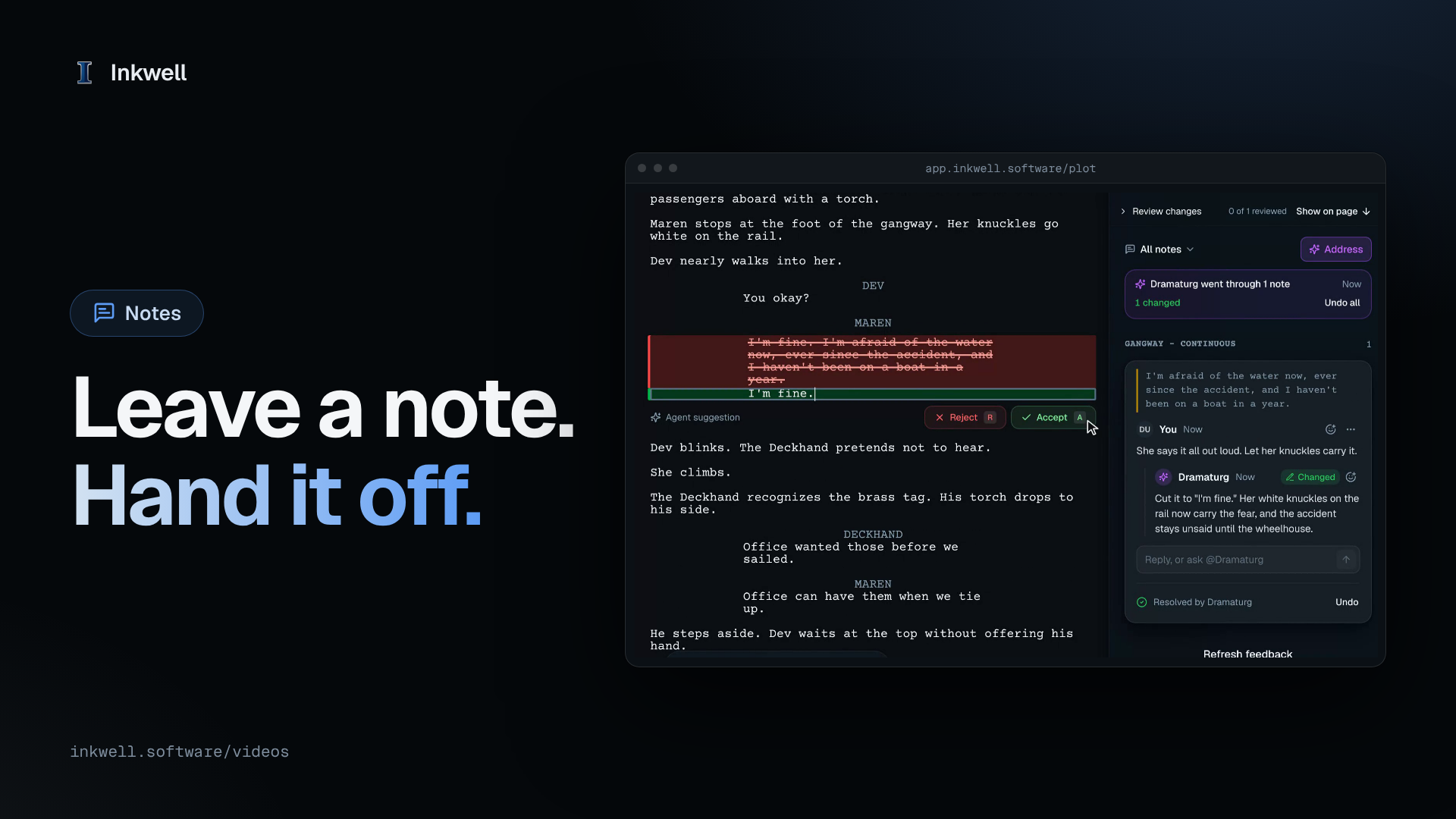
Leave a Note and Let the Dramaturg Address It in Plot
Leave a note on the words it is about, hand your open notes to the Dramaturg, and keep or undo the change it makes from the note.
Watch the walkthrough
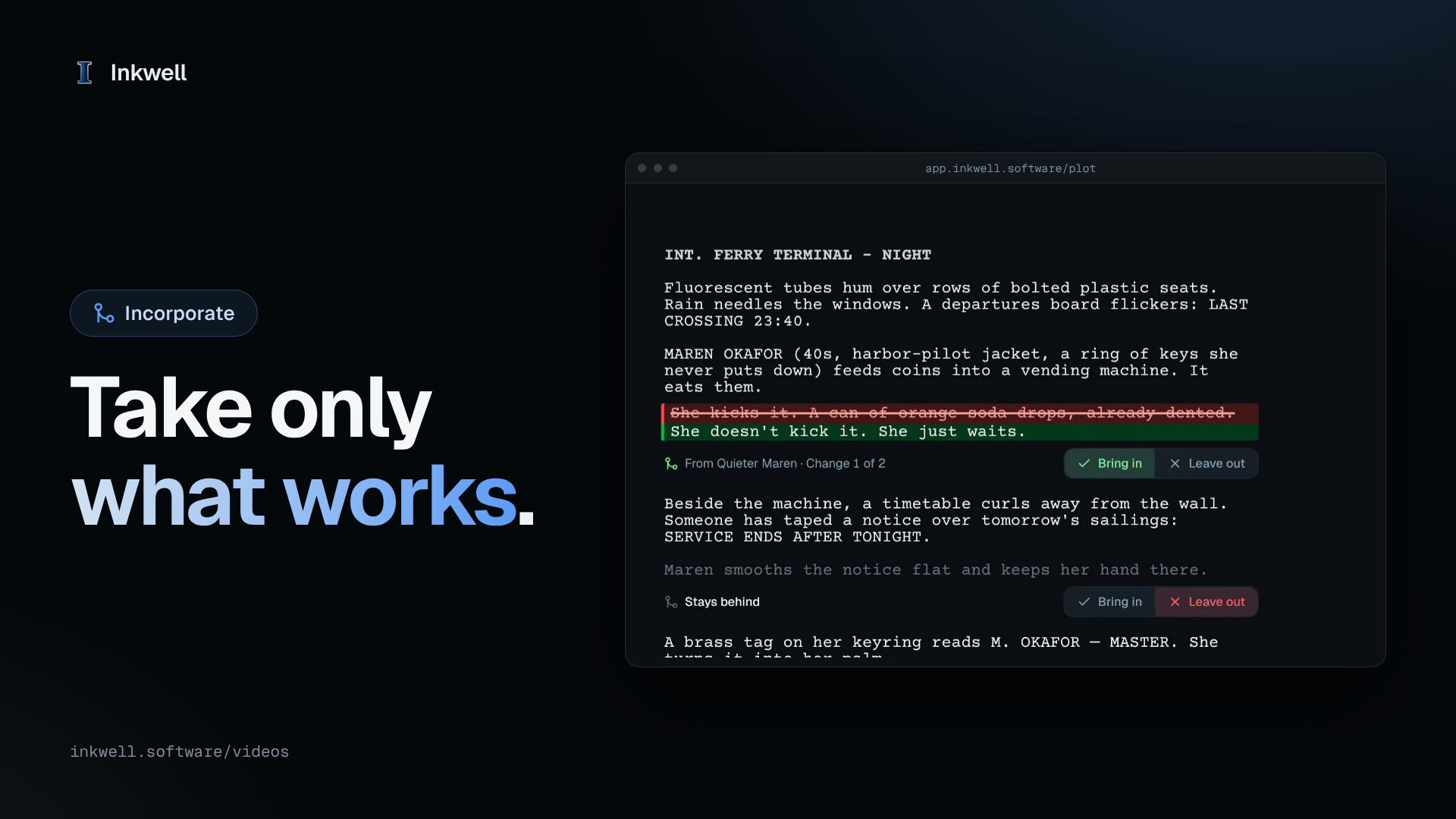
Choose Which Changes to Incorporate in Plot
Bring a draft line back to Main change by change: leave out what didn't work, and incorporate only the changes you chose.
Watch the walkthrough
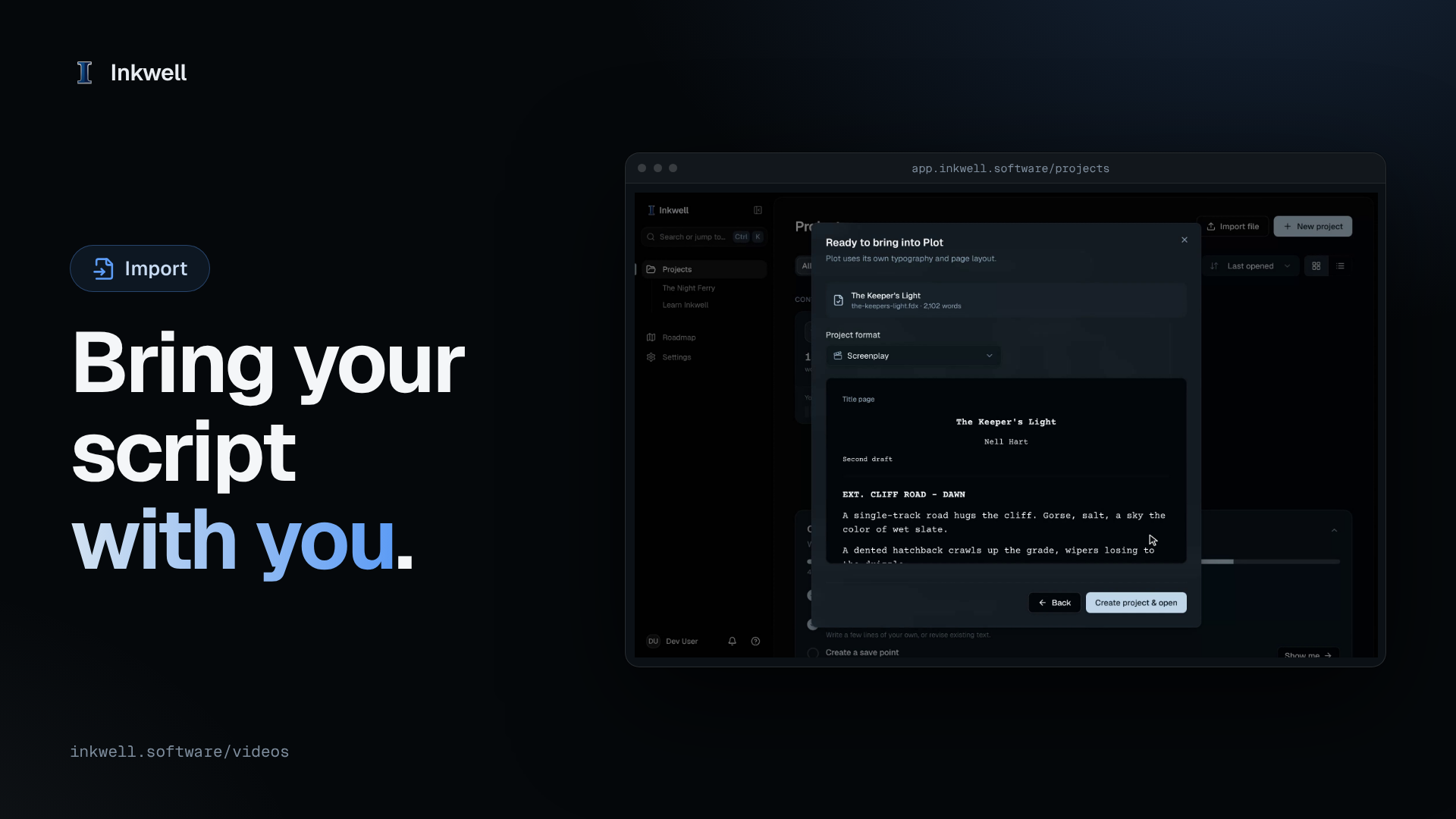
Import a Final Draft File into Plot
Bring an .fdx script into Plot from the projects page, check the preview with its title page, and keep writing with every element in place.
Watch the walkthrough