
Every skill has a slash command — /dialogue-pass, /coverage, /organize. The skill palette lets you run one from wherever your cursor is, scoped to the scene you are in, without opening the Skills tab.
Open the skill palette
Press ⌘/ in the editor. The palette lists every skill with its one-line description.
Type the skill's name
Start typing —
dialis enough for Dialogue Pass,covfor Script Coverage. Use the arrow keys if more than one matches, then press ↩.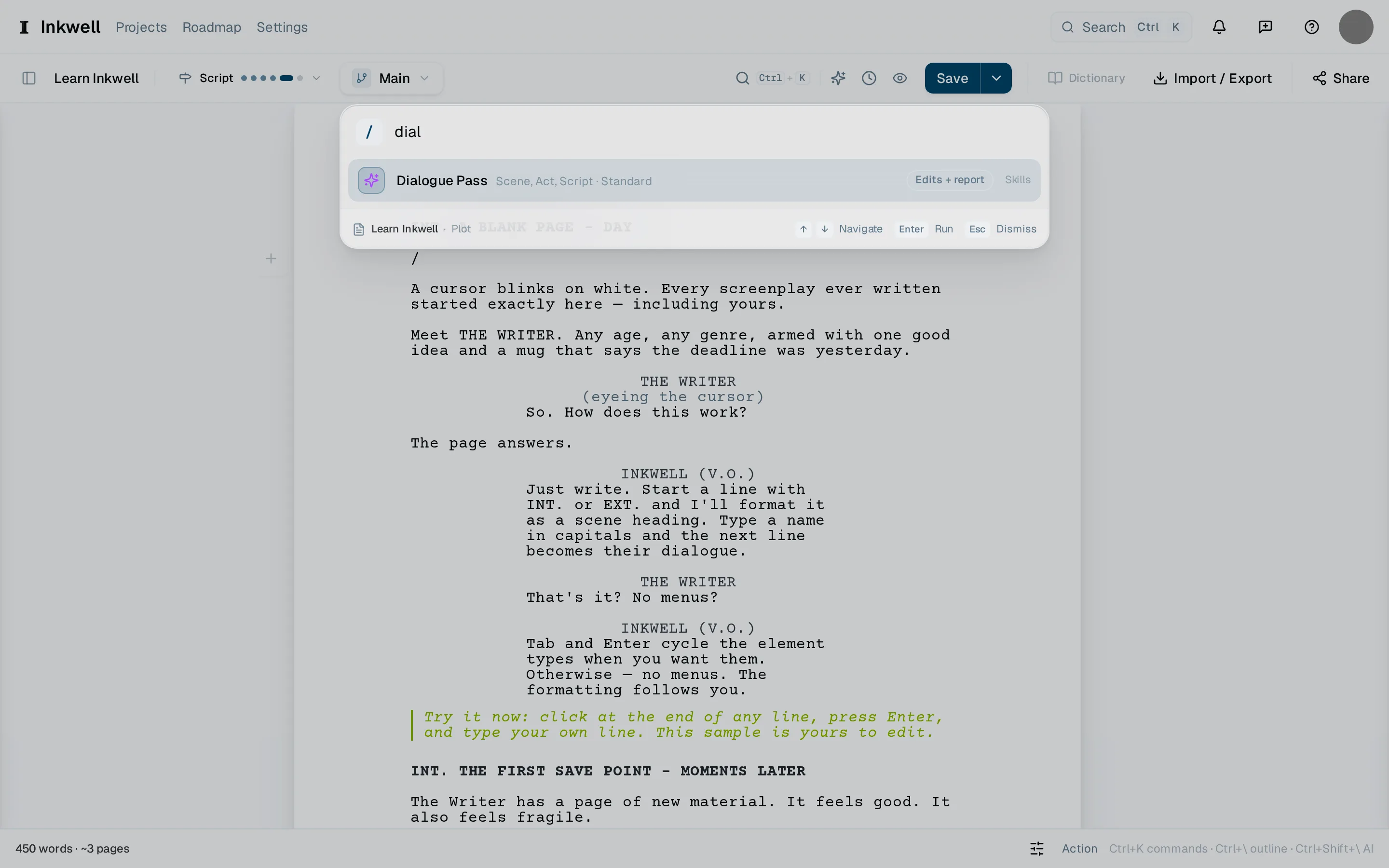
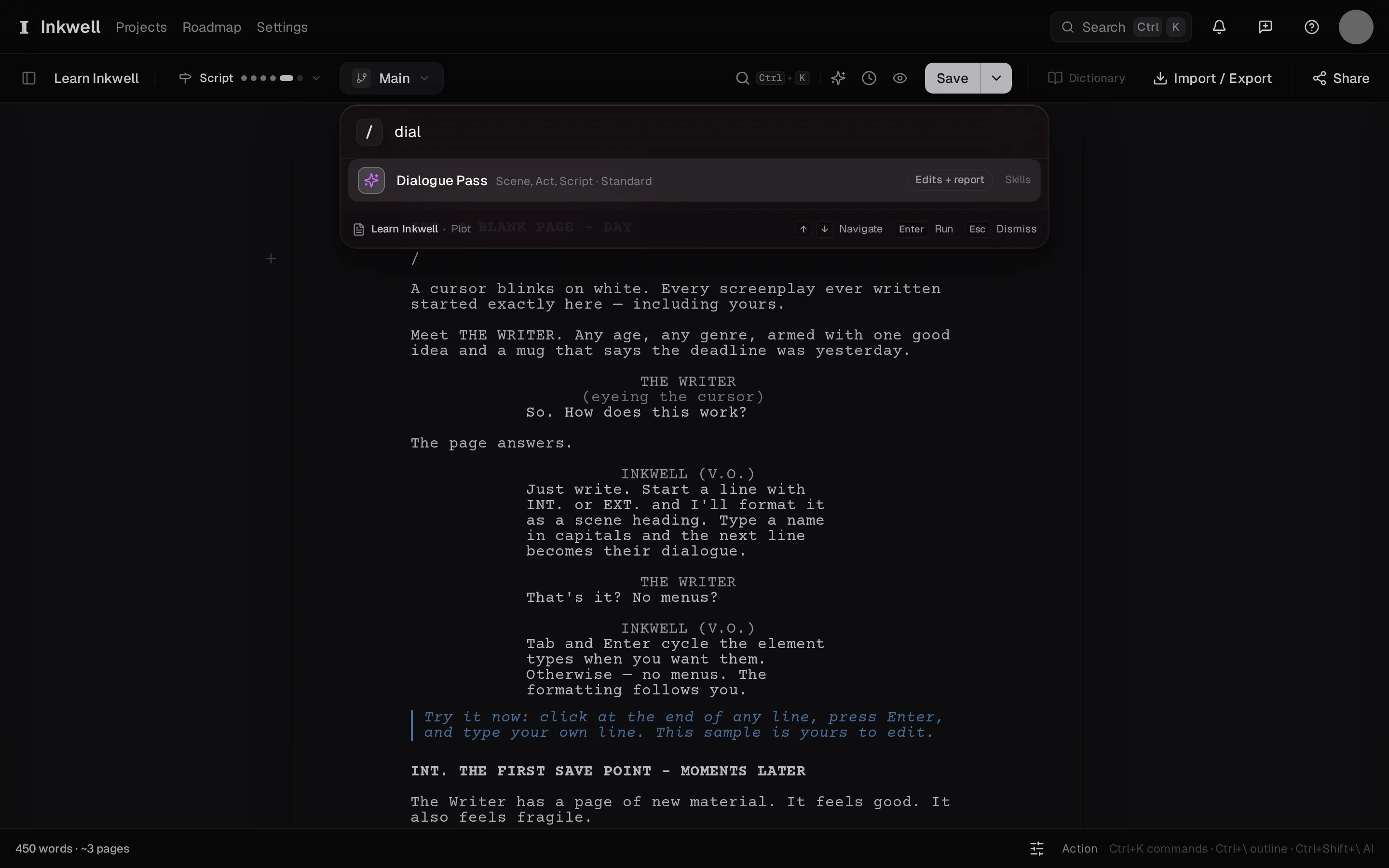
The palette opened with / and narrowed by typing dial: the search box (1) and the skills that match (2), each with the scope it takes and what it returns. Confirm the scope
The palette proposes the scene your cursor is in. Change it to an act or the whole script if that is what you mean, then run.
Carry on writing
The pass runs in the Skills tab. Keep working; when it finishes, its proposals arrive in the page for review — see Review a skill's changes.