
A project's name is its title: what the projects page lists and what the editor shows above the page. You can change it at any time; nothing in the script changes with it.
Select the title in the editor
Open the project. Its name sits in the bar at the top of the editor. Select it and it turns into a text box with the name already selected.
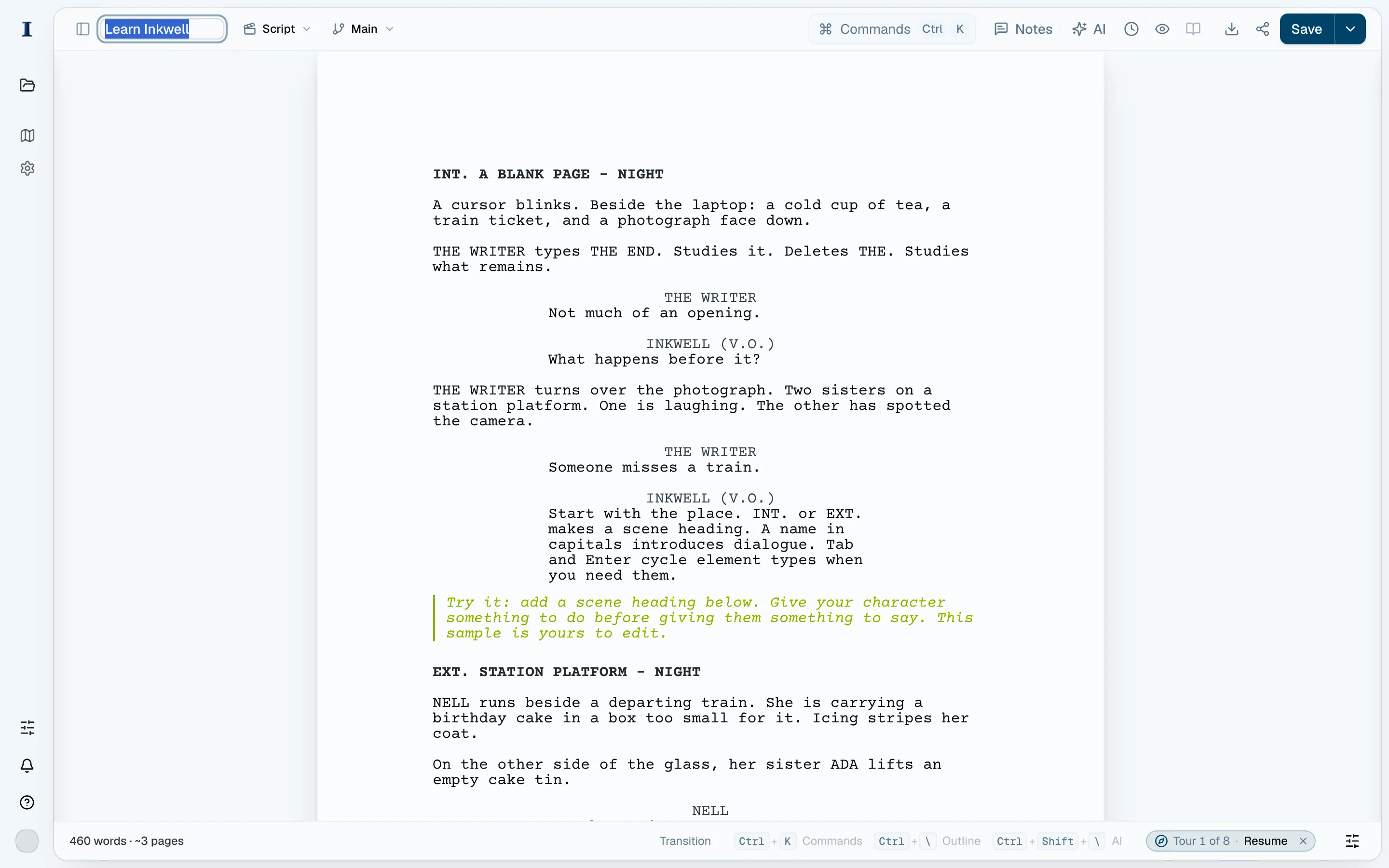
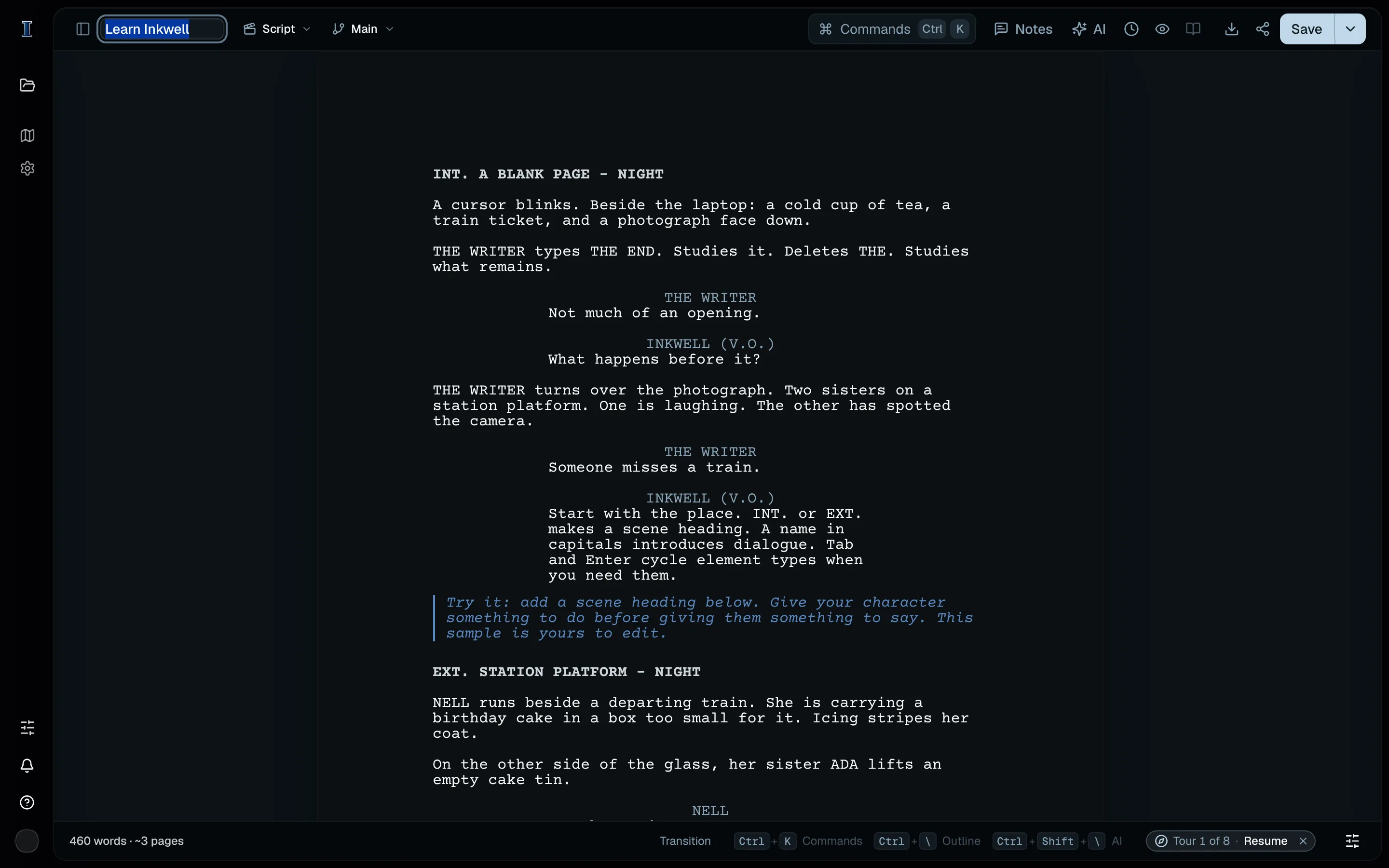
The project's name in the bar at the top of the editor, open as a text box with the name selected (1). Type the new name
Type over the old name. Press ↩ or click anywhere else to keep it. Only ⎋ leaves the name as it was.
Exported files are named after the project. A Canvas document with no title page also opens its Word export with the name as its title.
Or rename it from the projects page
On the projects page, open the menu on the project's card and choose Edit details. Change the Project name, and the Description if you like, then save.