
A Treatment project can develop into Screenplay, Teleplay, Pilot, or Stage Play in the same project. Your writing, draft lines, takes, and save point history stay together. Changing this destination leaves the text and each draft's writing mode as they are.
Save the treatment
Save a draft on the project's main draft line before changing its format. A named save point or milestone makes the before-conversion version easy to find.
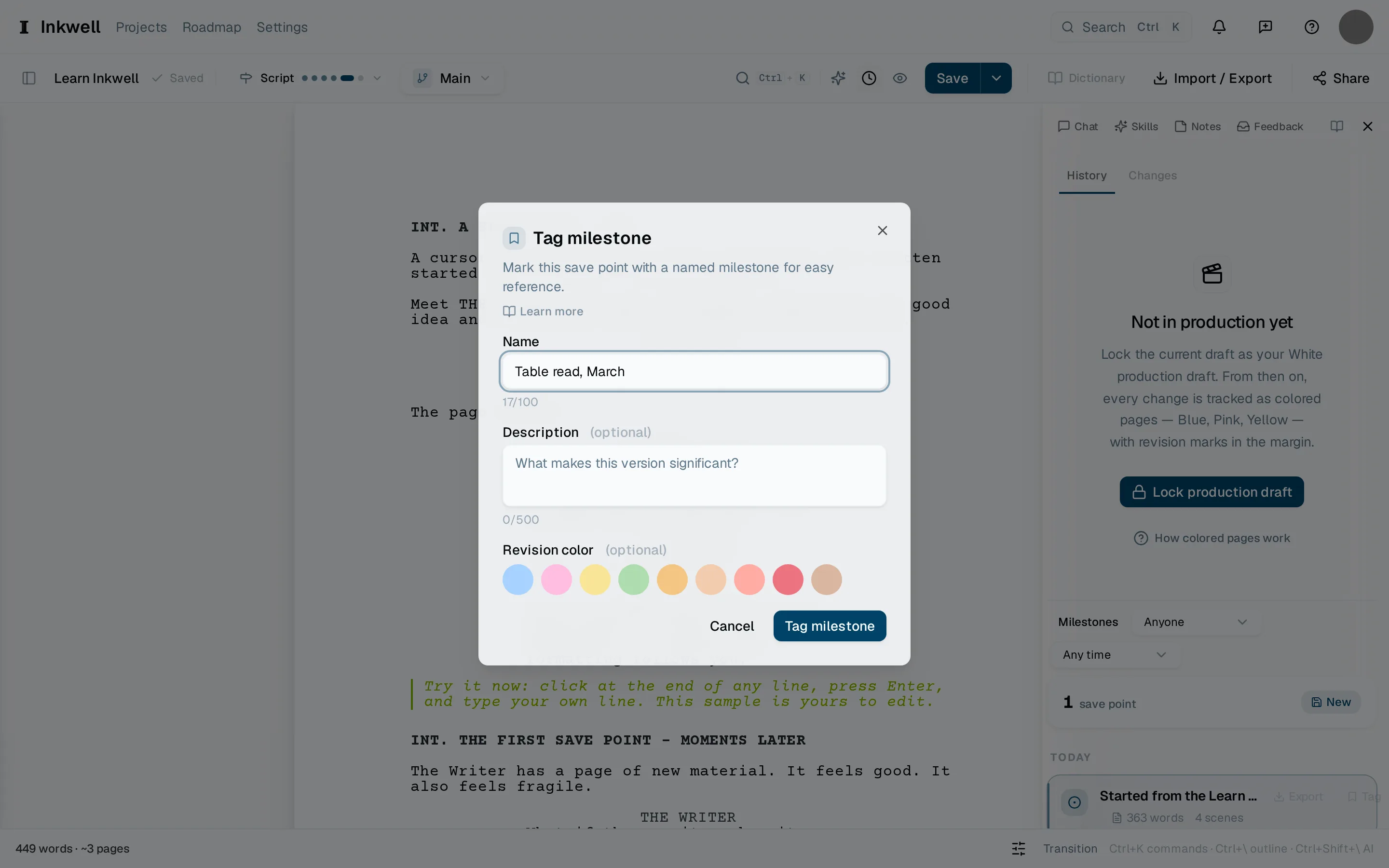
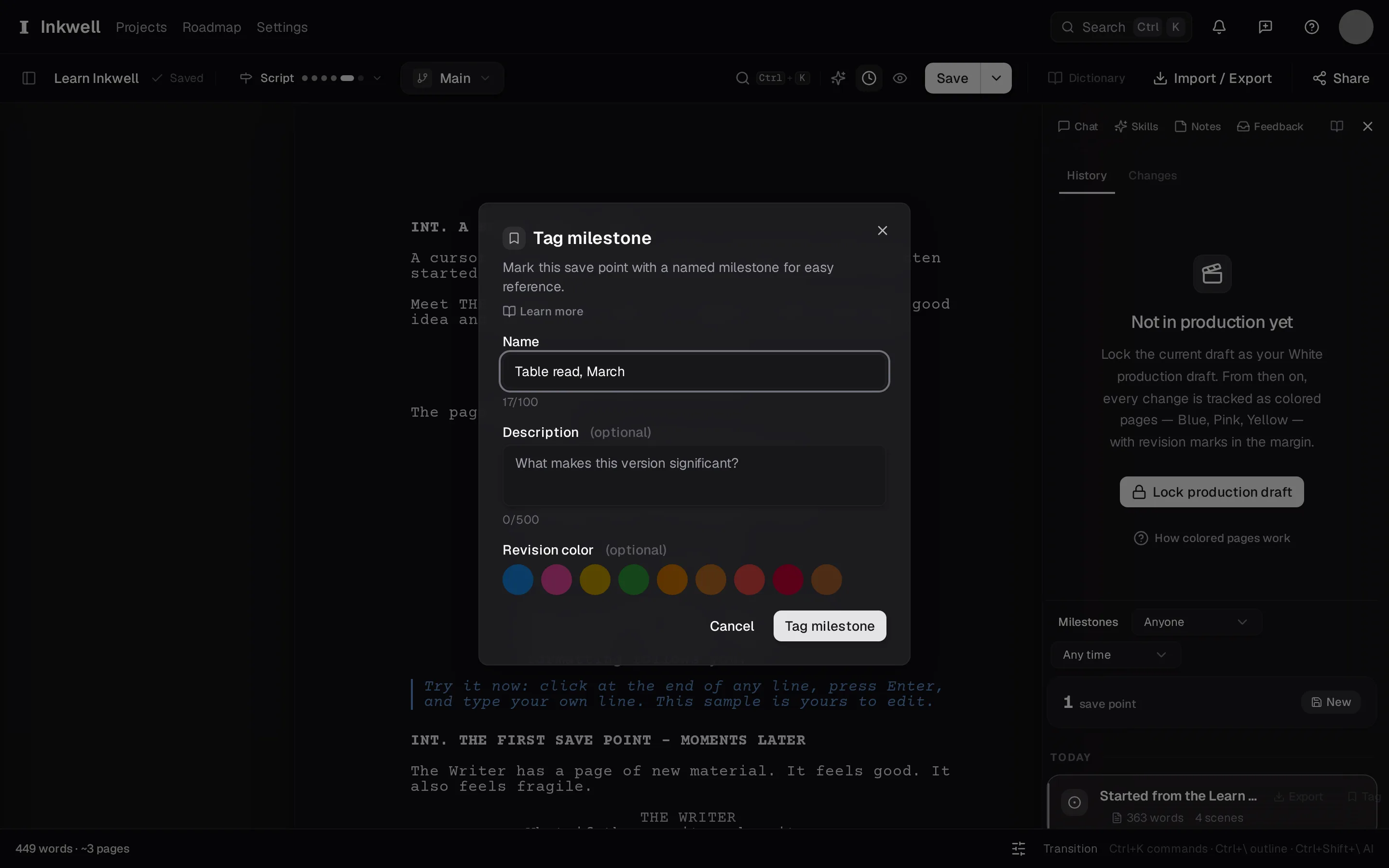
Give the treatment version a useful name in History before you develop it into a script. Open the journey menu
Select the journey stage in the editor toolbar — it reads Treatment or Notes — and choose Develop into a script under Project format. Pick Screenplay, Teleplay, Pilot, or Stage Play. You need editing access to make this change.
Review the project-wide change
The dialog lists the draft lines and open takes the change applies to: the format belongs to the whole project, not only the draft you have open. Choose Change format when the destination is right.
Develop the writing, then convert when ready
Continue using prose, outlines, and script sections. When this draft is ready, choose Screenplay in the writing-mode menu and review any conversion decisions. Choosing the destination alone has not rewritten the treatment.
Return to Treatment
Once a treatment has become a script project, the journey menu offers Return to Treatment under Project format. Every draft line — archived ones included — and every open take must first be in a mode Treatment supports: Freeform, Mixed, or Treatment. If one isn't, the dialog names it so you can open it and change its mode. Archived takes don't count.
Returning keeps the writing as it is; it doesn't undo a conversion to script. To get the prose back, restore a save point from before the conversion — restoring a save point changes the writing, not the project's format.
Before locking production pages
Production pages hold script only, so convert any prose and outline sections first — choose Screenplay from the journey menu. Revision mode covers the locking workflow and what can be changed after pages are locked.