
Deleting your account removes every project you own and cannot be undone. The steps below make sure nothing you wanted goes with it.
Export what you want to keep
Settings → Profile → Your data → Export my data downloads a JSON archive of everything in your account — projects, save points, notes, feedback, chats, and profile. For a script you want to open elsewhere, export a PDF, FDX, or Fountain file first.
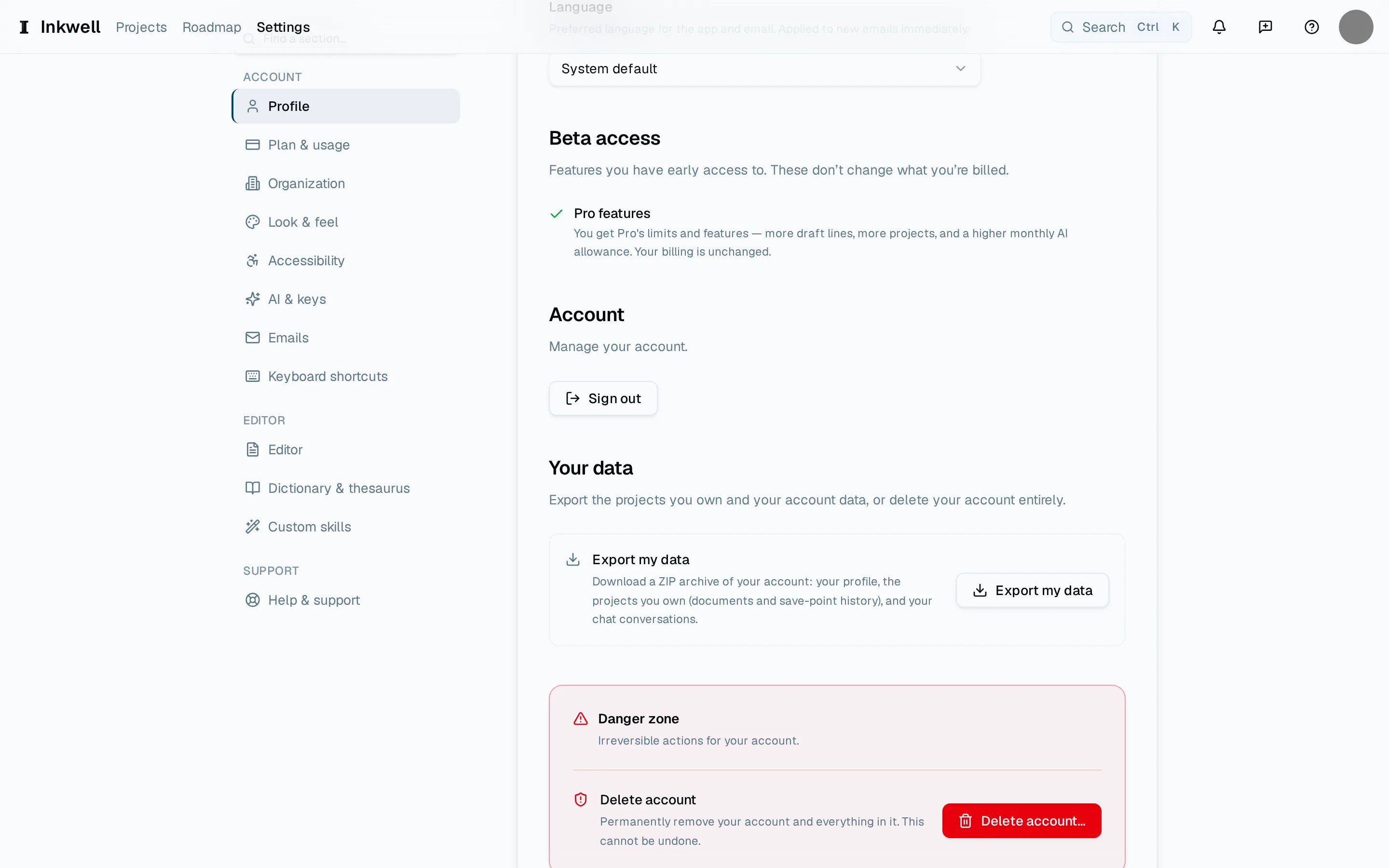
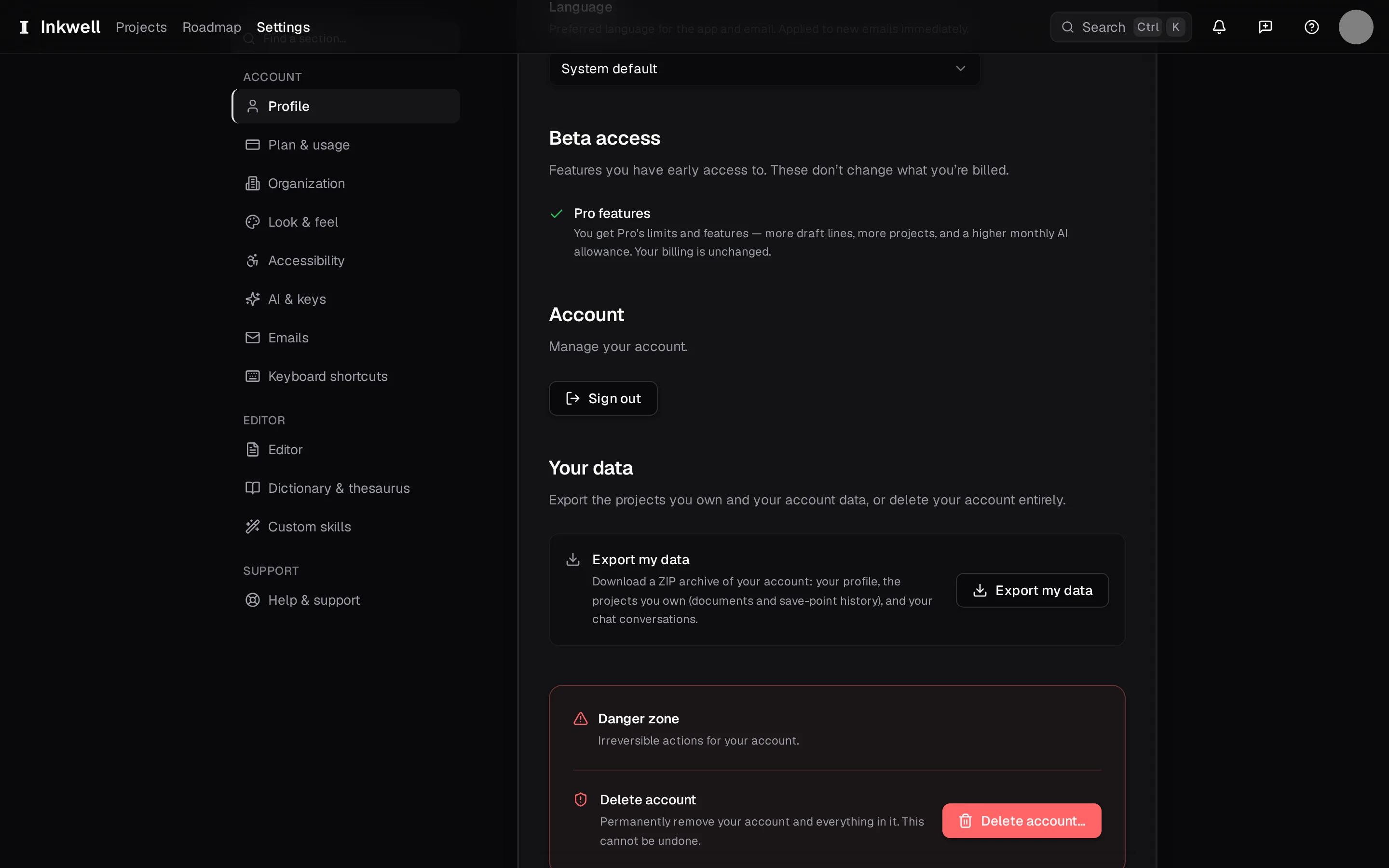
Further down the Profile page: Export my data (1) sits above the danger zone (2), where Delete account lives. Hand over shared projects
A project you own disappears for its members too. Transfer ownership from the project's members list to someone who should keep it, or tell them to export.
Cancel a paid plan
Deleting the account ends the subscription; nothing further is billed. If you only want to stop paying, cancel from Settings → Plan & usage instead and keep the account on the free plan.
Delete
Settings → Profile → Delete account asks you to type your email to confirm. Once confirmed, you are signed out and the deletion begins.