
How to Add Scene Numbers to a Screenplay, in Under a Minute
Leave scene numbers off a reading copy, add them when the script goes into production, and let a scene you add later take a letter. Shown in Plot.
Transcript
- Play from 0:00: When and how to add scene numbers to a screenplay.
- Play from 0:03: 1. Reading copy? No numbers.
- Play from 0:05: A spec or submission draft? Leave the numbers off.
- Play from 0:11: 2. Production? Number the scenes.
- Play from 0:12: Going into production? Open Document settings.
- Play from 0:15: Choose Apply numbering.
- Play from 0:21: Every scene gets a number in the margin.
- Play from 0:23: 3. Added later? It gets a letter.
- Play from 0:25: Add a scene later and it waits unnumbered until you apply numbering again.
- Play from 0:36: The new scene takes a letter, so every number already handed out stays put.
- Play from 0:40: The full scene numbers guide is free at inkwell.software.
Why numbers wait for production
A reader doesn't need scene numbers, and a spec script with them can look like a shooting script someone forgot to clean up. Production does need them: the schedule, the call sheets and every department's notes point at a scene by its number.
So number the scenes once the script is going to be made, or when someone asks for numbers.
Why a new scene takes a letter
Once numbers are handed out, people rely on them. Renumbering every scene after an insert would make every schedule and note wrong at once.
In Plot, a scene you add after numbering waits without a number until you apply numbering again. Then it takes a letter, like 1A, and every scene that already had a number keeps it.
Watch another lesson
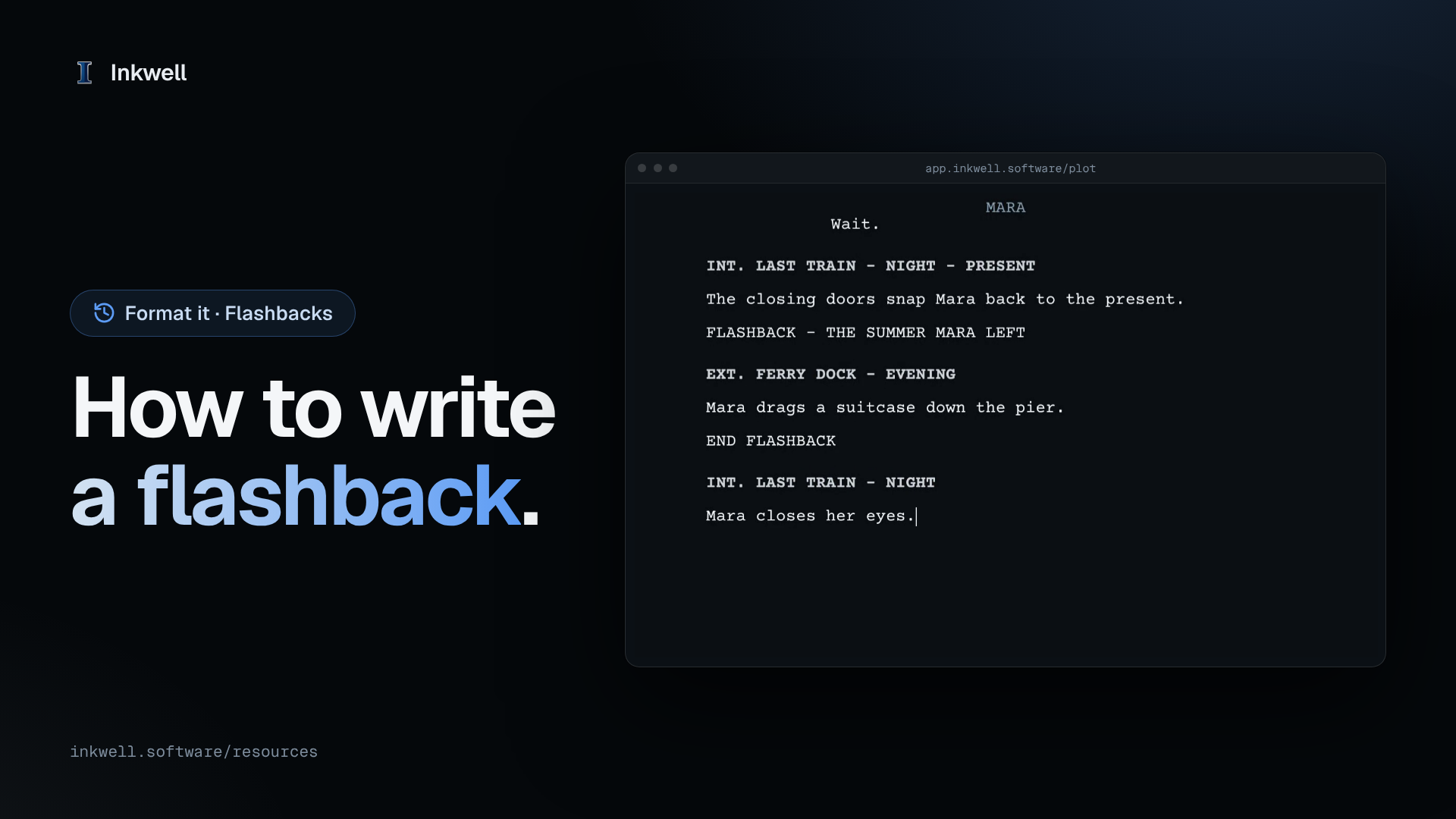
How to Write a Flashback in a Screenplay, in Under a Minute
Three ways to write a flashback: put the time shift in the scene heading, bracket a longer memory, or cut to a single image. Shown in Plot.
Watch the lesson
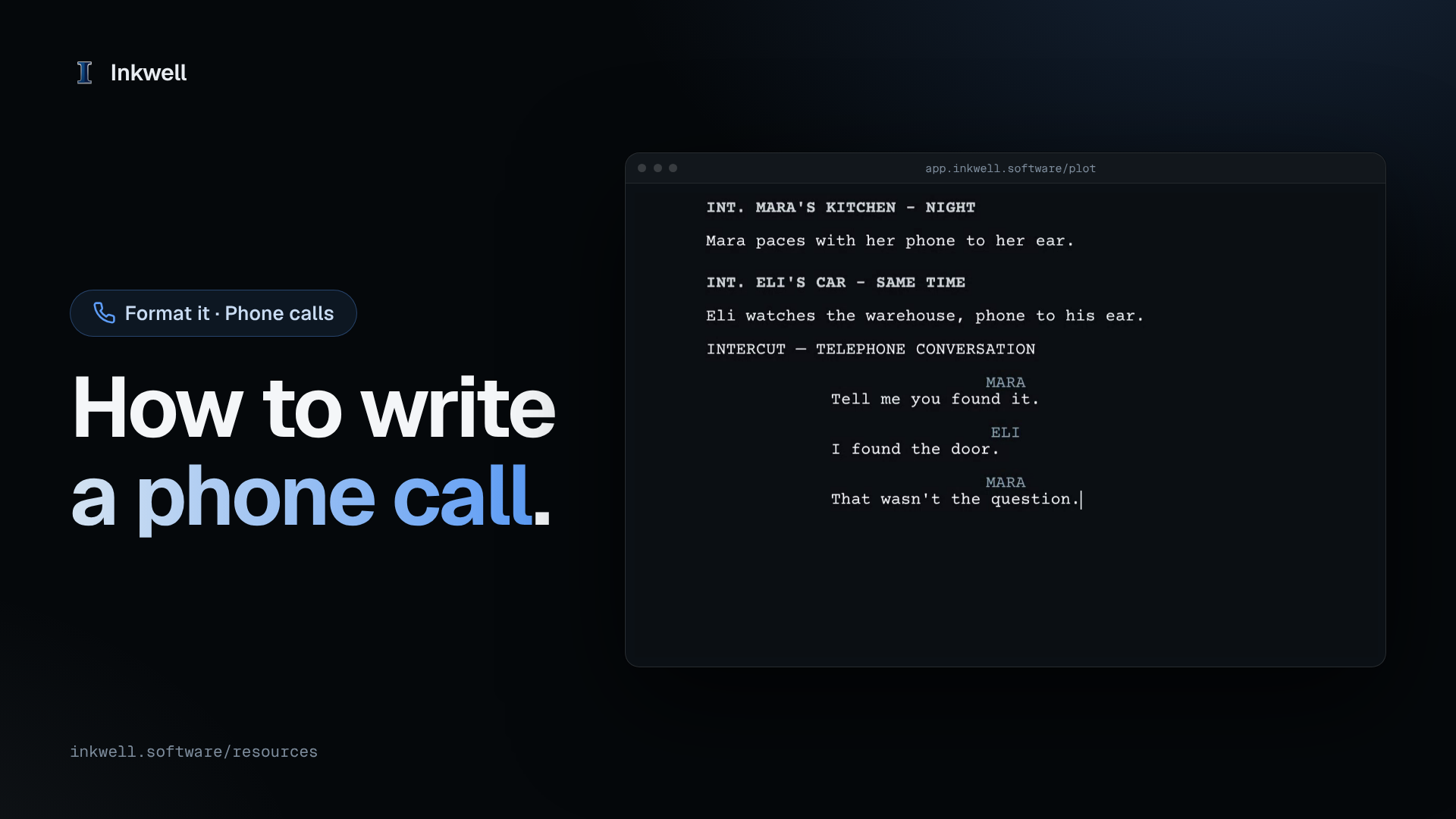
How to Write a Phone Call in a Screenplay, in Under a Minute
Give each end of the call a scene heading, add one INTERCUT line so the dialogue goes back and forth, or stay on one side and mark the other V.O. Shown in Plot.
Watch the lesson
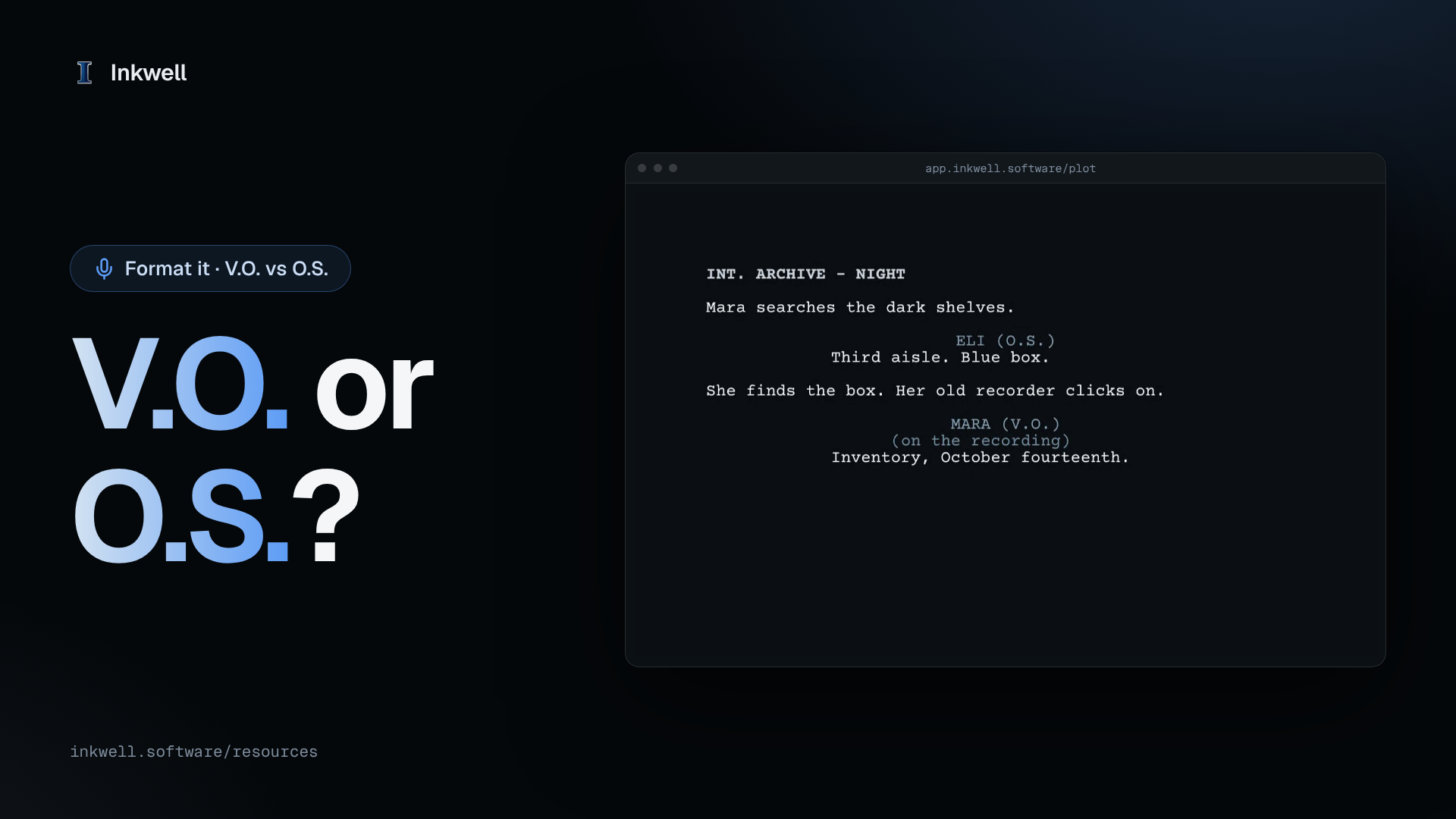
V.O. vs. O.S. in a Screenplay, in Under a Minute
Where the voice comes from decides it: O.S. for someone in the room but out of frame, V.O. for a voice from somewhere else, narrators included. Shown in Plot.
Watch the lesson
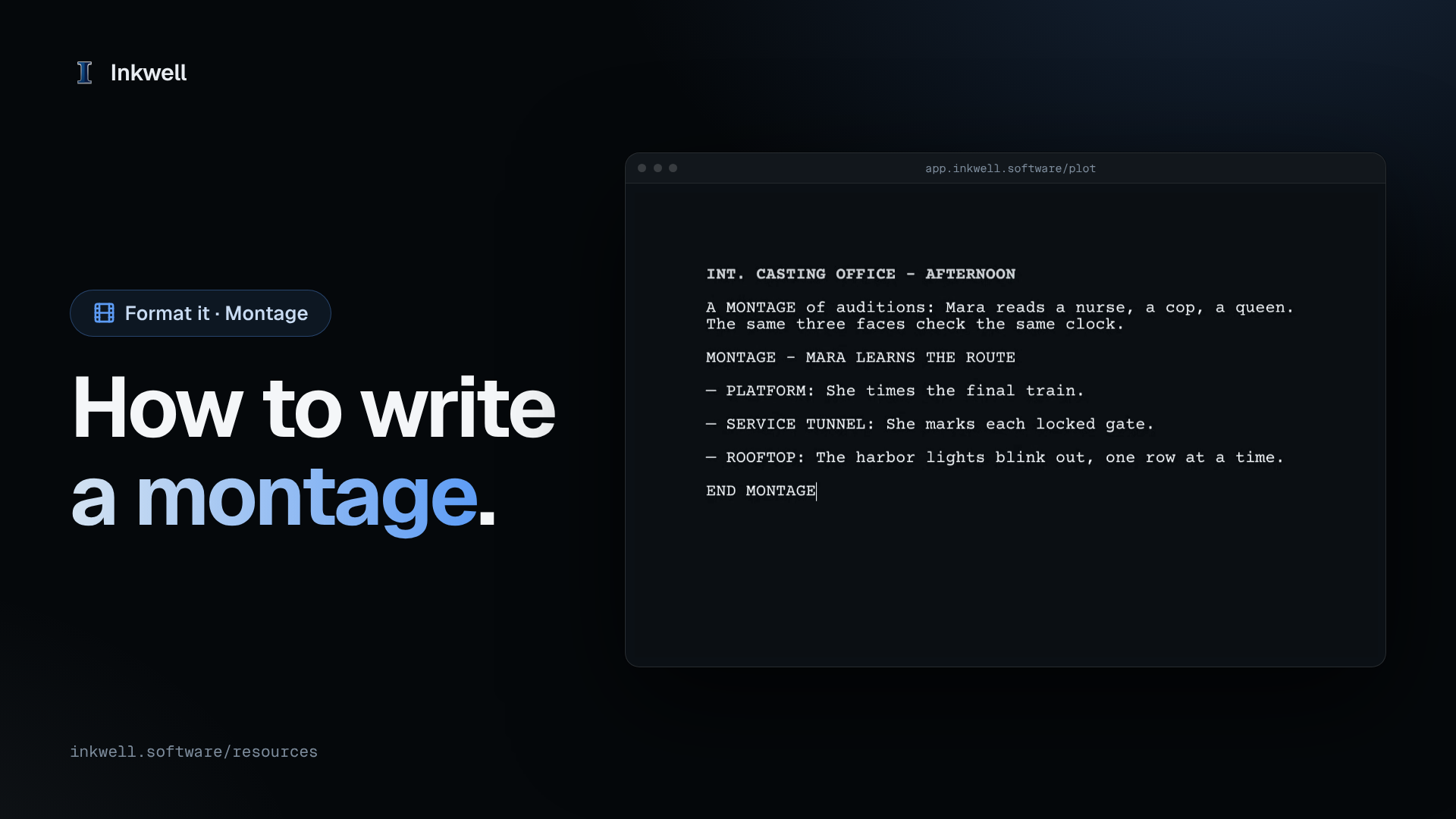
How to Write a Montage in a Screenplay, in Under a Minute
Three ways to write a montage: one action line for a short one, mini-slugs across places, or full scene headings when the places matter. Shown in Plot.
Watch the lesson