
Find is the same idea as in every editor; the detail worth knowing is that it understands the script's structure, so renaming a character changes the cue and the lines that mention her without touching a word that happens to share letters.
Open find
Press ⌘F. A bar appears above the page with a search box and a match count.
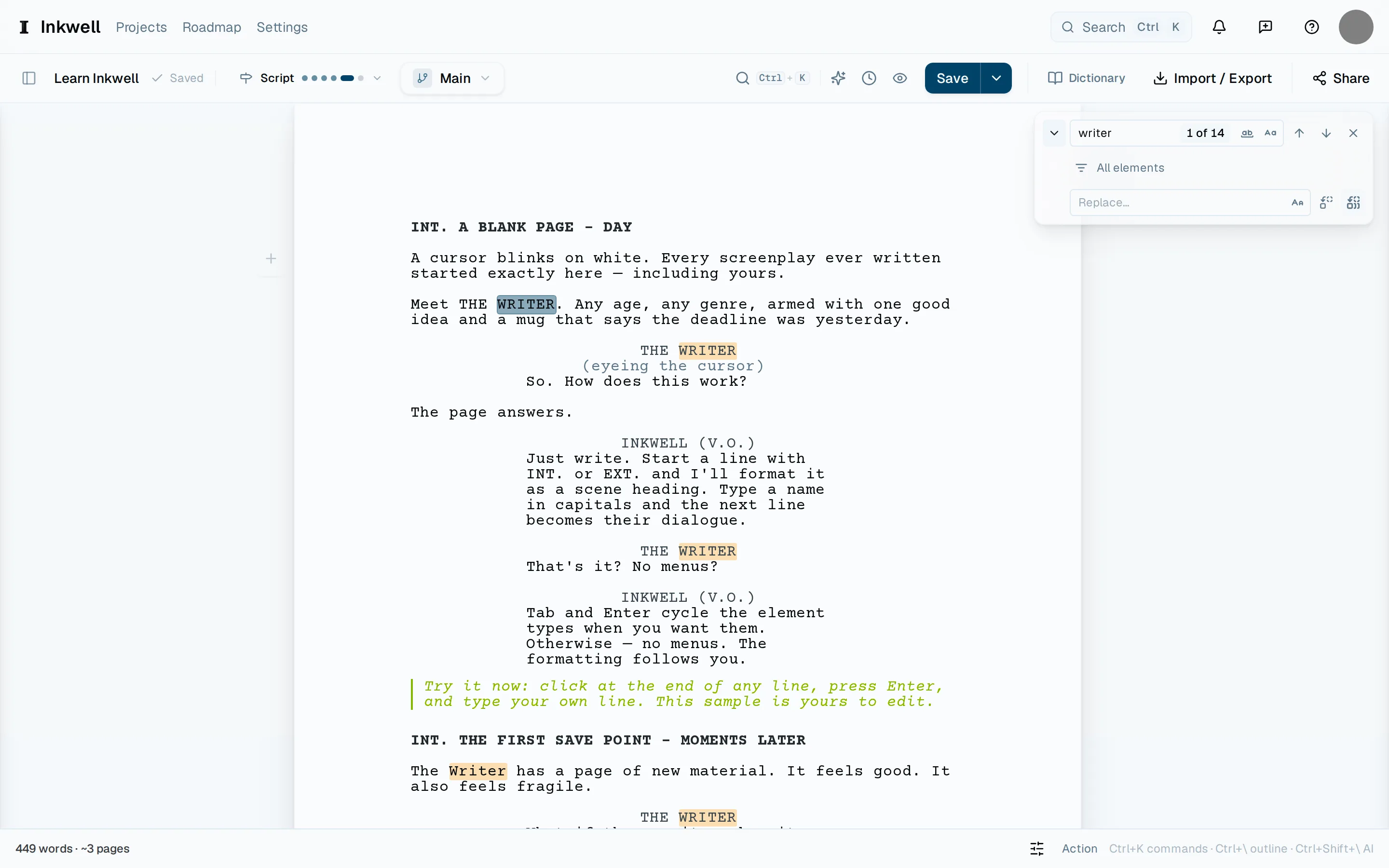
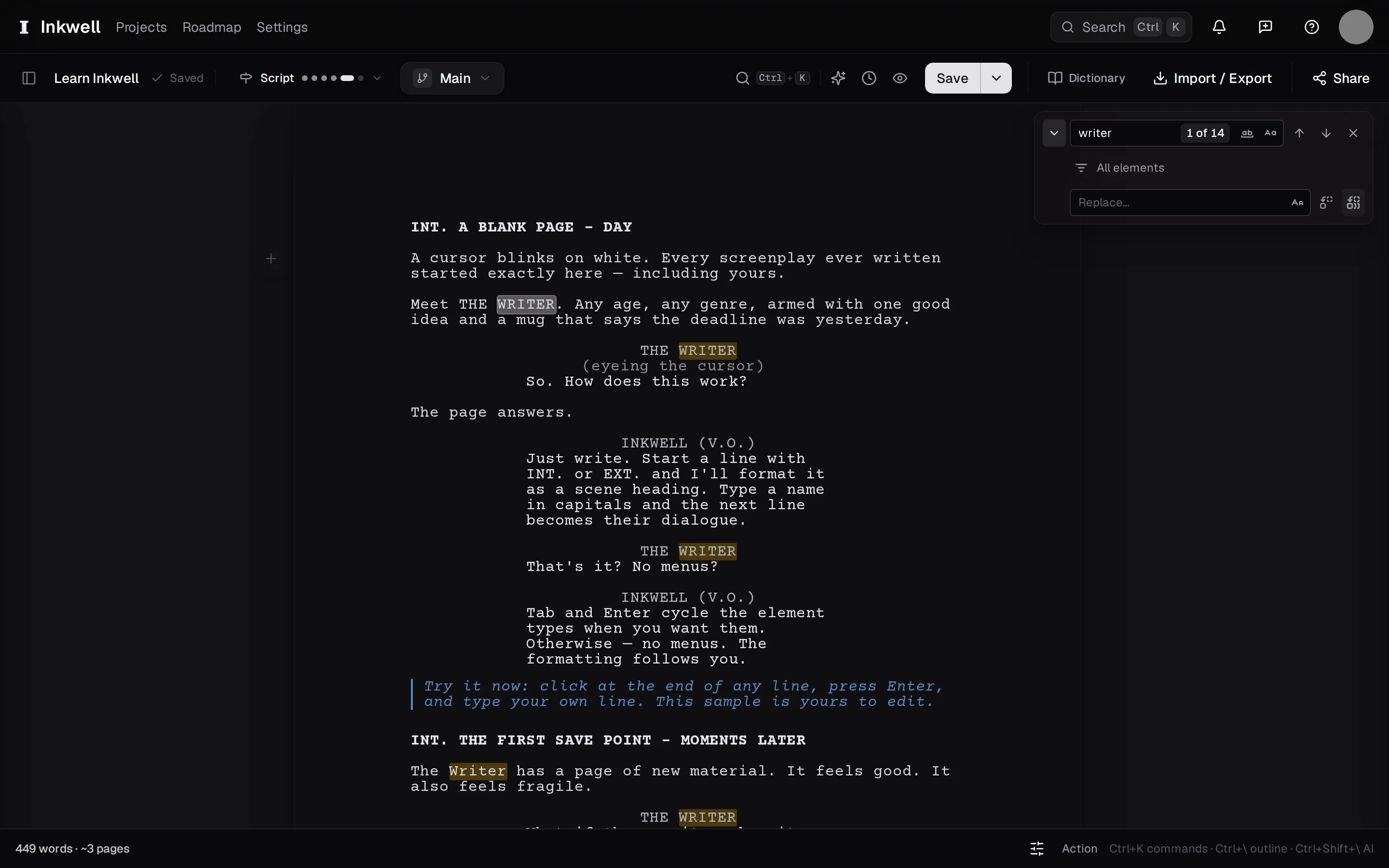
The find bar above the page: the search box (1), Next match (2), and the Replace toggle (3) that opens the second field. Type what you are looking for
Matches highlight as you type. Press ↩ to move to the next match, and ⇧+↩ to go back. Toggle Match case and Whole word from the bar when a name is also an ordinary word.
Switch to replace
Press ⌘⌥F to open the replace field, or select the Replace toggle at the left of the bar. (On Windows and Linux the same bar also answers ⌃+H.)
Replace one, or all
Replace changes the current match and moves on; Replace all changes every match at once. Replacing all is a single undo, so ⌘+Z takes the whole thing back.
Close the bar
Press ⎋. The highlights clear and the cursor stays where you left it.