
Every plan includes Inkwell-hosted AI with a monthly allowance. If you already pay a provider directly, you can use that key instead: skills, chat, inline edit, and ghost text then run against your account with them, and do not count against Inkwell's allowance.
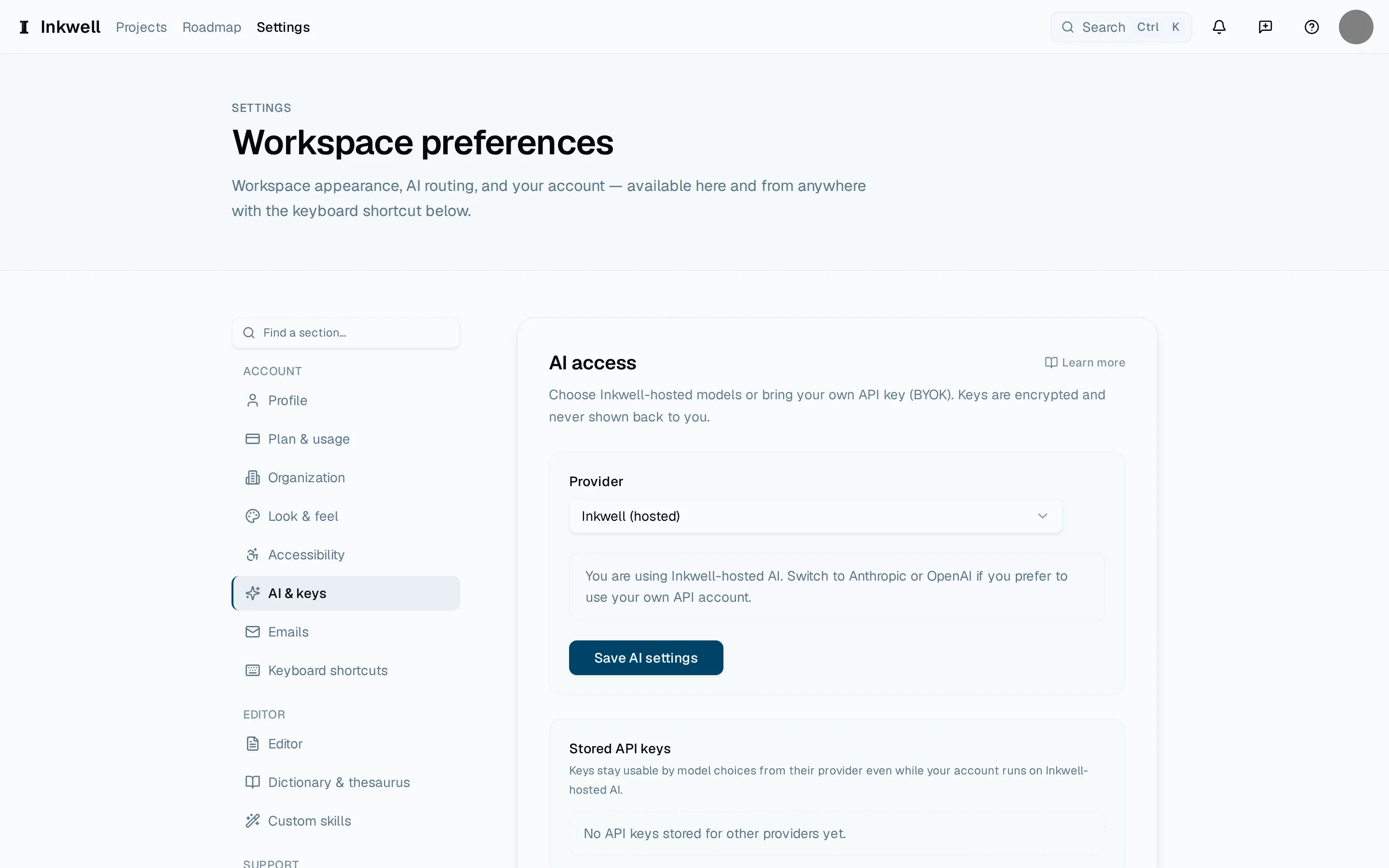
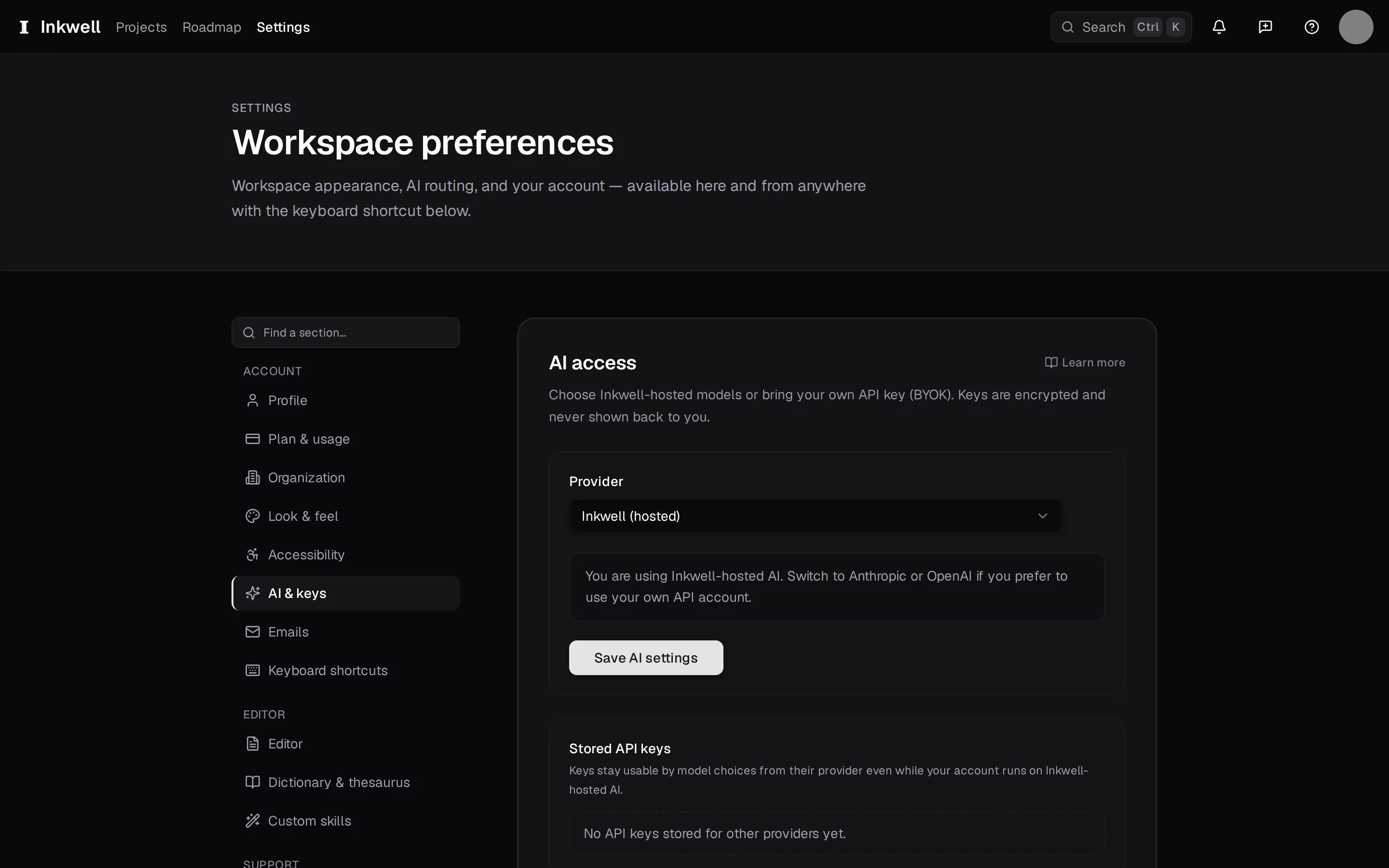
Open AI & keys
Press ⌘, and choose AI & keys. The page shows which provider is active and any keys you have stored.
Choose the provider
Pick Anthropic or OpenAI. Inkwell hosted is the default and needs no key.
Paste the key
Choose Add key, paste the key from the provider's console, and save. Plot checks it with a small request and tells you if the provider rejected it.
Pick the default model
Choose the model new runs should use. You can still change it per run from the skill's options.
Rotate or remove it later
The same page shows when the key was added and lets you replace or remove it. Removing it switches you back to hosted AI without losing any results.
The key is checked when you save it. The page shows when it was added, and you replace or remove it from there.